10 min read Diesen Artikel auf Deutsch lesen Lire cet article en français Ler este artigo em português
System Generated Mail: Headers, DNS, Bounces
The short answer
A system generated mail is sent by software, not typed by a person. An event such as a sign-up, a password reset, a failed delivery or a sequence step fills in a template, and a mail server sends the result. Receiving servers recognise it by headers like Auto-Submitted, by a null or no-reply sender and by list headers. Whether it's accepted depends on the sending domain's SPF, DKIM and DMARC records.
In this article
- What is a system generated mail?
- How does an automatically generated email get sent?
- Which headers mark a mail as system generated?
- What does "Mail Delivery Subsystem" mean in an email?
- Which DNS mail records does automated mail need?
- Mail records in DNS: how to check them
- Which services send system generated mail from your own domain?
- Is an automated follow-up mail system generated?
- How do you write a follow-up email that doesn't read as automated?
- Is mail to a mail group in Gmail system generated?
- How does EmailFlow OS send video outreach that isn't system mail?
- Questions people ask
What is a system generated mail?
A system generated mail is a message that software writes and sends because something happened. You'll also see it called an automatically generated or machine-generated email. Nobody types it. Take a password reset. You click "Forgot password", the application creates a one-time token, puts it into a stored template and hands the finished message to a mail server, which delivers it to your inbox. Account confirmations, two-factor codes, invoices, workflow alerts from tools like SharePoint, out-of-office replies and bounce notices from mail servers all work the same way.
Three things make it different from mail a person writes. It has a trigger (an event, not a decision), a template (fixed text with variables) and an application identity as the sender, often an address like noreply@ or notifications@. That third point causes most of the problems. When no one owns the sending identity, no one reads the replies, and no one notices when the domain's authentication breaks.

How does an automatically generated email get sent?
- Trigger: something happens in the application, such as a form submission, a status change, a scheduled job or a failed delivery.
- Template rendering: the system fills variables like a name, a link or an order number into a stored subject and body.
- Handoff: the message goes to a mail transfer agent over SMTP or an HTTP API. That's either the application's own SMTP server or a sending service.
- Signing: if it's set up, the sending server adds a DKIM signature for the sending domain.
- Delivery: the receiving server checks SPF, DKIM and DMARC, then accepts, defers or rejects the message.
- Feedback: rejections come back as bounce messages to the envelope sender (Return-Path). Complaints come back through feedback loops, where the mailbox provider offers them.
The handoff step is where it usually breaks. Plenty of applications come with a local SMTP server that sends under the server's own hostname. The mail goes out, but it isn't aligned with your domain, so DMARC fails at the receiving end. The fix is to send the application's mail through a service that's authenticated for your domain.
Which headers mark a mail as system generated?
Receiving servers and auto-responders read certain headers to separate automated mail from personal mail. Some of these headers are IETF standards. Others are conventions that many systems follow but no current standard requires.
| Header | What it signals | Where it comes from |
|---|---|---|
| Auto-Submitted: auto-generated | Software produced the message, not a person, and auto-responders shouldn't reply to it | IETF recommendations for automatic responses to email |
| Auto-Submitted: auto-replied | The message is an automatic reply, such as an out-of-office notice | IETF recommendations for automatic responses to email |
| Precedence: bulk / list / junk | An older signal that many auto-responders still check | Convention, not standardised |
| List-Unsubscribe and List-Unsubscribe-Post | The message belongs to a list and offers an unsubscribe, including one-click via HTTPS POST | IETF standards for list headers and one-click unsubscribe |
| List-Id | A mailing list distributed the message | IETF standard for list identifiers |
| Return-Path: <> | An empty envelope sender, used for delivery status notifications so they can't bounce back in a loop | SMTP standard, the null reverse-path |
These headers belong on transactional and list mail. They don't belong on a one-to-one sales message. If a cold email carries Auto-Submitted or comes from a no-reply sender, the recipient's software treats it as machine mail, and the recipient can't reply to it.
What does "Mail Delivery Subsystem" mean in an email?
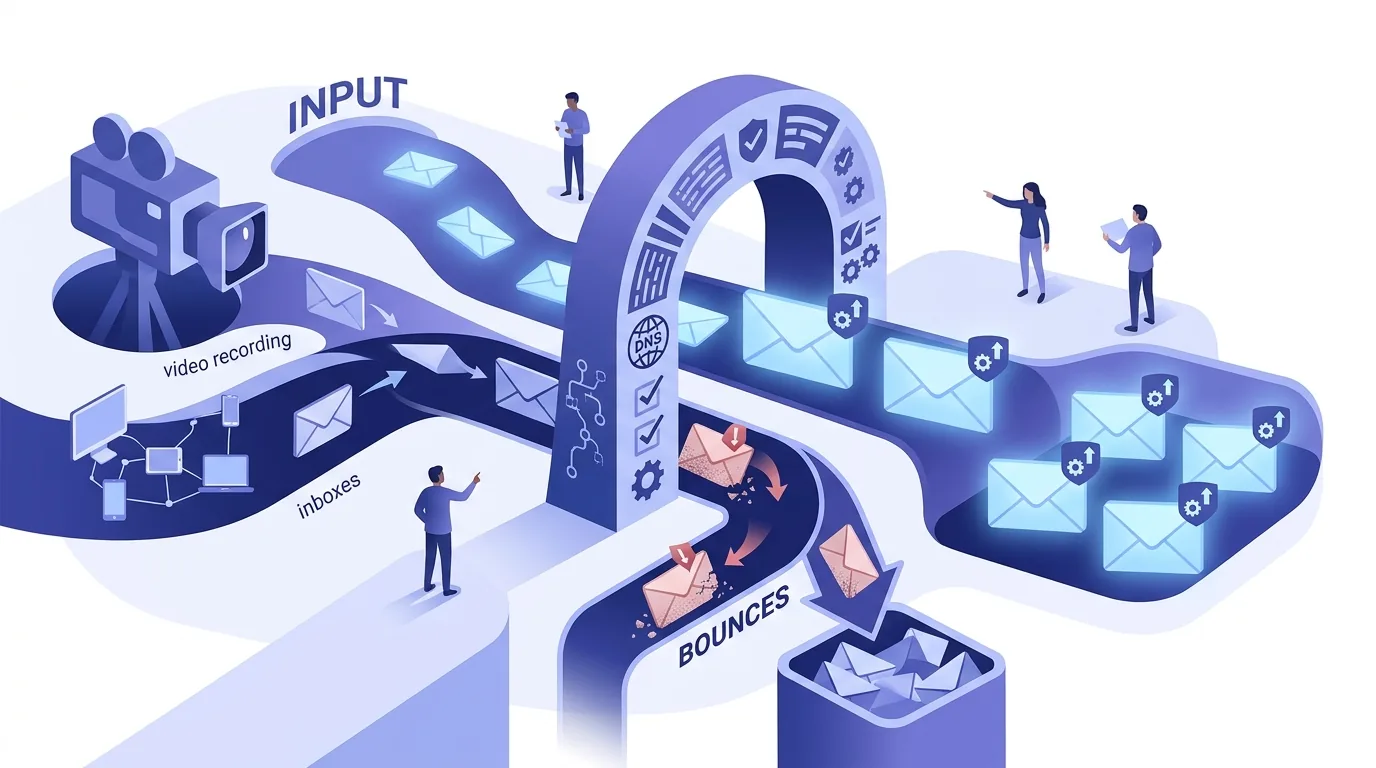
Mail Delivery Subsystem is the sender name Gmail shows on bounce notices. Other servers use MAILER-DAEMON or Postmaster for the same thing. It's a system generated mail telling you a message couldn't be delivered. Technically it's a delivery status notification, a format the IETF standardised, and it's sent with an empty envelope sender.
The status code and the diagnostic text next to it are the parts to read. A permanent failure means the address doesn't exist or the receiving server refused the message on policy grounds, often because authentication failed; the server won't try again. A temporary failure means the sending server will retry on its own, for example when the receiving mailbox is full or the server is greylisting. If you get one of these notices for a mail you never sent, someone has probably spoofed your address and the bounce has come back to you. A DMARC policy on your domain is what lets receivers reject that kind of forgery. Our guide to email bounce codes and their causes covers the common codes one by one.
Which DNS mail records does automated mail need?
A DNS mail record is an entry in your domain's zone. It tells other servers where to deliver mail for your domain, or which servers are allowed to send as it. Automated mail needs the same records as personal mail. The catch is that applications often send through a separate service, and each of those services has to be covered by your records.
| Record | Type and host | What it does | Common failure |
|---|---|---|---|
| MX | MX at the domain | Names the servers that receive mail for the domain, including bounces and replies | No MX on a sending subdomain, so replies and bounces have nowhere to go |
| SPF | TXT at the domain or the Return-Path domain | Lists the IPs and services allowed to send for the domain | Two separate SPF records, or too many DNS lookups from stacked includes, which the SPF standard treats as a permanent error |
| DKIM | TXT at selector._domainkey | Publishes the public key that verifies the message signature | Key added for one sending service but not for an application that also sends |
| DMARC | TXT at _dmarc | Requires SPF or DKIM to pass and align with the From domain, and sets the policy for failures: none, quarantine or reject | From domain aligned with neither SPF nor DKIM because the app sends under a server hostname |
| PTR | Reverse DNS for the sending IP | Maps the IP back to a hostname, which many receivers check | Self-hosted SMTP on a cloud IP with no matching PTR |
Mail records in DNS: how to check them
Query each record directly. Run dig MX example.com, dig TXT example.com for SPF, dig TXT selector._domainkey.example.com with the selector your sending service gave you, and dig TXT _dmarc.example.com. Then send yourself a test message and open its headers. In Authentication-Results you want spf=pass, dkim=pass and dmarc=pass. A record that exists but fails there still counts as a failure. Our explainer on DKIM, DMARC and SPF for cold email senders covers how the three fit together, and the walkthrough of Google Workspace DNS records for MX, SPF and DKIM lists the exact values for that setup. Google's email sender guidelines require bulk senders to Gmail accounts to publish SPF, DKIM and DMARC.

Which services send system generated mail from your own domain?
Your application should send its system generated mail from a domain you own and authenticate, not from a local server. The usual choices are transactional sending services: Brevo's transactional email, Amazon SES, Postmark, Mailgun and Twilio SendGrid. They all cover the same basics. Each one accepts mail over SMTP relay or an HTTP API, asks you to verify your domain by publishing the DKIM records it generates, and sends bounce and complaint events back to your application. Where they differ is billing, API design and how they keep transactional and marketing traffic apart, so read each vendor's documentation before you pick one. None of them will fix a missing DMARC record or a broken SPF include. That stays in your DNS. Our overview of SMTP relay services and DNS setup goes into the relay side in more detail.
Is an automated follow-up mail system generated?
Technically, yes. When a sequence sends a follow-up a few days after the first message, a timer triggers it and a template fills it, so it's system generated. How it comes across depends on how it's built. A follow-up should continue the original conversation: same subject, with In-Reply-To and References headers pointing at the first message's Message-ID, so the mail client shows it as one thread. It should also stop as soon as the prospect replies. A sequence that keeps sending after a reply gives the machine away more clearly than anything else.
How do you write a follow-up email that doesn't read as automated?
Put one new fact or question in each follow-up email, send it from a real person's mailbox that accepts replies, and leave out list headers and no-reply senders. Our guide on how to write and time a follow-up email covers timing and wording.

Is mail to a mail group in Gmail system generated?
That depends on the kind of group. A Google Contacts label is only a shortcut. You type the label name in the To field and Gmail expands it into individual addresses, so the message is still your own mail, sent by you. A Google Groups address is different. Google's servers pass the message on to each member and add mailing-list headers such as List-Id, so the recipients' software sees list mail. That's fine for internal teams. It's the wrong tool for outreach, because every member gets the same message. Our article on creating an email group in Gmail walks through setting up both.
How does EmailFlow OS send video outreach that isn't system mail?
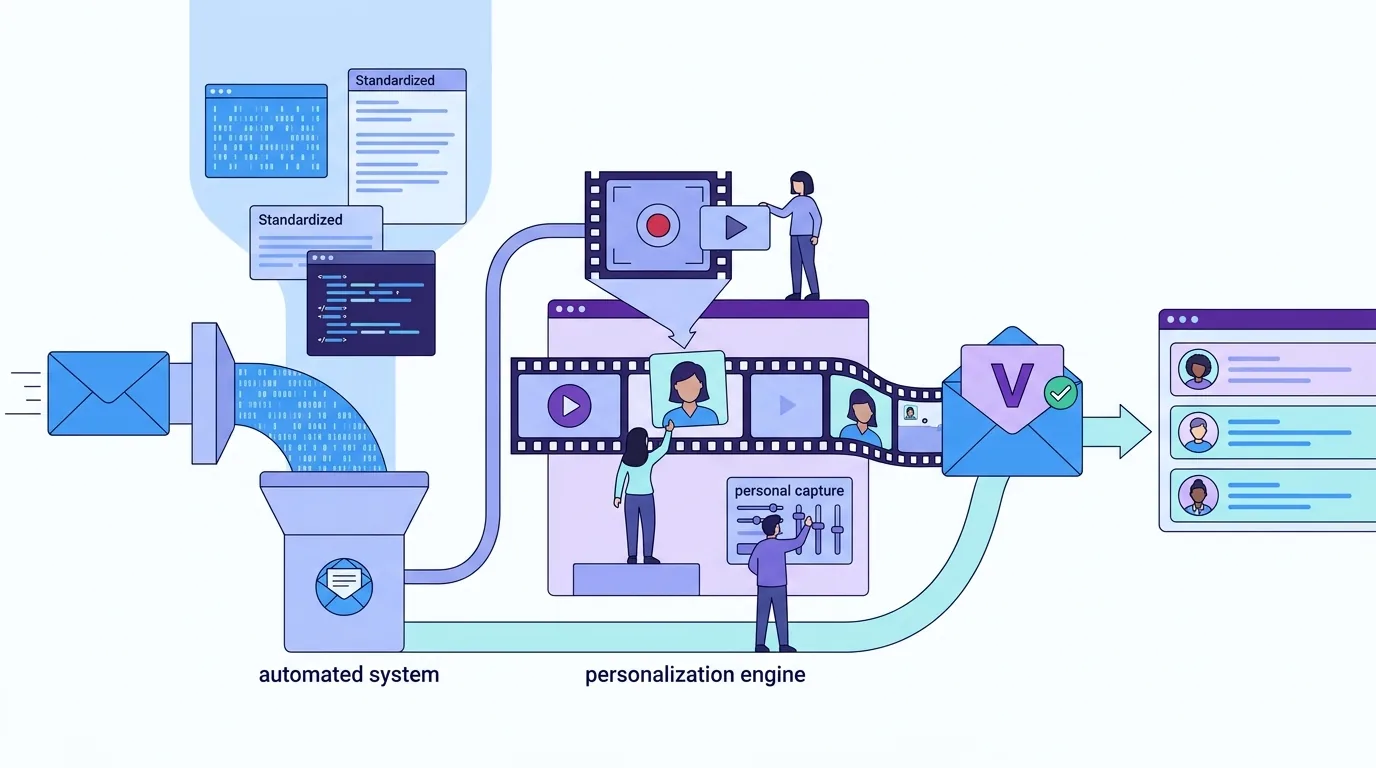
EmailFlow OS is built for the opposite of a no-reply notification: a one-to-one message from a person. You record one video and upload it to EmailFlow OS, connect your own Brevo account and sending domain, and import your prospect list into EmailFlow OS. EmailFlow OS then personalises that single recording for each recipient, not each company, and sends every version from your own inbox, through your Brevo account and your sending domain. No shared platform sender sits in between.
That means the SPF, DKIM and DMARC records that authenticate these mails are the ones in your own DNS, under your control, and replies come back to an inbox someone actually reads. The receiving server still decides whether a given message reaches the inbox, based on your domain's reputation and records.
Questions people ask
- What is an automatically generated email?
- It's a message software sends when something happens, such as a sign-up, a password reset, a payment or a failed delivery, by filling a template with variables. Unlike personal mail, it often comes from a no-reply sender and can carry the Auto-Submitted: auto-generated header, which the IETF recommendations on automatic responses define as a signal that auto-responders shouldn't reply.
- Why should you never delete spam emails?
- The advice really means you should report spam instead of only deleting it. Clicking Report spam in Gmail or Outlook gives a signal to the provider's filter and, through feedback loops, to the sender's reputation. Deleting a message gives no signal at all. Either way, don't click links or unsubscribe buttons in mail you don't trust, because that confirms your address is active.
- What is the most hacked email service?
- There's no authoritative public ranking. Gmail and Outlook get targeted most simply because they have the most users. Whether an account gets compromised depends mostly on password reuse, missing two-factor authentication and phishing. A common phishing trick is a fake system generated mail, such as a counterfeit password reset, so check the DMARC result in Authentication-Results before you trust one.
- Can I reply to a system generated mail?
- Only if the sender address accepts mail. Many automated senders use noreply@ addresses with no mailbox behind them, so your reply bounces as a permanent failure. Bounce notices from Mail Delivery Subsystem are sent with an empty envelope sender, which the SMTP standard reserves for exactly this case, so they can't take replies at all. Look for a support address in the message body instead.
