11 min read Alle Artikel auf Deutsch Tous les articles en français Todos os artigos em português
How to Make a GIF: Steps, Tools, Email Use
The short answer
To make a GIF, pick a short clip or a set of photos and trim it to the moment you need. Lower the frame rate and size, then export as GIF with looping on. On iPhone, use the Photos app (Live Photo Loop or Bounce). On Samsung phones, use the Gallery app. On desktop, use GIMP, Photoshop, Canva or ffmpeg. For email, put the message in the first frame, because some Outlook versions show only that frame.
In this article
- What is a GIF, and why is it not just a short video?
- How to make a GIF from a video, step by step
- Example: a GIF of a click path for a follow-up email
- How to make a GIF on iPhone, Android and desktop
- iPhone
- Android (Samsung Galaxy)
- Desktop: GIMP, Photoshop, ffmpeg
- Which GIF maker should you use?
- Why is my GIF so big, blurry or choppy?
- Can you send a GIF in an email?
- How do you embed a GIF in an email?
- Do GIFs work in Outlook?
- When is a GIF the wrong format for cold outreach?
- Questions people ask
To make a GIF, open a short video or a set of photos in a GIF maker and trim it to one moment. Crop and scale it down, lower the frame rate, and export it as .gif with looping switched on. Phones can do this without extra software: iPhone has the Loop and Bounce effects for Live Photos, and Samsung Galaxy phones have the Gallery app. If the GIF is going into an email, put the important content in the first frame. Outlook for Windows versions that render mail with Word show only that frame.
What is a GIF, and why is it not just a short video?
A GIF is an image file that stores a sequence of frames, and each frame has its own display delay. Animation comes from CompuServe's GIF89a specification. Each frame takes its colours from a small, fixed colour table instead of the full colour range a video uses, and the format has no audio track. Looping isn't part of the core format either. An application extension block (NETSCAPE2.0) sets it, and every mainstream GIF maker writes that block for you when you tick "loop" or "forever".
Those limits explain most of what goes wrong. A video codec stores only what changes between frames, but a GIF compresses each frame separately with LZW. That's why a few seconds of camera footage can be bigger as a GIF than as the MP4 it came from. Smooth gradients like skin, sky or webcam light also turn into visible bands or dither noise, because the small colour table can't hold them. GIFs work best with flat colour and small moving areas: screen recordings, UI clicks and simple graphics. Full-motion footage is where they struggle.

How to make a GIF from a video, step by step
The steps are the same in every tool. Only the menu names change.
- Pick the source: a video file, a screen recording or a series of still images. Screen recordings make the cleanest GIFs because they use few colours.
- Trim to one moment. Google's AI overview for this search, which cites Canva among others, suggests around 5 to 6 seconds for smooth looping and smaller files. Every extra second adds frames, and frames are what make the file big.
- Crop and scale down. Cut everything outside the moving area, then shrink the width. File size grows with the number of pixels in each frame.
- Lower the frame rate. Dropping frames cuts file size in proportion, but go too far and the motion looks jerky. Check the result before you settle on a rate.
- Reduce the palette. Let the tool build one optimised palette for the clip. Turn dithering on for gradients and off for flat graphics.
- Set looping and export. Choose loop forever or a fixed count, then save as .gif. Open the file in a browser to check the timing, because some editors preview at a different speed.
If you don't have a clip yet, record one first. The screen recorder built into your operating system is usually enough, and our screen recording guide for Windows covers the shortcuts.
Example: a GIF of a click path for a follow-up email
Here's a case the generic guides skip. After a demo call, a rep wants to show a prospect where a setting lives, which takes three clicks in a dashboard. Record only the dashboard window, not the whole screen, so the frame stays small and the colours stay flat. Trim the clip so it opens on the finished state for a moment, then shows the three clicks and ends on the result. That way the first frame already shows the answer, which matters in Outlook. Crop out the browser bar and any customer data on screen, because you can't edit a GIF once it's sent. Write the step out in plain text above the GIF too, so the email still works when images are blocked.
How to make a GIF on iPhone, Android and desktop
iPhone
Open a Live Photo in the Photos app and switch its effect from Live to Loop or Bounce. Loop plays the clip on repeat, and Bounce plays it forwards and then backwards. The catch is that not every app shares these effects as a .gif file. Some send a short video instead. If you need an actual GIF file, check what arrives on the other end, or convert the clip on a desktop.
Android (Samsung Galaxy)
Samsung's support page on creating a GIF from photos on Galaxy phones (checked November 2026) describes the process: select several images in the Gallery app, then use its create option to build a GIF from them. Other Android makers ship different gallery apps that may not have this option. In that case, use a GIF app from the Play Store or a browser tool.
Desktop: GIMP, Photoshop, ffmpeg
In GIMP, load your frames with File > Open as Layers, then run Filters > Animation > Optimize (for GIF). Export with a .gif extension and tick "As animation" in the export dialog. To set a frame's delay, put a value in milliseconds in brackets in its layer name. In Photoshop, you build and time the frames in the Timeline panel. On the command line, ffmpeg's palettegen filter creates one optimised palette for the clip and its paletteuse filter applies it. Its fps and scale filters cut the frame rate and size before export. The usual pattern takes two passes. The first runs fps, scale and palettegen and writes a palette image. The second reads the video and that palette and runs paletteuse to write the .gif. Converting in one pass without a generated palette is the most common reason ffmpeg GIFs look grainy.

Which GIF maker should you use?
It depends on where your source is and how much control you need over file size. The table compares common options on the same points. It lists only properties described in each vendor's documentation or on the pages cited above.
| Tool | Runs on | Starts from | Suits | Where it stops |
|---|---|---|---|---|
| iPhone Photos (Loop/Bounce) | iOS | Live Photos | Quick loops shot on the phone | Little control over frame rate, palette or size; sharing may produce a video, not a .gif |
| Samsung Gallery | Galaxy phones | Selected photos | Slideshow-style GIFs from stills | Galaxy only; not for trimming long videos |
| Canva GIF maker | Browser | Uploaded video, images, templates | Designed GIFs with text and graphics | Needs an account and an upload; less control over palette and dithering |
| GifCam | Windows | Screen area | Recording a screen region straight to GIF | Screen capture only; Windows only |
| GIMP | Windows, macOS, Linux | Image layers | Frame-by-frame control at no licence cost | Video has to be split into frames first |
| Adobe Photoshop | Windows, macOS | Video or layers via Timeline | Detailed editing of existing footage | Paid licence; heavy for a one-off loop |
| ffmpeg | Windows, macOS, Linux | Any video file | Repeatable, scripted conversion with optimised palettes | Command line only; no visual preview |
Why is my GIF so big, blurry or choppy?
- File too big: the clip is too long or too wide, or it has too many frames. Trim it, scale it down and lower the frame rate before you touch any quality settings.
- Banding on faces or sky: the colour table can't hold the gradient. Turn dithering on, or crop to a flatter area.
- Speckled noise on flat colours: dithering is on where it isn't needed. Turn it off for UI and graphics.
- Plays once and stops: looping wasn't set at export. Re-export with loop forever.
- Too fast or too slow: frame delays changed when frames were dropped. Check the delay values, not just the preview.
- No sound: GIF has no audio channel. If the message depends on speech, you need a video, not a GIF.

Can you send a GIF in an email?
Yes. You can attach the file or show it inline in the body. An attachment arrives as a file the recipient has to open, while an inline GIF plays right next to the text. Most webmail and mobile clients animate inline GIFs. The practical limit is size. A heavy GIF slows loading and adds to the total message size, and providers cap that total. Our overview of email attachment size limits by provider lists those caps. For how each email client handles GIFs, see our guide to GIF in email, how to add it and why it breaks.
How do you embed a GIF in an email?
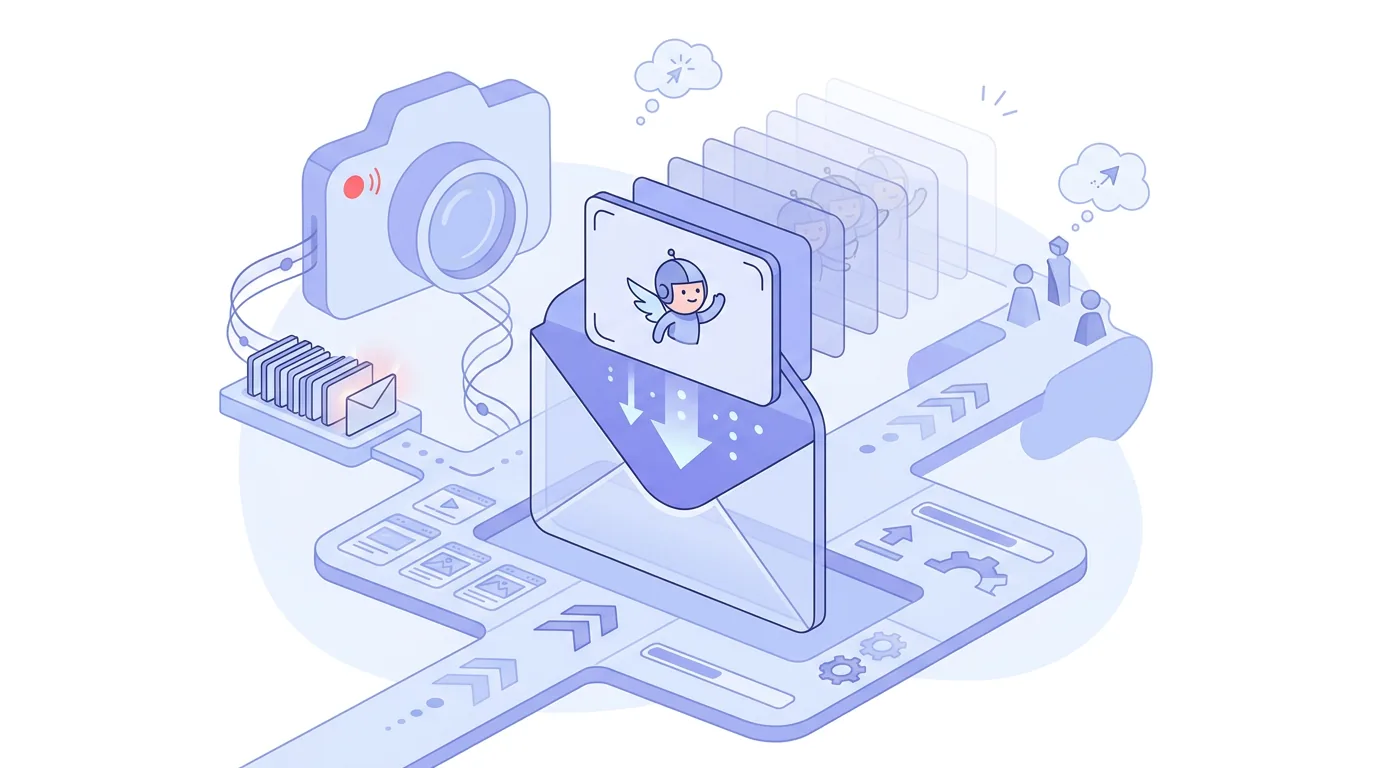
There are three ways. In Gmail, use Insert photo and choose Inline instead of Attachment. In Outlook, use Insert > Pictures. In an HTML template, such as one built in Brevo's editor, upload the GIF as an image block. The file then sits on a server and the email references it by URL. That keeps the message small, but the GIF only shows once the recipient's client loads remote images. Always add alt text. And don't send an email that's nothing but a GIF, because spam filters score image-only HTML. SpamAssassin, for example, has HTML_IMAGE_ONLY rules for this.
Do GIFs work in Outlook?
Partly. Outlook for Windows versions that render HTML mail with the Microsoft Word engine show only the first frame of an animated GIF. Outlook on the web and the newer Outlook clients play the animation. You can't control which version a recipient uses, so make sure the first frame works as a still image. Put the headline, the product shot or the call to action there, not in the middle of the loop.
When is a GIF the wrong format for cold outreach?
A GIF is good for showing a click path or a short UI moment. But it has no sound, every prospect on the list sees the same frames, and some Outlook versions freeze it. Those limits matter when the point of the email is you talking to one specific prospect. The usual way around them is to record a short video and link to it. Our guide to video voicemail, what it is and how to make one, covers that format.
EmailFlow OS, a EmailFlow OS product, handles the video side. You record one video and upload it to EmailFlow OS, connect your own Brevo account and sending domain, and import your prospect list into EmailFlow OS. EmailFlow OS then personalises that single recording for each recipient, not just for each company. It sends every version from your own inbox, through your Brevo account and your sending domain, never through a shared platform sender. That keeps your SPF, DKIM and DMARC setup and your domain's reputation under your control. The receiving server still decides whether a message reaches the inbox. You can see how it works on the EmailFlow OS personalised video email home page.
Questions people ask
- How do you make a GIF?
- Load a short video or several photos into a GIF maker such as iPhone Photos, Samsung Gallery, Canva, GIMP or ffmpeg. Trim it to one moment, crop and scale it down, and lower the frame rate. Then let the tool build an optimised palette and export as .gif with looping on. Unlike an MP4, the result has no sound and stores each frame separately.
- How long should a GIF be?
- Keep it short. Google's AI overview for this search, which cites Canva among others, suggests around 5 to 6 seconds for smooth looping and a manageable file size. Unlike a video, a GIF compresses each frame on its own, so file size grows roughly with the number of frames. A longer moment usually works better as an MP4.
- Can a GIF have sound?
- No. The GIF89a format stores images, frame delays and loop settings, but it has no audio channel. Any tool that seems to add music to a GIF is really producing a video file such as an MP4. If your message depends on speech, send a video or a video link instead of a GIF.
- How do I make a GIF smaller without losing much quality?
- Work in this order: trim the length, crop to the moving area, scale down the width, then lower the frame rate. Only then reduce the palette or turn off dithering. The first four steps remove pixels and frames altogether. Palette changes only affect how the remaining pixels are coloured, and that's where visible quality loss starts.
- Why does my GIF show only one frame in Outlook?
- Outlook for Windows versions that render HTML mail with the Word engine show only the first frame of an animated GIF. The file isn't broken: Outlook on the web and newer clients play it normally. Put the key text or image in the first frame so the email still makes sense when the animation doesn't run.
