10 min read Alle Artikel auf Deutsch Tous les articles en français Todos os artigos em português
SPF Failed: Causes, Checks and Fixes
The short answer
"SPF failed" means the receiving server compared the IP that delivered your message with the SPF record of the envelope sender (Return-Path) domain, and that IP wasn't on it. To fix it, open the Authentication-Results header and see which domain was checked and what result came back. Then give that domain exactly one TXT record starting v=spf1, list every service that sends for it, and keep the record inside SPF's DNS lookup limit.
In this article
- What does "SPF failed" mean?
- SPF results: none, neutral, softfail, fail, temperror, permerror
- Why does SPF fail?
- How to check SPF and DKIM
- What is Google's SPF record for Workspace, G Suite and Gmail?
- What happens if there is no SPF record?
- What does DMARC fail mean when SPF fails?
- How to fix "SPF failed" step by step
- How EmailFlow OS sends, and what that means for SPF
- Questions people ask
What does "SPF failed" mean?
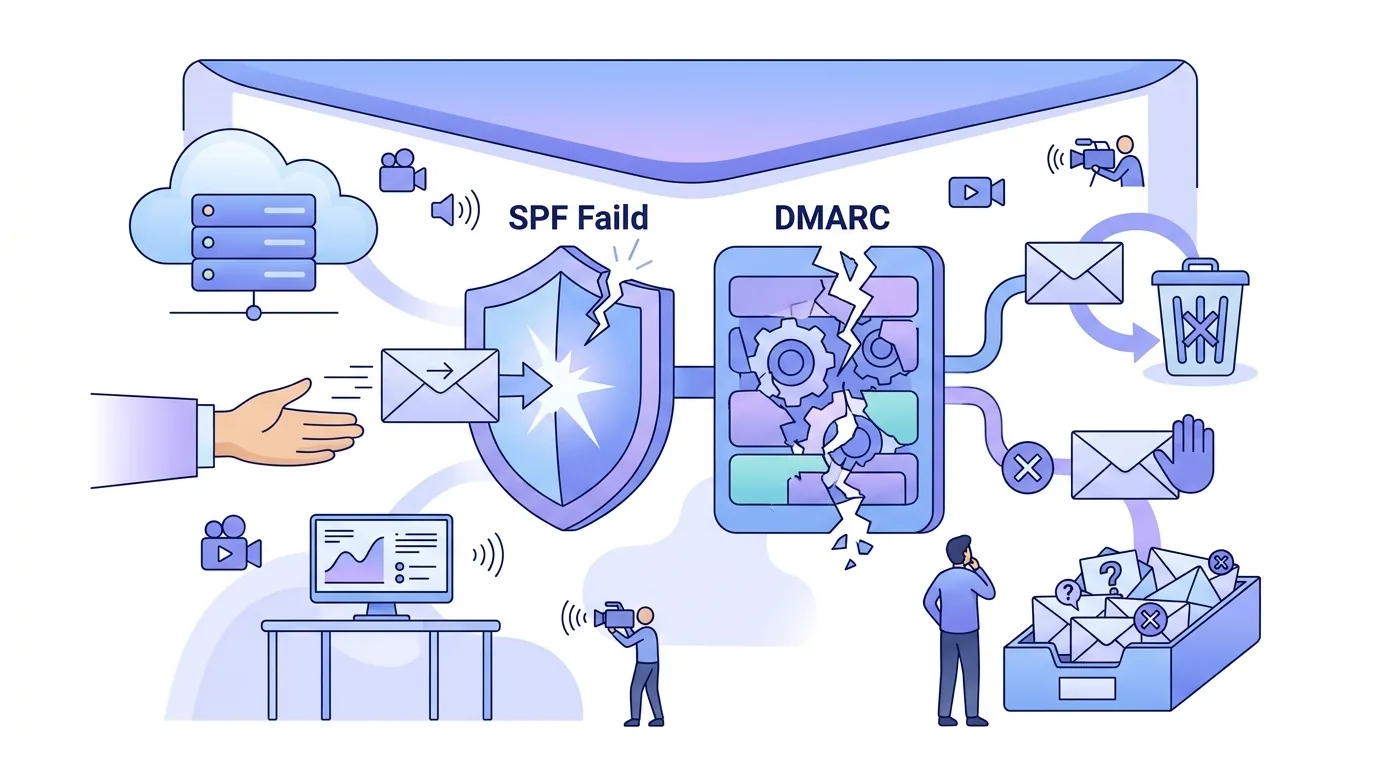
SPF (Sender Policy Framework) lets a domain owner publish a DNS TXT record that lists the hosts allowed to send mail for the domain. When your message arrives, the receiving server takes the connecting IP address and looks up the SPF record of the domain given in the SMTP MAIL FROM command (later written into the Return-Path header). It then works through the record's mechanisms from left to right. If the IP matches one of them, the result is pass. If nothing matches, the qualifier on the final "all" sets the result: -all gives fail, ~all gives softfail.
Most guides skip one detail: SPF never looks at the visible From address. A message can show your domain in From and still be checked against another domain's record, such as your email service's bounce domain. So before you change any DNS, find out which domain was actually checked. People say "SPF failed" for any result that isn't a pass. In bounce messages it often appears as a 550 5.7.1 rejection with "SPF fail" in the text. Mailtester.com's October 2026 article on SPF failures describes that code as a direct sign that authentication failed.

SPF results: none, neutral, softfail, fail, temperror, permerror
| Result | What the result means | Typical cause | What to do |
|---|---|---|---|
| pass | The IP is authorised for the checked domain | The IP matched an IP address, a, mx or include mechanism | Nothing for SPF, but still check DMARC alignment |
| none | No SPF record was found for the checked domain | There's no TXT record starting v=spf1, or it sits on the wrong host or subdomain | Publish a record on the exact domain used in MAIL FROM |
| neutral | The domain makes no statement about this IP | The record ends in ?all | Replace ?all with ~all or -all once all senders are listed |
| softfail | The IP probably isn't authorised | The IP isn't listed and the record ends in ~all | Add the missing sender's include or IP |
| fail | The IP is explicitly not authorised | The IP isn't listed and the record ends in -all | Add the missing sender, or find out who is using your domain |
| temperror | A temporary DNS error happened during the check | A DNS timeout or an unreachable nameserver | Check your nameservers. The receiver may try again |
| permerror | The record can't be interpreted | Two SPF records, a syntax error, or too many DNS lookups | Merge, correct or flatten the record |
Why does SPF fail?
- A new sending service isn't in the record. You connected a CRM, a help desk or an email service and never added its include, so its IPs don't match.
- There are two SPF records on one domain. A domain may carry only one TXT record starting v=spf1. With two, the check returns permerror, even if each record is fine on its own. This usually happens when a second service's setup guide tells you to "add" a record instead of merging into the one you have.
- The record needs too many DNS lookups. Valimail's SPF failure guide and PowerDMARC's guide on SPF authentication failures both put the limit at 10 DNS lookups per check, nested includes included. Includes, a, mx and redirects count toward it. Plain IP address entries don't. Go over the limit and the result is permerror.
- Includes point at dead domains. An include whose domain no longer exists returns no answer. That still costs a lookup, and receivers tolerate only a few empty lookups before they stop the check.
- Syntax mistakes, such as a missing v=spf1 prefix, a space after "include:", a malformed IP range, or text pasted with typographic quotes.
- The record is on the wrong host. SPF isn't inherited. If your service uses bounce.example.com as the MAIL FROM domain, the record at example.com is never checked.
- Forwarding and mailing lists. A forwarder relays your message from its own IP, which your record doesn't list, so SPF fails at the final destination. Only DKIM survives a forward that doesn't modify the message.
- DNS problems while the lookup runs, which give temperror. One Microsoft Q&A thread from October 2024 describes temperror results that showed up only when sending to enterprise Outlook recipients.

How to check SPF and DKIM
- Send a test message to a mailbox you control and open the raw source. In Gmail, "Show original" lists the SPF, DKIM and DMARC results at the top.
- Find the Authentication-Results header. Note spf= and smtp.mailfrom= (the domain SPF actually checked), then dkim= and header.d= (the domain that signed the message).
- Query the SPF record with dig TXT example.com +short. Count the answers that start with v=spf1. If there's more than one, that's your permerror.
- Query DKIM. Take the s= value (the selector) from the DKIM-Signature header and run dig TXT selector._domainkey.example.com +short. An empty answer means no public key is published at that host.
- Compare both domains with your From domain. DMARC needs at least one of them to match it.
- Count the lookups. Google Admin Toolbox's Check MX and MxToolbox's SPF lookup both expand nested includes. Both read public DNS, so a record you changed a few minutes ago may not show yet. That depends on the record's TTL.
For a fuller walk through all three records from a cold sender's point of view, see our guide to DKIM, DMARC and SPF for cold email senders.
What is Google's SPF record for Workspace, G Suite and Gmail?
Google's Workspace admin documentation on SPF troubleshooting gives one value for domains that send through Google: a TXT record at the root domain that reads v=spf1 include:_spf.google.com ~all. Each row below answers one version of the question. The full DNS setup, MX records included, is in our article on Google Workspace DNS records for MX, SPF and DKIM.
| Question | Answer |
|---|---|
| Google Workspace SPF record | A TXT record at your root domain: v=spf1 include:_spf.google.com ~all. If other services send for the same domain, add their includes to this one record, before ~all. Don't publish a second record. |
| G Suite SPF record | G Suite is the old name for Google Workspace, and the record hasn't changed: v=spf1 include:_spf.google.com ~all. Setup guides that still say G Suite still apply. |
| Gmail SPF record | You can't publish or change SPF for a personal Gmail address, because Google controls the DNS for gmail.com. Mail that shows a Gmail From address but goes out through another service's servers won't align with gmail.com. Outreach should go out from a domain you own. |
| Google SPF records: one or several? | One. Google's include contains further includes, and each of them counts toward the lookup limit. Check the total after you add other services. |
| Google SPF and DKIM records | SPF goes in the root TXT record above. You generate DKIM in the Admin console under Apps > Google Workspace > Gmail > Authenticate email, publish it as a TXT record at google._domainkey (the default selector), then turn it on with Start authentication. |
If Brevo also signs mail for the same domain, our G Suite DKIM setup guide shows how to keep Google's keys and Brevo's keys apart.

What happens if there is no SPF record?
Without a record, the SPF result is none. That isn't a rejection in itself, because the receiving server decides what to do with it. But large mailbox providers now expect authenticated mail. Google's sender guidelines for Gmail ask every sender to set up SPF or DKIM, and bulk senders to set up both plus DMARC. Without SPF, your domain also has no published list of allowed senders, so receivers have nothing to check a spoofed message against. A record takes minutes to add. Just don't publish -all before every legitimate sender is listed, or your own mail starts failing. Sendmarc's September 2026 hard-fail guide sets out the order in three steps: audit your senders, stage the rollout, then enforce.
What does DMARC fail mean when SPF fails?
DMARC passes when SPF or DKIM passes and the passing domain aligns with the domain in the visible From header. So an SPF fail doesn't automatically mean a DMARC fail, because an aligned DKIM signature is enough. The reverse catches people out too. SPF can pass on your email service's bounce domain while DMARC fails, because that domain isn't yours. A DMARC fail means neither check gave an aligned pass. What happens next depends on your policy: p=none only reports, while p=quarantine and p=reject tell the receiver how to handle the message. Our DMARC setup guide covers the record, its tags, and the aggregate reports that show which sources fail.
How to fix "SPF failed" step by step
- Read the header first. Note the result and the smtp.mailfrom domain. A fix on the wrong domain changes nothing.
- List every service that sends with your domain: your mailbox provider, Brevo, invoicing, help desk, CRM.
- Merge them all into one TXT record per domain: v=spf1, then the includes and IPs, then a single all mechanism at the end.
- Count the lookups. If you're over the limit, remove services you no longer use, or swap an include for the IP ranges that service documents. Flattened ranges have to be re-checked whenever the provider changes its IPs.
- Start with ~all. Move to -all only after your DMARC reports show no legitimate source failing.
- Check DKIM alongside SPF. DKIM survives forwarding, and it's the usual route to DMARC alignment when your email service uses its own bounce domain.
- Once the record's TTL has passed, send a fresh test message.
How EmailFlow OS sends, and what that means for SPF
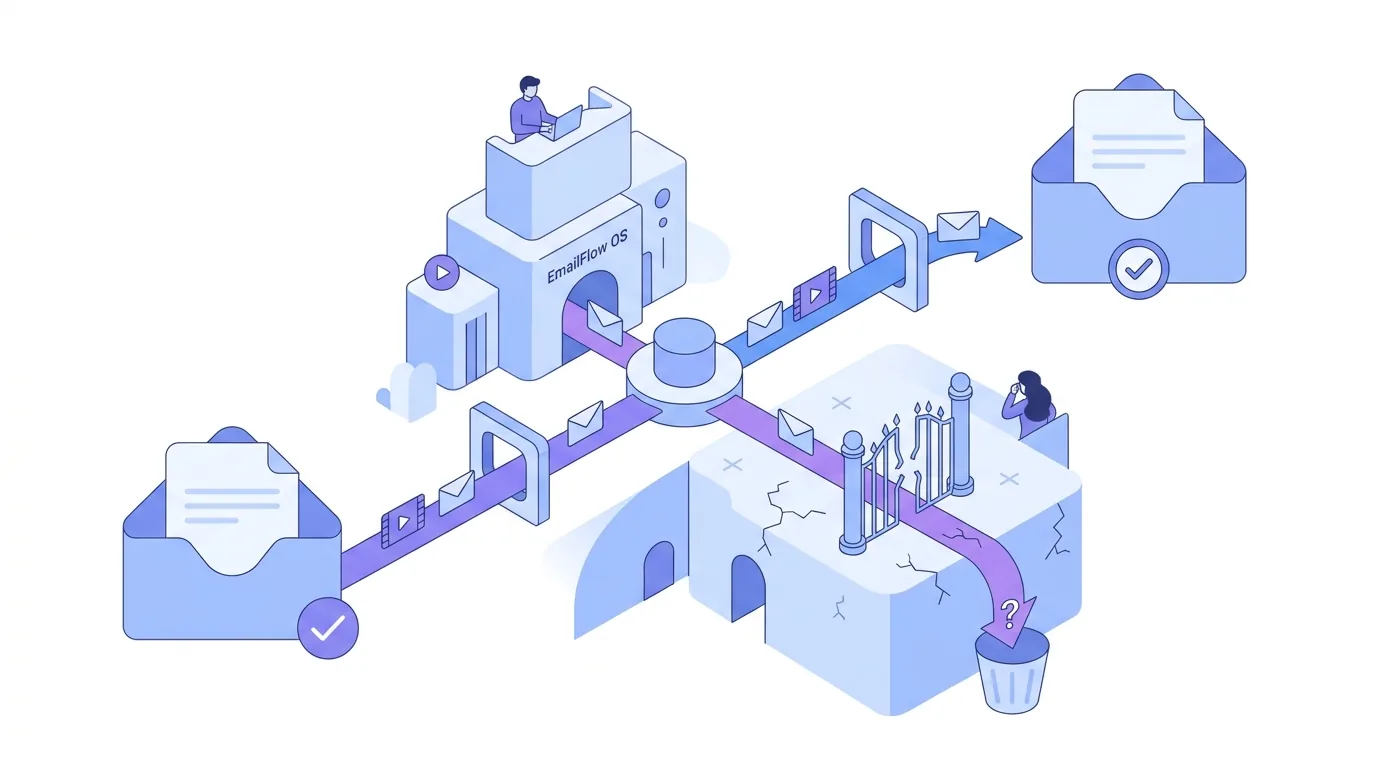
With EmailFlow OS, you record one video and upload it, connect your own Brevo account and sending domain, and import your prospect list into EmailFlow OS. EmailFlow OS then makes one personalised version of that recording for each recipient and sends each version from your own inbox, through your Brevo account and your domain. No shared platform sender sits in between. So the SPF, DKIM and DMARC results a receiver records belong to your domain and your Brevo setup, and the DNS records stay under your control. It also means any SPF failure is yours to fix, in your own DNS. Where a message lands is decided by the receiving server, not by EmailFlow OS. The EmailFlow OS personalised video email home page shows how the sending side fits together.
Before your first send, you can run your domain through the SPF DKIM DMARC checker, an EmailFlow OS product. It reads your published records, so a duplicate SPF record or a missing DKIM key shows up early.
Questions people ask
- Should I use -all or ~all in my SPF record?
- With -all, unlisted IPs get fail. With ~all, they get softfail. DMARC treats both as an SPF non-pass, so the difference matters mostly to receivers that act on SPF alone. Use ~all while you're still tracking down all your senders. Switch to -all once your DMARC aggregate reports show every legitimate source passing.
- Can I have two SPF records on one domain?
- No. The SPF specification allows only one TXT record starting v=spf1 per domain name. A second one makes the whole check return permerror, which most receivers treat as a failure. Merge the includes into one record. A subdomain such as mail.example.com counts as a separate name and can carry its own record.
- Why does SPF fail even though the sending IP is in my include?
- There are usually three possible reasons. The lookup count is over the limit, so the check stops with permerror before it gets to your include. Or the checked domain isn't the one carrying the include, because MAIL FROM used a subdomain or the service's bounce domain. Or there's a second SPF record. The Authentication-Results header tells you which one it is.
- Does SPF survive email forwarding?
- Usually not. A forwarder sends your message from its own IP address, which isn't in your SPF record, so the final receiver sees fail or softfail. A DKIM signature survives as long as the forwarder leaves the signed headers and body alone. That's why an aligned DKIM signature matters for DMARC.