10 min read Alle Artikel auf Deutsch
Email Deliverability Checklist for Cold Email
The short answer
Work through the checks in this order. Publish SPF and DKIM for the domain you actually send from, plus a DMARC record that aligns with your From address. Warm the domain up before you add volume. Remove hard bounces and unverified addresses. Keep links and images light and include a working unsubscribe. Raise volume gradually. Confirm your EU legal basis. With EmailFlow OS, every one of these checks applies to your own Brevo account and domain, because each personalised video email is sent from there.
In this article
- What does an email deliverability checklist actually check?
- Authentication checks: SPF, DKIM and DMARC
- Sender reputation checks: domain age, warm-up and control
- List quality checks: what to remove before you send
- Content and format checks before each campaign
- Volume and sending-pattern checks
- Consent checks for EU outreach
- Sales follow-up emails: deliverability checks
- Sales follow-up email template: what to check before reusing one
- Follow-up sales email: how many before it hurts reputation?
- Sales follow-up email: same thread or new thread?
- When deliverability drops: what to check first
- How EmailFlow OS fits into this checklist
- Questions people ask
What does an email deliverability checklist actually check?
An email deliverability checklist tests whether receiving mail servers have reasons to trust your messages. Delivery and deliverability aren't the same thing. A message counts as delivered once the receiving server accepts it instead of bouncing it. Where the mailbox provider then files it (inbox, a promotions tab or spam) is a separate decision, based on authentication, the reputation of your domain and IP, recipient complaints and what the message contains. No checklist or tool makes that decision for you. A checklist removes the reasons a provider has to distrust you.
Most published checklists for this search cover the same areas: technical setup, list quality, content, volume and sequence structure. sendr.ai's cold email checklist (August 2026) is organised into exactly those five phases. This checklist adds two areas that matter to B2B senders who run their own Brevo account: who controls the sending domain, and what EU law requires before the first message goes out. Work through the areas in order. A content fix won't save a domain whose DKIM signature fails.
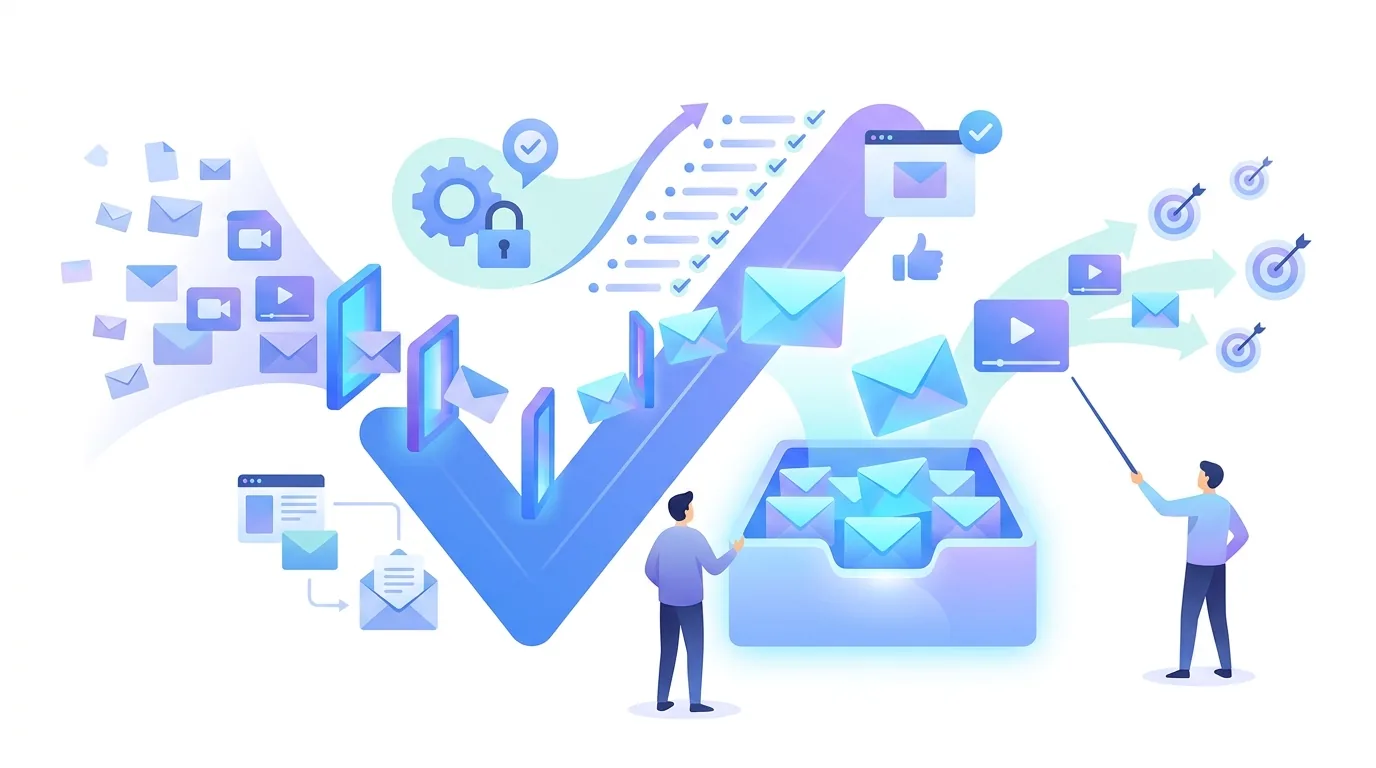
Authentication checks: SPF, DKIM and DMARC
- SPF: publish exactly one SPF TXT record on the sending domain, listing every service that sends for it, such as your mailbox provider and Brevo. Two separate SPF records make SPF evaluation return an error, so merge them into one.
- DKIM: switch on DKIM signing for the domain in each sending service and publish the public key at the selector that service gives you. Then confirm the signature's d= domain is your own domain, not a shared service domain.
- DMARC: publish a TXT record at _dmarc.yourdomain. Start with p=none and a reporting address so you can read the aggregate reports before you tighten the policy to quarantine or reject.
- Alignment: DMARC only passes if the domain in the visible From address matches the domain that passed SPF (the Return-Path domain) or DKIM (the d= domain). If a tool signs with its own domain, DKIM passes and DMARC alignment still fails.
- Re-check after every change: adding a new sending tool, changing nameservers or moving DNS hosts can quietly break a record that worked before.
The record-by-record setup is covered in our guide to DKIM, DMARC and SPF for cold email senders. If your mailbox runs on Google Workspace, the DMARC rollout is covered separately.
Sender reputation checks: domain age, warm-up and control
Reputation attaches to the domain in your From address and DKIM signature, and to the sending IPs. A newly registered domain has no sending history, so a sudden batch of cold emails from it looks like the pattern spammers use. Here's what to check:
- Was the domain warmed up with gradually rising volume before cold sends started?
- Do you send cold outreach from your primary company domain or from a separate one? A separate domain keeps complaints away from the domain your invoices and support mail rely on. The trade-off is that it starts with no reputation and has to be warmed up separately.
- Does every message go out under your own domain, from an account you control? If a tool sends from a shared platform address, other customers' behaviour affects your mail and you can't take the reputation with you.
- Are bounces and complaints visible to you? If you can't see them in your own sending account, you can't act on them.
The full ramp is laid out in email warm-up with daily volumes and DNS setup. One thing warm-up can't do is fix a bad list. Warming a domain while sending to unverified addresses builds a bad reputation, not a good one.
List quality checks: what to remove before you send
Bounces and complaints are the two signals you control most directly. warmforge.ai's checklist for sales teams (October 2026) puts the bounce-rate ceiling under 2%. The summary in Google's AI overview for this search (October 2026) puts spam complaints under 0.1%. Treat both as alarm thresholds. They aren't targets.
- Verify addresses before the first send. Guessed patterns like firstname@company bounce when the person never existed or has left.
- Suppress hard bounces after the first occurrence. A permanent failure won't recover on a retry, and resending to it tells the provider you don't maintain your list.
- Hold soft bounces such as a full mailbox or a temporary rejection, and retry only within limits. Then remove them if they keep failing.
- Remove role addresses (info@, sales@) unless there's a reason to write to a shared inbox. Nobody there expects your message.
- Honour every unsubscribe and every 'not interested' reply across all future campaigns, not just the current one.
- Re-verify older lists before reusing them. People change jobs, and addresses that were valid last year now bounce.
To read the bounces you do get, our breakdown of email bounce codes and their causes explains which codes mean remove the address and which mean wait.
Content and format checks before each campaign
- Every link points to a domain you'd be happy to be judged by. URL shorteners and link domains shared with many senders inherit other people's history.
- Images are few and referenced, not attached. If the email carries a video, check what's actually in the message: a linked thumbnail image, not an attached video file.
- Each email includes an unsubscribe option that works, plus a List-Unsubscribe header if your sending service supports one.
- The From name, subject and body describe the same offer. A subject that misrepresents the content is a complaint waiting to happen.
- Merge fields are filled for every recipient. A message beginning 'Hi {first_name}' shows the email was mass-produced.
- Messages to different recipients actually differ. Identical bodies sent at scale are easy for filters to group together.
What doesn't work: rewriting spam-trigger words while authentication fails or the list bounces. Providers weigh reputation and recipient behaviour heavily, and swapping 'free' for 'complimentary' doesn't touch either.
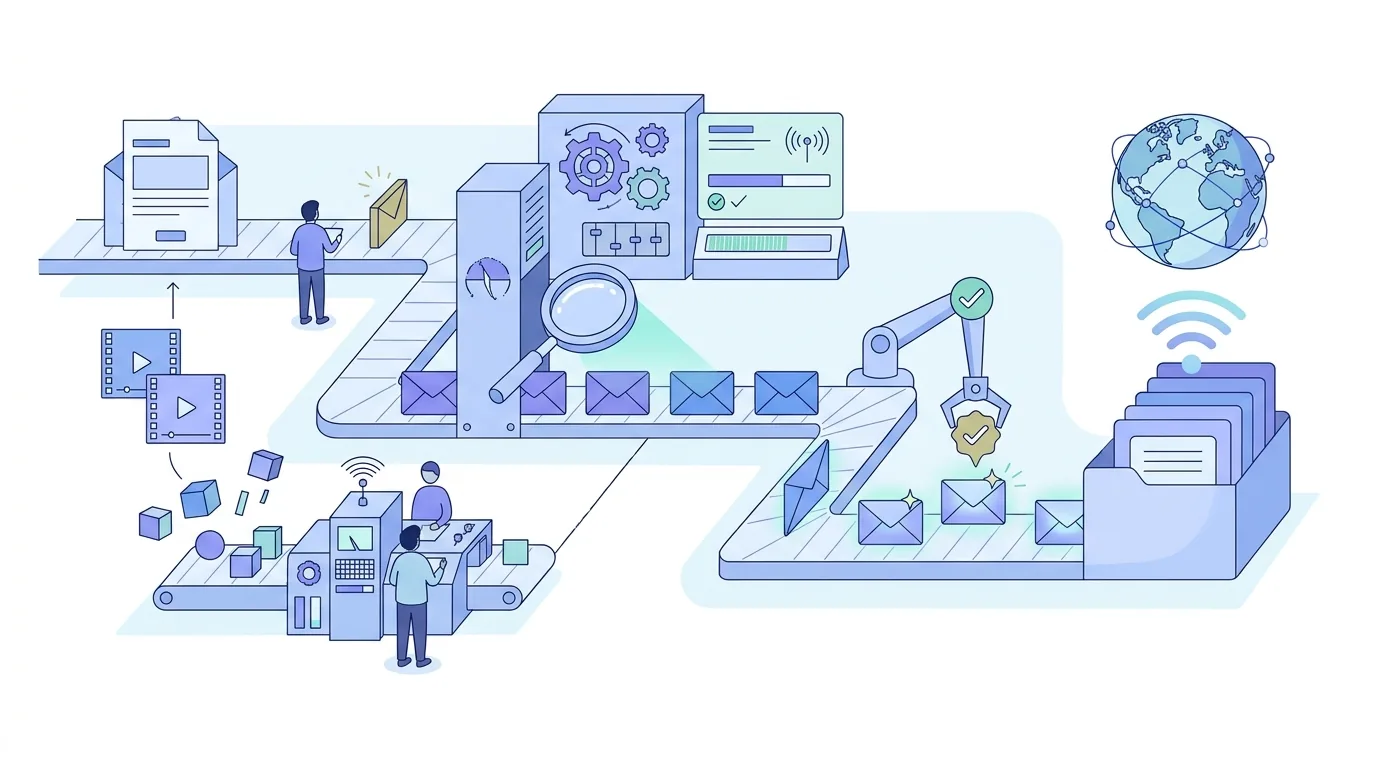
Volume and sending-pattern checks
Providers compare today's volume with your domain's history. A domain that sent a little last week and a lot this week looks compromised or bought, even with perfect DNS. Here's what to check:
- Volume rises in steps you planned in advance, not in jumps triggered by a new list import.
- Sends are spread across the working day rather than fired in one burst at a fixed minute.
- Follow-ups count towards daily volume. A sequence with several follow-ups multiplies the load of one campaign over the following days.
- Volume pauses when bounce or complaint numbers rise, and resumes only after you find the cause.
A simple test: if you can't say how many messages your domain sent yesterday, you can't spot a spike. Your Brevo account's sending logs are the place to check that number.
Consent checks for EU outreach
Deliverability and legality are separate questions, but complaints connect them. People who didn't expect your message hit the spam button. For EU recipients, check these points with your own legal advice:
- The GDPR requires a legal basis for processing the prospect's data. B2B outreach usually relies on legitimate interest, which needs a documented balancing test.
- The GDPR's transparency rules require you to tell people where you got their data and how you use it when you didn't collect it from them directly.
- Germany's Act against Unfair Competition (UWG) treats email advertising sent without prior express consent as unreasonable harassment, and it doesn't make a general exception for B2B recipients.
- Every message identifies the sender and offers an easy way to object to further contact.
No tool makes your outreach compliant. That depends on whom you contact, on what basis and how you document it.
Sales follow-up emails: deliverability checks
Sales follow-up email template: what to check before reusing one
A sales follow-up email template is a starting point, not a message to send word for word. If hundreds of senders paste the same text, filters can group it, and so can recipients. Before you reuse one, replace the generic opener with something specific to the earlier message, keep a single question or call to action, and check that every merge field is filled. Our sales follow-up email templates show this for no-reply, post-call and breakup situations.
Follow-up sales email: how many before it hurts reputation?
Each follow-up sales email sent to someone who hasn't replied is another chance for them to mark you as spam. That's the reputation cost. Stop the sequence as soon as someone replies, unsubscribes or bounces. Keep the total number of touches small and the gaps wide enough that the follow-ups don't read as pressure. Every follow-up also adds to your domain's daily volume, so plan sequences into your warm-up and volume limits.
Sales follow-up email: same thread or new thread?
A sales follow-up email sent as a reply in the original thread carries In-Reply-To and References headers, so the recipient's client groups it with your first message and the context stays visible. Typing 'Re:' into a new message without those headers misstates what the message is. Our guide to cold email follow-up timing and threading explains how the headers work.
When deliverability drops: what to check first
| Symptom | Likely cause | Check first |
|---|---|---|
| Sudden rise in bounces | A new or old list with unverified addresses | The most recent list import and the bounce codes returned |
| Mail accepted but filed as spam | Authentication failing or DMARC not aligned | SPF, DKIM d= domain and DMARC results in the message headers |
| Problems began after adding a tool | A second SPF record, or the tool signing with its own domain | Your DNS: one SPF record, a DKIM selector for each sender |
| Complaints rising | A list with no relevance to the offer, or too many follow-ups | Targeting of the latest segment and the sequence length |
| Fine for weeks, then a sudden drop | A volume spike against your domain's history | Daily send counts in your Brevo logs |
How EmailFlow OS fits into this checklist
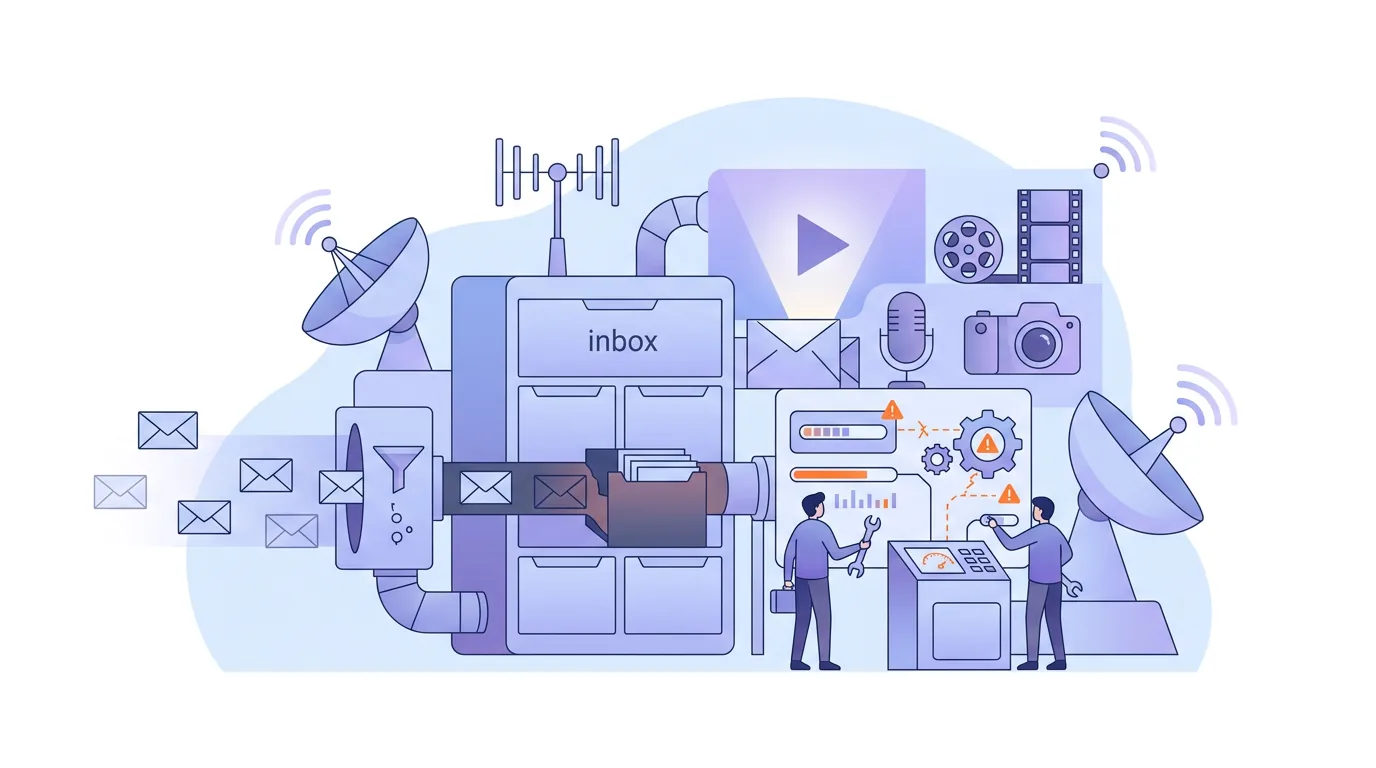
EmailFlow OS is our own product, and it's built around keeping the items above under your control. You record one video and upload it to EmailFlow OS, connect your Brevo account and sending domain, and import your prospect list into EmailFlow OS. EmailFlow OS then personalises that single recording for each recipient, not each company, and sends every version from your own inbox, through your own Brevo account and your own sending domain. It never uses a shared platform sender.
In practice, the authentication checks apply to your domain, the reputation that builds up belongs to your domain, and the list hygiene happens on the list you imported. Because each recipient gets their own version of the video, messages differ by recipient rather than repeating one identical body. Filtering is still decided by the receiving server, so the checklist applies in full. More on personalised AI video email sent through your own Brevo account is on the EmailFlow OS home page.
Questions people ask
- What is a deliverable email?
- A deliverable email is one the receiving mail server accepts instead of bouncing. The address exists, the mailbox can take mail, and the server doesn't reject the sender. Being deliverable is narrower than inbox placement: an accepted message can still be filtered to spam based on authentication, reputation and complaints.
- What should you always check before sending an email?
- Check four things before any campaign. SPF, DKIM and DMARC pass and align with your From domain. The list is verified and free of past hard bounces and unsubscribes. Every merge field is filled and every link works. Today's volume fits your domain's recent history. A single failing DKIM record outweighs any wording change in the body.
- Is delivery rate the same as inbox placement?
- No. Delivery rate counts messages the receiving server accepted, out of those sent. Inbox placement counts how many of the accepted messages the provider filed in the inbox folder rather than spam. A campaign can show near-total delivery and still be filtered mostly to spam, because acceptance and filtering are separate decisions.
- Does a separate domain for cold email protect my main domain?
- It keeps the reputation separate, so complaints about cold outreach don't build up on the domain your customers and invoices depend on. It doesn't exempt you from anything: the separate domain needs its own SPF, DKIM, DMARC and warm-up, and recipients still see your company name.
