9 min read Alle Artikel auf Deutsch
Email Deliverability Rate: Delivery vs Inbox
The short answer
Email delivery rate is delivered messages divided by messages sent, times 100. It counts every message the receiving server accepted, whether it ended up in the inbox or in spam. Deliverability, or inbox placement, is the share that actually reaches the inbox, and no sender can read that number directly. To raise both: send from a domain authenticated with SPF, DKIM and DMARC, remove bounced addresses, ramp volume up gradually, and estimate placement with seed tests and Google Postmaster Tools.
In this article
- What is an email deliverability rate?
- How do you calculate delivery rate and inbox placement?
- What is a good email deliverability rate?
- Why does a delivered email still land in spam?
- How to improve your email deliverability rate
- Which tools measure inbox placement?
- How EmailFlow OS sends: your Brevo account, your domain
- Sales follow-up emails and your deliverability rate
- Sales follow up email template
- When should a follow up sales email not be sent?
- Does a sales follow up email count against deliverability?
- Questions people ask
What is an email deliverability rate?
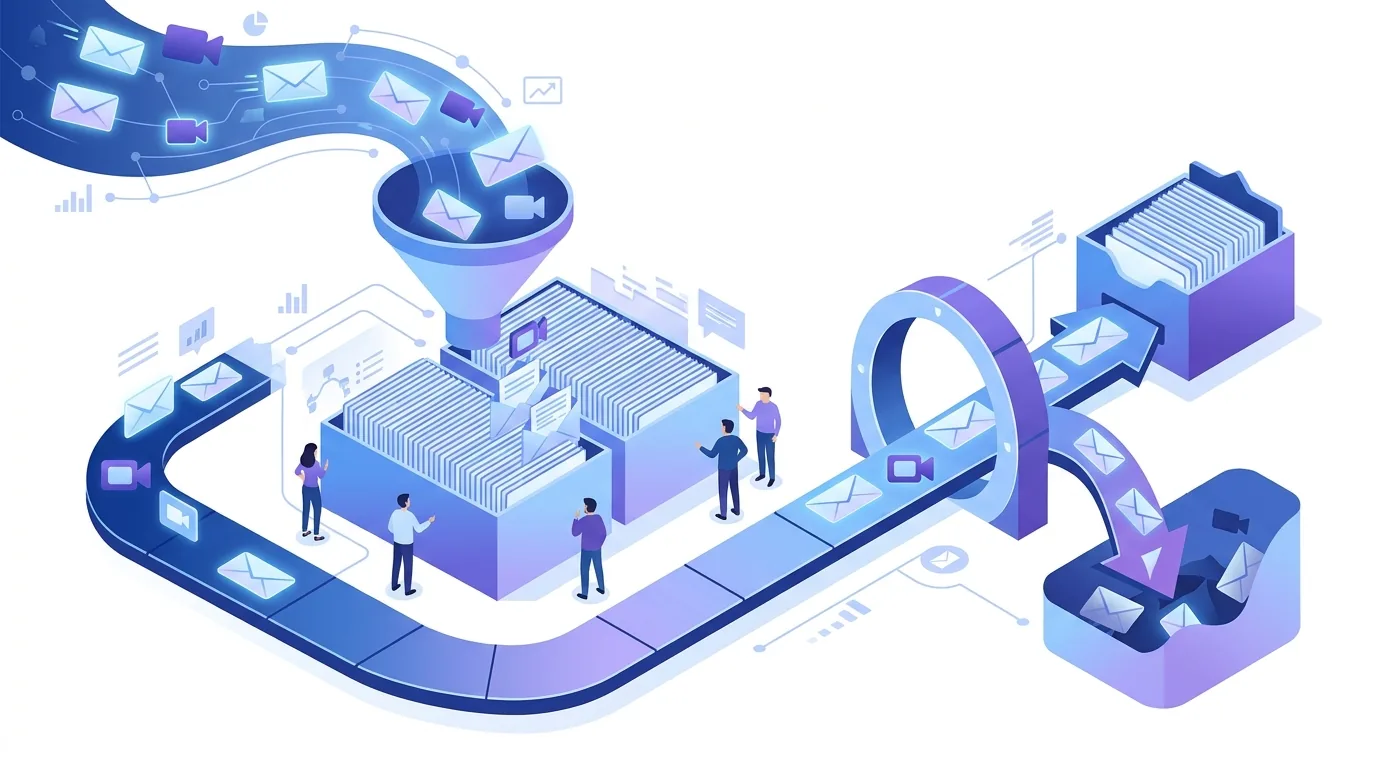
People say "deliverability rate" for two different numbers, and mixing them up hides most problems. The first is the delivery rate: the share of sent emails that the receiving mail server accepted without a bounce. The second is inbox placement, which is the share that landed in the inbox rather than the spam or junk folder. Mailjet and Litmus both draw this line in their guides on delivery versus deliverability. A message that goes to spam still counts as delivered, because the server accepted it.
That's why a sending report can show almost every message delivered while replies dry up. The delivery rate only tells you the SMTP conversation ended with acceptance. What the mailbox provider did with the message after that (inbox, spam, Promotions tab, quarantine) is decided by its filters, and those filters don't report back to the sender. Campaign Monitor says as much in its own deliverability explainer: it reports an overall delivery rate but can't know what percentage of emails reach the inbox versus spam.
How do you calculate delivery rate and inbox placement?
The delivery rate formula, as Google's AI overview states it citing Litmus, is (delivered emails ÷ emails sent) × 100. Delivered means sent minus bounced, so the bounce count is what moves the number. Bounces come from the receiving server's SMTP reply. A temporary failure, such as a full mailbox or a server that's briefly unavailable, makes the sending server retry. A permanent failure means the address doesn't exist or the message was refused outright. Our guide to email bounce codes and their causes walks through the replies cold senders run into most often.
| Metric | Formula | What it tells you | Where you see it |
|---|---|---|---|
| Delivery rate | Delivered ÷ sent × 100 | The receiving server accepted the message | Your sending platform's reports, e.g. your Brevo account |
| Bounce rate | Bounced ÷ sent × 100 | Addresses that don't exist, full mailboxes, or outright refusals | Sending platform reports, split into hard and soft bounces |
| Inbox placement rate | Messages in inbox ÷ messages delivered × 100 | Whether filters trusted the message | Only estimated, through seed tests or panel data |
| Spam complaint rate | Complaints ÷ delivered × 100 | Recipients clicking "report spam" | Feedback loops and Google Postmaster Tools |
What is a good email deliverability rate?
The benchmarks published by vendors in the current search results cluster high, but they don't agree. PowerDMARC puts a good rate at 95–99% and treats anything below 94% as a warning sign. Validity says at least 85%, with 98–99% ideal. Litmus describes a goal of 90–98%. ZeroBounce says above 90%, with the best results near 99.6%. Google's AI overview, citing Mailjet, calls 98–99% a healthy delivery rate.
Read these figures with two caveats. First, some of them describe delivery and some describe inbox placement, and those aren't the same number. Second, they mostly come from opted-in marketing lists. A cold B2B list hasn't confirmed its addresses through a signup, so it carries more dead mailboxes and role accounts, and its bounce rate shows how good your data is before it shows anything else. If your delivery rate falls, look at the list source first, then at authentication.
Why does a delivered email still land in spam?
Acceptance and placement are separate decisions. Once a server has accepted a message, its filters weigh several signals:
- Authentication: SPF checks whether the sending server may send for the domain, DKIM checks the message's signature, and DMARC requires one of them to align with the visible From domain. If alignment fails, a message can be accepted and still filtered.
- Domain and IP reputation: built from past complaints, bounces and recipient behaviour. A new domain has no history, and a domain that already has complaints carries them forward.
- Volume pattern: a sudden jump from a handful of messages to hundreds a day on a fresh domain looks like a compromised or throwaway sender.
- Content and structure: many near-identical messages, link shorteners, heavy HTML or attachments give filters something to match on.
- Shared infrastructure: if you send through a sender address other people also use, their behaviour affects your reputation too.
Our article on DKIM, DMARC and SPF for cold email senders covers the setup order and the usual alignment mistakes.
How to improve your email deliverability rate
- Verify the list before you send. Remove addresses that hard-bounced before, along with role mailboxes nobody reads. Bounces drag down your delivery rate and your reputation at the same time.
- Authenticate the sending domain. Publish SPF, sign mail with DKIM on your own domain, and add a DMARC record. Start with a monitoring policy and tighten it once reports show aligned mail. Google's sender guidelines require authentication from bulk senders.
- Warm up new domains. Raise daily volume step by step, not all at once, and watch bounces and complaints before each increase.
- Suppress bounces right away. A hard bounce should never be mailed again, and repeated soft bounces should be treated the same way.
- Make opting out easy. A visible unsubscribe link gives recipients a way out other than the spam button.
- Measure placement as well as delivery. Run seed tests and check Postmaster data alongside your platform's delivery report.
Some things don't work. A warm-up tool can't repair a bad list, because once real sending starts, the bounces come back. Changing to a new domain after a complaint spike just restarts reputation from zero. And tweaking subject lines won't fix a DMARC alignment failure. For ramp-up volumes and DNS prerequisites, see our guide on email warm-up daily volumes and DNS setup.
Which tools measure inbox placement?
No single tool gives you a true inbox placement rate. Each one shows a slice of the picture. The yardstick below is the same for each: what data it sees, and where it stops.
| Tool | What it shows | Suits | Where it stops |
|---|---|---|---|
| Google Postmaster Tools | Domain-level reputation, spam complaint rate and authentication results for mail sent to Gmail addresses | Senders with enough Gmail volume to appear in the dashboards | Covers Gmail only; shows nothing at low volume |
| Microsoft SNDS | Data on sending IPs delivering to Outlook.com consumer mailboxes | Senders who control or know their sending IPs | IP-based, consumer Outlook.com only |
| Seed-list testers such as GlockApps | Where a test message lands across a set of test inboxes | Checking a new domain, template or DNS change before sending | Test inboxes don't behave like real recipients |
| Brevo statistics | Delivered, soft and hard bounces, complaints and unsubscribes per campaign | Day-to-day delivery and bounce monitoring | Reports acceptance, not inbox versus spam |
How EmailFlow OS sends: your Brevo account, your domain
This section describes a EmailFlow OS product, not one of the options compared above. With EmailFlow OS you record one video and upload it, connect your own Brevo account and sending domain, and import your prospect list into EmailFlow OS. EmailFlow OS then creates a personalised version of that recording for each recipient, not each company, and sends every version from your own inbox, through your Brevo account and your domain. Nothing goes out through a shared platform sender.
That matters for the numbers in this article. Your delivery, bounce and complaint figures sit in your own Brevo account, the reputation you build attaches to your own domain, and the SPF, DKIM and DMARC records are yours to manage. Whether a given message reaches the inbox is still decided by the receiving server, so the authentication, list hygiene and ramp-up steps above still apply. The features page explains how per-recipient personalisation and sending work.

Sales follow-up emails and your deliverability rate
Sales follow up email template
A sales follow-up email template that's safe for deliverability is short, plain text and sent as a reply in the original thread: "Hi {first name}, following up on my note from {day} about {topic}. Is this worth a short call, or should I close the loop? {Your name}". Replying in the thread keeps the In-Reply-To header, so the follow-up stays grouped with the first message. Swap the placeholders with real context. Identical follow-ups sent to hundreds of people give filters a pattern to match. You'll find eight variations in our sales follow up email template examples.
When should a follow up sales email not be sent?
Don't send a follow-up sales email to an address that hard-bounced, to anyone who unsubscribed, or to anyone who replied asking you to stop. Each of those adds a bounce or a complaint to your domain's record. A soft bounce on the first message is worth looking at before the next step goes out, since a full or disabled mailbox will usually bounce again.
Does a sales follow up email count against deliverability?
Yes. Every sales follow-up email is a separate send in your delivery rate and complaint numbers. A multi-step sequence to a bad list produces a new round of bounces at every step. Clean the list before the first touch, not between steps, and cap the sequence so that people who aren't responding stop getting mail. Open counts won't tell you when to stop either; our piece on email open rate tracking limits explains why pixel-based opens mislead cold senders.
Questions people ask
- Is a 25% email open rate good?
- An open rate doesn't tell you much about deliverability. Opens are counted with a tracking pixel. Apple Mail Privacy Protection preloads that pixel, which inflates opens, and clients that block images undercount them. A seemingly healthy open rate can come from a list that is mostly landing in spam. Judge deliverability by bounces, complaints, seed tests and replies instead.
- Does a high delivery rate mean my emails reach the inbox?
- No. Even a delivery rate in the 98–99% range that Mailjet calls healthy only means the receiving servers accepted those messages. Accepted messages can still be filed as spam, and the delivery rate counts them the same way. Inbox placement is a separate measure that you can only estimate, using seed-list tests and provider dashboards such as Google Postmaster Tools.
- What is the difference between a hard bounce and a soft bounce?
- A hard bounce is a permanent rejection: usually the address doesn't exist or the receiving server refused the message outright. A soft bounce is a temporary failure, such as a full mailbox or a server that's unavailable, and the sending server retries it. Remove hard bounces immediately. Treat soft bounces that repeat across sends as hard ones.
- Can I see inbox placement in my Brevo account?
- Brevo reports delivery events: delivered, soft and hard bounces, complaints and unsubscribes. Those cover acceptance by the receiving server, not which folder the message went to. To estimate inbox versus spam placement, add a seed-list test before a send and check Google Postmaster Tools for mail going to Gmail addresses.
