10 min read Diesen Artikel auf Deutsch lesen Lire cet article en français Ler este artigo em português
Email Tracking: Pixels, Clicks and Limits
The short answer
Email tracking works in two ways. A tiny invisible remote image logs an "open" when the recipient's mail client fetches it. Rewritten links log a "click" when they pass through a redirect server. Neither signal is clean: Gmail fetches images through Google's proxy, Apple Mail Privacy Protection loads them in the background, Outlook can block them, and security scanners follow links. Base follow-ups on replies and real clicks, not on opens.
In this article
- What is email tracking?
- How does an email tracking pixel work?
- How does click tracking work?
- Why are tracked opens unreliable?
- Does email tracking hurt cold email deliverability?
- Is email tracking legal in the EU?
- Which email tracking tool works for Gmail and Outlook?
- How EmailFlow OS sends personalised video email
- How to follow up on an email with no response
- Sales follow up email template
- Questions people ask
What is email tracking?
Email tracking means recording what happens to a message after it leaves your outbox, mainly whether it was opened and whether a link in it was clicked. Wikipedia puts it simply: it's a way to monitor whether the recipient read the message. Tools like Mailtrack, Yesware or HubSpot's sales email tracking add the tracking pieces to your email as you send it, then show you an alert or a status icon in Gmail or Outlook.
Here's a concrete example. You send a cold email in the morning. Later the tool says "opened, iPhone, Berlin" and a moment after that "link clicked". What really happened is that two HTTP requests reached the tracking vendor's server: one for an image and one for a redirect URL. Everything the dashboard tells you is inferred from those two requests. Nobody saw the recipient read anything. So how far you can trust the data depends on who or what made each request.
How does an email tracking pixel work?
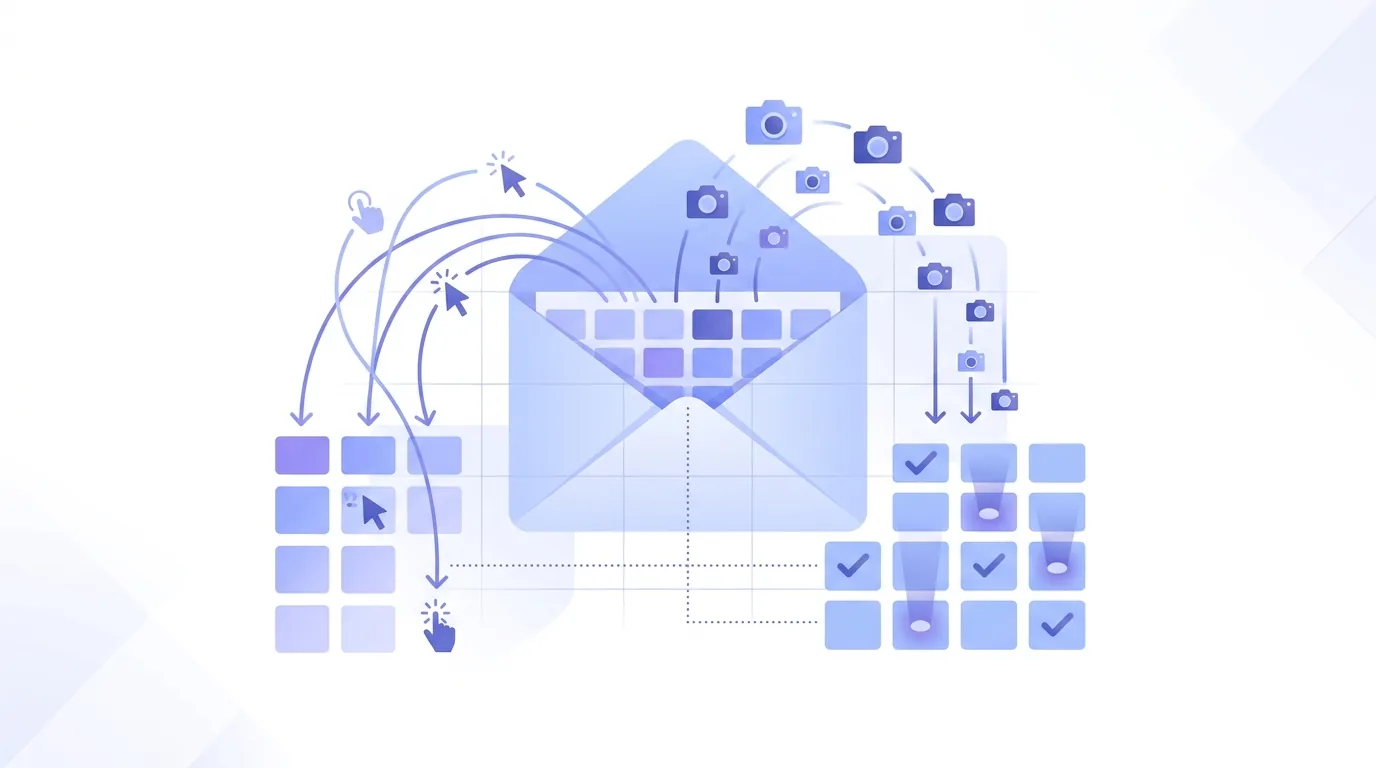
Open tracking only works in HTML email, because it relies on loading a remote image. A plain-text message has nowhere to put a pixel, so it can't report opens.
- When you send, the tool inserts an image tag pointing to a tiny transparent image on its own server. HubSpot's email tracking guide describes this as a 1x1 image pixel. The URL carries an ID that's unique to that message and recipient.
- The recipient's mail client renders the HTML and requests that image URL.
- The tracking server logs the request with its timestamp, plus the IP address and user agent it received. Device type and rough location are guessed from those two values, as HubSpot's email tracking guide describes.
- The tool marks the message as opened and notifies you. Each new request for the same URL counts as another open.
The logging step is where accuracy breaks. The server only knows who requested the image, and that's often a proxy or a privacy service, not the person. Self-opens cause trouble too: when you view your own sent mail, your client loads the pixel. Mailtrack's Chrome Web Store listing says it filters out false self-opens, which shows the problem is real enough for vendors to build around it.
How does click tracking work?
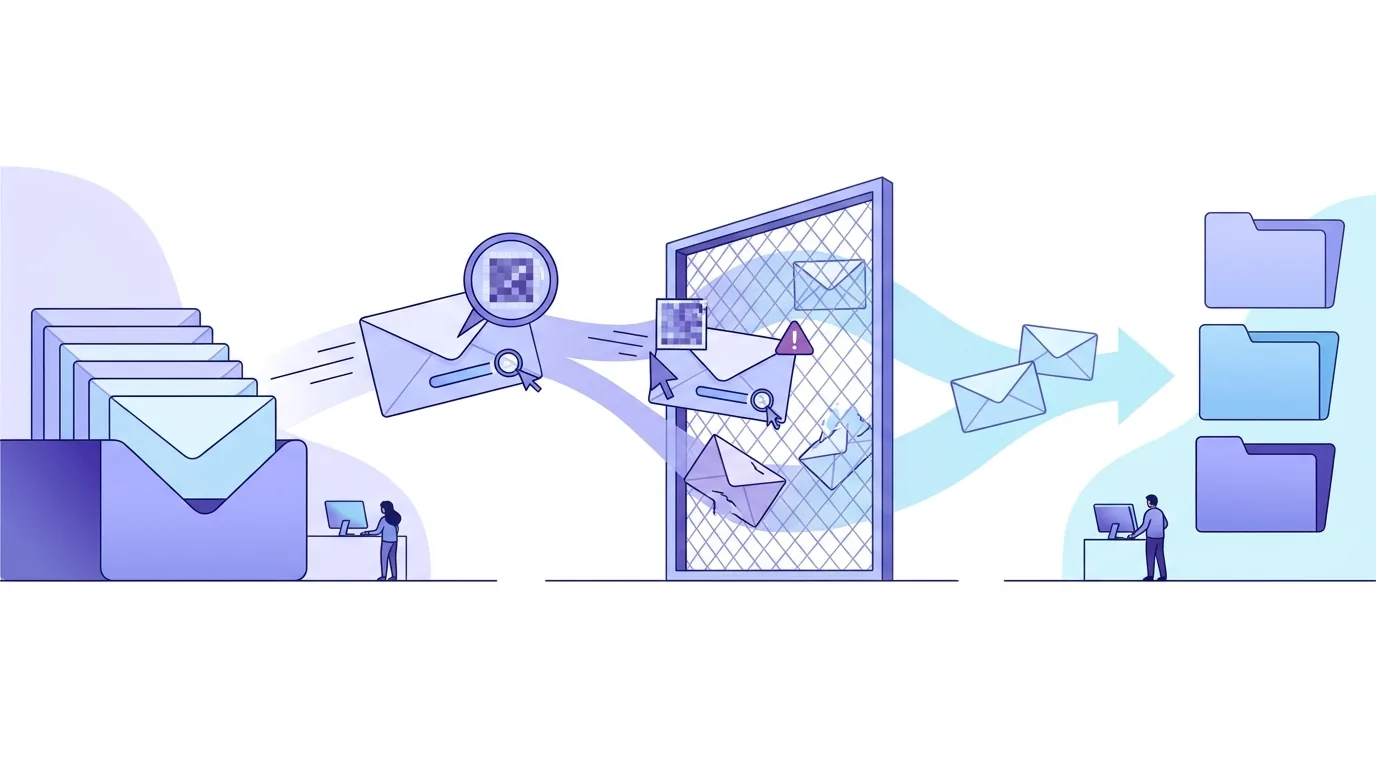
Click tracking rewrites every link in the email. A link to your case study becomes a link to the tracking vendor's domain with a message ID attached. When the link is followed, the server logs the request and sends a redirect to the real page. The recipient lands on the right page and the tool records a click.
There are two catches. First, the visible link domain no longer matches where the click actually goes, and every message now contains a domain you don't control. If that redirect domain is shared by many senders, its reputation is tied to all of them, which is why many sending platforms let you set up a custom tracking domain on your own domain via a CNAME record. Second, corporate mail security gateways often open links before delivery to scan them. A click logged moments after delivery, from a data-centre IP, is usually a scanner, not a prospect.
Why are tracked opens unreliable?
| Cause | What the client or server does | Effect on open data |
|---|---|---|
| Gmail image proxy | Google's Gmail help documentation says images are loaded through Google's own servers rather than straight from the sender's server | The tracking server sees Google's IP, so location and device data aren't real. Cached images can hide repeat opens |
| Apple Mail Privacy Protection | Apple's documentation describes it hiding the IP address and loading remote content privately in the background, whether or not the user opens the message | Opens are logged for messages nobody read |
| Outlook image blocking | Microsoft's Outlook documentation describes blocking automatic picture downloads from the internet by default in many setups | Real reads with no open logged |
| Plain-text email or images off | No HTML is rendered, so no remote image is requested | No open is ever recorded |
| Security scanners | Gateways fetch images and follow links to check them | Opens and clicks that look instant and come from data-centre IPs |
In practice, an open rate is a mix of false positives and false negatives that you can't separate per recipient. A reply means someone read the email. So does a click that comes in well after delivery from a normal client. A lone pixel hit doesn't. Our breakdown of what open rate figures cold senders can actually trust covers the reporting side in more depth.
Does email tracking hurt cold email deliverability?
Cold email deliverability is decided by the receiving server. It checks SPF, DKIM and DMARC alignment with your From domain, your domain's reputation, bounces, complaints and volume. Tracking doesn't override any of that, but it does change what's in the message. A pixel forces HTML and adds a remote image from a third-party host. Click tracking replaces your links with redirects on someone else's domain. Filters assess the domains a message links to, so a shared tracking domain with a poor history counts against you even when your own DNS is clean.
If you track, use a tracking domain on your own sending domain where your platform offers one. Keep link counts low in first-touch emails. Before sending at volume, run a seed test with and without tracking. If the plain version reaches the inbox and the tracked one doesn't, you've found your problem. Our guide to what decides cold email deliverability goes through authentication and reputation step by step.
Is email tracking legal in the EU?
In the EU, a tracking pixel falls under the device-access rule of the ePrivacy Directive, which requires consent before information on a user's device is stored or accessed, unless that's strictly necessary for a service the user asked for. The European Data Protection Board's guidelines on the technical scope of that rule name tracking pixels in emails explicitly. Germany implements the rule in the TDDDG. Once logs connect an open to a named person, GDPR applies on top: you need a legal basis and a statement of what you record, and the recipient's access and erasure rights cover those logs too.
Cold outreach rarely comes with prior consent, so pixel tracking of EU prospects is a real legal risk, separate from the question of whether you're allowed to send the email at all. Where that rule applies, it's a matter of how you run outreach, not which tool you pick. Get legal advice for your own setup. Turning off open tracking for EU recipients is the simplest way to take the pixel out of the question; click tracking still logs a request tied to a recipient ID, so it needs the same review.
Which email tracking tool works for Gmail and Outlook?
Most email trackers are browser extensions or add-ins that sit on top of your existing inbox. They differ mainly in which clients they support and what they report. The table below lists only what each vendor states on its own page as shown in Google results.
| Tool | Mail clients named by the vendor | What the vendor says it reports | Source |
|---|---|---|---|
| Mailtrack (Mailsuite) | Gmail | Who opens, link clicks, email metrics; filters self-opens; tracks individual opens in group emails | mailsuite.com and the Chrome Web Store listing |
| HubSpot sales email tracking | Not specified in the listing | Notifications when leads engage with your emails | hubspot.com product page |
| Yesware | Gmail and Outlook | Opens of emails, links and attachments | yesware.com |
| Mailbutler | Apple Mail, Gmail and Outlook | When, where and how often recipients engaged | mailbutler.io |
| Mail Tracker for Gmail | Gmail, including the iOS and Android Gmail app | Tracked emails sent from Gmail | Google Workspace Marketplace listing |
| Streak | Not specified in the listing | When recipients open and how many times | streak.com help lesson |
Every pixel-based tracker in this table runs into the same limits from the failure-mode table above: Gmail's proxy, Apple's privacy preloading, Outlook's image blocking and scanner clicks apply whichever vendor you use. What really sets them apart is client support, CRM integration and how they deal with self-opens and group emails.

How EmailFlow OS sends personalised video email
EmailFlow OS is a separate kind of product, and it's not a tracker. You record one video and upload it to EmailFlow OS, connect your own Brevo account and sending domain, and import your prospect list into EmailFlow OS. EmailFlow OS then personalises that single recording for each recipient, not each company, and sends every version from your own inbox, through your own Brevo account and your own domain. It never uses a shared platform sender. That means the reputation those sends build stays attached to the domain whose SPF, DKIM and DMARC records you manage. The setup is described on the EmailFlow OS personalised video email page.
How to follow up on an email with no response
A "no response" means no reply. It doesn't mean "not opened", and tracking data can't tell those apart reliably. Follow up in this order:
- Check for a bounce first. A hard bounce means the address doesn't exist, so remove it and don't follow up.
- Reply in the same thread so the follow-up carries In-Reply-To and References headers. Typing "Re:" into a new subject line doesn't create a real thread.
- Add one new piece of information instead of "just bumping this".
- Make one small ask that can be answered in a single line.
- Decide in advance how many touches you'll send and stop after the last one. Any opt-out ends the sequence straight away.
Don't write "I saw you opened my email". The open may well have been Apple's preloading or a scanner, and even when it's accurate, it tells the prospect you're watching them. Copy-ready wording for this situation is collected in our follow up email after no response templates.

Sales follow up email template
This template doesn't rely on any tracking signal, so it reads the same whether the pixel fired or not. Send it as a reply in the original thread.
Hi {first name}, one thing I left out last time: {specific detail relevant to their team or role}. If that's worth a look, would a short call next week work? If the timing's wrong, a one-word "later" is fine and I'll stop here.
Fill the bracketed part with something specific to the recipient, not just the company name. If the field is empty for some prospects, leave them out of the batch rather than sending a broken merge tag. More variants by situation are in our sales follow up email template examples.
Questions people ask
- Can someone tell if I'm tracking their email?
- Often, yes. Tracker-detection extensions, such as the one emailtracker.website offers, spot known pixel and redirect domains in the HTML, and some mail clients block or flag remote images. A link pointing to a third-party redirect domain is visible to anyone who hovers over it. Plain-text email with no rewritten links has nothing for them to detect.
- Does a tracked open mean the email was read?
- No. An open is just a request for an image. Apple Mail Privacy Protection loads remote content in the background whether or not the message is opened, according to Apple, and security gateways fetch images to scan them. Outlook may block the image during a real read. A reply, or a click logged well after delivery, is a much stronger sign of reading.
- Is a read receipt the same as email tracking?
- No. A read receipt is a request built into the message headers, and the recipient's client asks them whether to send it back. They can refuse. In Gmail it needs a Workspace account with the setting enabled by an admin. Pixel tracking happens without asking the recipient, which is why it falls under the EU ePrivacy consent rule for device access.
