11 min read Alle Artikel auf Deutsch Tous les articles en français Todos os artigos em português
How to Send an Email as a Text Message
The short answer
Type the recipient's 10-digit number and their carrier's SMS gateway domain into the To field, for example 1234567890@vtext.com for Verizon, and send plain text from any mail client. The carrier's mail server turns the email into an SMS. Many carriers have shut these gateways down or are phasing them out. If yours bounces, send through an email-to-SMS service like Sinch, ClickSend or TextBolt, which delivers over its own SMS connections.
In this article
- How does sending an email as a text message work?
- Steps to send an email to a phone number
- Why does my email to a text gateway bounce or vanish?
- Which email-to-SMS service should I use when gateways fail?
- How do I text someone using their email address?
- Does texting replace cold email for B2B outreach?
- How EmailFlow OS sends personalised video email from your own domain
- Questions people ask
To send an email as a text message, address it to the recipient's 10-digit mobile number plus their carrier's SMS gateway domain, such as 1234567890@vtext.com for Verizon or 1234567890@txt.att.net for AT&T, and send it as plain text from Gmail, Outlook or any other mail client. The carrier's gateway turns the email into an SMS. As of November 2026, Google's AI Overview for this search says many carriers have shut these gateways down or are phasing them out. If yours is one of them, send through an email-to-SMS service such as Sinch, ClickSend or TextBolt.
How does sending an email as a text message work?
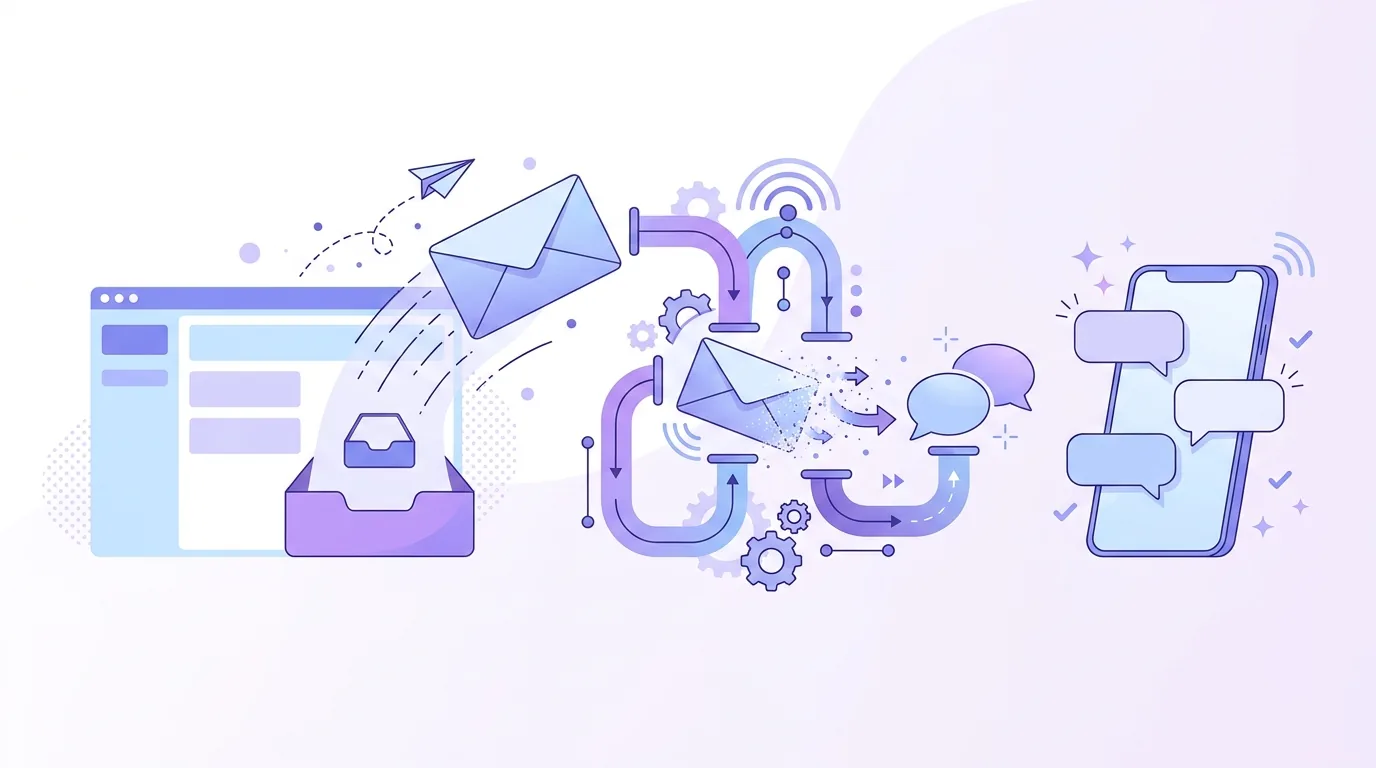
You send an ordinary email, but the address in the To field doesn't belong to a mailbox. The part before the @ is a phone number. The domain after it belongs to a gateway that a mobile carrier or an SMS provider runs. Your mail server looks up the MX record for that domain and hands the message to the gateway's server, the same way it would for any other email. The gateway takes the plain text out of the email, drops whatever can't go into an SMS and sends the rest to the handset as a text.
Most of the odd behaviour comes from that conversion step. HTML formatting, signatures with images and most attachments don't make it through. A single SMS has a hard length limit, so the gateway either cuts a long body off or splits it across several texts. When the recipient replies, the reply usually comes back as an email from an address in the form number@gateway domain, not from a normal phone number.
Steps to send an email to a phone number
- Find out which carrier the recipient uses. Gateway domains are carrier-specific. If the number has been ported to another network, the old carrier's domain won't reach it.
- Write the address as the number with no spaces, dashes or country code, then @ and the gateway domain. As of November 2026, search results for this question give the format as the 10-digit phone number plus the carrier's gateway domain, with 1234567890@txt.att.net for AT&T and 1234567890@vtext.com for Verizon.
- Write the body in plain text. Leave the subject empty or keep it very short, because some gateways put the subject in front of the text.
- Leave out attachments, images and any links you don't need. Gateways strip attachments or route them differently, and carrier filters look hardest at links.
- Send it from Gmail, Outlook or any other mail client. The steps are the same in every client because the conversion happens at the gateway, not in your inbox. A bounce saying the domain or user doesn't exist means that carrier's gateway is gone or won't accept mail from your server.
- Ask the recipient to confirm they got it. A gateway can accept the email and still fail to deliver the SMS, and it won't send you a delivery report.
A worked example. You're at a trade fair and need to tell a contact that your meeting has moved. They're on Verizon, so you write their mobile number with no spaces, brackets or dashes, followed by @vtext.com. Leave the subject empty and send a short body such as "Meeting moved to the stand next door, same time. Jonas, Acme". Your usual HTML signature, logo and calendar link stay out, because the gateway would strip them or a filter would flag the link. If you get a permanent bounce, don't keep guessing other carriers' domains. Each wrong guess is another failed delivery from your sending domain. Call, or switch to an email-to-SMS service.
If you want to send a video, don't attach the file. Text a link to it instead. Our guide to sending a video by text on iPhone and Android explains how MMS and RCS handle media.
Why does my email to a text gateway bounce or vanish?
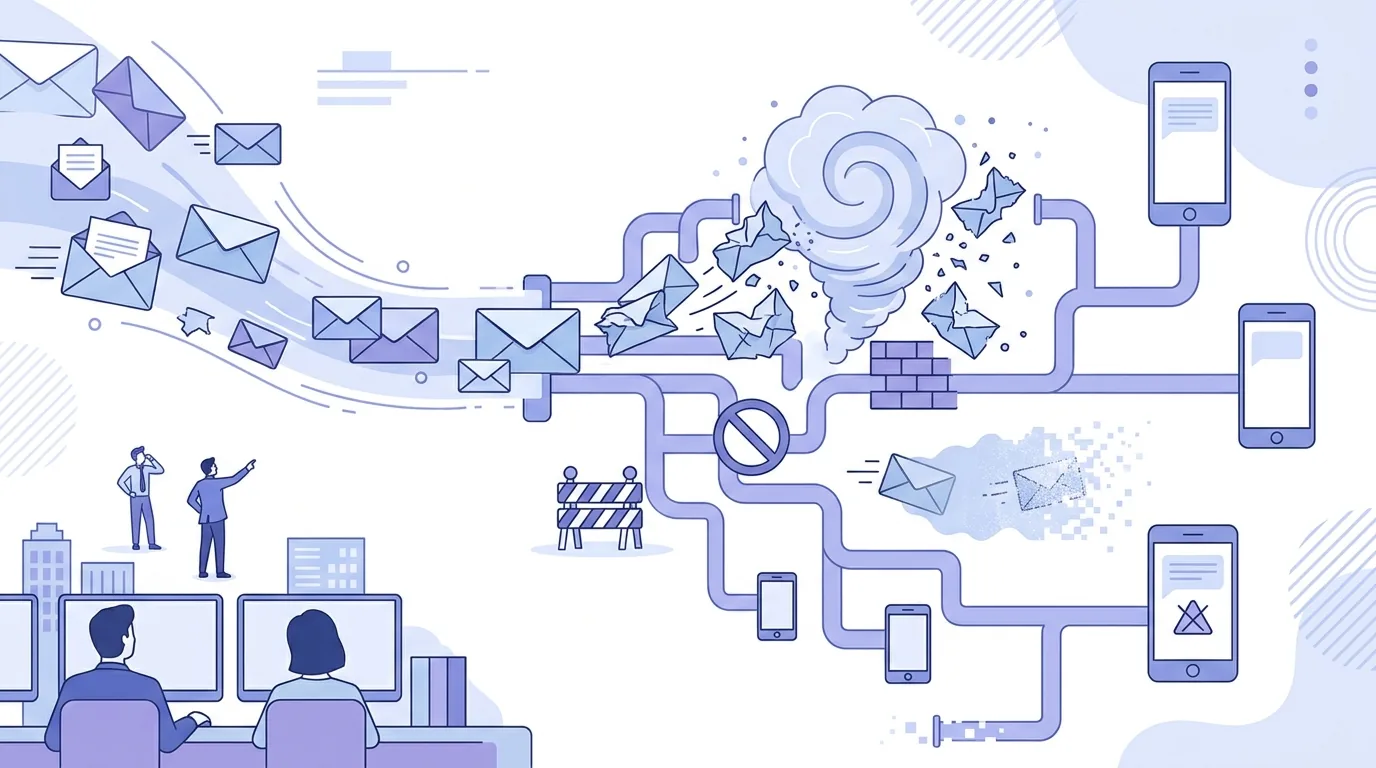
One of the top results is an Outlook user asking why their emails to a Verizon phone keep coming back with errors. That's the most common way this goes wrong, and there are a few separate causes:
- The gateway was retired. As of November 2026, Google's AI Overview for this search says many traditional carrier email-to-text gateways have shut down or are being phased out. Once the domain stops accepting mail, you get a hard bounce.
- Wrong carrier. The number was ported, or you guessed the carrier and got it wrong. The mail lands at a gateway that has no record of that number.
- Filtering. Carriers screen gateway traffic for spam. Mail from a domain without SPF, DKIM and DMARC, mail sent to many numbers at once and mail with shortened links can all be dropped without a bounce.
- Formatting loss. The SMS arrives but is cut off or garbled, because the original was HTML or used characters the SMS alphabet can't encode.
To tell these causes apart, read the bounce itself. A bounce that names the domain points to a retired gateway. One that names the recipient points to a wrong carrier or a ported number. Our guide to email bounce codes and their causes explains how to read the status codes in it.
Which email-to-SMS service should I use when gateways fail?
When the carrier route doesn't work, use a service with its own connection to the SMS networks. You email an address the service gives you, and the service sends the SMS. The table only covers how each option is used, as described on the vendors' own pages and in current search results. Before you rely on one, check the vendor's documentation for coverage, delivery reports and pricing.
| Option | How you address the message | What you need | Where it stops |
|---|---|---|---|
| Carrier gateway | Number@carrier-gateway domain, e.g. @vtext.com, @txt.att.net | An email account and the recipient's carrier | No delivery report, carrier-specific, and many gateways are shut down or being phased out |
| ClickSend email-to-SMS | Email sent to an address in ClickSend's format, as described on its email-to-SMS page | A ClickSend account | You depend on the vendor's account, sender setup and country coverage |
| Sinch | Email-to-text routing set up through Sinch's business messaging, as covered in Sinch's own guide | A Sinch business messaging account | Built for business messaging setups rather than one-off personal texts |
| TextBolt | Email sent to an address TextBolt provides, which it turns into an SMS | A TextBolt account | As with any hosted service, the vendor's sender numbers and terms apply |
| Conversive | Email from your mail client or CRM to a Conversive-powered SMS address, per Conversive's own description | A Conversive account connected to your CRM | Built around CRM messaging, not standalone email |
| Gmail "Email to Text" add-on | Sent from inside Gmail once the add-on is installed, per the tutorial in current results | A Gmail account with the add-on installed | Works only in Gmail, and the add-on vendor's terms apply |
There's a legal side too. EU privacy rules treat marketing by SMS much like marketing by email, so unsolicited marketing texts to individuals generally need prior consent. In the US, commercial texting is regulated as well. Routing a text through an email gateway doesn't change which rules apply to the message, so check the requirements for each country you send to.
How do I text someone using their email address?
This goes the other way round. On an iPhone, iMessage can send to an email address if the recipient has registered that address with their Apple Account. The addresses that can receive iMessages are listed under Send & Receive in the iPhone's Messages settings. Some carriers also let you type an email address into the recipient field of the standard messaging app, and the carrier then delivers the text to that inbox as MMS. Whether this works depends on your carrier and plan. When it doesn't, the message fails with a generic error. That's usually the reason you can't text an email address. You can always type an email address inside a text, though. Whether it shows up as a tappable link depends on the receiving app.
Does texting replace cold email for B2B outreach?
Usually not. Email-to-SMS doesn't scale for outreach. You get no delivery report, the content gets stripped down, and the consent rules for texting are strict. Here's what each of the related questions comes down to:
- Cold email deliverability: the receiving server decides whether a cold email reaches the inbox. It looks at your domain's authentication, your sending history and complaints from recipients.
- Email deliverability checklist: SPF, DKIM and a DMARC record on the sending domain, a warmed-up mailbox, a verified list and a working unsubscribe path. Check all of them before the first send.
- Email blast: one identical message sent to a whole list. Spam filters are built to catch blasts to cold contacts, which is why blasts hit the same kind of carrier filtering described above.
- Follow up sales email: reply in the same thread, add one new piece of information or one question, and stop after a set number of attempts.
- B2B email lead generation: build a list of named contacts at companies that match your profile, then send each of them an individual message from your own domain. Texting bought numbers skips the consent step.
- Follow up email templates for sales: a template saves writing time. Each send still has to make sense to the person who receives it.
Our explainer on what decides cold email deliverability goes through each factor. For the rest, read our email deliverability checklist for cold email, the explainer on how an email blast works and where it breaks, and our sales follow up email templates.
How EmailFlow OS sends personalised video email from your own domain
This section is about EmailFlow OS, a EmailFlow OS product. If you've been texting through gateways because you wanted your outreach to feel personal, a personalised email from your own inbox does that job without the gateway's limits. With EmailFlow OS you record one video and upload it. You connect your Brevo account and sending domain and import your prospect list into EmailFlow OS. EmailFlow OS then makes a personalised version of that recording for each recipient, not for each company. Every version goes out from your own inbox through your own Brevo account and domain, with no shared platform sender in between. Your SPF, DKIM and DMARC records, and the reputation they build, stay on a domain you control. You can find the full flow on the page explaining how EmailFlow OS sends personalised video email.
Questions people ask
- How do I send an email as a text message?
- Address the email to the 10-digit mobile number plus the carrier's gateway domain, for example 1234567890@vtext.com for Verizon or 1234567890@txt.att.net for AT&T. Write plain text with no attachments and send it from Gmail, Outlook or any other client. The steps are the same in every client. If you get a bounce, the gateway is probably retired, so use an email-to-SMS service like Sinch, ClickSend or TextBolt.
- Can I send an email to a cell phone number for free?
- Yes, as long as the recipient's carrier still runs a gateway. Write number@gateway domain, for example 1234567890@vtext.com for Verizon, and you only need the email account you already have. If the carrier has shut its gateway down, the email bounces. Then you need a paid email-to-SMS service such as ClickSend, Sinch or TextBolt, which use their own SMS connections.
- Why did my email to text never arrive even though it didn't bounce?
- The gateway accepted the email and then dropped the SMS. Carrier spam filtering is the usual cause. Links, bulk sends to many numbers and a sending domain without SPF, DKIM and DMARC can all trigger it. A ported number sent to the wrong gateway can also fail silently. Unlike a bounce, a silent drop sends no report back, so the only way to check is to ask the recipient.
- Can I attach a photo or video when I email a phone?
- Usually not through an SMS gateway. Converting to SMS strips attachments. Media needs an MMS route, and not every carrier offers one by email. Upload the file to cloud storage and put the link in the body instead. Bear in mind that carrier filters check links more closely than plain text.
- How do I use iMessage with email instead of a phone number?
- Add your Apple Account email under Send & Receive in the iPhone's Messages settings. Other Apple users can then send iMessages to that address, and you can choose it as your outgoing address. This only works between Apple devices. An Android phone can't receive an iMessage sent to an email address, while an email-to-SMS gateway reaches any handset on that carrier.
