13 min read Diesen Artikel auf Deutsch lesen Lire cet article en français Ler este artigo em português
How to Do an Email Blast: What It Is, 6 Steps
The short answer
To do an email blast, authenticate your sending domain with SPF, DKIM and DMARC, import an opted-in list into an email platform, write one message with an unsubscribe link, send yourself test copies, then send it to the list at once. An email blast is that one identical message going to everyone, from one sender domain. It suits announcements to subscribers, not cold B2B outreach, where identical bulk mail harms sender reputation and meets consent rules.
In this article
- What is an email blast?
- How does an email blast actually get sent?
- How to do an email blast in 6 steps
- Email blast vs newsletter, drip campaign and cold email
- How to make a good email blast
- How to send an email blast in Microsoft Outlook
- Deliverability: why blasts end up in spam
- Emails going to spam after a blast
- Cold email deliverability
- Email deliverability checklist
- Sales follow up email after a blast
- Sales follow up email: when to send one
- Follow up sales email: how to send it
- Sales follow up email template
- How EmailFlow OS handles outreach instead of a blast
- Questions people ask
What is an email blast?
An email blast is a single message sent to a large group of people in one go. You'll also see it called a mass email, a bulk email or an email broadcast. The definitions that rank for the term come down to three things: one message, one large list, one send time. Google's AI overview for the term adds a fourth: little or no segmentation or personalisation.
Here's an example. A software company closes its office for a public holiday. Marketing writes one email saying support hours change on that date, selects the full customer list in its email platform and hits send. Within minutes, every customer has the same subject line, the same body and the same sender address. At most, a merge field puts each person's first name in the greeting. That's a blast. The email is about the sender's news, not the recipient, and every person on the list is treated the same way.
Here's what a blast isn't: a triggered email (sent because someone did something), a drip sequence (sent over several days according to a rule) or a cold email to one named prospect. Those differences matter once you look at how receiving servers judge the mail.
How does an email blast actually get sent?
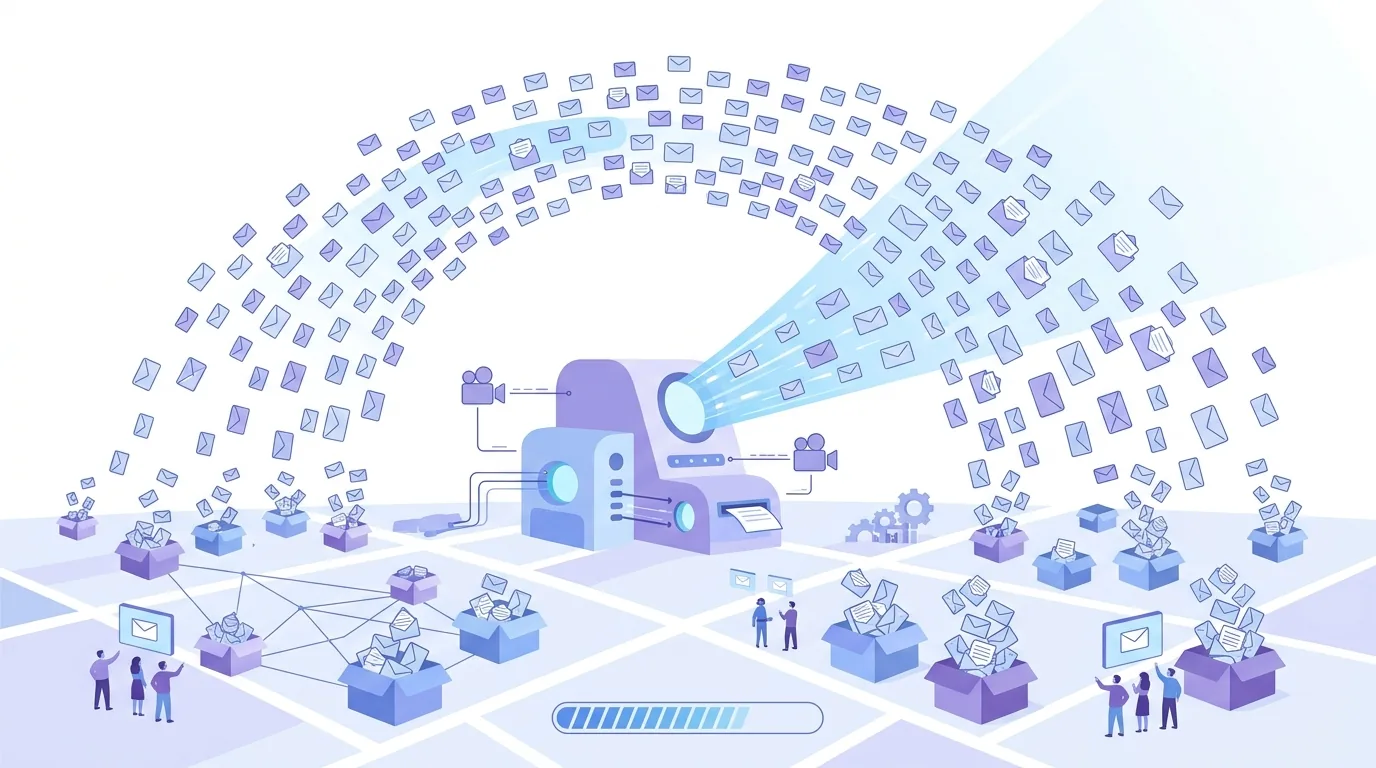
Behind the send button, a blast is a loop. The sending system takes the list, makes one copy of the message for each address, fills in any merge fields and hands each copy to the receiving mail server over SMTP. Email platforms queue the copies and release them at a controlled pace. A mail merge in a desktop client pushes them through your own mailbox one after another.
Every copy is checked when it arrives. The receiving server looks up the sender domain's SPF record to see whether the sending IP is allowed to send for it. It verifies the DKIM signature against the public key published in DNS. It then applies the domain's DMARC policy if neither SPF nor DKIM aligns with the visible From domain. Content and reputation filtering come after that. Because every copy of a blast is almost identical, filters see one pattern repeated across many recipients at once. Recipient reactions are all tied to that one domain too: spam complaints, deletions without opening, and messages left unread.
Google's email sender guidelines for bulk senders to Gmail require SPF, DKIM and DMARC on the sending domain. They also require one-click unsubscribe for marketing mail, which is signalled through the List-Unsubscribe header. A blast sent without those records is likely to fail before anyone reads it. Our guide to SPF, DKIM and DMARC for cold email senders explains each record.
How to do an email blast in 6 steps
To do an email blast, you authenticate your sending domain, load an opted-in list into an email platform, write one message with an unsubscribe link, test it, then send it to the whole list or one segment at once. The platform makes a copy per address and delivers them from your domain. Here are the steps in order:
- Set up the sending domain: publish SPF, enable DKIM signing for the platform you send through, and add a DMARC record at _dmarc.yourdomain.
- Import the list into your email platform, keeping only contacts who opted in or are existing customers, and remove known hard bounces.
- Create a campaign: one subject line, one message, one call to action, plus a visible unsubscribe link and a List-Unsubscribe header.
- Add merge fields only where the data is complete. An empty first-name field sends "Hi ," to everyone it's missing for.
- Send test copies to your own Gmail and Outlook addresses and check the From address, links, unsubscribe link and the SPF, DKIM and DMARC results in the message headers.
- Pick the list or segment and send now or schedule it, then watch bounces, unsubscribes and complaints in the hours after the send.
Worked through with the holiday example: the company's domain already has SPF, DKIM and DMARC in place for its email platform, so step one is a check, not a setup. It exports current customers from its CRM, drops the addresses that hard-bounced last time, and imports the rest. The campaign gets the subject line "Support hours on [date]", two sentences of body text and a link to the status page. Test copies go to one Gmail and one Outlook inbox, where the headers show spf=pass, dkim=pass and dmarc=pass. Only then is the send scheduled for the whole list.
Where it stops: a blast can't be tailored beyond merge fields, so every recipient reads the same text. It goes wrong on a new domain with no sending history, on a bought list, or when the whole list is pasted into Bcc from a personal mailbox. For cold prospects it's the wrong tool altogether.
Email blast vs newsletter, drip campaign and cold email
People mix these terms up, so here's how they differ in practice.
| Type | Who receives it | What triggers the send | Personalisation | Where it breaks |
|---|---|---|---|---|
| Email blast | The whole list or a large part of it | A manual send at one time | Merge fields at most | Everyone gets the same message, and reactions pile up quickly against one domain |
| Newsletter | Opted-in subscribers | A fixed schedule | Low to medium | Works only with consent and a list that expects to hear from you |
| Drip campaign | One person entering a flow | A sign-up, purchase or other event | Medium, based on the trigger | Breaks when the trigger data is wrong or out of date |
| Cold email | Prospects chosen one by one | A reason specific to that prospect | High, written per person or account | Breaks when it's sent in bulk like a blast |
How to make a good email blast
If you have an opted-in list and a real announcement, a blast is a reasonable choice. These are the things that decide whether it lands:
- Send only to people who opted in or are existing customers. Under the EU ePrivacy Directive, unsolicited marketing email generally needs prior consent. There's a limited exception for existing customers and similar products.
- Clean the list first. Remove hard bounces, role addresses nobody reads and contacts who haven't engaged in a long time.
- Authenticate the sending domain with SPF, DKIM and DMARC, and make sure the DKIM signing domain matches your From address.
- Add a visible unsubscribe link and a List-Unsubscribe header that supports one-click unsubscribe.
- Write one clear message with one link or action. A blast that tries to say several things ends up saying none of them.
- Segment a little, for example customers vs trial users, so the content fits each group. Beyond that, it's a campaign rather than a blast.
Here's what doesn't work: sending a blast from a brand-new domain, from a bought list, or to people who've never heard of you. Unsubscribes and complaints from that kind of send stay tied to the domain's reputation long after the campaign ends. Old addresses make it worse, because every hard bounce tells the receiving server nobody maintains the list. Our guide to email list hygiene for cold outreach covers the bounce, role-address and inactivity checks to run before any send.
How to send an email blast in Microsoft Outlook
Outlook can't send a personalised blast on its own. The usual approach is a mail merge in Microsoft Word that sends through your Outlook account:
- In Word, open Mailings and choose Start Mail Merge, then E-mail Messages.
- Choose Select Recipients and point it at your contact list, an Excel sheet or your Outlook contacts.
- Write the message, then use Insert Merge Field to add fields such as first name.
- Check a few copies with Preview Results.
- Choose Finish & Merge, then Send Email Messages. Set the To field to the email column and send. Each recipient gets a separate message from your mailbox.
Don't paste the whole list into Bcc. Recipients see a message with no visible To address, you can't personalise anything, and large Bcc lists can hit your mailbox provider's recipient limits. A mail merge also sends at full speed without throttling, so a large list can hit those limits too.
If you've outgrown a mail merge, these are the realistic options from other vendors, compared on the same points:
| Option | Sends from | List management | Suits | Where it stops |
|---|---|---|---|---|
| Microsoft Word mail merge via Outlook | Your own Outlook mailbox | A spreadsheet or contact list you keep yourself | Small, one-off sends to people who know you | No unsubscribe handling, no bounce processing, no pacing |
| Brevo email campaigns | Your own authenticated domain, through Brevo's sending infrastructure | Contacts and lists stored in Brevo | Newsletters and announcements to opted-in lists | It's a marketing tool, so the same campaign goes to the whole segment |
| Mailchimp campaigns | Your own authenticated domain, through Mailchimp's sending infrastructure | Audiences stored in Mailchimp | Newsletters and announcements to opted-in lists | Built for broadcasts to subscribers, not one-to-one prospecting |
Deliverability: why blasts end up in spam
Emails going to spam after a blast
When a blast lands in spam, the usual causes are a failing or misaligned SPF or DKIM check, a missing DMARC record, a sudden jump in volume from a domain that normally sends little, old or invalid addresses that bounce, and recipients marking the message as spam. Content filters also pick up on the pattern of many identical messages. Our walkthrough of why emails go to spam goes through each cause and its fix.
Cold email deliverability
Cold email deliverability depends on the same checks as a blast, with less room for error. Recipients didn't ask for the mail, so every spam complaint weighs more against your domain. Five things decide it: sender authentication on your own domain, a warmed-up sending history, a verified list, a modest volume per mailbox, and messages that read as written for one person. Sending cold email the way you'd send a blast works against every one of them. Our piece on what decides cold email deliverability goes into more detail.
Email deliverability checklist
- One SPF record per domain, listing every service that sends for you.
- DKIM signing turned on, with the signing domain matching the From domain.
- A DMARC record at _dmarc.yourdomain, starting with p=none while you read the reports.
- List verified before sending, with hard bounces removed.
- A one-click unsubscribe header and a visible opt-out link.
- Volume raised gradually on new domains, not all at once.
The full email deliverability checklist for cold email adds warm-up and content checks to these DNS items.
Sales follow up email after a blast
Sales follow up email: when to send one
Send a sales follow up email after a blast only to people who reacted: they replied, clicked or asked for something. A second blast to everyone who stayed silent isn't a follow-up. It's another round of bulk mail, and it adds more complaints against the same domain.
Follow up sales email: how to send it
Send the follow up sales email from a real person's mailbox as a reply in the original thread. That way the In-Reply-To and References headers link it to the earlier message. Don't add a fake "Re:" to a new message. Email clients thread on those headers, and a mismatch makes the email look like a trick.
Sales follow up email template
Hi [first name], you clicked through to the [topic] page from our note on [date]. If you're looking at [specific problem], I can send a short overview of how the setup works or book a call with our team. Which would be more useful? [Your name]
You'll find more versions in our sales follow up email template collection.
How EmailFlow OS handles outreach instead of a blast
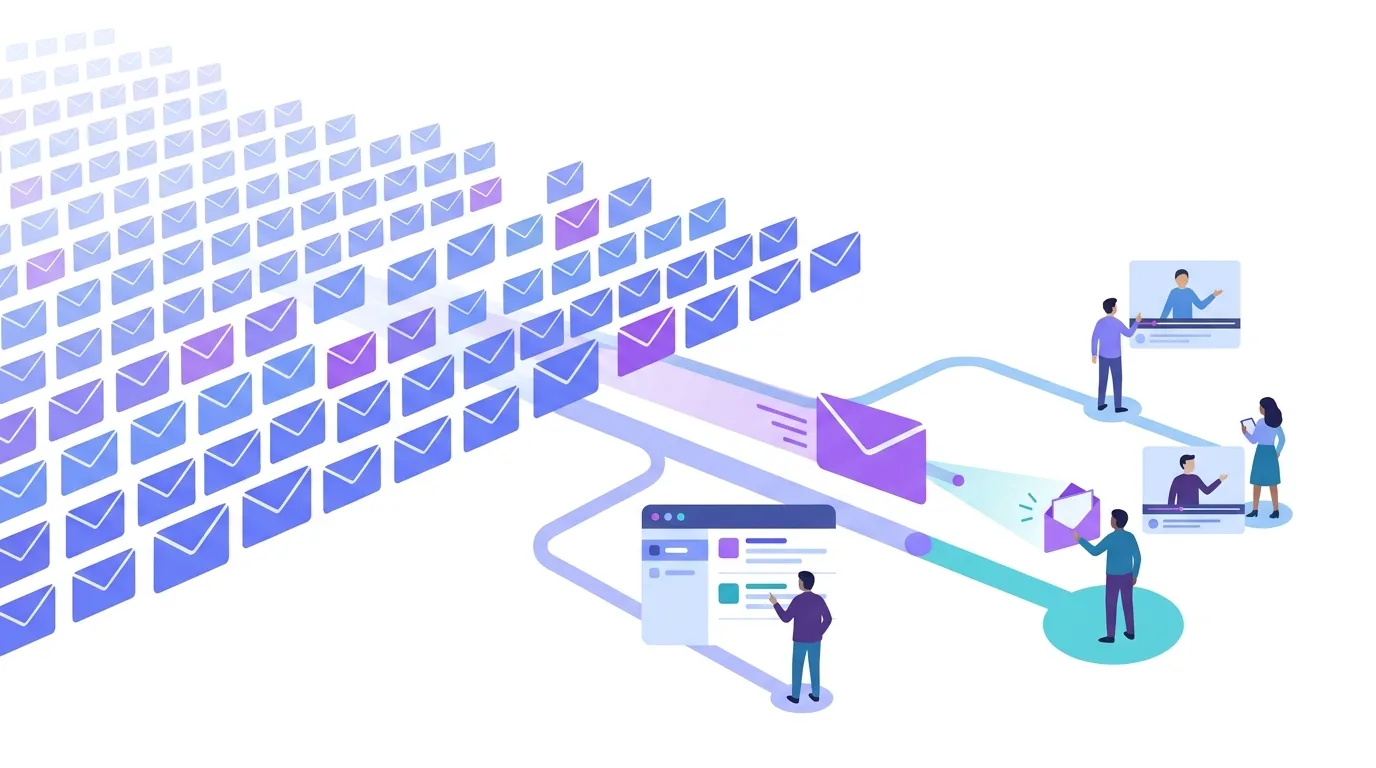
A blast is the wrong format for cold B2B outreach. EmailFlow OS, a EmailFlow OS product, works the other way around. You record one video and upload it to EmailFlow OS. You connect your own Brevo account and your own sending domain, and you import your prospect list into EmailFlow OS. EmailFlow OS then personalises that one recording for each recipient rather than each company, so two people at the same company get two different versions.
Each version is sent from your own inbox, through your own Brevo account, on your own sending domain. There's never a shared platform sender. You keep control of the DNS records, the reputation history and the Brevo account, so the SPF, DKIM and DMARC setup described above applies directly to your domain. Whether a message reaches the inbox is still up to the receiving server. The EmailFlow OS personalised video email page shows how the setup works.
Questions people ask
- How do I create an email blast?
- Authenticate your sending domain with SPF, DKIM and DMARC, import an opted-in list into an email platform such as Brevo or Mailchimp, and write one campaign with a single call to action and an unsubscribe link. Send test copies to your own Gmail and Outlook addresses, then send to the list or one segment. A Word mail merge through Outlook works for small lists but has no unsubscribe or bounce handling.
- How much is a 1000 email list worth?
- A list's value depends on how it was collected, not on how many addresses it has. A list of people who opted in to hear from you is usable. A bought list usually isn't, because the people on it never agreed to hear from you, and under the EU ePrivacy Directive that consent is generally required for marketing email. Bought lists also tend to contain invalid addresses and spam traps, and the bounces count against your domain.
- Is an email blast the same as bulk email?
- Mostly, yes. Bulk email is the wider term for any high-volume send, including transactional mail such as receipts. An email blast is the marketing kind of bulk email: one identical message sent to a whole list at once. A drip sequence is different, because it's triggered by an event and sends each person messages spread over several days.
- Can I send an email blast to cold prospects?
- You can, but it works against you. Identical bulk mail to people who never asked for it draws spam complaints, and every complaint is tied to your sending domain's reputation. In the EU, the ePrivacy Directive generally requires prior consent for unsolicited marketing email. Cold outreach is written for each prospect and sent at low volume per mailbox, which is the opposite of a blast.
- Is an email blast legal under CAN-SPAM?
- CAN-SPAM doesn't require consent before you send. According to the FTC, it does require accurate header information, a subject line that isn't deceptive, a valid postal address and a working opt-out that you honour. There's no exception for B2B mail. EU rules are stricter because they generally require consent in advance.
