7 min read Diesen Artikel auf Deutsch lesen Lire cet article en français Ler este artigo em português
Video Email for B2B Outreach: How It Works
The short answer
Record one video and upload it to EmailFlow OS. Then connect your Brevo account and sending domain, and import your prospect list. EmailFlow OS makes a separate personalised version of that recording for each recipient on the list, not one per company. It sends every version from your own inbox, through your own Brevo account and domain. Before the first send, authenticate the domain with SPF, DKIM and DMARC.
What Makes Video Email Effective for B2B Outreach?
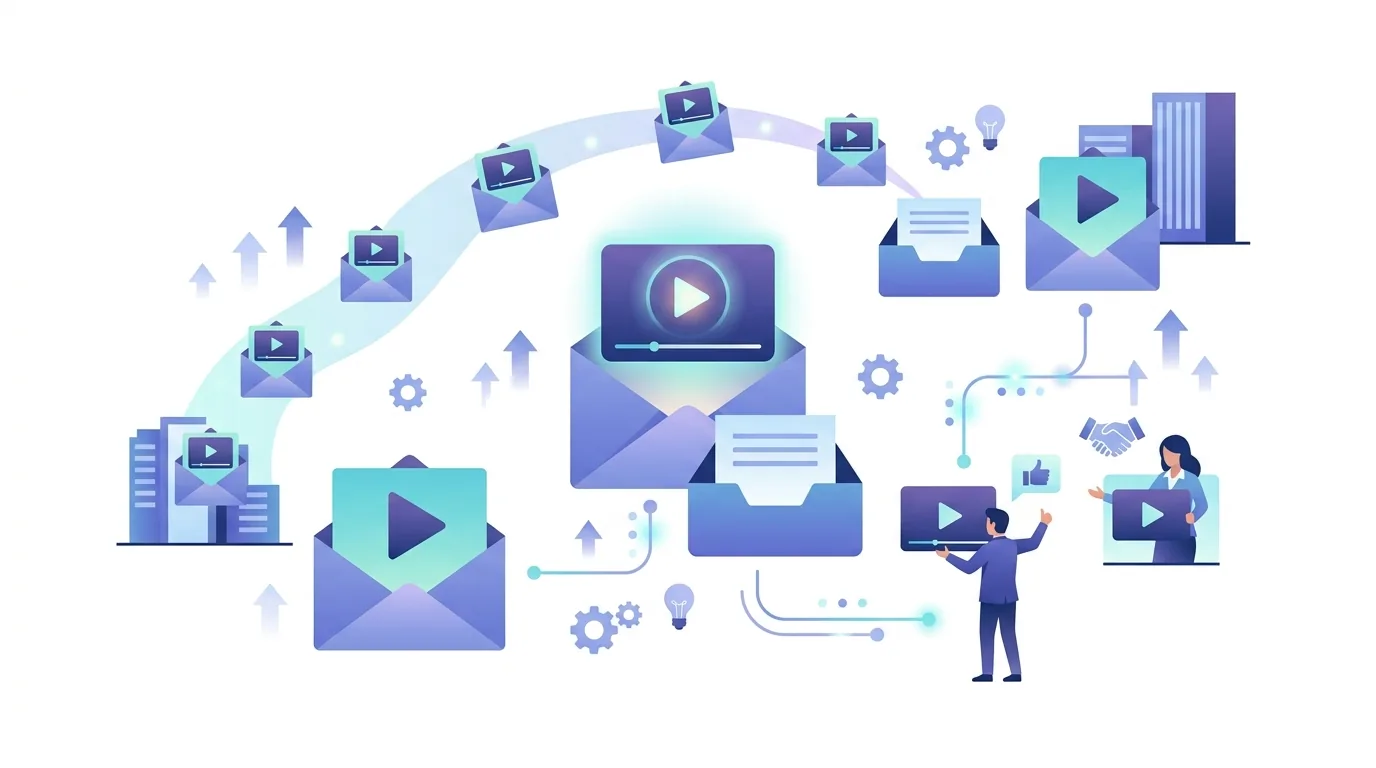
A video email is an ordinary email that carries a video, and the way it carries the video is where most people go wrong. Attaching the file rarely works. Mail providers cap attachment size, video files are large, and a phone recording can easily be refused or make the message unusually heavy for a cold email. Embedding the video doesn't work much better, because email clients handle the HTML5 video tag unevenly: Apple Mail plays it, but Gmail and most Outlook versions don't. So in practice a video email is a message with a still image that the recipient clicks to watch. A video lets the recipient see your face, hear your voice and follow how you explain a problem, which text can't do. It can't fix a weak list or an unclear offer, though. A video sent to the wrong person is still sent to the wrong person. With EmailFlow OS, the video in each message is a version made for that one recipient from a single recording you upload once. Our AI video prospecting tool guide walks through the wider prospecting workflow.
How to Get Started with Video Email on EmailFlow OS
There are five steps before and including the first send, and you need all of them. The key point about the video email itself: EmailFlow OS makes one version of your recording per person on the list, not per company. If you write to several people at the same firm, each of them gets their own version rather than one shared company video. Our piece on a personalized video message per recipient goes deeper into that distinction. Before you connect your domain, check that it's authenticated for Brevo. Gmail and Yahoo require bulk senders to publish SPF, DKIM and a DMARC record, and they expect authentication from smaller senders too.
- Record one video: this single take is the source for every personalised version.
- Upload that recording to EmailFlow OS.
- Connect your Brevo account and your sending domain to EmailFlow OS. Have SPF, DKIM and DMARC in place first.
- Import your prospect list into EmailFlow OS. Every row becomes one recipient with its own version.
- Send. EmailFlow OS personalises the recording for each recipient and sends each version from your own inbox through your Brevo account.
If the domain is new, don't start at full volume. A fresh domain has no sending history, so receiving servers judge it on its first days of traffic. Our article on email warm-up with EmailFlow OS explains how to build up volume gradually on your own domain before a campaign.

Why Use Your Own Brevo Account and Domain?
Mailbox providers track reputation per domain and per sending IP, and everything you send either builds your reputation or uses it up. On a shared platform sender, your messages go out alongside everyone else's, so another customer's spam complaints can damage a reputation you have no say over. EmailFlow OS doesn't send that way. Every version goes out through your Brevo account and your domain, so the From address, the DKIM signature, the bounce handling and the history mailbox providers keep all reflect only your own sending. That cuts both ways: you keep control, but you also carry the consequences. Google asks bulk senders to keep the spam rate shown in Postmaster Tools low, and Gmail and Yahoo expect a one-click unsubscribe header on bulk marketing mail. SPF has its own trap: the standard caps how many DNS lookups a check may trigger, and a record that includes too many services fails with a permerror. Our guide to DKIM, DMARC and SPF for cold email senders covers the setup order. Where a message is placed is the receiving server's call. Neither EmailFlow OS nor Brevo makes that call. Owning the domain means you can see what that server is reacting to and fix it.
How Does EmailFlow OS Handle Your Prospect List?
You import the list into EmailFlow OS, and it stays there. EmailFlow OS uses it to make one personalised version of your recording per recipient, and your messages go to those addresses through your Brevo account. Because every row becomes its own video, the list matters more than it would for a plain-text sequence, and a bad row costs a whole version. Check three things before you import. First, is every address valid? Hard bounces count against your domain, not against a platform. Remove duplicates and role addresses like info@ while you're at it. Second, do you have a lawful basis for each contact? If you rely on legitimate interest under the GDPR, you need a documented balancing test. In Germany, unfair-competition law sets stricter rules for unsolicited advertising email. These depend on how you operate, and no tool can settle them for you. Third, do you have an unsubscribe route, and will you honour it? The GDPR gives people the right to object to direct marketing. Once someone objects, you have to stop processing their data for that purpose.
What Goes Wrong When You Send Video Email?
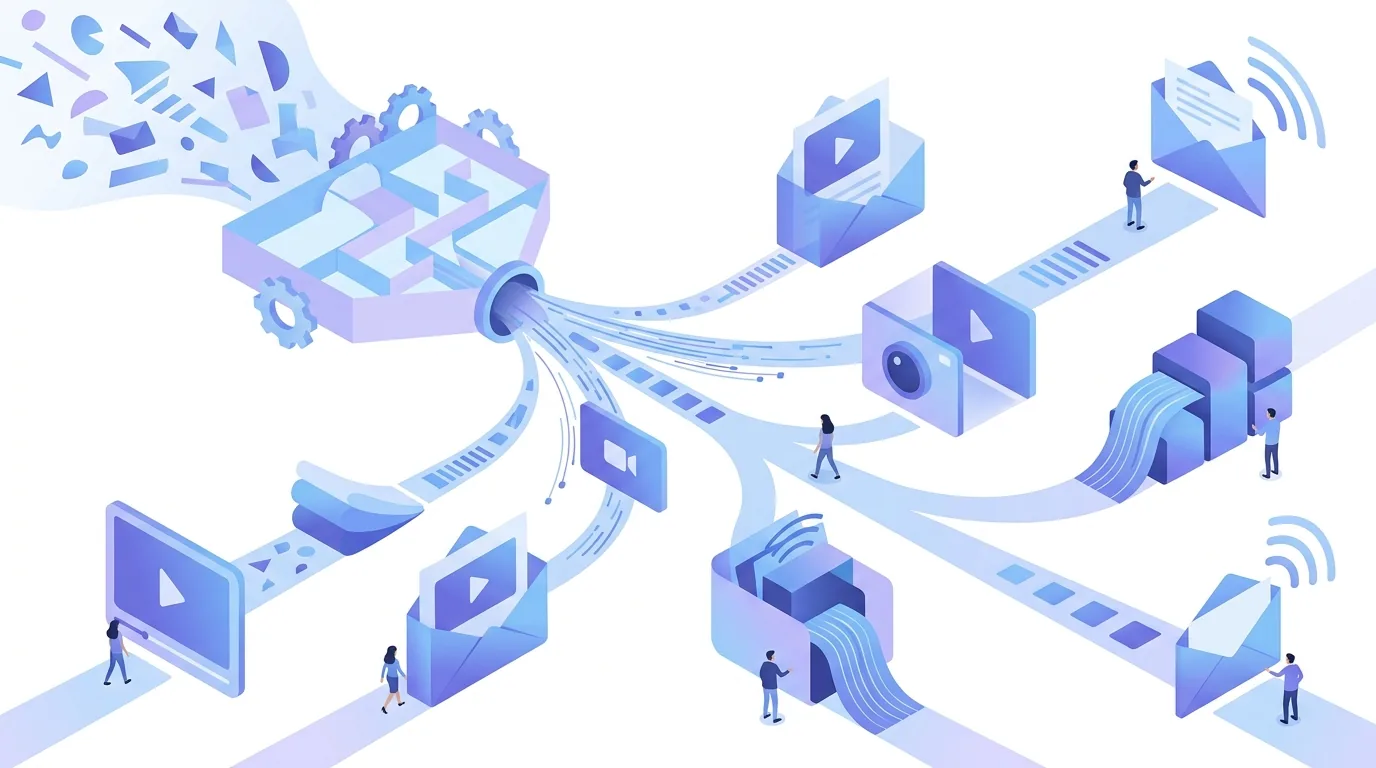
Most failures have nothing to do with the video itself. They come from the format, the sending infrastructure, the recording or the list. These are the common ones and what causes them:
- Attaching the video file: providers cap attachment size, and even a video that fits makes a cold email heavy and unusual.
- Oversized HTML: Gmail clips long HTML messages and hides the rest behind a 'View entire message' link, which can include your unsubscribe link. Keep the markup around the thumbnail lean.
- Missing authentication: without SPF, DKIM and a DMARC record, bulk mail to Gmail and Yahoo can be rejected or filtered.
- Broken SPF: a record that triggers too many DNS lookups returns a permerror, so SPF fails for every message.
- A weak source take: every version starts from your one recording, so poor audio, a mumbled opening or an outdated offer reaches every recipient.
- Full volume on a cold domain: a new domain sending hundreds of messages on day one has no history for filters to go on.
- Stale lists: old or bought addresses produce hard bounces and spam-trap hits, and these count against your own domain.
The first send is only the start. For how long to wait, how replies thread and when to stop, see our notes on cold email follow-up timing and threading limits.
Questions people ask
- Can I use EmailFlow OS with other email services?
- EmailFlow OS sends through Brevo. You connect your own Brevo account and your own sending domain, and each personalised version goes out from your inbox through that account, never through a shared platform sender. Your DNS can be hosted anywhere: SPF, DKIM and DMARC are DNS records on your domain, and you set them up for Brevo wherever your DNS provider is.
- What type of videos can I upload to EmailFlow OS?
- You upload one recording, and EmailFlow OS turns it into a personalised version for each recipient. That single take is the source for every version, so whatever is in it appears in front of everyone on the list. Unlike a plain-text template you can tweak per row, the recording is fixed: record it with clear audio and a clear opening sentence, and leave out anything time-sensitive.
- How does video email affect deliverability?
- A video in the message doesn't authenticate anything. The receiving server decides inbox placement based on SPF, DKIM and DMARC results, your domain's history, bounces and spam complaints. A thumbnail link is lighter than an attached file, which avoids attachment limits. What EmailFlow OS changes is where that history builds up: on your own domain and Brevo account, not on a shared sender.
- Is my data safe with EmailFlow OS?
- Your prospect list is imported into EmailFlow OS and held there, and your sending runs through your own Brevo account. How safe the data is depends on day-to-day operations on both sides, not on a promise. Under the GDPR, you need a data processing agreement with any service that processes contact data on your behalf, so ask for one before you import a list.
- What if I need to update my video recording?
- Record a new take and upload it to EmailFlow OS. Every personalised version comes from the one recording you upload, so the recording is where you make changes, not the individual versions. Re-record before a campaign starts whenever your offer, your role or your company details change. Switching recordings partway through means one list ends up with two different messages.
