8 min read Diesen Artikel auf Deutsch lesen Lire cet article en français Ler este artigo em português
Video Prospecting with One Recording
The short answer
With EmailFlow OS, you record one video and upload it. Then you connect your own Brevo account and sending domain and import your prospect list into EmailFlow OS. EmailFlow OS creates a separate version of that recording for each recipient, not one per company, and sends every version from your own inbox through your Brevo account. Before the first send, set up SPF, DKIM and at least a DMARC p=none record for the domain.
In this article
- How does video prospecting work with EmailFlow OS?
- What is the process for creating personalized video emails?
- Why use your own Brevo account and domain?
- How does EmailFlow OS manage your prospect list?
- What challenges can arise with video prospecting?
- Is video prospecting allowed under EU consent rules?
- Questions people ask
How does video prospecting work with EmailFlow OS?
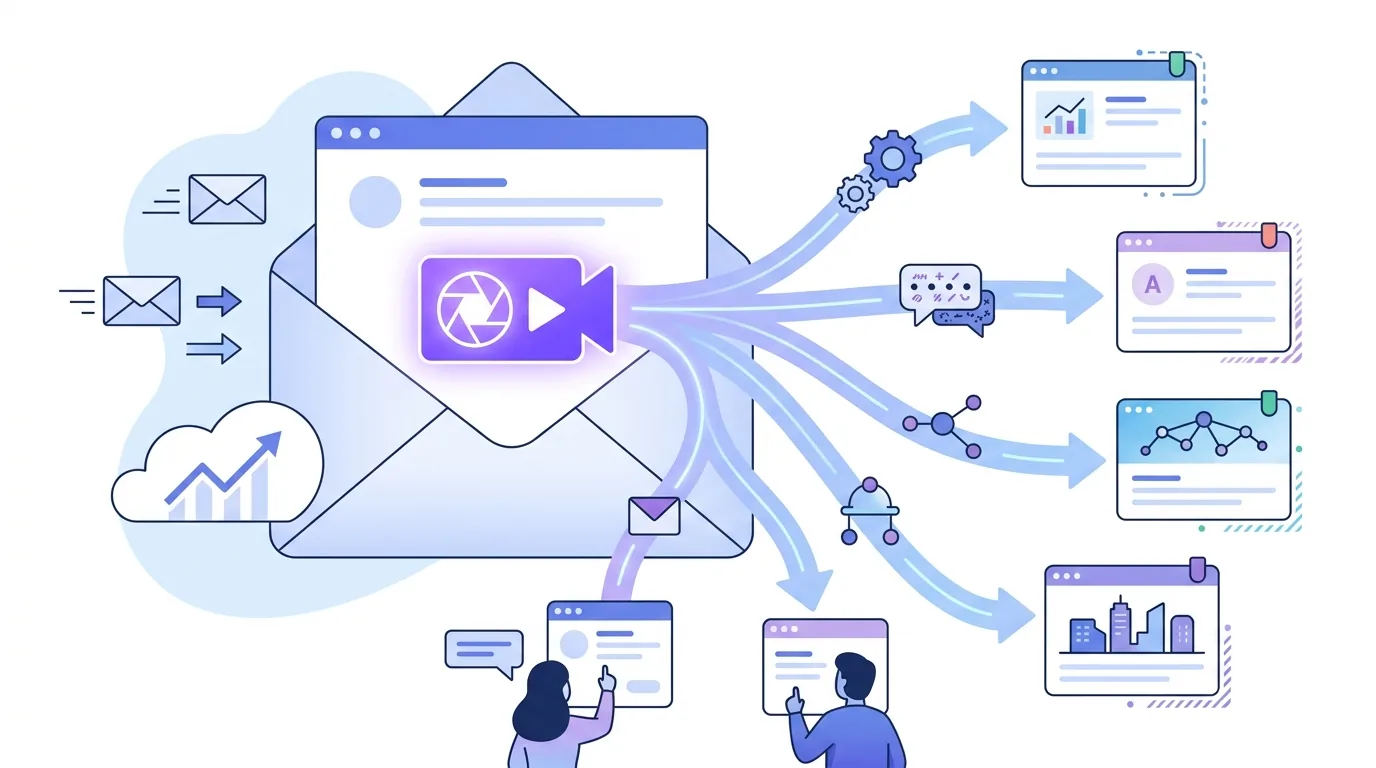
Video prospecting means opening a cold conversation with a short recorded video instead of text alone. The problem is scale. Recording a new clip for every prospect takes hours, and one generic clip sent to everyone feels like a broadcast. EmailFlow OS handles video prospecting with one rule: you record one video, and EmailFlow OS makes a separate version of it for each recipient, not one per company. Two contacts at the same company each get their own version, which is the idea behind a personalized video message per recipient. Every version goes out from your own inbox, through your own Brevo account and your own sending domain. No shared platform sender sits in between, so the From address, the DKIM signature and the reputation that comes with them are all yours. That matters because mailbox providers judge the sending domain. Gmail's sender guidelines expect bulk senders to authenticate with SPF, DKIM and DMARC and to keep spam complaints low, and those checks run against your domain, not ours.
What is the process for creating personalized video emails?
The workflow has four inputs. You record one video, which is the starting point for every version. You upload it to EmailFlow OS. You connect your Brevo account and your sending domain, so the domain's DNS records need to verify in Brevo before you send. Then you import your prospect list into EmailFlow OS, and EmailFlow OS uses that list to build each version. After that, EmailFlow OS creates the individual versions and sends them.
- Record one video. Every version is built from this recording, so if you record it again, every version changes.
- Upload the recording to EmailFlow OS.
- Connect your Brevo account and sending domain. SPF, DKIM and DMARC for that domain should already verify in Brevo.
- Import your prospect list into EmailFlow OS. Each person needs their own entry, because versions are made per recipient.
- EmailFlow OS creates a version for each recipient and sends it from your own inbox through Brevo.
Here's what doesn't work: importing company domains or role addresses and expecting a video for each person. An address like info@ has no single person behind it to personalise for, and role addresses tend to draw complaints.
Why use your own Brevo account and domain?
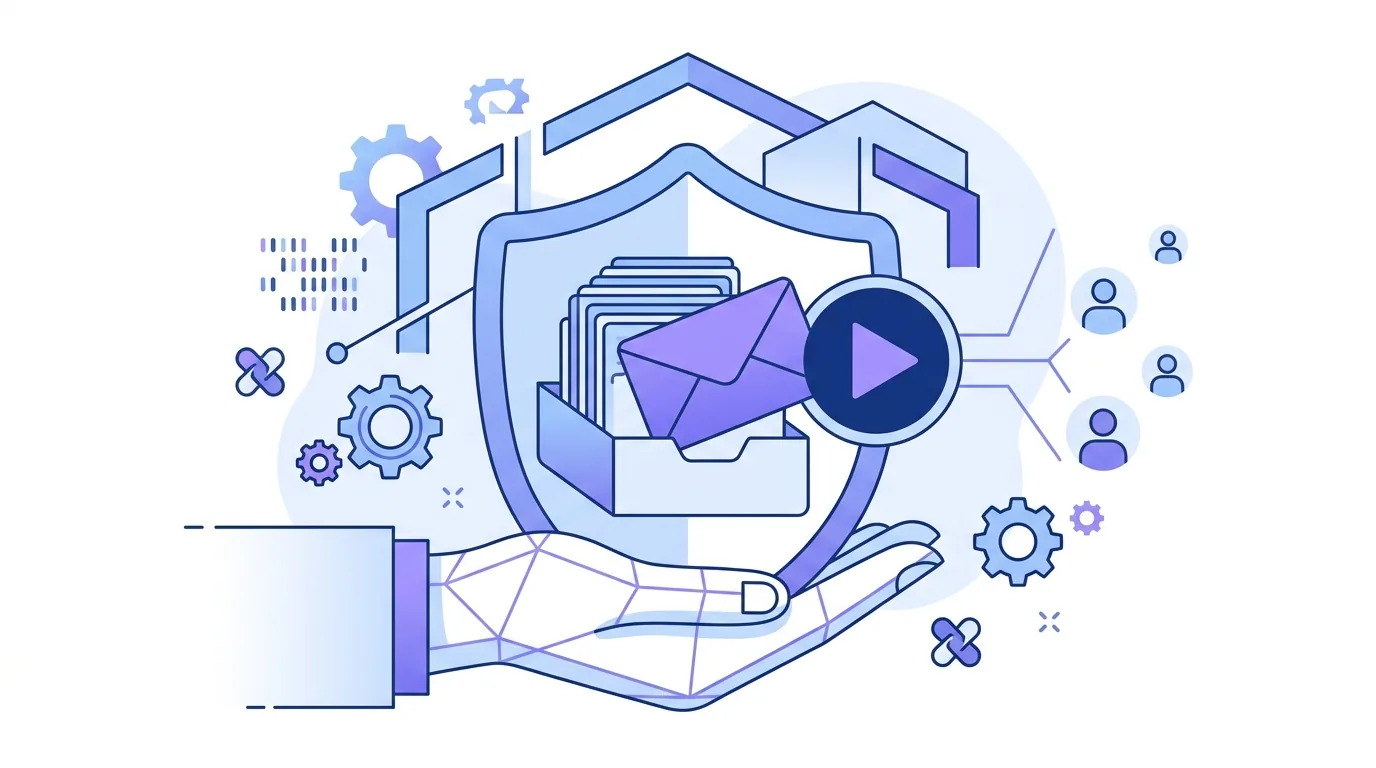
When a platform sends from a shared address, every customer shares one reputation. If another sender on that address draws complaints, your messages suffer too. EmailFlow OS doesn't work that way. It sends through your Brevo account and your sending domain, so the reputation that mailbox providers track belongs only to your domain, for better and for worse. That also puts the technical setup in your hands. Your SPF record has to authorise Brevo, and it has to stay a single SPF record: publishing a second one for the same domain breaks the check. For DKIM, you publish Brevo's selector on your domain so Brevo can sign mail as you. You should have a DMARC record set to at least p=none, and the From domain has to align with the SPF or DKIM domain, or DMARC fails even when both pass on their own. If your DNS is at GoDaddy, our GoDaddy DKIM setup for Brevo explains the Host field mistake that doubles the domain name. A new domain also needs time before you send in volume. Warming a new sending domain is part of the responsibility that comes with owning its reputation.
How does EmailFlow OS manage your prospect list?
You import your prospect list into EmailFlow OS and it stays there. You don't re-upload a spreadsheet for every send. EmailFlow OS builds each person's version from this list, so the list's quality decides what people see. A misspelled name or the wrong company in the list will show up in that person's version. If the list includes people in the EU, GDPR applies to it. When you get contact details from somewhere other than the person, which is usual in cold outreach, GDPR requires you to tell them who you are, why you process their data and on what legal basis, and at the latest when you first contact them. Keep the list clean. Remove bounced addresses and anyone who has objected, and don't bring them back from an older export. Someone who objected and then gets a personalised video anyway is a likely complaint and possibly a regulatory problem.
What challenges can arise with video prospecting?
Most problems in video prospecting come from the email around the video, not the recording. Because you send through your own account and domain, these problems are under your control, which also means they're yours to fix.
- Video doesn't play in the email: most email clients, including Gmail, don't play an HTML5 video element inside the message. The email needs an image or link that still makes sense on its own.
- Gmail cuts off the message: large HTML bodies are cut short behind a 'View entire message' link, which can hide your footer and unsubscribe link. Keep the markup lean.
- Attachments cause trouble: attaching a video file to a cold email makes the message heavy and can get it filtered, so link to the video instead.
- DMARC fails: this happens when neither SPF nor DKIM matches the From domain, often after a DNS change.
- Complaints add up: once recipients mark your mail as spam often enough, your future mail is at risk, however good the video is.
Before a real send, test one version at Gmail, Outlook and Apple Mail accounts and check how it looks. Personalisation has limits too: a video made for one person can't fix a pitch sent to the wrong person. For how the body, headers and video link fit together, see our breakdown of cold email format with video.
Is video prospecting allowed under EU consent rules?
Adding a video doesn't change the legal category. A personalised video email to a prospect is still unsolicited commercial email, and the rules vary by country. GDPR allows processing on the basis of legitimate interest if you've documented a balancing test, and it names direct marketing as a possible legitimate interest. EU ePrivacy rules leave much of the B2B email question to each member state. In Germany, advertising email generally requires prior express consent, even to business addresses. Other countries allow B2B cold email as long as the recipient can opt out. Every message needs a working way to object, and Gmail expects bulk senders to offer one-click unsubscribe and to act on it promptly. Follow-ups are separate messages under the same rules, which is why cold email follow-up timing and limits deserve their own plan. EmailFlow OS sends through your Brevo account, but whether your outreach is lawful depends on where your recipients are, which legal basis you rely on and how you handle objections. That's your decision to make, with a lawyer where needed.
Questions people ask
- Can I use any video format with EmailFlow OS?
- You record one video and upload it to EmailFlow OS. Check which formats are accepted there rather than guessing in advance. The bigger issue for delivery is the email itself. Gmail clips large HTML bodies and attachments make a message heavy, which is why video prospecting emails usually link to the video instead of attaching the file.
- How does personalization work for each recipient?
- EmailFlow OS takes your one recording and makes a separate version for every person in the prospect list you imported. That's per recipient, not per company, so three contacts at one company get three versions. The personalisation uses your list data, so a wrong entry means a wrong version for that person.
- Is my data secure with EmailFlow OS?
- Your prospect list is stored in EmailFlow OS. Under GDPR you stay the controller of that personal data, which means you decide what goes in and how long it stays. GDPR requires a data processing agreement with any processor that handles the data for you, so ask for one before importing EU contacts. Security also depends on how both sides operate, including who on your team can access the account.
- Do I need technical expertise to use EmailFlow OS?
- There are four steps in EmailFlow OS: record, upload, connect Brevo and your domain, and import your list. The technical part is DNS. Your sending domain needs SPF, DKIM and a DMARC record of at least p=none, all verified in Brevo. If you can edit TXT and CNAME records at your DNS host, you can handle it.
- How does using my own domain affect email delivery?
- With your own domain, mailbox providers judge your domain's history and authentication, not a shared sender's. That works both ways. Other senders' complaints can't affect you, but a new domain has no history yet, and a rising spam complaint rate hurts only you. The receiving server decides whether a message reaches the inbox. Your domain setup is the part you control.
