14 min read Alle Artikel auf Deutsch Tous les articles en français Todos os artigos em português
What Is Cold Contact? Examples and Rules
The short answer
Cold contact is a first approach to someone who has had no earlier interaction with you or your company: no form, no meeting, no reply. It can be a call, an email, a LinkedIn message or a visit. For email, three things decide whether it lands: the rules for that channel in the recipient's country, a sending domain that passes SPF, DKIM and DMARC, and a verified list of relevant addresses. Then follow up in the same thread.
In this article
- What is a cold contact?
- Cold, warm and first point of contact: what's the difference?
- What is a cold call, and how does a cold email differ?
- How do you make a cold contact by email? Five steps
- Cold email deliverability: what decides whether a cold contact arrives?
- Cold email deliverability checklist
- Best times and days to send cold emails
- Cold email sequence structure and follow-up timing for SaaS
- What goes wrong with cold contact?
- How EmailFlow OS handles cold contact by video email
- Questions people ask
What is a cold contact?
What is cold contact? It's a first approach, by phone, email, social message or visit, to someone who doesn't know you and hasn't asked to hear from you. "Cold" describes the relationship, not the tone. Once the person fills in a form, replies or meets you, they stop being a cold contact.
In practice there's no earlier interaction at all: no form fill, no demo booking, no reply to a past message, no meeting at an event. In sales, cold contact usually means prospecting. You picked the person because they match your customer profile, not because they showed interest.
Here's a concrete example. An operations lead at a mid-sized logistics company has never visited your site. You find her in a B2B database, check that her company fits your profile, and send her a short email that names a specific problem in her industry and asks one question. That email is a cold contact. If she replies, or you meet her at a trade fair and write to her afterwards, the next message is warm.
Here's a second example. A finance director gets a call from a software vendor whose number he has never seen before. That call is also a cold contact. If the call ends with "send me something" and you email him that afternoon, the email isn't cold. He asked for it, and you should say so in the first line.
A cold contact isn't the same as a lead, either. A lead has shown some interest. A cold contact is just someone you've chosen to approach.
Cold, warm and first point of contact: what's the difference?
First point of contact means two things in sales. It can be the first person you deal with at a company, such as an assistant, an SDR or a shared inbox. It can also be the first interaction itself, like the first call or the first email. A cold contact is one kind of first point of contact: the kind with nothing before it. Our article on point of contact meaning and first POC covers the term in more detail.
| Type of contact | What came before | Typical example |
|---|---|---|
| Cold contact | No interaction, no request, no relationship | An email to a prospect picked from a database |
| Warm contact | Some earlier interaction or a mutual connection | A follow-up after a webinar sign-up, or an introduction from a colleague |
| Inbound contact | The prospect reached out first | A demo request through your website |
| First point of contact (person) | The first person you deal with at an account | A receptionist or a team inbox that routes your message |
What is a cold call, and how does a cold email differ?
A cold call is a cold contact by phone. Nobody asked for the call, there's no earlier relationship, and the goal is usually to book a next conversation, not to close a sale on the spot. A cold email has the same goal, but it's asynchronous: the recipient decides when to read it. And the receiving mail server's filters decide whether it reaches the inbox at all. A phone call doesn't have to get past that technical gate.
The legal rules also change with the channel and the country. In the US, the CAN-SPAM Act allows commercial email without prior consent. It does require accurate header information, a subject line that isn't misleading, a valid physical postal address and a working opt-out that you honour promptly, as the FTC's "CAN-SPAM Act: A Compliance Guide for Business" explains. In Germany, the Act against Unfair Competition (UWG) requires prior express consent for advertising by electronic mail, with a narrow exception for existing customers. Calls to business recipients only need presumed consent. Across the EU, the ePrivacy Directive sets the consent framework for electronic mail, and each member state writes it into national law. If you're choosing between channels, our comparison of cold calling vs cold emailing covers the setup and the risks of each. The US email requirements are set out in CAN-SPAM Act requirements for cold email.
| Rule | What it requires | Source |
|---|---|---|
| US email opt-out | Honour an email opt-out request promptly and stop sending to that address | CAN-SPAM Act; FTC compliance guide |
| German email advertising | Prior express consent for advertising by electronic mail; narrow exception for existing customers | UWG (Act against Unfair Competition) |
| German B2B calls | Presumed consent of the business recipient is enough | UWG (Act against Unfair Competition) |
| EU electronic mail | Consent framework for unsolicited electronic communications, implemented nationally | ePrivacy Directive |
A rule tells you what's required. Whether you meet it depends on how you pick recipients, what you send and how you handle opt-outs. No sending tool makes that decision for you.
How do you make a cold contact by email? Five steps
A cold contact by email goes in a fixed order. Skipping a step usually shows up later as bounces, spam placement or a complaint, not as a polite no.
- Define who fits: industry, company size, role and a trigger that gives you a reason to write now. Write down one disqualifier too, so you know who not to contact. A filled-in customer profile example helps here.
- Check the rule for the channel and the recipient's country before you collect addresses. A contact you may call on presumed consent in Germany may still need prior consent before you email them advertising.
- Build and verify the list: remove invalid and role addresses, and keep a suppression list for opt-outs and hard bounces.
- Set up the sending domain: SPF, DKIM and a DMARC record, then warm the domain up on low volumes before you send to the full list.
- Write the first message: why you picked this person, one specific problem, one question, and a clear way to opt out. Plan the follow-ups in the same thread, with stop rules for replies, bounces and opt-outs.
What doesn't work is reversing the order: buying a list, sending on day one from a fresh domain and fixing DNS once mail starts landing in spam. By then the domain already has a bounce and complaint history. List cleaning is covered in email list hygiene for cold outreach.
Cold email deliverability: what decides whether a cold contact arrives?
Cold email deliverability is about whether your message ends up in the inbox, in spam or nowhere. The receiving server makes that call, based on signals you can partly control. The first signal is authentication. SPF lists the servers allowed to send for your domain. DKIM signs each message so the receiver can check that nobody changed it. DMARC tells receivers what to do when SPF or DKIM fails. Under DMARC alignment, the domain that passes has to match your visible From domain. Google's email sender guidelines in Google Workspace Admin Help set extra requirements for bulk senders to Gmail accounts: SPF, DKIM and DMARC, one-click unsubscribe, and a low reported spam rate.
The second signal is reputation. Your sending domain builds a history from bounces, spam complaints and how recipients engage. A brand-new domain has no history, so you'd usually warm it up gradually before sending at volume. The third signal is list quality. Unverified addresses cause hard bounces, and abandoned addresses can be recycled into spam traps. If you send a cold campaign from a shared address you don't control, your reputation gets mixed with other senders'. Sending from your own domain lets you see and manage the signals receivers judge you on. There's more detail in cold email deliverability: what decides it.
Cold email deliverability checklist
- SPF: publish one TXT record on your sending domain that includes every service sending for it. A second SPF record on the same name makes SPF fail. The SPF standard also caps how many DNS lookups one check may trigger, and going over returns a permerror, so nested include: chains are a common cause of failure.
- DKIM: publish a public key in DNS for each sending service, then check the signature on a test message.
- DMARC: publish a TXT record at _dmarc.yourdomain with at least p=none and a rua address. That way you get aggregate reports before you tighten the policy to quarantine or reject.
- Warm-up: start a new domain or mailbox on low volumes and raise them step by step. Don't send to the full list on day one.
- List verification: remove invalid and role addresses before the first send, and suppress hard bounces right away.
- Opt-out: give people a clear way to say no in every message and stop writing to them once they use it. Google's sender guidelines ask bulk senders to support one-click unsubscribe through the List-Unsubscribe and List-Unsubscribe-Post headers.
- Content check: keep the text plain and specific, with few links. Skip link shorteners, because receivers often treat them as suspicious.
- Monitoring: read your DMARC reports and bounce codes after every batch, not just when replies stop coming.
Our email deliverability checklist for cold email has the full version, including the order to run these checks in.
Best times and days to send cold emails
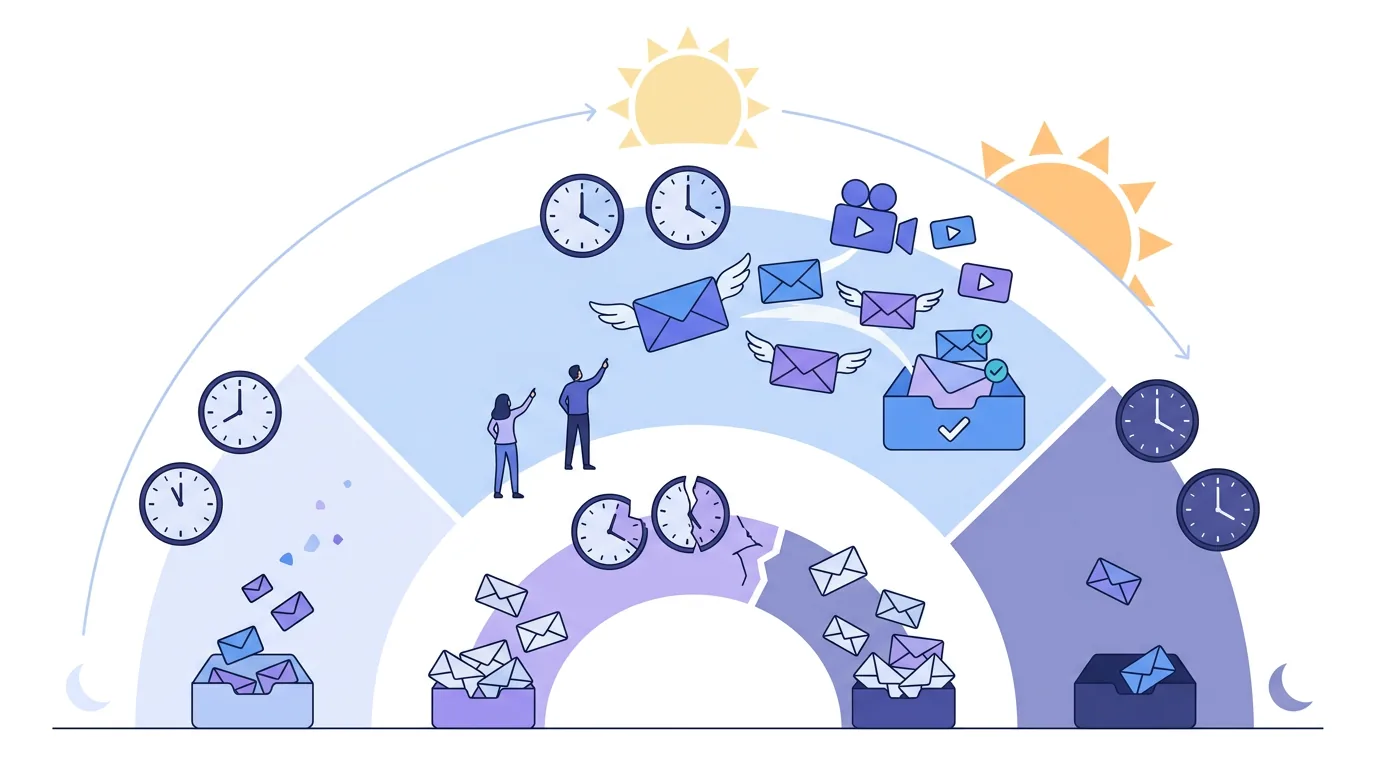
There's no universal best time to send cold emails. Published send-time studies look at different audiences, and many rely on open tracking, which some mail clients distort by pre-loading images for privacy. What you can control is the mechanism. Schedule sends in the recipient's local time zone, not your own. A send timed for a New York morning reaches Berlin in the afternoon, and one timed for a Berlin morning reaches New York before most people are at work. Aim for working hours, when someone is actually reading the business inbox.
The best days to send cold emails follow the same logic. Mondays often start with a backlog and Fridays with people winding down, so many teams test midweek first. Treat that as a hypothesis and check it against your own replies. Spread each batch across the day instead of sending it all at once, because a sudden volume spike from one domain can look like bulk mail to receivers. Compare send windows by replies, not opens. Time zones and test setup are covered in best time to send cold emails.
Cold email sequence structure and follow-up timing for SaaS
A single cold email rarely settles things either way. Most teams run a short sequence:
- First email: why you picked this person, one specific problem, and one question or ask.
- Follow-up in the same thread a few business days later: add one new piece of information, such as a use case, a short demo or an answer to a likely objection. Don't just write "bumping this".
- Second follow-up: try a different angle, for example what the status quo costs or a relevant integration in their SaaS stack.
- Closing email: say you'll stop writing and leave the door open.
Exit rules matter as much as timing. Stop the sequence for a person when they reply, bounce or opt out. If you get an out-of-office that names a replacement, switch to the new contact. Keep follow-ups in the original thread so the recipient has the context. Threading works through the In-Reply-To and References headers defined in the Internet Message Format standard; if your tool changes the subject line or drops those headers, the follow-up shows up as a new conversation. For SaaS outreach, put the trial or demo link in one message, not in every step. Repeating it adds filter risk without telling the reader anything new. Our guide to the cold email sequence has step-by-step examples with stop rules. For writing each message, see cold email tips for writing, sending and follow-up.
What goes wrong with cold contact?
- Wrong target: if the person doesn't match your profile, even a well-written message gets no reply and may draw a spam complaint.
- Generic copy: a message that could go to anyone looks like bulk mail to both the reader and the filter.
- Missing or broken DNS: an SPF record that exceeds the lookup limit of the SPF standard, DKIM not set up for the service that actually sends, or no DMARC record at all. Any of these leaves receivers with no reason to trust the message.
- Unwarmed domain: a new domain that sends at full volume straight away tends to land in spam.
- Ignored opt-outs: writing again to someone who opted out breaks CAN-SPAM in the US, and it hurts your reputation everywhere.
- Channel mismatch: in Germany, cold advertising email to business recipients without consent conflicts with the UWG, even where a call might be allowed on presumed consent.
Cold email still works when the target, the message and the sending setup are all right. If any one of them is off, it stops working. We go through those conditions in does cold email work: when and why it fails.
How EmailFlow OS handles cold contact by video email
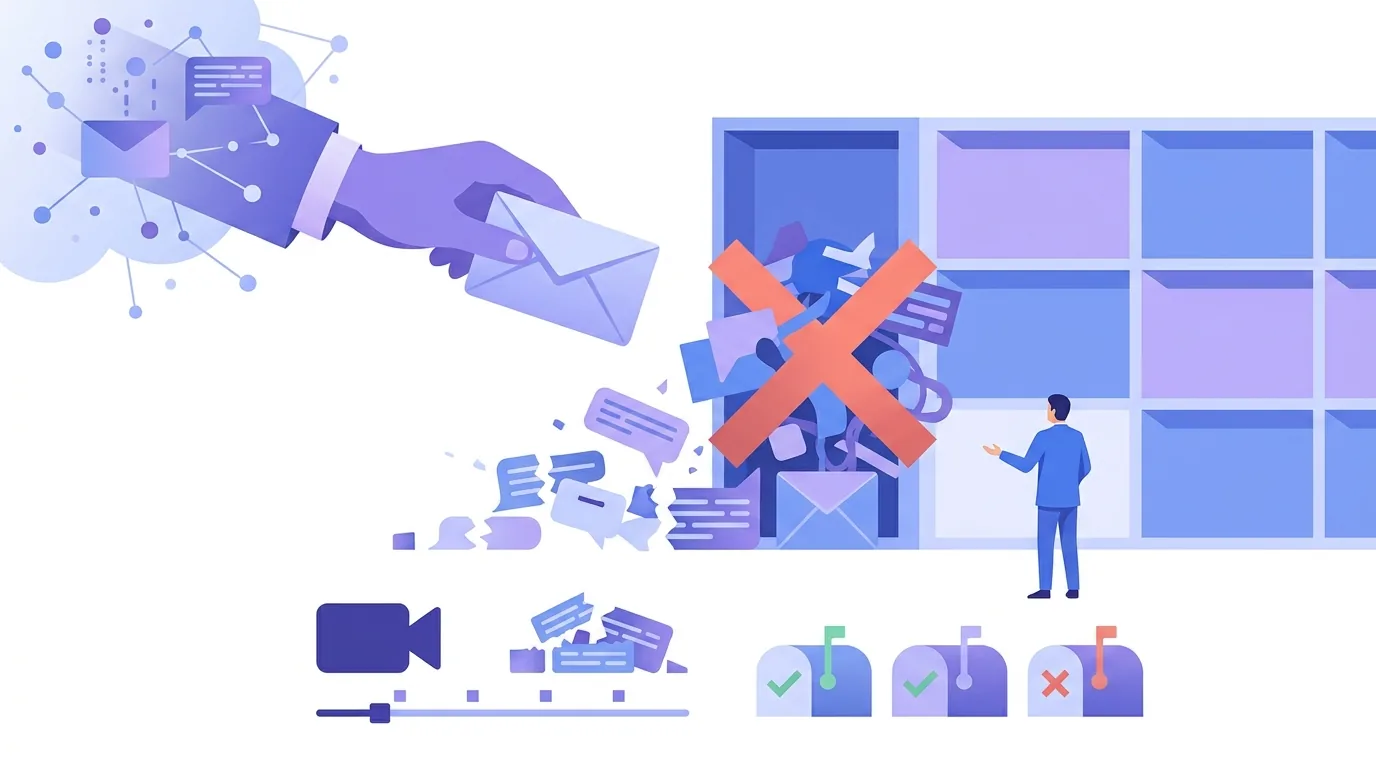
EmailFlow OS, a EmailFlow OS product, handles cold contact by email with personalised video. You record one video and upload it to EmailFlow OS. Then you connect your own Brevo account and sending domain and import your prospect list into EmailFlow OS. EmailFlow OS personalises that one recording per recipient, not per company, so two contacts at the same account each get their own version.
Every version goes out from your own inbox, through your Brevo account and your sending domain, never through a shared platform sender. Your SPF, DKIM and DMARC records, your warm-up and your reputation stay with your domain and under your control, so the checklist above applies exactly as written. The receiving server still decides whether any given message reaches the inbox. The EmailFlow OS home page and cold outreach with one personalised video walk through the whole process.
Questions people ask
- What is a cold contact in sales?
- In sales, a cold contact is a prospect you approach first, with no earlier interaction. You chose them because they fit your customer profile, not because they asked. The opposite is an inbound contact, who reached out first, like a demo request. A warm contact sits in between: there was a sign-up, a meeting or an introduction before your message.
- Do cold emails still work?
- Yes, if three conditions hold. The recipient has to fit your profile, the message has to give a specific reason for writing, and the sending domain has to pass SPF, DKIM and DMARC with a clean reputation. Google's sender guidelines also expect bulk senders to offer one-click unsubscribe and keep their reported spam rate low. If any of these fails, good copy won't make up for it.
- Is a cold contact legal?
- That depends on the channel and the recipient's country. In the US, the CAN-SPAM Act allows cold commercial email if the headers are accurate, the subject isn't misleading, a postal address is included and opt-outs are honoured. In Germany, the UWG requires prior express consent for email advertising, while B2B calls can rest on presumed consent. Check the rules for each target market before you send.
- What is the difference between cold outreach and spam?
- Spam is unsolicited bulk mail sent without caring who gets it. Cold outreach is also unsolicited, but it goes to selected people who match a defined profile, in low volumes, from an authenticated domain, with a clear opt-out. Receivers judge by signals like complaints, bounces and authentication, not by intent. So a badly targeted cold campaign gets treated the same as spam.
- Is a cold contact the same as a cold lead?
- Not quite. A cold contact is anyone you approach with no earlier interaction. A lead has shown some interest, such as a reply, a sign-up or a site visit, and then gets qualified for fit and timing. People often say cold lead for someone who matches your profile but hasn't engaged yet. That person becomes a real lead once they respond.
