8 min read Diesen Artikel auf Deutsch lesen
Cold Outreach with One Personalised Video
The short answer
To run cold outreach with EmailFlow OS, you record one video and upload it, connect your own Brevo account and sending domain, and import your prospect list into EmailFlow OS. EmailFlow OS then makes one personalised version of that recording for each recipient, not each company. Every version goes out from your own inbox, through your Brevo account and domain, never through a shared platform sender. Your SPF, DKIM and DMARC records stay in your DNS.
In this article
- How Does EmailFlow OS Work for Cold Outreach?
- How Do I Set Up EmailFlow OS for My Campaign?
- Why Use Your Own Sending Domain?
- What Are the Advantages of Personalizing Video Emails?
- Does EmailFlow OS Comply with GDPR and Other Regulations?
- What Sending Limits Apply to Cold Outreach from Your Own Domain?
- Questions people ask
How Does EmailFlow OS Work for Cold Outreach?
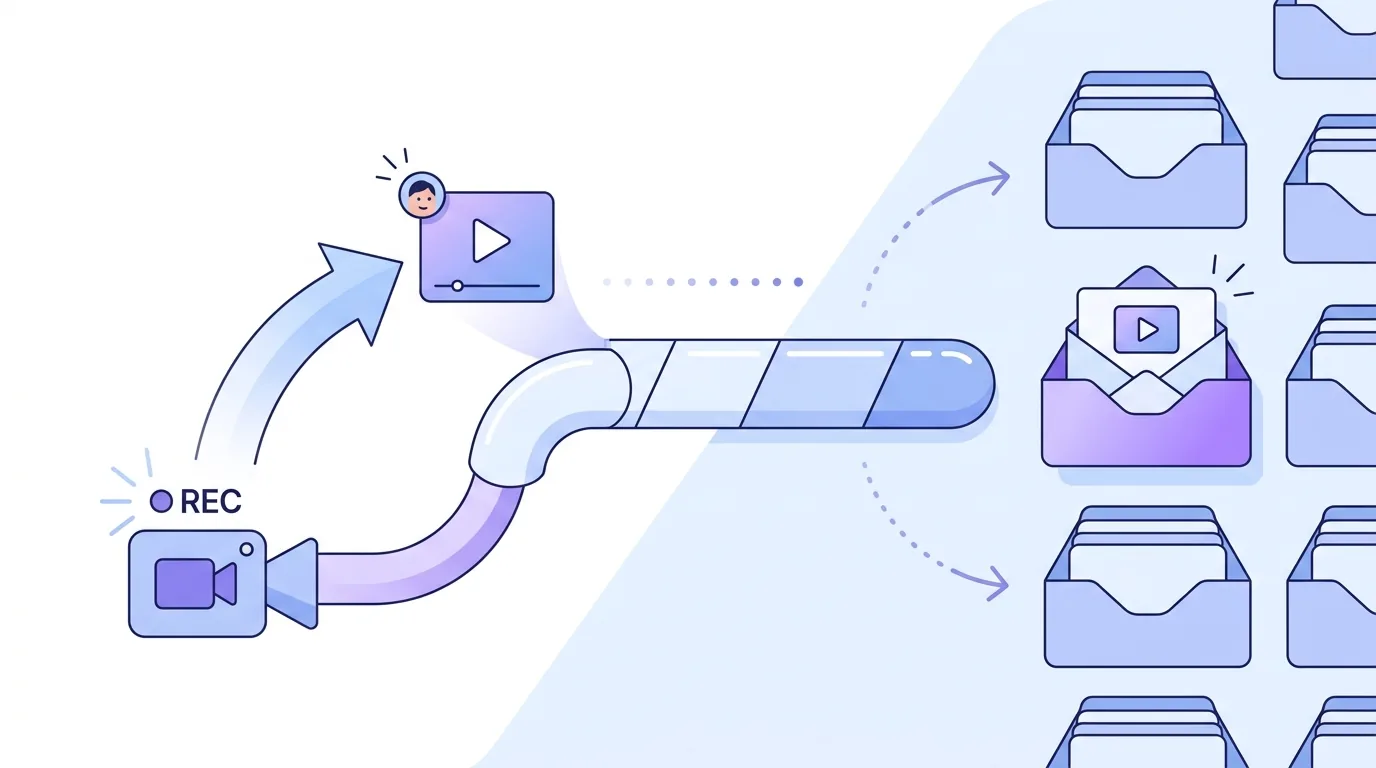
EmailFlow OS turns one recording into as many personalised versions as you have recipients. You record a single video, upload it to EmailFlow OS and import your prospect list. EmailFlow OS then personalises that recording for each recipient. Two people at the same company each get their own version, not one shared company-level cut. Every version goes out from your own inbox, through your own Brevo account and your own sending domain. No shared platform sender sits between you and the recipient's mail server. That matters in cold outreach because the receiving server judges the domain in the From header and the infrastructure behind it. When those are your domain and your Brevo account, any reputation the messages build or lose belongs to you, and other senders' habits don't feed into it. EmailFlow OS doesn't decide whether a message reaches the inbox. Gmail, Outlook and every other receiving server make that call using their own signals. For a walkthrough of the video side on its own, see how video email for B2B outreach works.
How Do I Set Up EmailFlow OS for My Campaign?
- Record one video for your outreach campaign.
- Upload this video to EmailFlow OS.
- Connect your Brevo account and sending domain to the platform.
- Import your prospect list into EmailFlow OS.
- Let EmailFlow OS personalize the video for each recipient and send it from your own inbox.
That's the whole procedure. What matters more than the order is one precondition: your sending domain should already be authenticated in Brevo before anything goes out. Mail from a domain without a published DKIM key and a DMARC record fails alignment checks at the receiving server, however good the video is. Brevo shows you the DNS records to add at your DNS host. Every host has its own syntax quirks, so if your mail runs on Google Workspace, read up on the Google Workspace DKIM record and the Brevo key first. A new or dormant domain also needs a warm-up. Sending your full list on day one from a domain with no history is a common reason first campaigns end up in spam. EmailFlow OS never sends through a shared platform address, so you have no borrowed reputation to lean on. That's the point of the design, but it also means the warm-up is your job. Our guide to email warm-up with EmailFlow OS explains how the ramp works on your own domain.
Why Use Your Own Sending Domain?
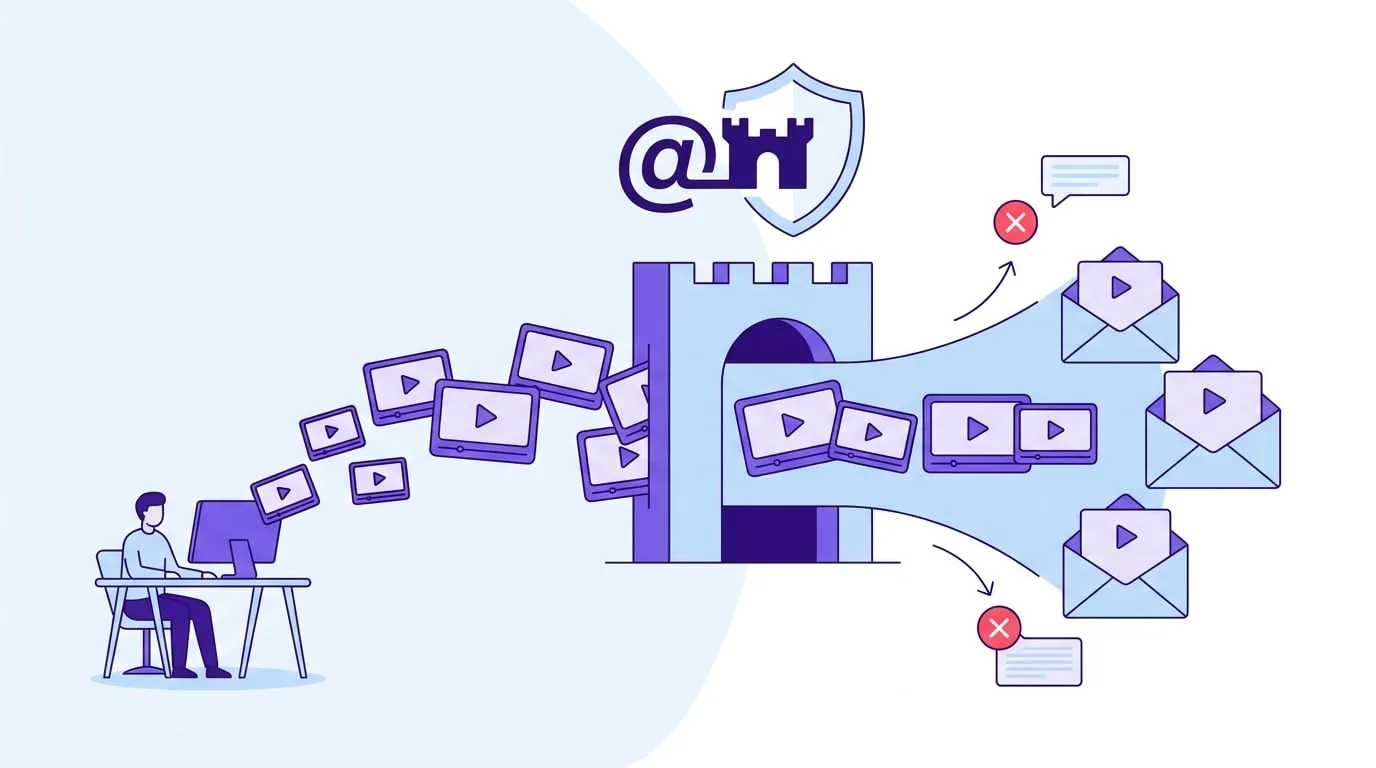
Receiving servers score the sending domain, and when the domain is yours, so is the score. A shared platform sender mixes your mail with every other customer's, so one bad list affects everyone on that sender. With EmailFlow OS, each personalised video email goes out through your Brevo account on your domain. Owning the domain also means owning its DNS, where these records live:
- SPF (RFC 7208) lists the servers allowed to send for your domain. It's capped at 10 DNS lookups. Go past that and receivers return permerror, which means SPF fails.
- Only one SPF record is allowed per domain. Publishing a second v=spf1 record for Brevo, instead of merging Brevo's include into the existing record, also produces permerror.
- DKIM (RFC 6376) signs each message with a key that Brevo provides. A 2048-bit key is longer than the 255-character limit for a single TXT string, so some DNS hosts need it split.
- DMARC (RFC 7489) tells receivers what to do when SPF or DKIM doesn't align with the From domain. Start at p=none and read the aggregate reports before you move to quarantine or reject.
Hosts handle these fields differently. If your DNS is at GoDaddy, the GoDaddy DKIM setup for Brevo explains why the Host field can end up doubling your domain name.
What Are the Advantages of Personalizing Video Emails?
The concrete difference is what each prospect receives: a version of your recording made for them, not the same file that everyone on the list gets. EmailFlow OS personalises per recipient, not per company. If you import three contacts from one account, it produces three versions. We publish no figures on response and don't claim any. Personalisation won't rescue a weak offer or a badly chosen list. It's also where things break, because a personalised version can only be as good as the data you imported. Typical failure modes and their causes:
- Wrong or swapped name fields mean the version addresses the wrong person, which reads worse than a generic message.
- Duplicate rows mean the same person gets two versions of your video.
- Stale contacts mean someone who left the company still gets a version, and if their old mailbox hard-bounces, that counts against your domain.
- Role addresses such as info@ or sales@ have no individual behind them to personalise for.
- Bought lists of unknown origin can include spam traps, and those hits land on your domain, not on a platform's.
Clean the list before you import it into EmailFlow OS. Once a version has been sent, you can't take it back.
Does EmailFlow OS Comply with GDPR and Other Regulations?
No software makes a sender compliant. Compliance depends on how you collect, store and use prospect data. EmailFlow OS holds the prospect list you import and sends through your Brevo account, so you decide who's on that list and on what legal basis.
Under GDPR, processing a prospect's personal data needs a lawful basis under Article 6. For B2B outreach this is often legitimate interest under Article 6(1)(f), which needs a documented balancing test. If you didn't collect the data from the person directly, Article 14 requires you to tell them, at the latest when you first contact them and in any case within one month. Article 21 gives them the right to object to direct marketing, and once they do, you have to stop. On top of GDPR, national e-privacy rules apply. In Germany, §7(2) UWG requires prior express consent for advertising email, and that includes business recipients. So in Germany, a legitimate interest under GDPR doesn't make a cold email lawful by itself. Check the rules in every country you send to, and get legal advice where you're unsure.
What Sending Limits Apply to Cold Outreach from Your Own Domain?
The limits that matter are set by the receiving providers, not by EmailFlow OS. Since February 2024, Gmail and Yahoo have applied bulk sender requirements to anyone sending around 5,000 or more messages a day to their users. Those requirements are SPF and DKIM, a DMARC record (p=none is accepted), a From domain that aligns, one-click unsubscribe under RFC 8058 for marketing mail, and a user-reported spam rate below 0.3% in Google Postmaster Tools. Under 5,000 a day, Gmail still requires SPF or DKIM and still expects the spam rate to stay under 0.3%. Follow-ups count toward the same daily totals, so the timing and threading of cold email follow-ups decides how many messages land on any one day. Size matters too. Gmail clips HTML bodies over 102 KB, which is why the cold email format of a video message should keep the body light. In the US, a subject line that misrepresents the content breaks the CAN-SPAM Act. Our guide to sales email subject lines for cold and follow-up emails covers wording that stays within it.
Questions people ask
- How many videos do I need to record for a cold outreach campaign?
- One. You record a single video and upload it to EmailFlow OS. EmailFlow OS then makes one personalised version for each recipient on the prospect list you imported. A list of 200 contacts means 200 versions from that one recording, each sent from your own inbox through your connected Brevo account and sending domain.
- Can I use EmailFlow OS without a Brevo account?
- No. EmailFlow OS sends through the Brevo account and sending domain you connect, never through a shared platform sender. Without a Brevo account and an authenticated domain, EmailFlow OS has no way to send. That's deliberate: SPF, DKIM and DMARC for the domain sit in your own DNS, so you control them, and the sending reputation is tied to your domain alone.
- What is the difference between cold outreach and spam?
- It depends on the recipient and the law, not on what the sender intends. Technically, Gmail treats a sender as a problem once user-reported spam goes above 0.3% in Postmaster Tools. Legally, it depends on the country. The US CAN-SPAM Act allows unsolicited commercial email if it includes an opt-out and a postal address. Germany's §7(2) UWG requires prior express consent for advertising email.
- Does a personalised video affect sender reputation?
- Not directly. Reputation is built from authentication results, bounce rates, spam complaints and sending volume on your domain and IPs. A personalised video doesn't change any authentication check, but bad list data does. Hard bounces from outdated contacts and complaints from people who didn't expect your email count against your domain, whether or not the video was personalised.
- Do I need DMARC for cold outreach?
- If you send 5,000 or more messages a day to Gmail users, yes. Google's bulk sender rules from February 2024 require a DMARC record, and p=none is the minimum policy accepted. Below that volume Gmail doesn't make it mandatory. Without DMARC, though, you get no aggregate reports showing which servers are sending mail in your domain's name.
