10 min read Diesen Artikel auf Deutsch lesen Lire cet article en français Ler este artigo em português
Account Scoring: Models, Tools, Mistakes
The short answer
Account scoring rates a whole company on three inputs rather than a single lead. Fit compares industry, size and region with your ideal customer profile. Intent covers research signals from outside your own systems. Engagement means replies, meetings and site visits from people at that account. Check fit first, then add intent and engagement with time decay, and map the total to hot, warm and cold tiers. Each tier triggers a set action. A CRM, marketing automation tool or ABM platform calculates the score.
What is account scoring?
Account scoring is a way of ranking target companies by how well they match what you sell and how active they are right now. Lead scoring rates one person. Account scoring rolls everything you know about a company and the people in it into one number or tier. That matters in B2B because a purchase is usually decided by several people. A head of sales who replies and a finance lead who reads your pricing page are two weak signals at the lead level. On the account, they're one strong signal.
Here's an example. A software vendor's ideal customer profile is logistics companies in a certain size band in the DACH region. Account A matches all three fit criteria, and two of its employees replied to outreach this month. Account B is a retailer outside the profile, and its intern downloaded a whitepaper. A working model puts A at the top and keeps B low, whatever B's raw activity count says. The output is a ranked list that sales and marketing share, so both teams work on the same accounts in the same order.
What goes into an account score?
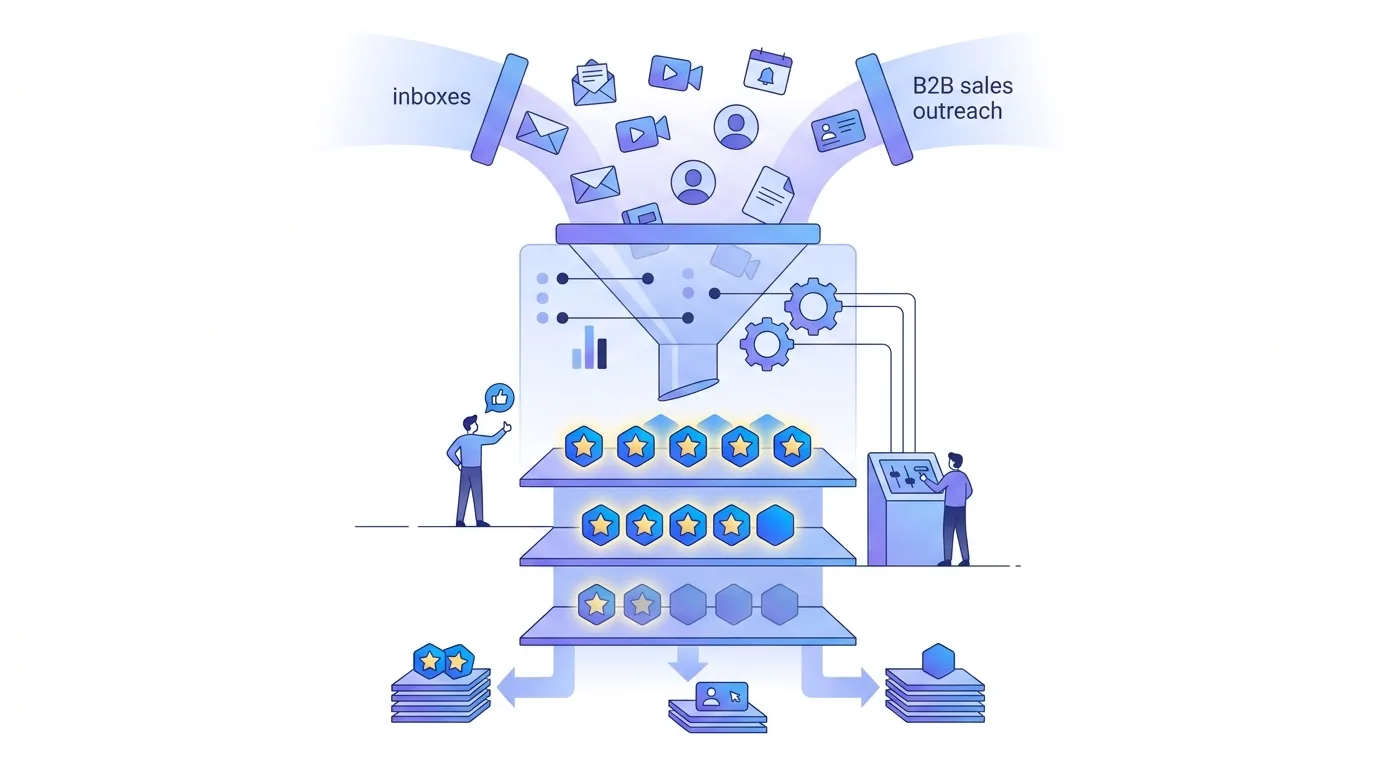
Most models use the three groups named in Google's AI overview for this term and in the vendor guides it cites: fit, intent and engagement. They differ in where the data comes from and how fast it goes stale. A model that treats all three alike ends up ranking whichever account makes the most noise.
| Input group | Typical signals | Where the data comes from | What goes wrong |
|---|---|---|---|
| Fit | Industry, employee count, region, tech stack, business model | Firmographic data in your CRM, enrichment providers, your own research | Stale or missing company data. An account with empty fields scores low because nobody filled them in, not because it's a poor fit. |
| Intent | Research on topics related to your product, review site visits, hiring for relevant roles | Third-party intent providers, job boards, public announcements | The signal shows interest in a topic, not in you. It's noisy for small companies and often can't be traced to a person. |
| Engagement | Replies, booked meetings, website visits, event attendance, email clicks | Your CRM, marketing automation, website analytics, sending platform | Machine activity looks like interest. Privacy features that prefetch images make opens unreliable, and security scanners click links. |
| Negative signals | Unsubscribes, hard bounces, competitor or existing customer, recent closed-lost | CRM status fields, suppression lists, bounce logs | Left out of the model, so accounts that asked to stop or can't be reached keep rising. |
Don't count opens as engagement. Apple Mail Privacy Protection and Gmail's image proxy fetch tracking images without a human opening anything, which is why email open rate tracking is so unreliable for cold senders. Replies and meetings are what's left once you remove the machine noise.
The account is a company, but most engagement and intent signals come from identifiable people, so the scoring itself is processing of personal data. The GDPR counts automated evaluation of a person's behaviour or interests as profiling. It requires a legal basis for that processing, and it gives people the right to object to processing for direct marketing, including profiling related to it. Once someone objects, their data may no longer be processed for that purpose. In practice, an objection has to take the person's signals out of the score, not just pause the email sequence.
How do you build an account scoring model?
Build the first version as rules you can explain, not as a predictive model. You can only tell whether a score is wrong if you know why it came out the way it did.
- Write down the ideal customer profile. Pull it from closed-won deals, not from wishes. List the attributes your best customers share and the ones your lost or churned deals share.
- Define a fit gate. Decide which attributes are must-haves, such as region or industry, and keep accounts that fail them out of the active tiers, whatever their engagement.
- Weight the signals inside each group. A booked meeting should outweigh a website visit, and a reply should outweigh a click. Write the weights into a shared document so the rules stay visible.
- Add time decay. Engagement and intent should lose value as they age, or an account that was busy last quarter will look hot forever.
- Add negative scoring. Subtract for unsubscribes, hard bounces, existing customers, competitors and recent closed-lost.
- Map scores to tiers and actions. Each tier needs an owner and a next step, otherwise the score is just a number on a record.
- Backtest and review. Score last year's accounts with the rules and check whether closed-won deals would have landed in the top tier. Re-run the check on a fixed schedule.
The backtest is the step teams skip. A model that's never compared with real outcomes drifts towards whatever is easiest to measure, and that's usually email activity.
What makes an account hot, warm or cold?
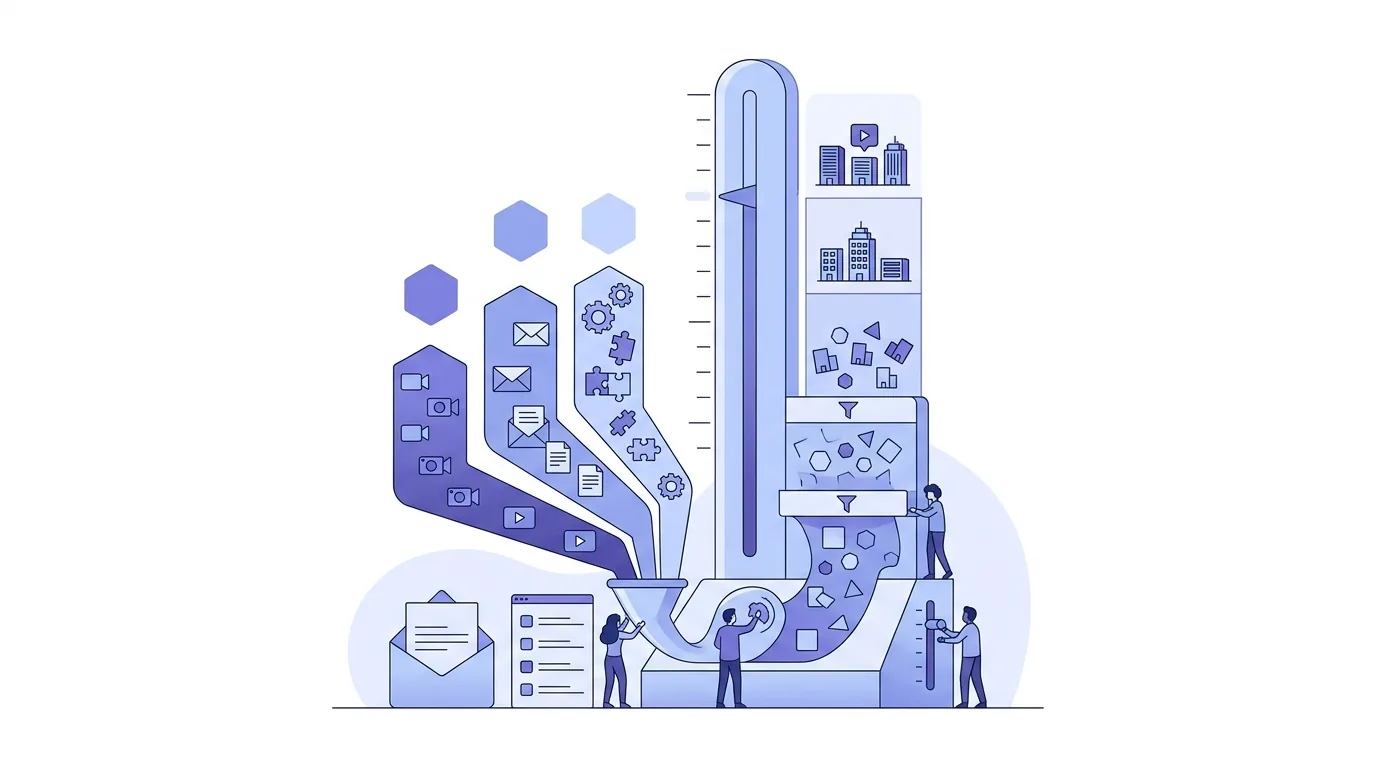
Tiers turn the score into work. The tier labels don't matter much. What matters is that each one has an entry condition, an action, and a rule for moving up or down.
- Hot: passes the fit gate and has recent high-value engagement, such as a reply or meeting request, or strong intent from several people. Action: sales reaches out personally to named contacts within a set time, and the account moves into your pipeline stages with clear exit criteria.
- Warm: passes the fit gate but engagement is weak or old. Action: a planned outreach sequence to the relevant roles, then review. A reply or meeting moves it up. Silence plus decay moves it down.
- Cold: fits but shows no activity, or fit is unknown. Action: enrich the data, research the right contacts, and run low-frequency outreach. Don't chase it hard.
- Excluded: fails the fit gate, is a customer or competitor, or asked not to be contacted. Action: no outreach, and keep it out of the scoring list.
Accounts should move between tiers automatically when the inputs change. If someone has to promote an account by hand, the tiers stop matching reality within a few weeks. The pipeline side of the handoff is covered in our guide to sales pipeline stages and exit criteria.
Which account scoring tool should you use?
Where the score is calculated decides which signals it can see and who can change it. The options below are grouped by type and compared on the same four properties. Check each vendor's current documentation before you decide, because features depend on the plan and edition you buy.
| Tool type (examples) | Where the score lives | Inputs it sees natively | Suits | Where it stops |
|---|---|---|---|---|
| CRM-native scoring (HubSpot, Salesforce) | On the company or account record in the CRM | Properties and activities logged in that CRM | Teams whose deals, contacts and activity already live in the CRM | Outside intent data only counts if you import or sync it. Scoring and the data it uses are only as clean as the CRM. |
| Marketing automation (Adobe Marketo Engage, which documents an account score in its Target Account Management on Adobe Experience League) | In the marketing automation platform, synced to the CRM | Behaviour the platform tracks: forms, web visits, email activity | Marketing-led programmes with named target accounts | Relies on the platform's own tracking and target account setup. Email activity in it has the same open and click noise as everywhere else. |
| ABM platforms (Demandbase, 6sense) | In a separate account-based platform, synced to the CRM | Account-level data, including third-party intent | Account-based programmes across several channels | Another system to sync and reconcile with the CRM. Intent shows interest in a topic, not a buying decision. |
| Routing and orchestration (LeanData, which describes automating account scoring on its blog) | In the routing layer on top of Salesforce | Salesforce data and the rules you define | Teams that need scored accounts sent to the right owner automatically | Depends on Salesforce. It acts on scores but doesn't produce the underlying signals. |
| Spreadsheet or data warehouse model (Google Sheets, BigQuery) | In a file or a table you control | Whatever you export or join in | First versions, small target lists, testing rules before you automate them | Updates by hand or by a pipeline you have to maintain. Scores go stale between refreshes. |
A common path is to start with rules in a spreadsheet, check them against past deals, and only then move them into the CRM or a dedicated platform. If your inputs are mostly CRM data, a CRM-native score is usually enough. A separate ABM platform makes sense when third-party intent is a real input and someone owns the sync.

Where does EmailFlow OS fit after scoring?
EmailFlow OS doesn't score accounts. It comes in after the scoring tool has decided which accounts are hot or warm and you've picked the people to contact at each one. That's where an account-level decision has to become messages to individuals, and EmailFlow OS works at the individual level, per recipient, not per company.
Here's how it works. You record one video and upload it to EmailFlow OS. You connect your own Brevo account and your own sending domain, then import the prospect list for the accounts you've chosen, so the list sits in EmailFlow OS. EmailFlow OS then turns that single recording into a separate personalised version for each recipient. Two people at the same hot account each get their own version, not a shared company version. Every message goes out from your own inbox, through your Brevo account and your domain. No shared platform sender is involved, so the domain reputation you've built and your SPF, DKIM and DMARC setup stay under your control. The mechanism in more detail is covered in personalised video messages per recipient, and the product itself is on the EmailFlow OS home page.
Because the messages go out from your own domain, a tier change has a sending side. When a batch of accounts moves to hot at once and everyone gets emailed on the same day, your domain sees a sudden jump in volume, and receiving servers look hard at sudden jumps from domains with a short history. Schedule tier-driven outreach to fit how well warmed your domain is, not how many accounts just turned hot. Our guide to email warm-up, daily volumes and DNS setup covers that side.
Whether a message reaches the inbox is still up to the receiving server. The replies and meetings that come back are the inputs your scoring model should count, so log them in the CRM or scoring tool where the model runs.
Questions people ask
- How often should an account scoring model be reviewed?
- There's no standard interval. Tie the review to your sales cycle: once enough deals have closed since the last check, score those accounts again and see whether the winners sat in the top tier. Engagement decay should run continuously, but the weights and the fit gate only change after a review.
- Should email opens count in an account score?
- No, or only at a very low weight. Apple Mail Privacy Protection fetches tracking images automatically, and Gmail loads images through a proxy, so an open doesn't reliably mean a person read the email. Replies, booked meetings and visits to high-intent pages, such as pricing, are cleaner engagement signals.
- Which signals should lower an account score?
- Negative scoring subtracts points for unsubscribes, hard bounces, invalid addresses, existing customers, competitors and recent closed-lost deals. If a person objects to direct marketing under the GDPR, take their signals out of the score entirely rather than just lowering the total. Without negative signals, accounts that can't be reached or asked to stop keep rising in the ranking.
