12 min read Diesen Artikel auf Deutsch lesen Lire cet article en français Ler este artigo em português
Enterprise Sales: Process, Tools, Follow-Ups
The short answer
Enterprise sales means selling a complex, high-value product to a large organisation. A buying group of several stakeholders makes the decision over a long cycle. A deal moves through account research, contact with several people in the account, discovery, a business case, security and procurement review, and then signature. Email does most of that work. Send it from your own authenticated domain with SPF, DKIM and DMARC aligned. Keep every follow-up in its original thread and give it one ask.
In this article
- What is enterprise sales?
- How does the enterprise sales process run?
- What is prospecting in sales?
- Which tools do enterprise sales teams use?
- Where EmailFlow OS fits: a EmailFlow OS product
- Why does enterprise outreach email fail before anyone reads it?
- Sales follow up email template for enterprise deals
- Follow up email after a sales call
- Sales follow up email examples by stakeholder
- How to write a sales email follow up that doesn't stall
- Questions people ask
What is enterprise sales?
Enterprise sales is B2B selling where the customer is a large organisation and no single person can say yes. One of the top-ranking explanations for this search sums it up as complex, high-value solutions, multiple stakeholders and long sales cycles. In practice that means a buying group. The economic buyer owns the budget. The champion wants the change. Technical evaluators test the product, security and legal reviewers check it, and procurement negotiates terms at the end. (This article is about B2B selling. It isn't about the used-car retailer Enterprise Car Sales, which shares the name in search results.)
What separates it from transactional or small-business sales is structure, not just size. A small-business buyer can read one email, book a demo and sign the same week. An enterprise deal stalls as soon as one stakeholder is missing something, whether that's a security questionnaire, a reference call or a contract procurement can work with. If you're new to the wider category, our explainer on what B2B sales is and how the process runs covers the basics. Enterprise sales adds the buying group, the review gates and contract values big enough to justify a long cycle. That last part is usually measured as annual contract value, which our article on ACV in sales and how to calculate it explains.
How does the enterprise sales process run?
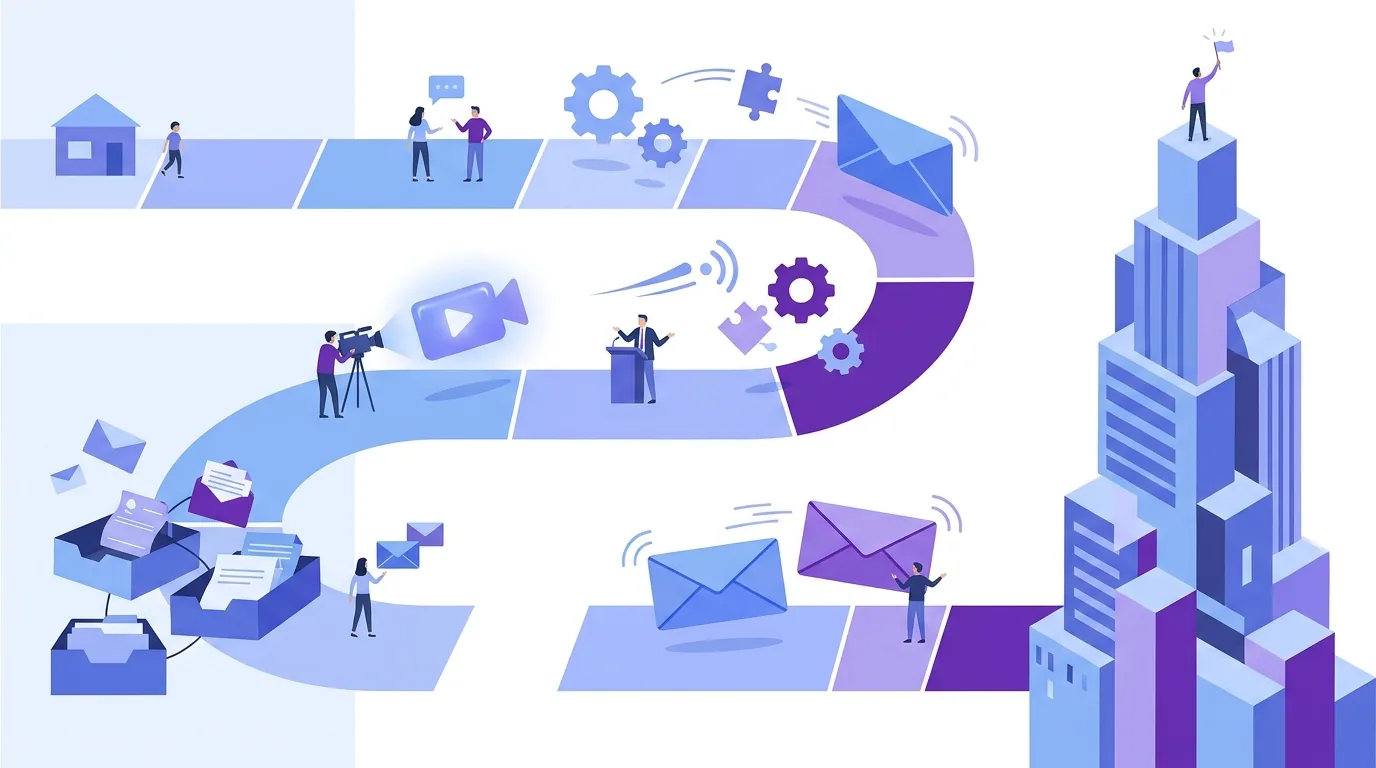
Enterprise deals move through stages. Each stage ends when the buyer does something, not when the seller does. If you write down the exit criterion for every stage, you can see exactly where a deal is stuck.
- Account selection: choose target companies that fit your product. Exit when you can name the problem you solve for this account and a trigger that makes it urgent now, such as a new leader, a migration or a regulation.
- Mapping the buying group: identify the champion, the economic buyer and the evaluators by role. Exit when you have a named contact for each role.
- First contact: send each person a message that fits their role. Don't copy one message to everyone. Exit when one of them replies and agrees to talk.
- Discovery: find out the current situation, what the problem costs, who decides and how they buy. Exit when the buyer confirms the problem and describes their buying process.
- Business case and evaluation: run the proof of concept, technical review and reference calls. Exit when the evaluators sign off.
- Security, legal and procurement: handle questionnaires, the data processing agreement and contract redlines. Exit when terms are agreed.
- Signature and handover: exit when the contract is countersigned and both sides have named an owner for implementation.
Methodologies such as MEDDIC or Challenger decide what you ask within these stages. Our comparison of sales methodologies and the deals each one fits shows the questions each method has a rep ask. One thing reliably fails: skipping the mapping stage and pitching only the first person who replied. If that person leaves, or loses the internal argument, the deal goes with them.
What is prospecting in sales?
Prospecting in sales means finding and contacting potential buyers before they've shown any interest. You research who fits, work out who to talk to at each company, and make first contact by email, phone or social channels. Prospecting ends when a prospect agrees to a first conversation. Marketing works the other way round: it creates demand at scale and waits for people to raise their hand.
In enterprise sales you prospect an account rather than a person. Start with the company list, find the people in each role, then look for a reason to write now. That could be a published strategy, a job posting for the team you'd serve, or a system they're replacing. Without a trigger like that, your message ends up generic. It also has to get past corporate mail gateways and land with a reader who gets the same pitch every day. Our longer piece on what prospecting is and how it differs from marketing goes through each part. Because enterprise cycles are long, the gap between prospecting and pipeline is long too. That's the point of one of Jeb Blount's rules: the prospecting you skip this month shows up as an empty pipeline months later. Our summary of Fanatical Prospecting and its key ideas explains the rule.
Which tools do enterprise sales teams use?
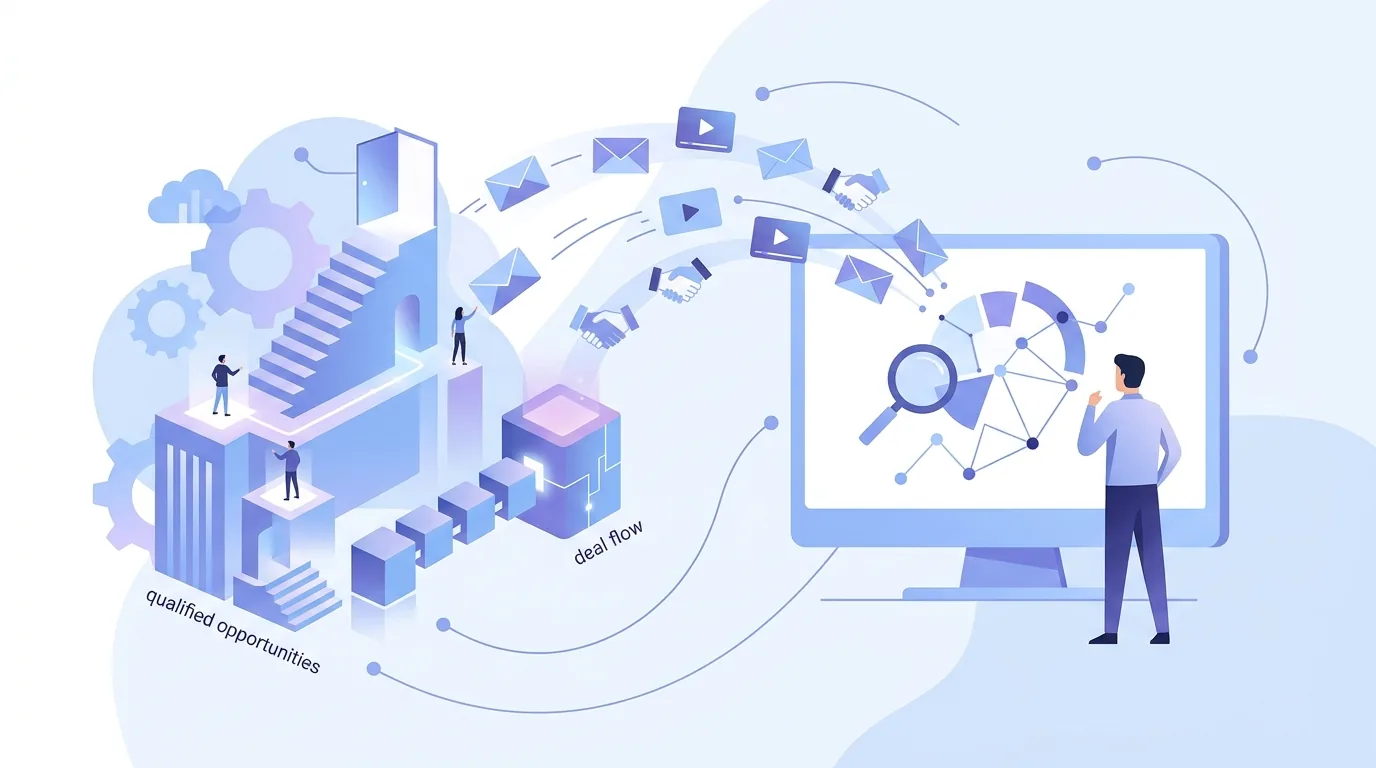
Enterprise sales teams usually combine three kinds of tool. A CRM is the record of accounts, contacts and opportunities. A sales engagement platform runs sequences of emails, calls and tasks. A research source helps you find prospects. The table compares each tool on the same three questions: what job it does, what it suits, and where it stops. Plans, limits and integrations change often, so check each vendor's current documentation before you decide.
| Tool | Category | What it suits | Where it stops |
|---|---|---|---|
| Salesforce Sales Cloud | CRM | Teams that need one system of record for accounts, opportunities and forecasting, and have admin capacity to customise it | It records deals and reports on them. How email goes out depends on the mail setup and add-ons you connect |
| HubSpot Sales Hub | CRM with built-in sales tools | Teams that want the CRM and email sequences in one product, often alongside HubSpot's marketing tools | Sequences send through the user's connected inbox, so deliverability still depends on that mailbox and its domain |
| Outreach | Sales engagement platform | Teams running multi-step, multi-channel sequences across many reps, synced to a CRM | It isn't the system of record, so it needs a CRM sync. It sends through the mailboxes you connect |
| Salesloft | Sales engagement platform | The same job as Outreach: cadences, call tasks and activity tracking on top of a CRM | The same limits: it relies on the CRM for account data and on connected mailboxes for sending |
| LinkedIn Sales Navigator | Prospect research | Finding accounts and people by role and company, and tracking changes in a buying group | It doesn't send email. Messages stay inside LinkedIn, and you still need a CRM to record the deal |
A common mistake is buying an engagement platform before the CRM data is clean. If contact ownership and account records are messy, sequences just send the mess out faster.
Where EmailFlow OS fits: a EmailFlow OS product
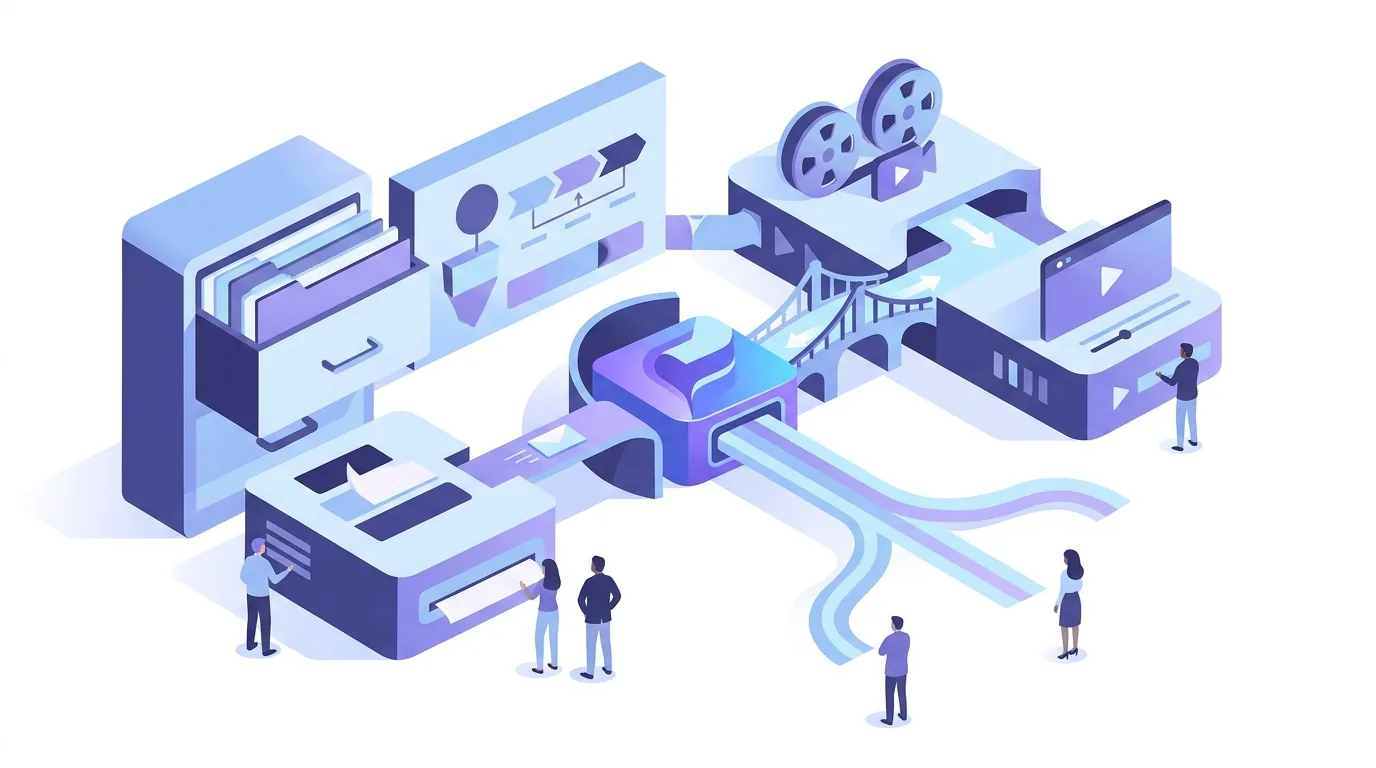
EmailFlow OS does one narrow job in enterprise prospecting: first contact and follow-up by personalised video email. It isn't a CRM or an engagement platform. You record one video and upload it to EmailFlow OS. You connect your own Brevo account and your own sending domain, and you import your prospect list into EmailFlow OS. EmailFlow OS then personalises that single recording for each recipient on the list, not once per company. The champion and the economic buyer at the same account each get their own version.
Every version goes out from your own inbox, through your Brevo account and your sending domain, never through a shared platform sender. Your domain's SPF, DKIM and DMARC records, and the reputation built on them, stay under your control. If one personalised recording for each member of the buying group fits your outreach, the EmailFlow OS home page describes how the product works.
Why does enterprise outreach email fail before anyone reads it?
Large companies often run inbound mail through a secure email gateway, such as Proofpoint or Mimecast, before it reaches the mailbox. These systems check authentication and sender reputation first. If either fails, nobody ever judges your copy. These are the failure modes to check first:
- DMARC misalignment: SPF or DKIM passes, but for a domain that doesn't match your visible From address. DMARC needs at least one of the two to align with the From domain.
- No DMARC record at all: the record is a TXT entry on the host _dmarc, and its value starts with v=DMARC1; p=none for a monitoring-only policy, as our step-by-step guide for GoDaddy shows.
- A cold or new domain: a domain with no sending history that suddenly mails many corporate addresses gives receivers nothing to judge it on. Warm it up gradually before you launch a campaign.
- Emailing the whole buying group at once: the same message reaching several people in one organisation within minutes looks like bulk mail, to the gateway and to the people reading it.
- Attaching a video file: mail providers cap attachment size, and base64 encoding makes every attachment bigger in transit, so a raw video file hits the cap quickly. Link to video instead of attaching it.
- Fake "Re:" subject lines on first contact: the FTC's guidance says the US CAN-SPAM Act bans misleading headers and subject lines, and it requires an opt-out to be honoured within 10 business days.
- Ignoring EU rules: under the GDPR, direct marketing can rely on legitimate interest only after a balancing test. Germany's Act Against Unfair Competition (UWG) requires prior express consent for email advertising, and that includes B2B. Get legal advice for your own setup.
For the records themselves, our guide to DKIM, DMARC and SPF for cold email senders lists what to publish and how to test it. The DMARC tags are walked through in adding a GoDaddy DMARC record step by step, the attachment limit in how to send a large video through email, and the US rules in CAN-SPAM Act requirements for cold email.
Sales follow up email template for enterprise deals
A sales follow up email moves a deal forward one step, either after a conversation or after no reply. In an enterprise deal it should do three things: reply in the original thread, add one new fact the buyer can use internally, and ask for exactly one next action. The template below works after a discovery call or a demo. Fill every bracket with something that actually happened:
Subject: Re: [original subject]. Hi [Name], thanks for walking me through [process] on [day]. You mentioned [stakeholder or team] has to clear [security review / budget sign-off] before this goes further. I've attached [the document you promised], written so you can forward it as it is. One question: should I send it to [stakeholder] directly, or would you rather introduce us?
Threading matters more than wording. A real reply carries the In-Reply-To and References headers from the internet message format standard, and mail clients use them to group it with the earlier messages. A new email with a copied "Re:" subject has neither header, so it often lands as a separate conversation. When a real thread gets forwarded, the next stakeholder sees the whole history. You'll find more variations in our collection of sales follow up email templates.
Follow up email after a sales call
Send a follow up email after a sales call on the same working day, while both sides still remember the details. Start with a recap of the problem in the buyer's own words. Then list the owners and dates you agreed on the call, and end with one confirming question, such as "Does that match your notes?" If you didn't agree a next step, don't make one up in the email. Ask for one instead. Our templates for a follow up email after a sales call cover demo, discovery and pricing calls.
Sales follow up email examples by stakeholder
In enterprise deals one follow-up doesn't fit every role, because each stakeholder is judged on something different. These sales follow up email examples show what each one should contain.
| Stakeholder | What the follow-up carries | Example ask |
|---|---|---|
| Champion | Material they can reuse internally: a one-page summary, a slide, the cost of doing nothing | "Would this summary work for your meeting with [economic buyer]?" |
| Economic buyer | The business outcome and the timeline, without feature detail | "Is [quarter] still the decision window?" |
| Technical evaluator | Answers to the open technical questions, with links to documentation | "Which of these do you want to test in the trial?" |
| Security / legal | The completed questionnaire or a DPA draft, with the contact who handles follow-up questions | "Who should receive the redlined version?" |
| Procurement | Commercial terms in their format, plus any vendor-registration documents | "Which supplier form do you need from us?" |
How to write a sales email follow up that doesn't stall
A follow up sales email that adds nothing new, like "just checking in", gives the reader no reason to reply. Each follow-up should bring one new thing: a fact, a document or a relevant change at their company. Decide on a stop rule before you start. For example, after a set number of unanswered touches you send a closing email and pause the contact. If anyone replies asking to opt out, stop all outreach to that person immediately and keep the address out of every future import.
Questions people ask
- How long is an enterprise sales cycle?
- There's no standard length. It depends on how many review gates there are (security, legal, procurement), how big the buying group is and when the customer sets its budget. A deal that needs a proof of concept and a data processing agreement takes longer than one a single team can approve from its own budget. Ask about the buying process in discovery, then plan backwards from the buyer's decision date, not your quarter end.
- Do enterprise sales reps earn commission?
- Usually, yes. Enterprise account executives typically get a base salary plus variable pay tied to a quota, often measured on annual or total contract value. The split, accelerators and payout timing vary by employer and are set out in each rep's compensation plan. Enterprise deals are large and infrequent, so the variable part can swing a lot from one quarter to the next.
- Is cold email to enterprise prospects in the EU allowed?
- It depends on the country and on how you operate. Under the GDPR, direct marketing can rely on legitimate interest only after a documented balancing test. Germany's Act Against Unfair Competition (UWG) requires prior express consent for email advertising, including to businesses. Other EU states implement the ePrivacy Directive in their own way. Get legal advice for the markets you target before you send anything.
