10 min read Diesen Artikel auf Deutsch lesen Lire cet article en français Ler este artigo em português
Inbound Sales: Process, Tools, Follow-Ups
The short answer
Inbound sales means the buyer contacts you first, through a form, a demo request, a call or a reply to content. The process then runs in five steps: respond quickly, qualify fit and need, run a discovery call, follow up in the same email thread with one ask, and hand off or close. You need a CRM, a scheduling tool and a sending domain with working SPF, DKIM and DMARC.
In this article
- What is inbound sales?
- What is inbound vs outbound sales?
- How does an inbound sales process run, step by step?
- Which tools does an inbound sales team need?
- How do you write a follow-up sales email?
- Follow-up email format for sales
- Follow-up sales email template
- Follow-up sales email sample
- Follow-up email after a sales call
- Where do inbound sales follow-ups go wrong?
- Where EmailFlow OS fits: a EmailFlow OS product
- Questions people ask
What is inbound sales?
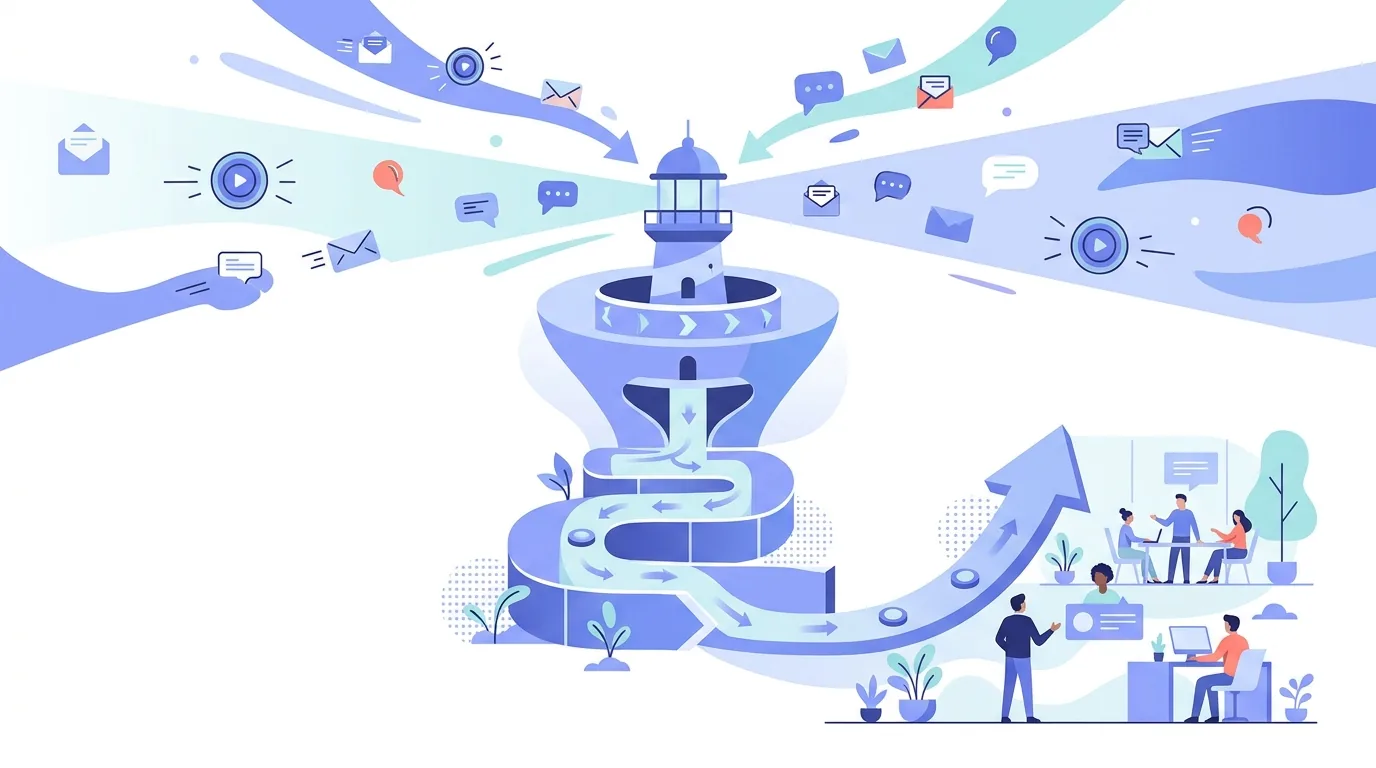
Inbound sales means selling to people who started the conversation themselves. A buyer reads an article, compares options, then fills in a demo form or calls the number on your pricing page. From there, the rep's job is to work out whether there's a fit, answer the questions that brought the buyer in, and move the deal forward without restarting the pitch from zero. HubSpot Academy runs a whole course on the inbound sales methodology, and Salesforce and Zendesk both publish guides on it. They all start from the same trigger: the buyer acts first.
Here's a concrete example. A finance lead at a mid-sized company downloads a checklist on invoice automation, then books a demo two days later. The rep already knows which topic the buyer cared about, how big the company is and when they first got in touch. So the first call starts from that context, not from a cold introduction. What inbound doesn't give you is any say over who shows up. Students, competitors and companies far outside your target market fill in forms too, which is why qualification matters more here than in outbound.
What is inbound vs outbound sales?
The difference is who makes first contact. In outbound sales, the rep picks the account and writes first. In inbound, the buyer does. That one switch changes how you build lists, your legal footing, how fast you need to respond and what a rep spends the day on. Teams often run both. The outbound side is covered in our guide to outbound sales channels, process and follow-ups.
| Property | Inbound sales | Outbound sales |
|---|---|---|
| Who starts contact | The buyer, through a form, call, chat or reply | The rep, through cold email, call or LinkedIn |
| Where the contact list comes from | Form submissions and requests collected by your own site | Lists built or bought by the team, then verified |
| Main daily task | Respond fast, qualify, run discovery | Research accounts, write first touches, follow up |
| Main risk | Slow response; unqualified leads taking up rep time | Low relevance; complaints and damage to sender reputation |
| Consent footing for email | The buyer asked to be contacted about a specific request | Depends on local law for unsolicited B2B email |
Most guides skip one point. Filling in a form agrees to an answer about that request. It doesn't automatically agree to a newsletter or to every sequence you run. In the EU, marketing consent has to be specific and freely given, so a lead who asked for a demo isn't on your marketing list by default. Check the rules that apply where you and the buyer are based.
How does an inbound sales process run, step by step?
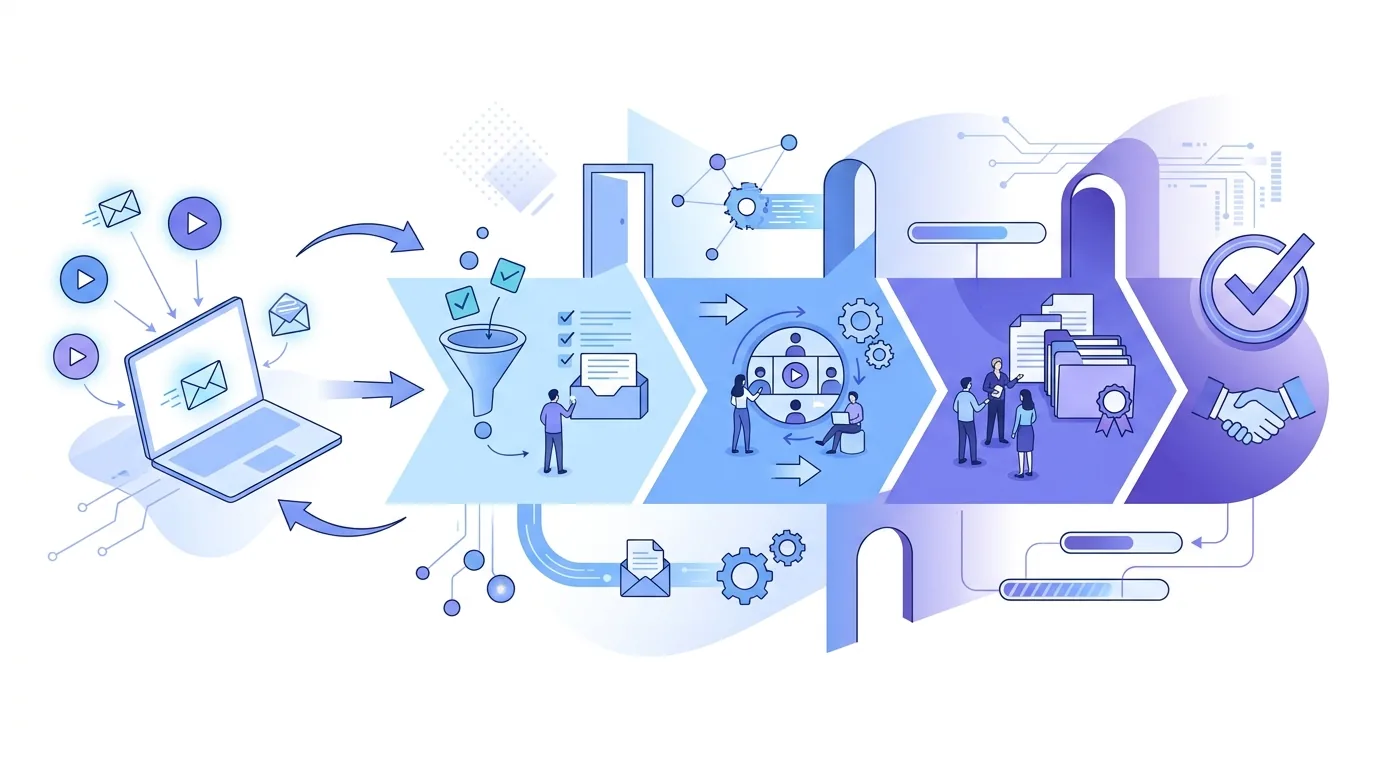
- Respond. Route each new form submission to an owner in the CRM and reply from that person's own mailbox, not from a no-reply address. If the buyer replies to a no-reply sender, the answer goes nowhere.
- Qualify. Check fit (company size, industry, region), need, authority and timing before you book anyone's calendar. Frameworks like BANT, CHAMP and MEDDIC give you a set of questions to work through.
- Run discovery. Use the call to confirm the problem in the buyer's own words, find out who else is involved in the decision and agree on a next step with a date.
- Follow up in the same thread. Send a short recap with one ask as a reply to the original conversation, so the buyer has the whole history in one place.
- Hand off or close. If an SDR qualified the lead, pass the notes to the account executive in the CRM. If the deal stalls, give the sequence an end date instead of following up forever.
Step two is where most inbound pipelines lose leads. Our article on sales lead qualification steps and frameworks covers BANT, CHAMP and MEDDIC and the questions each one asks.
Which tools does an inbound sales team need?
Three jobs need a tool: storing leads and deal stages, letting buyers book time, and sending email from your own domain. The names below are the ones you'll hear most for each job. The table compares what each one does, not its full feature list. Plans and limits change, so check each vendor's documentation before you decide.
| Tool | Job it covers | Suits | Where it stops |
|---|---|---|---|
| HubSpot Sales Hub | CRM with deal pipeline, tied to HubSpot's marketing tools | Teams whose forms and content already run on HubSpot | Not a sending infrastructure; how mail is treated still depends on your domain's DNS |
| Salesforce Sales Cloud | CRM with configurable objects and workflows | Larger teams with admins who customise processes | Needs setup and maintenance effort before reps get value |
| Pipedrive | CRM centred on a visual deal pipeline | Small teams that want a pipeline view quickly | Less suited to complex multi-team routing |
| Calendly | Self-service meeting booking via a link | Letting an inbound lead pick a slot without email ping-pong | Doesn't qualify the lead before the booking happens |
| Chili Piper | Meeting booking and routing from a form | Teams that route demo requests to reps automatically | Only useful once form, CRM and calendars are connected |
| Brevo | Email sending with your own authenticated domain | Teams that want to keep sending under their own account and DNS | Not a CRM; deal stages live elsewhere |
Whatever tool sends the email, the receiving server checks SPF, DKIM and DMARC against your From domain. If they fail or don't align, a reply the buyer actually asked for can still be filtered as spam. Our guide to DKIM, DMARC and SPF for cold email senders explains how to set up the DNS records, and the same records apply to your inbound replies.
How do you write a follow-up sales email?
A follow-up sales email to an inbound lead answers what the buyer asked, sums up what you agreed and asks for one next step. Send it as a reply in the existing thread, so the subject keeps its original text and the mail client adds Re:. Starting a new thread and typing Re: yourself is a different thing, and buyers notice.
Follow-up email format for sales
- Subject: keep the original thread subject when you reply. For a new message, name the topic the buyer asked about.
- Opening line: mention the buyer's request or the call by date or topic.
- Recap: two or three things the buyer said, in their words.
- Answer: the one question left open from the last contact, answered.
- One ask: a single next step with a date or a booking link.
- Signature: your full name, role, company and a direct reply address on your own domain.
Follow-up sales email template
Subject: Re: [original subject] Hi [First name], Thanks for the demo request on [date] about [topic]. You mentioned [problem in their words] and that [second stakeholder] would need to see [specific thing]. On your question about [question]: [one-sentence answer]. Would [day] at [time] work for a short session with [second stakeholder]? If another slot suits better, here's my calendar: [link]. [Your name] [Role], [Company]
Follow-up sales email sample
Subject: Re: Demo request – invoice approvals Hi Maria, Thanks for taking the time on Tuesday. You said approvals currently sit in three inboxes and that your controller wants an audit trail before anything changes. On your question about ERP export: yes, the approval log exports as a file your controller can open directly. Could we show the audit trail to your controller on Thursday at 10:00? If that doesn't fit, pick any slot here: [link]. Jonas
Follow-up email after a sales call
Send the recap on the same working day as the call, while both sides still remember the details. Include what you agreed, who owns each next step and the date of the next contact. If the buyer doesn't answer, one more follow-up in the same thread a few business days later is normal. After that, a short closing message is cleaner than a long chain. You'll find more versions for different situations in our follow-up email after a sales call templates, and ten ready-made variants in the sales follow-up email template collection.
Where do inbound sales follow-ups go wrong?
- Replying from a no-reply or shared platform address: the buyer's answer bounces or reaches nobody, and the thread breaks.
- SPF includes the CRM but not the sending service: mail sent through that service fails SPF, and DMARC fails too unless DKIM aligns.
- DKIM signed with the vendor's domain instead of yours: DMARC alignment fails even though a signature is present.
- Adding every form contact to a marketing sequence: the buyer asked about one thing, and in the EU that isn't blanket marketing consent.
- Reading link clicks as interest: security scanners at the receiving company open links automatically, so a click may not be a person.
- Slow first response: a buyer comparing three vendors may already be talking to whoever answered first.
Where EmailFlow OS fits: a EmailFlow OS product
EmailFlow OS isn't an inbound sales tool. It's built for B2B cold outreach, the outbound side where the rep writes first. Still, many teams run both on the same domain, so it helps to know how EmailFlow OS sends. You record one video and upload it to EmailFlow OS, connect your own Brevo account and sending domain, and import your prospect list into EmailFlow OS. EmailFlow OS then creates a personalised version of that recording for each recipient, not just one per company, and sends every version from your own inbox through your Brevo account and your domain. No shared platform sender sits in between.
In practice, that means your outbound video emails go out under the same SPF, DKIM and DMARC records you set up for your inbound replies. Your sender reputation is tied to your own domain and account, and you keep control of both. How each message is filed remains the receiving server's decision. The EmailFlow OS home page for personalised AI video email explains how the per-recipient personalisation works.
Questions people ask
- Is inbound sales hard?
- It's hard in a different way from outbound. You don't have to find prospects, but you do have to respond fast and filter out leads that don't fit. One r/sales thread describes inbound as closer to taking orders and reassuring buyers, while outbound means creating demand. The work relies on qualification and discovery more than on cold research.
- What is the 3-3-3 rule in sales?
- There's no single standard definition. Sales teams use the phrase for different habits. A related, widely cited idea is the 3x3 prospecting approach associated with Trish Bertuzzi's book The Sales Development Playbook: find three relevant facts about a prospect in three minutes. If a manager mentions a 3-3-3 rule, ask which version they mean.
- What does an inbound sales representative do?
- An inbound sales representative answers incoming calls, forms and chats, qualifies the buyer, and books or runs the next conversation. Unlike an outbound SDR, they don't build lists or write cold first emails. In travel and retail jobs they often close the sale on the same call. In B2B software they usually pass qualified leads to an account executive.
- Can inbound and outbound email share one sending domain?
- They can, but then both depend on the same reputation. Complaints about cold outbound also affect how receiving servers treat your inbound replies. Some teams send outbound from a separate subdomain with its own SPF and DKIM. Either way, the From domain has to pass DMARC alignment, or both kinds of mail are more likely to be filtered.
