13 min read Diesen Artikel auf Deutsch lesen Lire cet article en français Ler este artigo em português
Gatekeeper Meaning: 4 Senses With Examples
The short answer
A gatekeeper is a person or system that controls who gets access to a place, a person, a resource or information. In slang, gatekeeping means keeping knowledge or membership to yourself. In B2B sales the word covers two filters: the assistant or shared inbox that screens messages for a decision-maker, and the receiving mail server that checks SPF, DKIM and DMARC. Give the first a reason to forward your message. For the second, publish authentication on your own sending domain.
In this article
- What does gatekeeper mean?
- What is a gatekeeper, and how does one decide?
- What does it mean if a person is a gatekeeper?
- What does gatekeeper mean in slang?
- Who is a gatekeeper in the Bible?
- What is the role of a gatekeeper in B2B sales?
- How do you write an email a gatekeeper will forward?
- Is the mail server a gatekeeper too?
- How EmailFlow OS sends through both gatekeepers
- Related sales and email terms, defined
- Camera shy meaning
- ACV meaning in sales
- Contact cadence meaning
- DNS meaning in email
- Gentle follow-up meaning
- Questions people ask
What does gatekeeper mean?
A gatekeeper is a person or thing that controls access to something: a place, a person, a resource or information. Merriam-Webster gives a literal sense, one who tends or guards a gate, and a figurative one, a person or thing that controls access. In B2B sales the word means the assistant, receptionist or shared inbox that screens messages before they reach a decision-maker. Technically, it also means the mail server that filters email before any human sees it.
The figurative sense is the common one now. A bouncer at a club door, a journal editor choosing which papers get published and a receptionist deciding whether your call reaches the CEO are all gatekeepers. What defines one isn't a job title. It's the position between someone who wants something and the thing they want, plus the authority to say no.
- Literal: "The gatekeeper locked the estate entrance at dusk."
- Business: "Her assistant is a strict gatekeeper, so every meeting request goes through him."
- Media: "Editors used to be the gatekeepers of what counted as news."
- Technical: "The spam filter acts as a gatekeeper for the whole company's inbox."
What is a gatekeeper, and how does one decide?
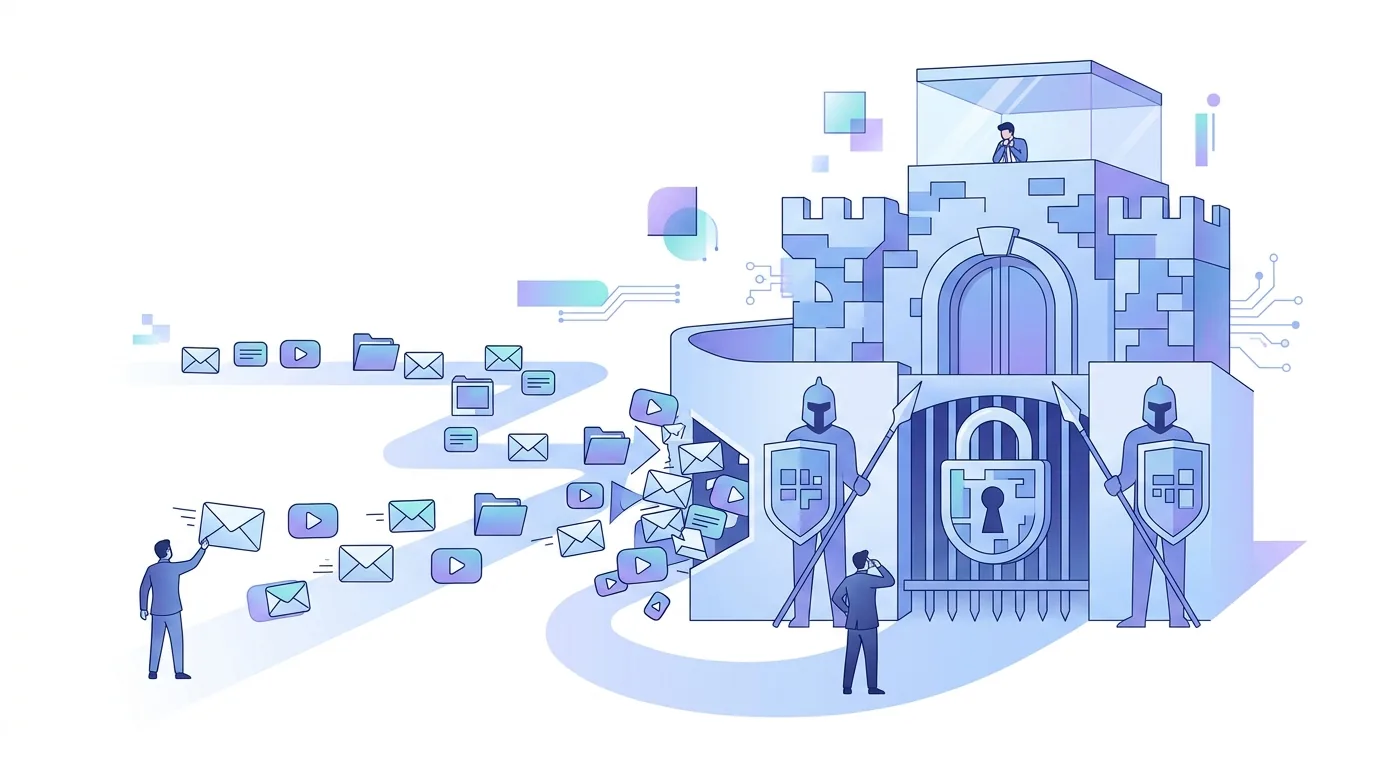
A gatekeeper is whoever, or whatever, sits at a single point of access and decides what passes through it to someone else. That's the direct answer. Every gatekeeper, human or technical, has the same three features: it stands between a sender and a recipient, it applies criteria, and its decision comes before the recipient sees anything.
How it decides depends on the type. A human gatekeeper, such as an executive assistant, works from instructions the principal has given (which topics to put through, which senders to block) and from their own judgement about relevance. A technical gatekeeper, such as a mail server or spam filter, works from rules: authentication results, allowlists and blocklists, content scoring and the sender's history.
The limits matter as much as the power. A gatekeeper can say no, or pass something on, but usually can't approve a purchase or a decision. It only sees what's in front of it, so a message that doesn't state who it's for and why gets judged on too little information. And its mistakes are mostly invisible: a wrongly filtered email or a declined call never reaches the person who might have wanted it, and nobody tells the sender why.
What does it mean if a person is a gatekeeper?
Calling someone a gatekeeper means they control a choke point. Either a decision-maker delegated that control to them, or they hold it because of their role. The social psychologist Kurt Lewin used the term in his work on group dynamics to describe the people who decide what passes through a "channel", such as the food that reaches a family table. David Manning White later applied the idea to news in a case study of a wire editor he called "Mr. Gates", following how he chose which stories ran. Depending on context the label can be neutral or critical. It's neutral when it describes a job, like an executive assistant who protects a calendar. It's critical when it suggests someone is blocking access for reasons of their own. One thing holds either way: a gatekeeper's decision usually comes before the decision-maker ever sees the request, and the decision-maker may never find out what was turned away. The difference between the two roles is set out in the article on what a decision maker is in B2B buying.
What does gatekeeper mean in slang?
In online slang, a "gatekeeper" is someone who gatekeeps, meaning they keep access, knowledge or belonging to themselves. It shows up in two ways. The first is holding back useful information: refusing to say where you bought something, or which supplier or tool you use, so that nobody else can copy you. The second is policing membership: telling someone they aren't a "real" fan, gamer or developer because they haven't met some unwritten test. In slang the word is almost always critical. "Stop gatekeeping" means "share it" or "let people in". Unlike the business sense, the slang gatekeeper usually has no formal authority at all. They only have the information or the social standing, and they choose to withhold it. A quick test for which sense is meant: if the sentence uses the verb ("she's gatekeeping"), it's almost certainly the slang one.
Who is a gatekeeper in the Bible?
In the Hebrew Bible, gatekeepers (translated "porters" in the King James Version) were Levites assigned to guard the gates and storerooms of the tabernacle and later the temple. The books of Chronicles list the gatekeeper families, describe their watches and set out their divisions, including which gate each family kept. Their job was both practical and religious: they controlled who and what entered sacred space. The Psalms use the image too, in the line preferring to be a doorkeeper in the house of God to dwelling in the tents of wickedness. In John's Gospel, the porter opens the gate for the shepherd, so the gatekeeper's recognition decides who comes in. Some modern church writing uses "gatekeeper" as a spiritual title. That's a later use, not the biblical role.
What is the role of a gatekeeper in B2B sales?
In sales, the gatekeeper is whoever stands between you and the buyer. That might be a receptionist, an executive assistant, an office manager or a shared address like info@ or sales@ that a team triages. Their tasks are concrete: screening calls and email, managing the calendar, routing requests to the right colleague and deleting anything that looks irrelevant. In a cold email, the questions that matter to them are who you are, why this person and why now. A message that names a specific reason for writing to a named person gives them something to forward. If you're unsure where the line of unsolicited outreach sits, this overview of what counts as a cold email covers the definition and its limits.
Here's an example of a note written for the person screening a shared inbox: "Hi, I'm writing for Anna Weber about the warehouse scanner rollout announced on your careers page. If someone else owns that project, could you tell me who? One line is enough." It names the recipient, the trigger and one easy ask, so the screener can forward it or answer it in a few seconds. Asking a gatekeeper who the right point of contact is often gets a faster answer than a pitch does.
Some tactics don't hold up. A fake "Re:" or "Fwd:" subject suggests a conversation that never happened, and assistants recognise it. Claiming an existing relationship falls apart at the first check. Going around the gatekeeper to a personal address can count against you, and EU consent and data-protection rules may restrict it. For calls, these cold call scripts for getting past a gatekeeper show openers that state your purpose plainly.

How do you write an email a gatekeeper will forward?
A screener forwards a message when they can see in seconds who it's for, why it concerns their boss and what a yes costs them. These steps build exactly that, and nothing in them relies on tricking the reader.
- Find the named person and a public trigger first: a job ad, a press release, a new location or a project mentioned on the company website. Without both, the screener has no reason to pass the message on.
- Say in the first line who the email is for and why, especially when you write to a shared inbox. "I'm writing for the head of logistics about X" lets the screener route it without guessing.
- Write a plain subject that matches the content. No invented "Re:" or "Fwd:", no urgency the situation doesn't have.
- Make one ask the gatekeeper can answer alone: forward this, or tell me who owns the topic. Asking them to book a meeting for someone else puts them in a position they usually can't fill.
- Follow up in the same thread, so the earlier message sits below it, and stop when someone says no, asks you to stop or the address bounces.
Where this doesn't work: some companies send all vendor contact to a procurement portal, and some assistants have a standing instruction to delete unsolicited sales email. No wording changes that. Then the honest options are the official channel, a referral from someone the buyer knows, or leaving the account.
Is the mail server a gatekeeper too?
Yes. Before any assistant sees your email, the receiving mail server decides whether to accept it, send it to spam or reject it. That decision is made by the recipient's provider, not by the sender. Three published IETF standards feed into it. SPF checks whether the sending IP is authorised in the SPF record of the envelope sender's domain; the standard also caps how many DNS lookups one SPF evaluation may trigger, and a record that needs more returns a permanent error (permerror). DKIM checks a cryptographic signature against a public key published in DNS. DMARC checks that at least one of those passes and aligns with the domain in the visible From address, and tells the receiver what to do if not. Common failures include several SPF records on one domain, a sending service that isn't included in SPF, a DKIM key that was never published, and a From domain that doesn't match the signing domain. This guide to SPF, DKIM and DMARC for cold email senders walks through each record.
Large mailbox providers publish their own entry rules on top. Google's email sender guidelines require bulk senders to Gmail addresses to have SPF, DKIM and DMARC in place, to offer an easy unsubscribe and to keep the spam rate reported in Google Postmaster Tools low. Passing authentication still doesn't mean you'll reach the inbox. Receivers also weigh the domain's sending history, complaints and bounces. That's why a new domain is usually warmed up gradually before it sends outreach volume.
How EmailFlow OS sends through both gatekeepers
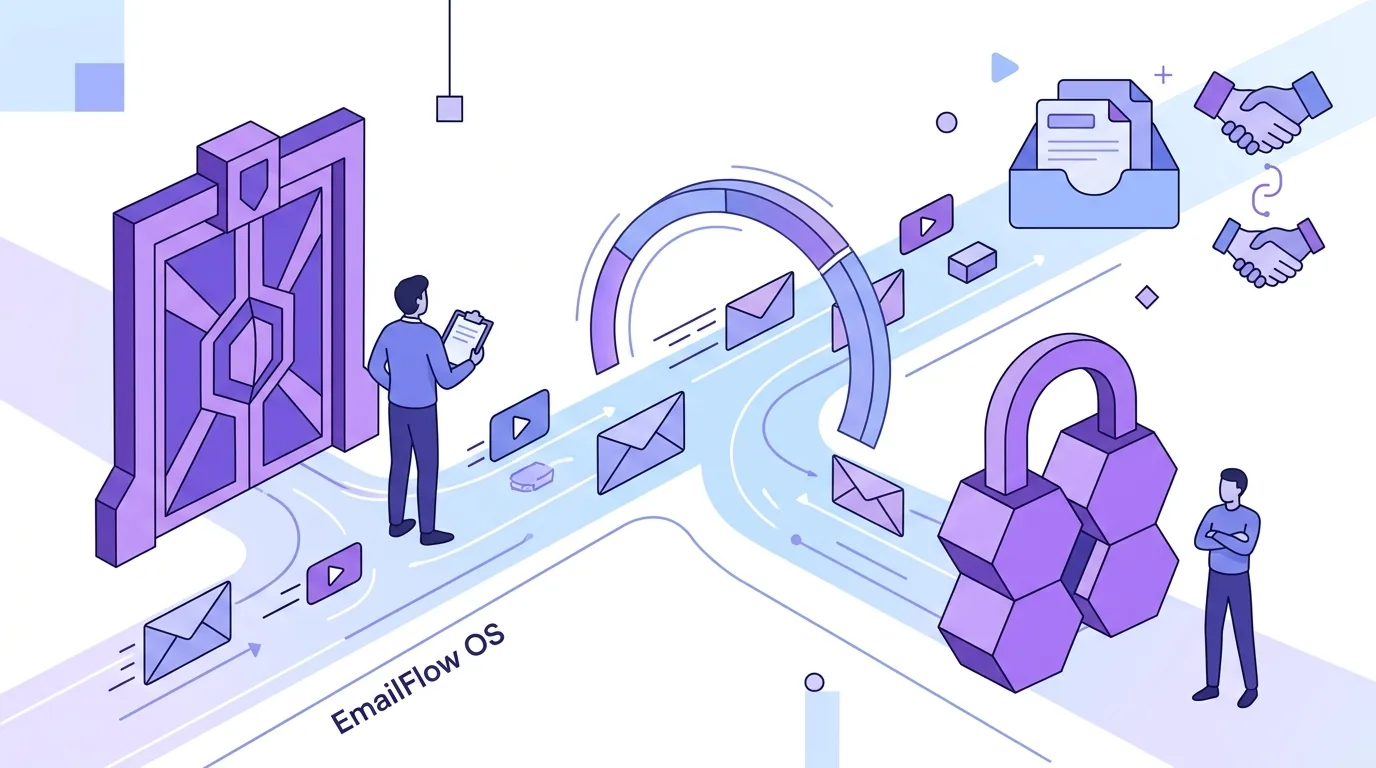
EmailFlow OS is built around the fact that outreach has to get past a human screener and a technical one. You record one video and upload it to EmailFlow OS, connect your own Brevo account and sending domain, and import your prospect list into EmailFlow OS. EmailFlow OS then makes a personalised version of that single recording for each recipient on the list, not one per company. So when an assistant opens the message, they see a version made for the named person it's addressed to. Each version goes out from your own inbox, through your own Brevo account and your own sending domain, never through a shared platform sender. The receiving server therefore checks your domain's SPF, DKIM and DMARC and your sending history, both of which stay under your control. More detail is on the page about personalised AI video email for B2B cold outreach.
Related sales and email terms, defined
Camera shy meaning
Camera shy means unwilling or nervous about being photographed or filmed. It's written as two words after a noun ("he is camera shy") and usually hyphenated before one ("a camera-shy founder"). In sales it comes up when reps avoid recording outreach videos. Here's more on the camera shy meaning and one-take video tips.
ACV meaning in sales
In sales, ACV means annual contract value: the total contract value divided by the number of contract years, not counting one-time fees such as setup. A multi-year contract's ACV is therefore its recurring total spread evenly across its years. This breakdown of ACV in sales compares it with TCV and ARR.
Contact cadence meaning
A contact cadence is the planned order, channel and spacing of every touch with one prospect: first email, follow-ups, a call, a LinkedIn message. It also includes an exit rule that stops the sequence when the person replies, opts out or bounces. Without that exit rule, a cadence keeps emailing people who've already said no. The guide to sales cadence steps and exit rules sets one out.
DNS meaning in email
DNS stands for Domain Name System, the internet's directory that maps names to records. For email, MX records tell other servers where to deliver mail for your domain. TXT records hold your SPF policy and your DMARC policy (at _dmarc.yourdomain). DKIM public keys sit at a selector under _domainkey. Only a domain you control lets you publish these. This overview of email domain types and their DNS records shows which kinds qualify.
Gentle follow-up meaning
A gentle follow-up is a polite reminder sent after an unanswered message. It's usually a reply in the original thread, so the earlier email sits right below it and the reader doesn't have to search. It works best with one new fact and one question, not a repeat of the first pitch. See how to phrase and time just a gentle follow up.
Questions people ask
- What is a gatekeeper?
- A gatekeeper is a person or system at a single point of access that decides what reaches someone else, such as an executive assistant screening calls or a mail server filtering email. It applies criteria (instructions, rules, authentication results) before the recipient sees anything. Unlike a decision-maker, a gatekeeper can block or pass a request but usually can't approve it.
- Is gatekeeper a negative word?
- Not by itself. In the dictionary and business senses, a gatekeeper is a neutral role, such as an assistant managing an executive's calendar or one of the Levite porters who guarded the temple gates in the books of Chronicles. It becomes negative in slang, where gatekeeping means withholding knowledge or deciding who counts as a real member of a group. Context and tone decide which meaning is meant.
- What is the difference between a gatekeeper and a decision-maker?
- A decision-maker owns the outcome, such as signing a contract or approving a budget. A gatekeeper controls access to that person without owning the decision. In practice the gatekeeper's filter comes first: an executive assistant can turn away a request the CEO would have said yes to, and the CEO may never hear about it.
- What is the difference between gatekeeper and gatekeeping?
- Gatekeeper is the noun for the person or system doing the screening. Gatekeeping is the activity. In formal use, gatekeeping is neutral, for example editorial gatekeeping in journals, the sense David Manning White studied when he followed a wire editor choosing stories. In slang, gatekeeping almost always means unfairly keeping information or membership to yourself, and "stop gatekeeping" is a request to share.
- What is a gatekeeper in sales?
- In sales, a gatekeeper is anyone who screens contact before it reaches the buyer: a receptionist, an executive assistant, an office manager or a shared inbox such as info@. They decide whether a call is put through or an email is forwarded. Unlike a decision-maker, they don't approve the purchase, but they can stop the conversation before it starts.
