12 min read Alle Artikel auf Deutsch Tous les articles en français Todos os artigos em português
Email Thread Meaning: What Is a Thread?
The short answer
An email thread is an original email plus every reply and forward to it, shown as one conversation. Mail clients link the messages through headers: each reply carries In-Reply-To and References fields that point to the earlier Message-ID, and Gmail also matches the subject line. If you change the subject, strip those headers or write a new message, the thread splits. Recipients only see earlier messages that you quote or that are already in their own mailbox.
In this article
- Email thread meaning: what is an email thread?
- Do you say email thread, email chain or email string?
- How do email clients group messages into a thread?
- Why does an email thread split or merge wrongly?
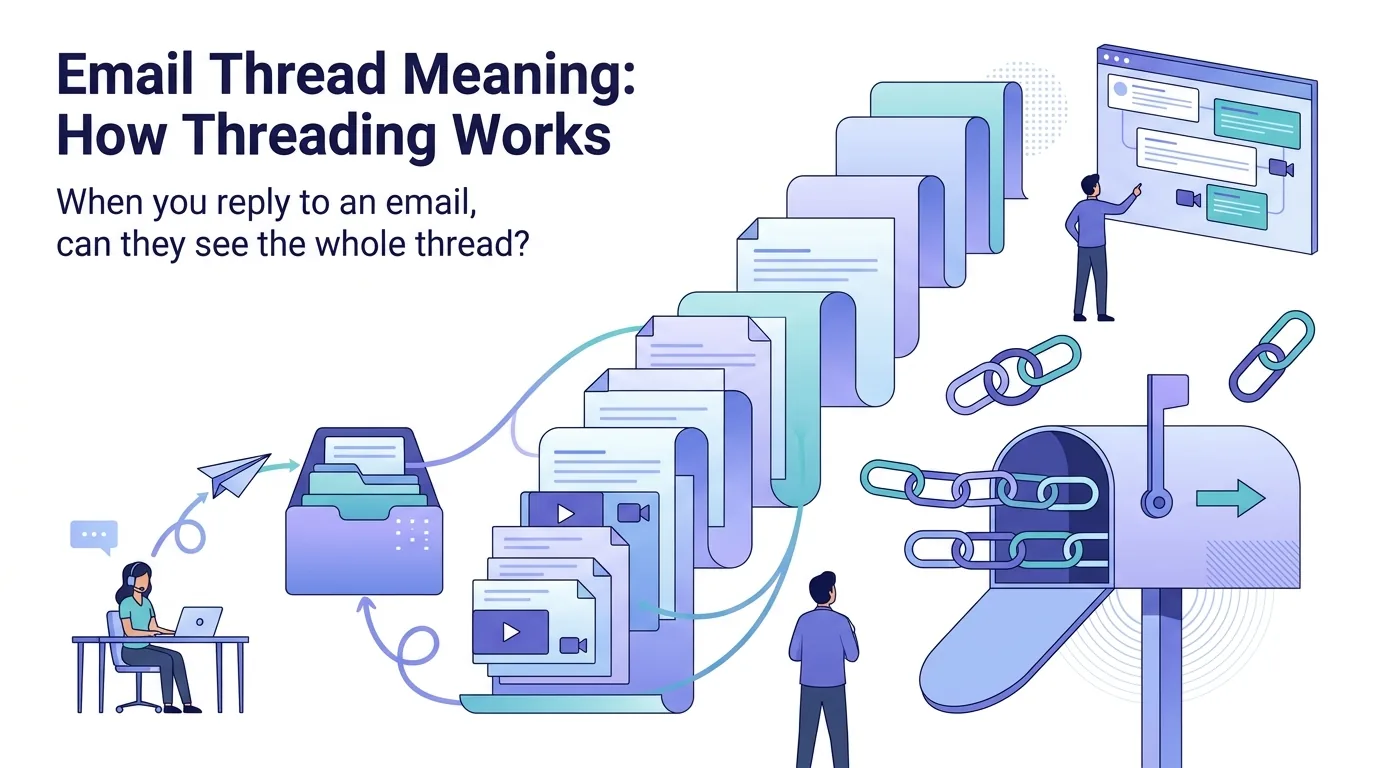
- When you reply to an email, can they see the whole thread?
- How to check email threads in Gmail, Outlook and Apple Mail
- What threads mean for cold outreach and follow-ups
- Where the thread lives when you send with EmailFlow OS
- Terms people look up next to email thread
- Questions people ask
Email thread meaning: what is an email thread?
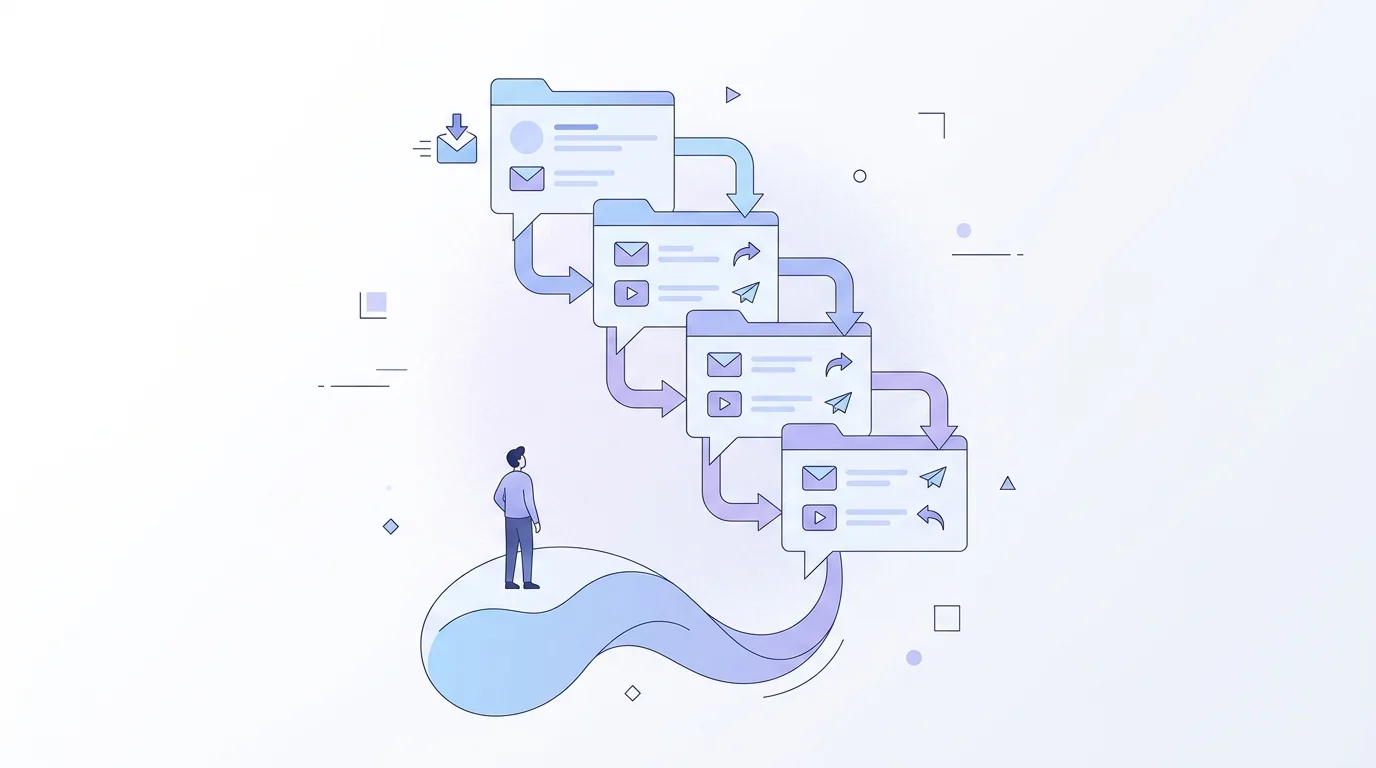
An email thread is an original email plus every reply and forward that follows from it, shown as one conversation. Your mail client links the messages through hidden headers that each reply carries, so they sit together in order under one inbox row. Change the subject or send a fresh email, and you start a new thread.
Most clients sort the messages in a thread by date and show the conversation as a single inbox row with a count of how many messages it holds.
Here's an example. On Monday you email a prospect, Anna, with the subject "Onboarding question". She replies on Tuesday and copies in her colleague Ben. On Wednesday Ben replies to all. Your inbox shows one entry called "Onboarding question" with three messages in it: yours, Anna's and Ben's. All three belong to one thread because every reply refers back to the message before it. If Ben had written a brand-new email with the subject "Onboarding", it would show up as a separate conversation, even though the topic is the same.
The same mechanism decides whether a follow-up in a cold outreach sequence lands under your first message or turns up on its own. That's why the email thread meaning matters to anyone who sends sequences. Our guide on cold email follow up timing and threading covers that side of it.
Do you say email thread, email chain or email string?
In everyday use all three mean the same thing: a set of linked messages on one subject. "Thread" is the term mail software uses. Gmail calls the grouped view a conversation, Apple Mail says threads, and the IETF's IMAP threading extension, which lets mail servers group messages, names its command THREAD. "Email chain" is more common in speech, and people often use it for long back-and-forths or for a message forwarded several times with all the history underneath. "Email string" is rarer, but it's understood the same way.
One distinction is worth knowing. A thread is how the client groups messages on screen. A chain usually means the history quoted inside a single email body. You can get one without the other. A forward carries the whole chain in its body, yet it can still start a new thread in the recipient's inbox if they never received the earlier messages.
How do email clients group messages into a thread?
Threading is based on headers that the sending client writes into every message. The IETF's Internet Message Format standard defines three of them for identifying messages and their replies: Message-ID, In-Reply-To and References. The same standard describes the "Re: " prefix that replies add to the subject. The receiving client reads those headers and builds the conversation tree.
| Header | Who sets it | What it does for threading |
|---|---|---|
| Message-ID | The sending system, once per message | A globally unique identifier for the message. Every later reply refers back to it. |
| In-Reply-To | The client of the person replying | Contains the Message-ID of the message being answered, which tells the client which message is the parent. |
| References | The client of the person replying | The parent's References plus the parent's Message-ID, so clients can rebuild the order even if one message is missing. |
| Subject | The writer | Gmail uses it alongside the headers. Some IMAP servers group by subject alone. |
| Thread-Index / Thread-Topic | Microsoft Outlook and Exchange | Proprietary headers that Outlook uses to keep its own conversation view together. |
Here's what the headers look like in the Anna example, with made-up IDs. In a real header each ID is wrapped in angle brackets; they're left out here for readability. Your first email carries the Message-ID only. Anna's reply points back to it. Ben's reply points to Anna's message and lists both earlier IDs:
- Your email: Message-ID first.abc@yourdomain.com, Subject: Onboarding question
- Anna's reply: Message-ID anna.def@annasco.com, In-Reply-To first.abc@yourdomain.com, References first.abc@yourdomain.com, Subject: Re: Onboarding question
- Ben's reply: Message-ID ben.ghi@annasco.com, In-Reply-To anna.def@annasco.com, References first.abc@yourdomain.com and anna.def@annasco.com, Subject: Re: Onboarding question
The IMAP threading extension describes two server-side methods. ORDEREDSUBJECT groups messages by their base subject, which is the subject with "Re:" and similar prefixes removed. REFERENCES follows the References header chain. Header-based grouping is the more reliable of the two, because unrelated emails can easily share a subject like "Quick question".
Why does an email thread split or merge wrongly?
When a conversation breaks apart or unrelated mail ends up together, the cause is almost always one of these:
- The subject was edited. Gmail starts a new conversation when the subject changes, even if the reply headers are still there.
- The conversation got very long. Gmail caps how many messages one conversation holds, and once that cap is reached, later messages start a new conversation.
- The reply headers are missing. A tool that sends each step of a sequence as a new message, with no In-Reply-To or References, gives subject-only grouping at best. Clients that rely on headers show the step on its own.
- Someone wrote a new email to continue the conversation. Without reply headers it's a new thread, even with an identical subject.
- A forwarding or archiving system rewrote the Message-ID. Replies to the rewritten ID no longer match the original.
- Generic subjects merge unrelated mail. With subject-based grouping, two separate emails called "Meeting" can land in one conversation.
- Clients disagree. Outlook's Thread-Index and Gmail's subject matching don't always agree, so the same mail can be grouped one way for the sender and another way for the recipient.
When you reply to an email, can they see the whole thread?
It depends on what goes in the body of your reply, not on the thread view. Threading only groups messages that already sit in the recipient's mailbox; it doesn't deliver older messages to them. When you hit reply, most clients include the earlier messages as quoted text under your answer, and that quoted text is what travels. Delete it and it's gone from that message.
- Original participants already have the earlier messages, so their client shows the full thread whether or not you quote it.
- Someone added on CC halfway through only sees what's quoted in the message they receive. If you trimmed the quote, they can't read the earlier replies.
- A forward sends the quoted history, including any internal comments in it, to people who were never part of the conversation. Check the quoted text before forwarding.
- BCC recipients get a copy of that one message. If they reply all, they reveal that they were copied.
How to check email threads in Gmail, Outlook and Apple Mail
Every major client lets you switch between a grouped view and a flat list. These menu paths follow each vendor's own help pages and can change with redesigns.
| Client | Where to turn threading on or off | What you see when it is off |
|---|---|---|
| Gmail (web) | Settings gear → See all settings → General → Conversation view: on or off → Save Changes | Every message, including your own replies, appears as a separate inbox item |
| Outlook (classic desktop) | View tab → tick or untick Show as Conversations | A flat list sorted by date |
| New Outlook / Outlook on the web | Settings → Mail → Layout → Message organization → group by conversation or show individual messages | Individual messages |
| Apple Mail (Mac) | View menu → Organize by Conversation | Individual messages |
| Mail on iPhone | Mail settings → Threading → Organize by Thread | Individual messages |
If you're trying to work out why a reply didn't join a thread, open the raw message (Show original in Gmail, View source in other clients) and look for In-Reply-To and References. If they're missing, that's the cause.
What threads mean for cold outreach and follow-ups
In outreach, a follow-up sent as a real reply, with the reply headers set, sits under your first message so the prospect can see what you're following up on. A follow-up sent as a new message starts its own conversation. Neither choice affects authentication: receiving servers check SPF, DKIM and DMARC, plus sender reputation, and threading headers aren't part of those checks.
What doesn't work is faking a thread. Putting "Re:" in front of a first-contact subject line implies a conversation that never happened, and the US CAN-SPAM Act prohibits subject headings likely to mislead the recipient about the content or subject matter of a commercial message. Our article on the CAN-SPAM Act requirements for cold email explains what that law asks for. For wording, see the sales follow up email template examples, written to be sent in the same thread.
Where the thread lives when you send with EmailFlow OS
EmailFlow OS is built for personalised AI video email in B2B cold outreach. You record one video and upload it to EmailFlow OS, connect your own Brevo account and sending domain, and import your prospect list. EmailFlow OS personalises that one recording for each recipient, not for each company, and sends every version from your own inbox through your Brevo account and your sending domain. It never uses a shared platform sender.
For threading, that means the From address on each message is your own address on your own domain. When a prospect replies, the reply goes to your mailbox, and the conversation thread builds up there, under your control, not in a platform mailbox you'd have to export from. You can read more about how EmailFlow OS personalises one video per recipient on the home page.
Terms people look up next to email thread
| Term | What it means |
|---|---|
| Camera shy meaning | Camera shy describes someone who feels uncomfortable being photographed or filmed and avoids it. In sales, it's a common reason people don't record outreach videos; a single take you can re-record lowers the barrier. |
| Cold email deliverability | Whether a cold email reaches the inbox, the spam folder or nowhere. The receiving server decides, based on SPF, DKIM and DMARC authentication, the domain's sending reputation, list quality and how recipients react. |
| Email deliverability checklist | A pre-send list: SPF, DKIM and DMARC records published for the sending domain, a gradually warmed domain, a verified list without invalid addresses, a working unsubscribe option and a controlled daily volume. |
| Email blast | One identical message sent to a whole list at once. It isn't threaded per recipient and isn't personalised, which is why bulk senders run it through a dedicated marketing setup. |
| Follow up sales email | A message sent after no reply or after a call or meeting, usually as a reply in the original thread, so the earlier context is quoted underneath. |
| B2B email lead generation | Using email to find business prospects and qualify them: building a target list, sending first-contact messages, and treating replies as leads to check for fit and timing. |
| EOD meaning | EOD usually means end of day, the close of the recipient's working day, in deadlines like "by EOD". In military use it stands for explosive ordnance disposal. |
Each of these has its own guide. The camera shy meaning article covers recording when you dislike the camera. The cold email deliverability guide explains what receiving servers weigh. The email deliverability checklist goes through the DNS and list checks in order. The email blast article explains how bulk sends differ from outreach. The B2B lead generation steps cover list building to qualification. And the EOD meaning guide covers deadline wording in its different senses.
Questions people ask
- What does email thread mean?
- An email thread is a first message plus all replies and forwards to it, grouped as one conversation. Clients link them through the Message-ID, In-Reply-To and References headers defined in the IETF's Internet Message Format standard, and Gmail also matches the subject. A new email with the same subject but no reply headers can start a separate thread.
- What does it mean to reply in the same thread?
- It means using Reply or Reply all on the existing message instead of writing a new one. Your client then sets In-Reply-To to that message's Message-ID and keeps the "Re:" subject, so the answer shows under the earlier messages. Writing a new email with a copied subject lacks those headers and can show up on its own.
- Why would someone use email threads?
- Threads keep context together. Instead of hunting for several separate messages about one deal, you open one conversation and read it in order. That's quicker when you reply and safer when you hand a conversation to a colleague. A flat list works better when you need every message by date, for example during an audit or when searching a busy shared inbox.
- Does turning off conversation view delete anything?
- No. Conversation view only changes how your client displays messages. Every message is still stored separately with its own Message-ID, and switching Gmail's Conversation view or Outlook's Show as Conversations back on regroups them. The setting is per client, so sender and recipient can see the same mail grouped differently.
- Does replying in the same thread affect spam filtering?
- Threading headers aren't an authentication signal. Receiving servers check SPF, DKIM and DMARC alignment, plus sender and domain reputation, and those apply the same way to a reply and to a new message. What a reply changes is what the recipient sees: the earlier message quoted underneath and grouped in one conversation.
