11 min read Alle Artikel auf Deutsch
Cold Email Automation: Tools and Follow-Ups
The short answer
In cold email automation, software imports your prospect list and sends a scheduled sequence from your own mailbox. It stops a prospect's sequence when they reply or unsubscribe, and it logs bounces. The automation only holds up on authenticated infrastructure: SPF, DKIM and DMARC on your sending domain, a warmed-up domain and a verified list. Choose the tool by the job it does (sequencing, contact data, multichannel or video), and keep the sending domain under your own control.
In this article
- What is cold email automation, exactly?
- What do you need before the first automated send?
- Which cold email automation tools are there?
- How does EmailFlow OS automate video cold email?
- Sales follow-up email templates for an automated sequence
- What breaks in cold email automation?
- Is cold emailing illegal?
- Questions people ask
What is cold email automation, exactly?
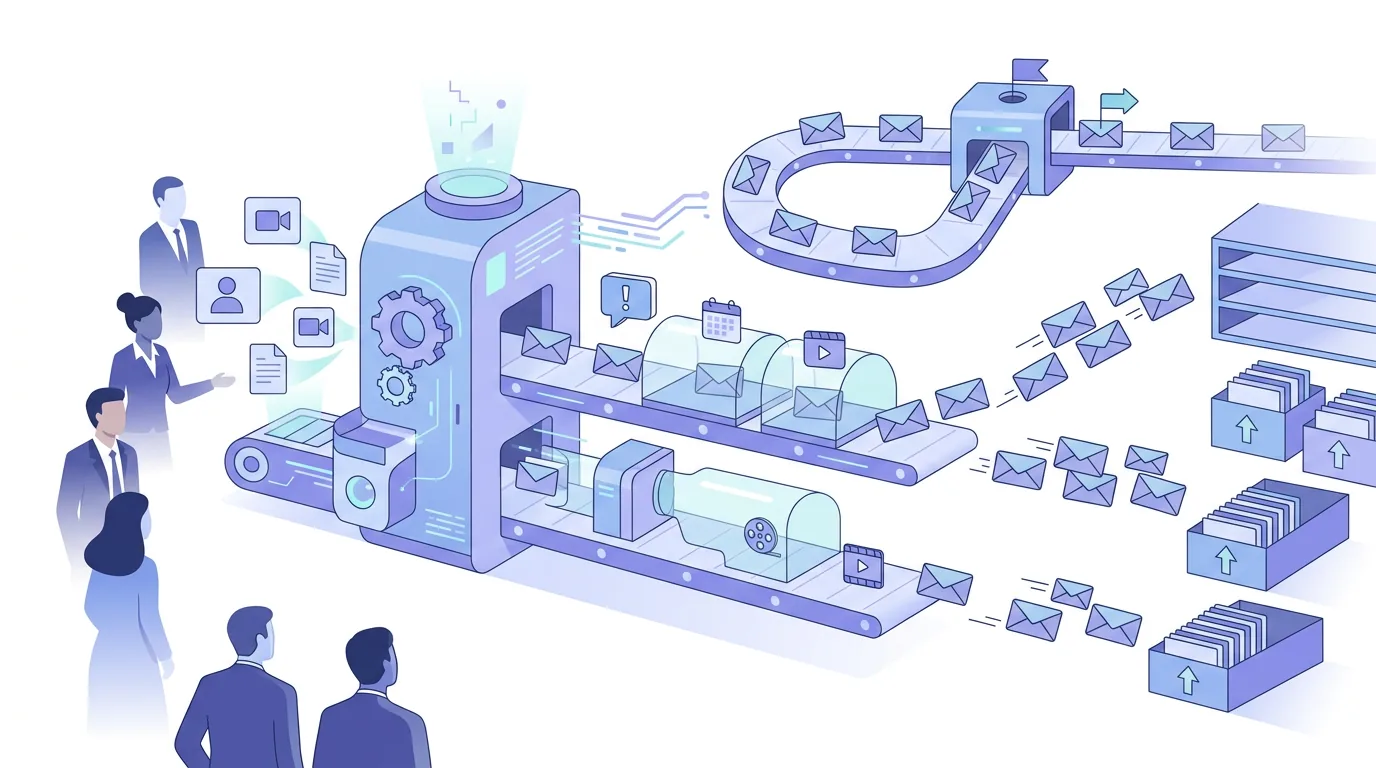
Cold email automation means software runs the repetitive parts of outreach to people you've had no contact with. It doesn't make up the message for you. What it does is apply rules. A typical setup does five jobs. It holds or imports the prospect list. It fills merge fields such as first name and company into a template. It sends step one and then the follow-ups on a schedule. It stops a contact's sequence when they reply, unsubscribe or hard-bounce. And it records what happened to each address. Google's AI overview for this search adds lead finding, address verification and domain warm-up to that list, which shows how far the term has spread.
Three things stay manual, and they should. Someone has to decide who belongs on the list. Someone has to write copy a real person would answer. And someone has to own the domain the mail is sent from. Whatever tool runs the sequence, receiving servers judge the sending domain: its SPF, DKIM and DMARC records and its history. The mail-merge layer on top doesn't change that. If the domain or the list is weak, automation just sends weak mail faster.
What do you need before the first automated send?
Set up the infrastructure before you build any sequence. Once a campaign is running, every gap in it shows up as bounces or spam-folder placement, and those land on your domain's record.
- Sending domain you control: decide whether outreach goes from your main domain or a separate one. Either way, the DNS records have to be yours to edit.
- SPF: one TXT record that lists every service allowed to send for the domain, including your mailbox provider and your sending service, such as Brevo. Two separate SPF records on one domain make the check fail.
- DKIM: a public key published under the selector your sending service gives you, so messages are signed with your domain rather than the platform's.
- DMARC: a TXT record at _dmarc that tells receivers what to do when SPF or DKIM doesn't align with the From domain. Most senders start at p=none so they can read reports before tightening the policy.
- Warm-up: send at low volume first and raise it gradually. Google's AI overview, citing leadsmonky.com, describes around 14 days of warm-up at roughly 10–15 emails per mailbox per day before campaigns start.
- Verified list: remove invalid addresses before import. Hard bounces, such as a 'user unknown' rejection for an address that doesn't exist, count against the sender.
- Unsubscribe path: a working opt-out in every message, and the tool has to suppress that address in every later step.
Record syntax, the order to set them up in and the alignment rules are covered step by step in our guide to DKIM, DMARC and SPF for cold email senders. Volume ramps are covered in the email warm-up guide with daily volumes.
Which cold email automation tools are there?
The table names tools that the current top search results describe, quoted the way those sources describe them. These are summaries from third parties, not our own tests. The last column applies the same questions to every tool, and the answer depends on your plan and setup, so check it yourself.
| Tool | How the source describes it | Source and date | Check before choosing |
|---|---|---|---|
| Snov.io | All-in-one sales automation: find leads, verify emails, send cold campaigns, run LinkedIn outreach | mailforge.ai, 1 Oct 2026 | Whose domain signs DKIM; whether you can export the list and history |
| Saleshandy | AI-powered cold email outreach tool for teams that want to scale without complex setups; listed for built-in prospecting and multichannel sequences | emailtooltester.com, 5 Aug 2026; mailforge.ai, 1 Oct 2026 | Whose domain signs DKIM; whether you can export the list and history |
| Smartlead | Listed as best for unlimited mailboxes and deliverability | mailforge.ai, 1 Oct 2026 | Whose domain signs DKIM; whether you can export the list and history |
| Woodpecker | Listed for agencies and sales teams that need reliable cold email | mailforge.ai, 1 Oct 2026 | Whose domain signs DKIM; whether you can export the list and history |
| Reply.io | Listed for AI-powered multichannel outreach | mailforge.ai, 1 Oct 2026 | Whose domain signs DKIM; whether you can export the list and history |
| QuickMail | Email automation platform for sending cold emails and follow-ups | close.com, 9 Jun 2026 | Whose domain signs DKIM; whether you can export the list and history |
| Zapier | Used as glue: one practitioner describes uploading a lead list straight into a sending tool automatically | reddit.com r/Entrepreneur thread | Zapier doesn't send cold email itself; it connects a lead source to a sender |
How to choose: if you don't have contact data yet, an all-in-one tool such as Snov.io covers finding and verifying addresses as well as sending, but the list then lives inside that tool. If you already have clean data and your own domain, a tool built mainly for sequencing (QuickMail, Woodpecker, Smartlead) keeps the setup narrower. If LinkedIn steps belong in the same cadence, the sources point to Saleshandy, Reply.io and Snov.io. Zapier makes sense when your leads come from a form or spreadsheet that the sending tool can't read on its own. Our list of what to check first in cold email software goes through these questions as a checklist.
How does EmailFlow OS automate video cold email?
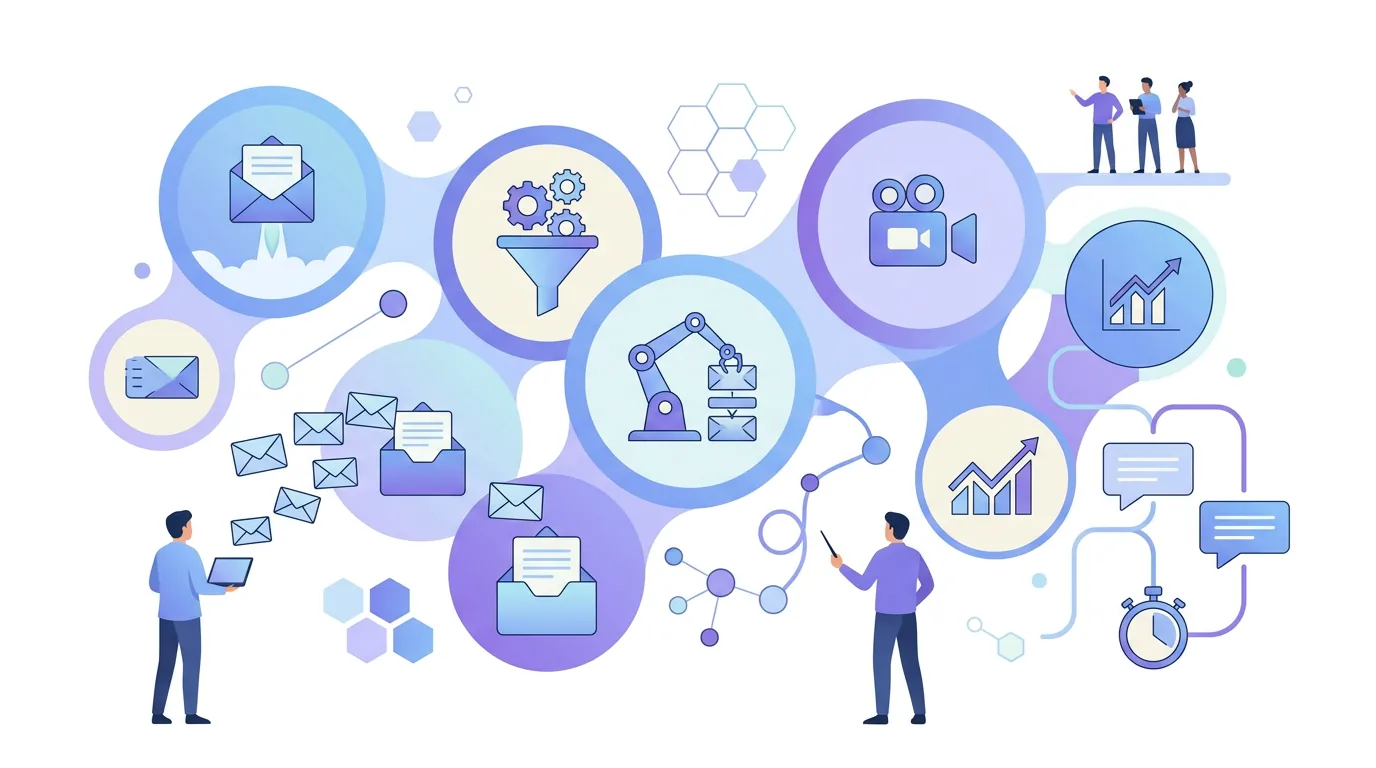
EmailFlow OS is a separate case, and it isn't part of the comparison above. It's a EmailFlow OS product for one specific job: personalised AI video email for B2B cold outreach. Here's how it works:
- You record one video and upload it to EmailFlow OS.
- You connect your own Brevo account and your own sending domain.
- You import your prospect list into EmailFlow OS. The list lives there.
- EmailFlow OS personalises that single recording for each recipient, so every person on the list gets their own version, not one version per company.
- Each version goes out from your own inbox, through your Brevo account and your sending domain. It never goes through a shared platform sender.
Because the mail goes through your Brevo account, the SPF, DKIM and DMARC records described above stay yours, and so does the sender reputation built on them. EmailFlow OS doesn't decide inbox placement. The receiving server does, based on your domain and your list. You can see the flow end to end in our walkthrough of cold outreach with one personalised video, and the product itself is on the EmailFlow OS home page.
Sales follow-up email templates for an automated sequence
In an automated sequence, follow-ups do most of the work, and they're also where automation most often goes wrong. Each template below is meant to be sent as a reply in the same thread, so the earlier message stays visible underneath. Swap the bracketed parts for real details. If you can't fill a bracket for a contact, take that contact out of the step. Don't send them a generic fallback.
- Sales follow-up email after no reply (step 2): "Hi [first name], following up on my note about [specific problem at their company]. If [problem] isn't on your list this quarter, just tell me and I'll stop here. If it is, would a short call on [day] work? [Your name]"
- Follow-up sales email after a call: "Hi [first name], thanks for the time today. As agreed: [one-line summary of their situation], and the next step is [concrete action] by [date]. I've attached [the document you promised]. Anything I got wrong? [Your name]"
- Sales follow-up email with new information (step 3): "Hi [first name], one thing I didn't mention before: [relevant fact, such as a change in their market or a feature that fits what they said]. Would that change anything for [team or project]? Happy to explain in a reply if a call is too much. [Your name]"
- Sales follow-up email to close the loop (last step): "Hi [first name], I haven't heard back, so I'll assume the timing isn't right and won't follow up again. If [problem] comes up later, this thread is the place to find me. [Your name]"
Which one to use and when: send the no-reply template only to contacts who haven't answered and haven't opted out. The post-call template is sent by hand, never by a timer, because it depends on what was said. Use the new-information step only if you actually have something new. And send the closing email as the last step, then stop. For more copy-ready versions, see the sales follow-up email template collection. For spacing and threading, see the guide to cold email follow-up timing and threads.
What breaks in cold email automation?
Most automation failures come from the setup, not the copy. Here are the common ones and what causes them:
- A follow-up goes out after someone has already replied: the reply came from a different address, such as an assistant or a forwarded colleague, or landed outside the thread, so reply detection missed it. Fix it by stopping the sequence for the whole company domain whenever anyone there replies.
- "Hi {first_name}," ends up in the inbox: a merge field was empty and had no fallback. Filter out incomplete records before import.
- DMARC fails even though SPF passes: the message was authenticated under the platform's domain, not the From domain. The fix is DKIM signed with your own domain.
- SPF permerror: too many include mechanisms, or a second SPF record added for a new tool. Merge everything into one record.
- Bounce spikes in the first week: the list wasn't verified. Addresses that hard-bounce as 'user unknown' need removing before the next step goes out, or every later step hits them again.
- Mail arrives in the middle of the night: the sequence ran on the sender's time zone instead of the recipient's.
- The same text sent to thousands of people: identical bodies are easy for filters to group together. Real variation per recipient matters more than spinning synonyms.
Each bounce code and what to do about it is listed in our guide to email bounce codes for cold outreach.
Is cold emailing illegal?
It depends on where the recipient is, and automating it doesn't change the rules. In Germany, §7 of the Act Against Unfair Competition (UWG) treats email advertising without the recipient's prior consent as an unreasonable nuisance, and that applies to business recipients too. So unsolicited cold email to German recipients carries legal risk even in B2B. In the US, the CAN-SPAM Act allows unsolicited commercial email but sets conditions: accurate header information, no misleading subject line, a postal address and an opt-out that is honoured within 10 business days. In the EU, if you collected someone's data from a source other than that person, Article 14 GDPR requires you to tell them, at the latest within one month. Automation helps with the mechanical parts, such as suppressing an unsubscribed address in every later step. Whether your outreach is lawful still depends on whom you contact, on what legal basis, and what you tell them.
Questions people ask
- Which AI is best for cold emailing?
- It depends on which job you give the AI. Language models such as ChatGPT or Claude can draft copy and research notes. Sequencing tools such as Saleshandy or Reply.io, which the sources describe as AI-powered, add AI to sending and replies. Video tools personalise a recording for each recipient. None of them fixes a weak list or unauthenticated DNS. That's why the infrastructure comes first, whichever AI you pick.
- Is cold email still effective in 2026?
- We publish no reply-rate figures and don't cite any. What decides the outcome is mechanical. Receivers now check SPF, DKIM and DMARC alignment and complaint signals before a message reaches the inbox. A cold email from an authenticated, warmed-up domain to a relevant, verified contact can get read. Mass-merged text from an unaligned shared sender gets filtered no matter how good the copy is.
- What is the 30/30/50 rule for cold emails?
- It's an informal heuristic that circulates in sales forums. There's no single agreed definition, and no standard or authoritative source is behind it, so different versions split the effort differently. Treat it as an opinion, not a rule. The checkable constraints are elsewhere: one SPF record per domain, DKIM signed by your own domain, a DMARC record at _dmarc, and a working opt-out.
- Is cold email automation the same as email marketing automation?
- No. Marketing automation sends to subscribers who opted in, usually as HTML newsletters triggered by behaviour. Cold email automation sends one-to-one-style messages to people with no prior contact, usually in plain text from a personal mailbox, and it stops a contact's sequence on reply. The consent rules differ too. Germany's UWG §7, for example, requires prior consent for email advertising.
