11 min read Alle Artikel auf Deutsch
Cold Email Tool: Options, Setup, Follow-Ups
The short answer
A cold email tool can handle five jobs: finding contacts, checking addresses, sending sequences, warming up the sending domain and handling replies. Most teams pair a data tool like Apollo.io or Clay with a sender like Smartlead, Saleshandy or Reply.io. Before anything goes out, publish SPF, DKIM and DMARC for your own domain and add one-click unsubscribe. After that, decide where the prospect list lives and whose domain signs the mail.
In this article
- What does a cold email tool actually do?
- Which cold email tools are there, by job?
- Cold email tool or email marketing platform: which do you need?
- What has to be in place before any tool sends?
- Where do cold email tools go wrong?
- Follow-up emails your cold email tool will send
- Sales follow up email template
- How do you write a follow up sales email?
- When should a sales follow up email stop?
- Where EmailFlow OS fits: a EmailFlow OS product
- Questions people ask
What does a cold email tool actually do?
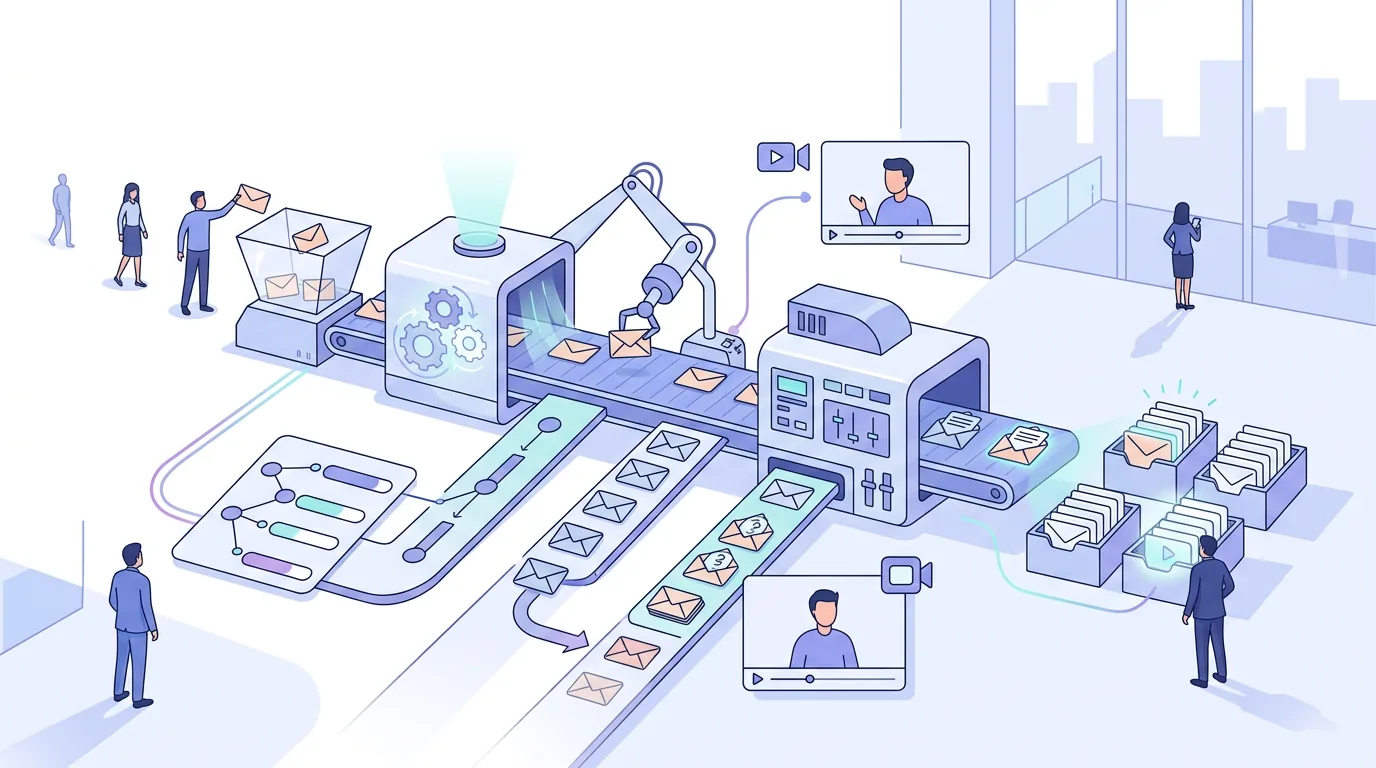
"Cold email tool" is a loose label. In the search results for the term on 21 October 2026, topo.io describes cold email software as tools that help B2B teams authenticate and warm up sending domains, verify contacts and send sequenced emails. In practice that's five separate jobs, and hardly any product does all five equally well:
- Contact data: finding people and their business addresses, either from a built-in database or by enriching a list you already have.
- Verification: checking each address before you send to it, so hard bounces (permanent 'user unknown' rejections) don't pile up on your domain.
- Sequencing and sending: the first email, follow-ups at set intervals, and an automatic stop when someone replies.
- Warm-up and authentication: raising volume on a new domain gradually and keeping SPF, DKIM and DMARC correct.
- Reply handling: one place to read and sort replies, out-of-office notices and unsubscribe requests.
Choose a tool for the job you can't do yet, not for the length of its feature list. If you already have a clean list and a warmed-up Brevo domain, a database-heavy platform mostly hands you data you won't use. For a structured way to compare candidates, our checklist for choosing cold email software lists what to check before you commit: who signs DKIM, where the list is stored and how unsubscribes are handled.
Which cold email tools are there, by job?
These products keep turning up in the top-ranking comparisons for this search (getprospect.com, saleshandy.com, salesmotion.io, martal.ca and Google's AI overview, all as seen on 21 October 2026). Each description reflects how those sources present the tool. Check the vendor's own documentation before you count on a particular feature.
- Apollo.io: Google's AI overview calls it an all-in-one platform that combines a large B2B contact database with built-in email sequences. It suits teams that don't have a list yet.
- Clay: salesmotion.io lists it among tools for personalised cold email at scale. Teams use it to enrich and research contacts before they go into a sending tool.
- Smartlead: saleshandy.com describes it as an AI-powered tool for sending and tracking cold email campaigns, with automated follow-ups. Google's AI overview adds a master inbox and API integrations and positions it for agencies and high-volume sending.
- Saleshandy: ranked as a cold email outreach tool in martal.ca's comparison and in its own. Sequenced sending is its core.
- Reply.io: appears in martal.ca's comparison and in getprospect.com's list of recommended cold email software, covering multi-step outreach sequences.
- QuickMail: part of martal.ca's comparison of cold email platforms, focused on sending sequences.
- GMass: getprospect.com lists it among cold email tools with a free plan. It runs inside a Gmail account.
- Hunter: getprospect.com lists it among tools with a free plan. It's for finding and checking addresses, not for running long sequences.
- Mailmeteor's Cold Email AI: according to its own page, a free generator for drafting copy. It writes the email but doesn't send it.
| Tool | Main job, as the sources describe it | What you bring | What to check before you commit |
|---|---|---|---|
| Apollo.io | Contact database plus sequences | Targeting criteria (role, industry, region) | Whether you can send through your own domain and mailbox, and how its data is sourced under GDPR |
| Clay | Enrichment and research | An existing list or company names | Which sending tool it passes data to, and where the enriched list ends up stored |
| Smartlead | Sending, tracking, follow-ups, master inbox | Mailboxes, a list, copy | How many mailboxes and domains you'd spread volume across, and who controls their DNS |
| Saleshandy | Sequenced cold outreach | Mailboxes, a list, copy | How unsubscribes are handled and whether replies stop sequences |
| Reply.io | Multi-step sequences | Mailboxes, a list, copy | Which channels besides email you'd actually use |
| GMass | Sending from a Gmail account | A Google account, a list in Sheets or Gmail | Google's sending limits for your account type |
| Hunter | Finding and checking addresses | Domains or names | Whether verification results feed into your sender |
So which one when? No list yet: start with a data tool (Apollo.io, or Hunter for smaller volumes). A list but little context on each contact: add enrichment (Clay). Good data and a warmed-up domain: you only need a sender. A single-mailbox setup like GMass works at low volume. Once one mailbox isn't enough, a multi-mailbox sender like Smartlead, Saleshandy or Reply.io makes sense. A copy generator doesn't replace any of them.
Cold email tool or email marketing platform: which do you need?
People often ask which tools are used for email marketing, and whether there's a better option than Mailchimp. That's a different question. Newsletter platforms like Mailchimp, or Brevo's marketing campaigns, are built for lists of people who opted in, and they send one design to many people as a campaign. Cold email tools send plain messages that read as individual, one at a time, from a person's mailbox, with follow-ups that stop when someone replies.
What doesn't work: importing a cold list into a newsletter platform and sending it a campaign. Many of these platforms restrict or forbid sending to contacts who didn't opt in, so read the acceptable-use policy first. Bulk-style HTML sent from a fresh domain to strangers is also exactly the pattern spam filters are built to catch. If you run Brevo, it's the infrastructure underneath your sending, and the cold email tool decides what goes out and when.
What has to be in place before any tool sends?
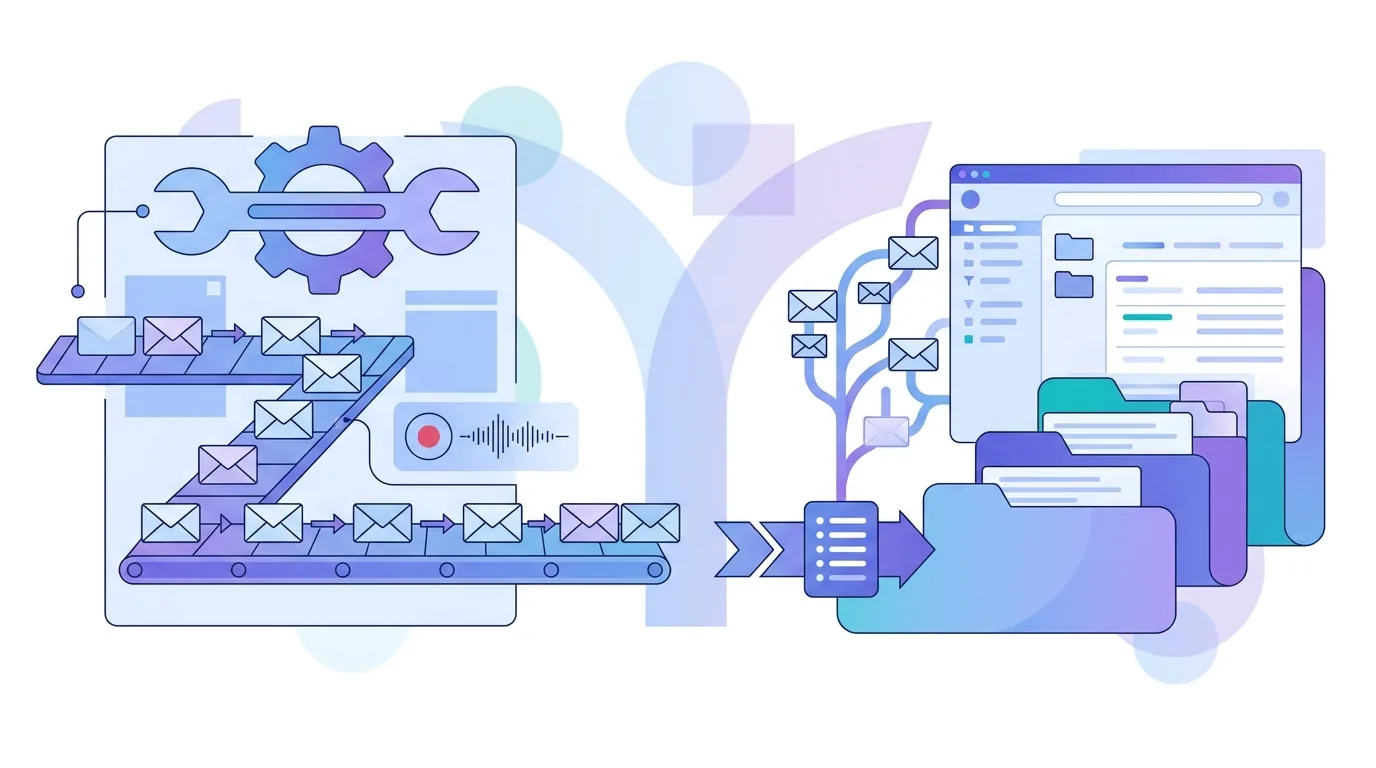
The DNS and policy groundwork matters more than which tool you pick. The receiving server decides where a message ends up, and it judges your domain and how you send, not your software. Before the first sequence starts:
- SPF: exactly one TXT record per domain, listing every service that sends for it. The SPF standard caps how many DNS lookups an evaluation may trigger, and every include adds to that count. Adding a new tool's include on top of Google Workspace and Brevo can push you over the cap, and then SPF fails. Publishing a second SPF record breaks it too.
- DKIM: messages signed with a key published under your own domain, not the tool's. If the signature belongs to the vendor's domain, DMARC alignment with your From address fails.
- DMARC: a TXT record at _dmarc.yourdomain. Start with p=none to collect reports, then tighten the policy once SPF and DKIM pass for everything that sends as you.
- One-click unsubscribe: Google's email sender guidelines require bulk senders to Gmail addresses to support one-click unsubscribe through the List-Unsubscribe header and to keep their reported spam rate low. The current thresholds are in Google's documentation.
- Warm-up: raise volume gradually on a new domain or mailbox instead of starting a full campaign on day one.
The records, setup order and alignment checks are covered step by step in DKIM, DMARC and SPF for cold email senders. The volume ramp for a new domain is in our guide to email warm-up volumes and DNS setup.
Where do cold email tools go wrong?
- Unverified lists: sending to bought or scraped addresses without checking them causes hard bounces, and receiving servers treat a high bounce rate as the sign of a careless sender.
- Shared sending infrastructure: when mail goes out through a platform's shared address or IPs, other customers' behaviour affects your reputation, and you can't fix their DNS.
- SPF sprawl: every tool you trial adds an include until the record goes over the lookup cap in the SPF standard and stops validating.
- Follow-ups that ignore replies: if reply detection isn't connected to the mailbox the prospect replied to, they get a 'just bumping this' after they've already said no.
- List lock-in: if your prospect data only exists in one vendor's database, switching tools means rebuilding it.
- Template reuse: the same text sent word for word by many users of the same tool is a pattern filters can recognise.
Follow-up emails your cold email tool will send
Most of a sequence is follow-ups, so they deserve as much care as the first email. More copy-ready versions for different situations are in our collection of sales follow up email templates.
Sales follow up email template
- No reply to the first email: "Hi {first name}, I wrote last week about {problem} at {company}. If it isn't a priority right now, a one-word 'later' tells me when to check back. Thanks, {your name}"
- After a call: "Hi {first name}, thanks for your time today. As agreed: {next step} by {date}, and I'll send {document} before then. If anything has changed on your side, just reply here. {your name}"
- Closing the loop: "Hi {first name}, I haven't heard back, so I'll assume {topic} isn't a priority and won't follow up again. If that changes, this thread stays open. {your name}"
Send the first template when the original email got no answer, the second on the same working day as the call, and the third as the last message in a sequence.
How do you write a follow up sales email?
Send a follow-up sales email as a reply in the same thread, so the earlier message sits underneath it. Mail clients group a thread using the In-Reply-To and References headers, and a good sending tool sets them for you. Make it shorter than the first email and add one new piece of information or one easy question. Don't put a fake 'Re:' on a message that isn't really a reply: without those headers it won't thread anyway, and it misrepresents what the message is.
When should a sales follow up email stop?
A sales follow-up email should stop as soon as the prospect replies, unsubscribes or bounces, and your sequence should handle all three automatically. If none of those happen, end with a clear closing-the-loop message instead of following up forever. The US CAN-SPAM Act requires opt-out requests to be honoured promptly. Germany's unfair competition law (UWG) restricts advertising email sent without prior consent, so check which rule applies to each recipient before the first message goes out.
Where EmailFlow OS fits: a EmailFlow OS product
EmailFlow OS isn't a general sequencer or a contact database. It does one job: personalised AI video email for B2B cold outreach. You record one video and upload it to EmailFlow OS, connect your Brevo account and sending domain, and import your prospect list into EmailFlow OS. EmailFlow OS then turns that one recording into a separate personalised version for each recipient (per person, not per company). Each version goes out from your own inbox, through your own Brevo account and your own sending domain, never from a shared platform sender. That means the SPF, DKIM and DMARC records described above stay yours, under your control. The steps in practice are covered in cold outreach with one personalised video, and the product is described on the page for personalised AI video email from EmailFlow OS.
Questions people ask
- Is mass emailing illegal?
- It depends on where the recipient is. The US CAN-SPAM Act allows unsolicited commercial email as long as headers aren't misleading, a physical postal address is included and opt-outs are honoured. Germany's unfair competition law (UWG) is stricter and generally requires prior consent for advertising email. GDPR also applies when you process EU personal data. Check the rules for each recipient's country before you send, and get legal advice if you're unsure.
- Do I need a separate warm-up tool?
- Not necessarily. Warm-up means raising volume on a new domain or mailbox gradually, so receiving servers can build up a reputation for it. Some senders build it in, others leave it to you. Either way, warm-up can't make up for missing SPF, DKIM or DMARC records, a list full of invalid addresses or a spam complaint rate above Google's published limit.
- Can I send cold email from my Gmail or Google Workspace account?
- Yes. Tools like GMass run inside a Gmail account. The limits are Google's: daily sending caps that depend on your account type and, for bulk senders, the requirements in Google's email sender guidelines (authentication, one-click unsubscribe, a low spam rate). Once a single mailbox can't carry your volume, teams usually switch to a multi-mailbox sender instead of pushing one account harder.
- What's the difference between a cold email tool and a CRM?
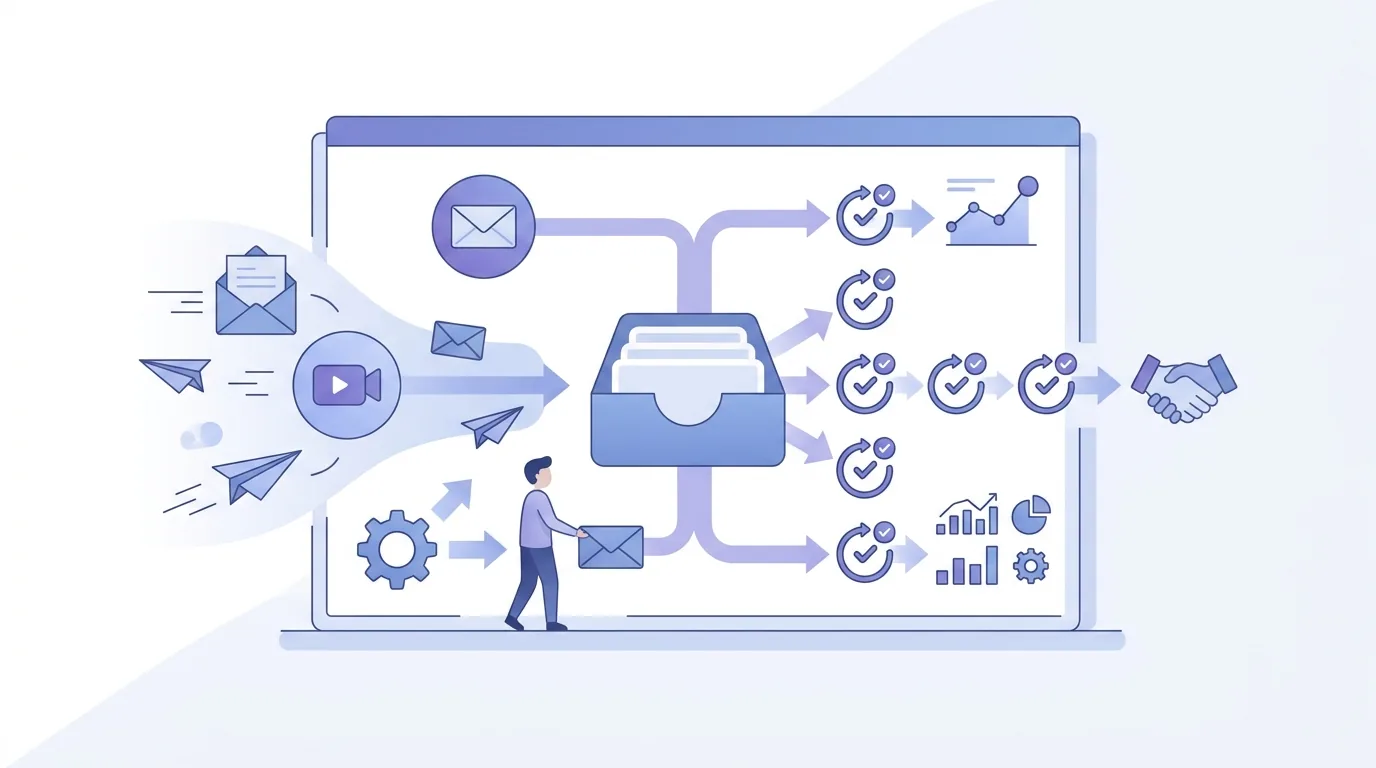
- A CRM records relationships: contacts, deals, call notes and pipeline stages. A cold email tool sends: it schedules first emails and follow-ups and stops them on reply. Many teams sync the two so a reply creates or updates a CRM record. Some platforms, like Apollo.io, combine contact data and sequences, but a dedicated CRM usually still keeps the deal history.
