15 min read Diesen Artikel auf Deutsch lesen Lire cet article en français Ler este artigo em português
Reconnecting Email Template: 10 Examples
The short answer
A good reconnecting email names the last real point of contact, gives one current reason for writing now and asks one small question. Send it from the inbox the person already knows. Reply in the old thread if that context still holds, or start a new one if it doesn't. Verify old addresses before you send: contacts who've changed jobs hard-bounce, and a batch of bounces damages your domain's sender reputation.
In this article
- What does a reconnecting email need?
- Reconnecting email templates for contacts you've lost touch with
- Reconnecting email templates for past clients and dormant prospects
- Reconnecting email examples: weak lines and fixed versions
- What subject line should a reconnecting email have?
- Follow up sales email vs reconnecting email: which one do you need?
- Reply in the old thread or start a new one?
- Before you send to an old list: deliverability and consent
- Cold email deliverability with dormant contacts
- Email deliverability checklist for a reconnect batch
- Why an email blast is the wrong tool for reconnecting
- Consent rules in the EU, and B2B email lead generation from old contacts
- How EmailFlow OS sends a reconnecting video to each contact
- Questions people ask
A reconnecting email template is a short message for restarting contact with someone after months or years of silence. It has four parts: the occasion you last spoke, one recent reason for writing now, one question the reader can answer in a line, and your full name. Below you'll find ten fill-in templates, weak lines next to fixed versions, subject lines, and the address and consent checks to run before you send to old contacts.
What does a reconnecting email need?
A reconnecting email restarts contact with someone you haven't heard from in months or years. It isn't a follow-up, because there's no open conversation to continue. Every template below has the same four parts. First, an anchor: where or how you last spoke, written specifically enough that the reader recognises it. Second, a trigger: something that happened recently on their side or yours that explains why you're writing now. Third, one small ask the reader can answer in a sentence, or no ask at all. Fourth, a plain sign-off with your full name, because after a long gap people often don't recognise a first name on its own.
It fails in predictable ways. Without the anchor, the email reads like cold outreach from a stranger. If you invent a trigger like "I was just thinking of you" with nothing behind it, the reader can tell. And if the first message after a long silence asks for a call, you're asking for more trust than the gap has left you. For a more buttoned-up tone, the structure in our formal email example and templates also works for reconnecting with senior contacts.

Reconnecting email templates for contacts you've lost touch with
- Event contact. Subject: [Event name], [month or year]. Hi [Name], we met at [event] when you were talking about [specific topic]. I saw [their recent news: new role, launch, article] and it brought that conversation back. How did [the project they mentioned] turn out? Best, [Full name], [Company]
- Former colleague. Subject: From the [old team or company] days. Hi [Name], it's been a while since we worked together on [project] at [company]. I'm now at [new company] working on [area]. I noticed you moved to [their company], so congratulations. How are you finding it? I'd be glad to swap notes whenever suits you. Best, [Full name]
- New role congratulations. Subject: Congrats on [new title]. Hi [Name], I just saw you've started as [title] at [company]. Well deserved after [something specific you know they did]. No agenda here. If you ever want a second opinion on [area you know well], you know where to find me. Best, [Full name]
- Sharing something useful. Subject: Thought of you: [topic]. Hi [Name], when we last spoke at [place or occasion] you mentioned [problem]. I came across [resource: article, report, tool] that covers exactly that, so here it is: [one-line summary of why it's relevant]. Hope things are going well at [company]. Best, [Full name]
- Honest long gap. Subject: It's been too long. Hi [Name], I realise we haven't talked since [occasion], and that's on me. I've been [one-line update about you]. What's keeping you busy these days at [company]? Best, [Full name]
Which one to use depends on how much shared context you still have. Use the event template when you remember a specific topic. If you can't name the topic, don't use it, because a vague "great to meet you at the conference" won't work as an anchor. The former-colleague and congratulations versions rely on a public trigger, such as a job change, so check the person's current role before you send. The resource email makes sense when you have something worth sharing. The honest-gap version works for people who know you well enough that a short, slightly self-deprecating note won't seem odd. None of the five asks for a meeting, on purpose. If they reply and a meeting makes sense, our meeting request email templates cover the next message.
Reconnecting email templates for past clients and dormant prospects
- Past client check-in. Subject: [Project name], one year on. Hi [Name], it's been [time] since we wrapped up [project]. I'm curious whether [the outcome you worked on] is still holding up, or whether anything's changed on your side since [relevant change: new team, new tool, reorganisation]. A one-line answer is plenty. Best, [Full name]
- Prospect who said "not now". Subject: Back in [month], as you suggested. Hi [Name], when we spoke in [month] you said [their stated reason, e.g. budget planning closes in [quarter]] and asked me to check back after that. Is [problem you discussed] still on your list, or has it been solved another way? Best, [Full name]
- Deal that went quiet after a quote. Subject: Re: [original quote subject]. Hi [Name], I sent over the proposal for [scope] on [date] and haven't heard back. That usually means priorities shifted, which is fine. Should I close this out, or is it worth updating the numbers for [new timing]? Best, [Full name]
- Contact who has moved company. Subject: Saw your move to [new company]. Hi [Name], we worked together on [topic] while you were at [old company]. Congratulations on the new role. If [problem you solved before] turns up at [new company] too, I'm happy to compare notes. Best, [Full name]
- Reconnecting after your own change. Subject: New role, same [topic]. Hi [Name], a quick update: I've moved from [old company] to [new company], where I'm working on [area]. We last talked about [topic] in [month or year]. Is that still something you're dealing with? Best, [Full name]
These five involve a commercial relationship, so a few rules apply. Only write "as you suggested" in template 7 if the person actually asked you to check back, because readers remember whether they did. Template 8 belongs in the original quote thread, and our follow up email for quotation article covers how to time it. Template 9 goes to a new address at a new employer. Whatever permission you had at the old company doesn't carry over, which matters under the EU rules covered further down. If the reply to any of these is a polite no, the not interested email replies article has responses that keep the door open without pushing.

Reconnecting email examples: weak lines and fixed versions
Most reconnecting emails that get no reply fail in the first two lines, not in the ask. The table puts typical openers next to rewrites built on the four parts above. Each fix swaps a general statement for something the reader can check against their own memory: a date, a place, a topic, a name.
| Part | Weak line | Fixed version | Why the fix holds up |
|---|---|---|---|
| Anchor | Hope you remember me! | We sat next to each other at the pricing workshop in Hamburg last March. | Gives place and time, so the reader can place you without asking. |
| Trigger | Just thought I'd reach out. | I saw your team announced the move into the Nordic market. | Names a real, recent event the reader knows about. |
| Ask | Would you have time for a call next week? | Did the Nordic launch run on the same tooling you mentioned then? | Answerable in one line, with no calendar commitment. |
| Apology | I'm so sorry for disappearing, things have been crazy, I really meant to write... | It's been too long, and that's on me. | One clause, then on to the point. |
| Sign-off | Cheers, Tom | Best, Tom Becker, [Company] | A full name and company stop the reader from having to guess who Tom is. |
What subject line should a reconnecting email have?
The subject line of a reconnecting email should carry the anchor, because that's what makes the reader open a message from a name they half remember. A subject naming a shared event, project or company is recognisable before the email is even opened. Generic subjects like "Checking in" or "Long time no see" say nothing about who you are, and they look the same as bulk outreach.
- [Event name], [month or year]: for contacts you met at a conference or meetup.
- From the [old company] days: for former colleagues.
- [Project name], one year on: for past clients.
- Back in [month], as you suggested: only if they asked you to check back.
- Re: [original subject]: only when you're replying in the old thread on purpose.
Don't put "Re:" or "Fwd:" in front of a new message to fake an earlier exchange. The reader has no such message in their inbox, so the trick shows up straight away.
Follow up sales email vs reconnecting email: which one do you need?
A follow up sales email continues a conversation that's still open: a call last week, a demo, a proposal waiting for a decision. It points back to that exchange and moves it forward. A reconnecting email restarts a conversation that has ended, so it has to rebuild the context first. Here's a simple test: if the reader would know what you're referring to without opening the earlier message, you're writing a follow-up. If they'd need to search their inbox, you're reconnecting.
Follow up email templates for sales are short because the context is already there. They usually include a recap line, the agreed next step and a date. Two examples: "Hi [Name], thanks for the call on [day]. As agreed, here's [document]. Does [date] still work to go through it with [colleague]?" and "Hi [Name], picking up from [meeting]: you wanted to check [open question] with [team]. Did that turn anything up?" For more by situation, see our sales follow up email template collection. For the message right after a call, see follow up email after meeting templates.
Reply in the old thread or start a new one?
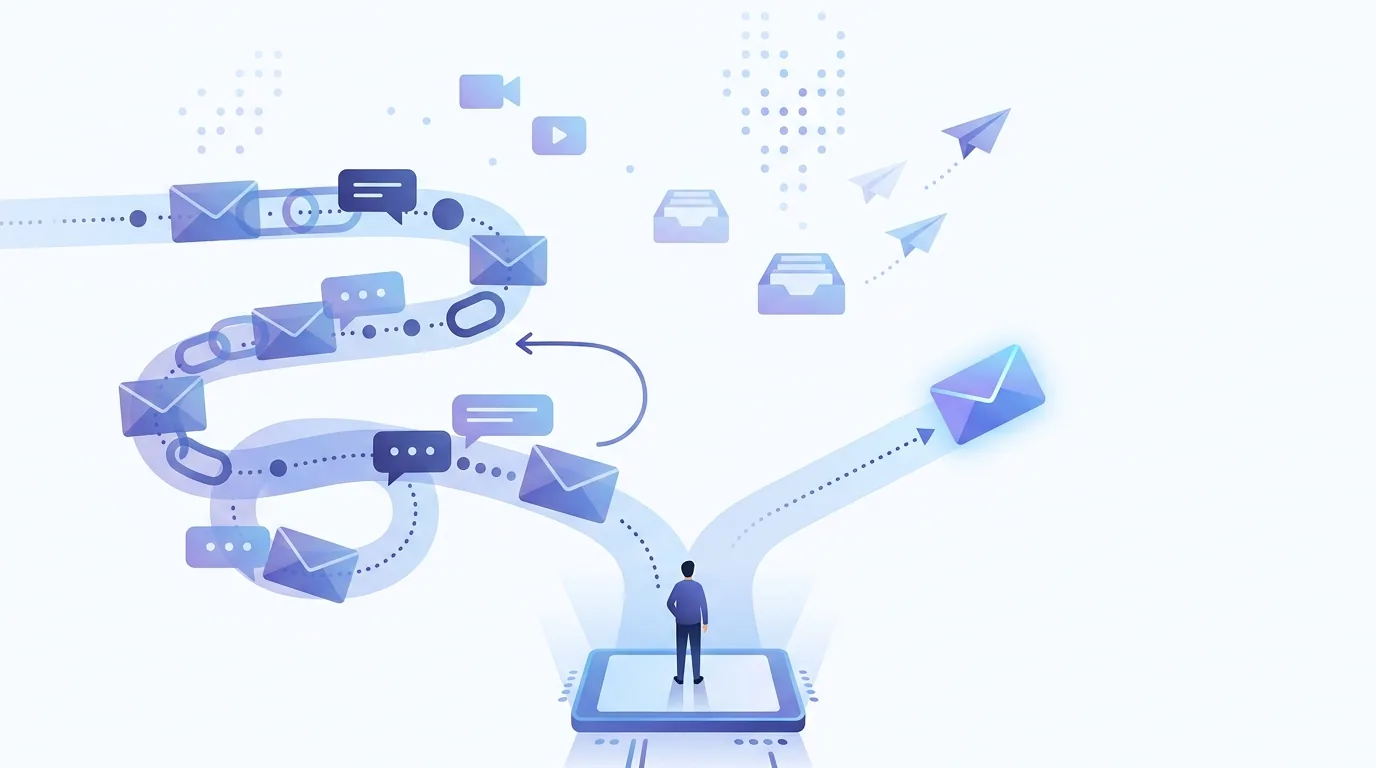
Stay in the old thread when its content still matters, such as a quote, an agreed timeline or a question that was never answered. When you hit Reply, your mail client adds In-Reply-To and References headers that point to the earlier message's Message-ID. These headers are part of the IETF's standard internet message format, and clients use them to group messages into one conversation. Gmail also takes the subject line into account. So replying keeps the whole history one click away for the reader. Start a new email thread when the old one is stale or would be embarrassing to dig up, or when the topic has changed. In Gmail and Outlook you do that by composing a new message instead of replying, since a new message carries no reference headers. Gmail also starts a new conversation when the subject changes.
To resend an email to another person, for example because your contact has left and you've found their successor, forward the original and add two lines at the top explaining who you are and why it's reaching them. Don't forward the old message without comment, because a forwarded chain with no context reads as spam. Classic Outlook for Windows also has a Resend This Message command under Actions on an opened sent item. It sends an identical copy, which is the wrong tool when the recipient changes, because the greeting and context are written for someone else.
Before you send to an old list: deliverability and consent
Cold email deliverability with dormant contacts
Reconnecting lists are riskier than they look. Contacts you haven't emailed in a year have often changed jobs, and the old mailbox gets deleted. A message to a deleted mailbox usually comes back as a permanent failure, a hard bounce, and the bounce message carries a status code that says the destination mailbox doesn't exist. Unlike a temporary failure, the receiving server won't accept a retry to that address later. Receiving servers use bounce patterns as one signal in sender reputation, so sending a whole dormant list from your main domain in one go is the riskiest way to do it. Our article on cold email deliverability explains which factors the receiving server weighs. Where a message ends up is that server's decision, not the sender's.
Email deliverability checklist for a reconnect batch
- Verify every address older than your last successful exchange, and remove anything that fails verification.
- Check that SPF, DKIM and DMARC are published for the sending domain and pass. Google's Email sender guidelines in Google Workspace Admin Help require all three for bulk senders to Gmail.
- Send from the person and inbox the contact actually knew, not from a new alias they've never seen.
- Check each contact's current employer before you send, so templates 3, 4 and 9 don't go to a company the person has left.
- Spread the batch over several days instead of sending it in one go, and watch bounces after the first part.
- Remove anyone who unsubscribed or objected earlier, even if they're still in an old export.
The full version, with DNS checks, is in our email deliverability checklist for cold email.
Why an email blast is the wrong tool for reconnecting
An email blast sends one identical message to an entire list at the same time. That's the opposite of what a reconnecting email needs, because the anchor and the trigger are different for every person. A blast with "[event]" swapped for a mail-merge field still reads as a blast, and sending everything at once puts all the bounce risk from old addresses into a single send. Our article on what an email blast is covers where blasts do make sense: announcements to opted-in subscribers.
Consent rules in the EU, and B2B email lead generation from old contacts
Using dormant contacts for B2B email lead generation is mostly a consent question. In Germany, the Act Against Unfair Competition (UWG) treats advertising email sent without prior express consent as an unreasonable nuisance. The same act makes an exception for existing customers, but only for your own similar products, with an address collected during a sale, and only if you told the customer at collection and in every email that they can object. A former colleague or an event contact usually isn't covered by that exception. The GDPR applies on top of this, because a named business address is personal data, and processing it needs a lawful basis such as consent or a documented legitimate interest. A purely personal note with no commercial content falls into a different category from a sales email. Decide which kind you're sending before you choose a template, and get legal advice for your own setup.
How EmailFlow OS sends a reconnecting video to each contact
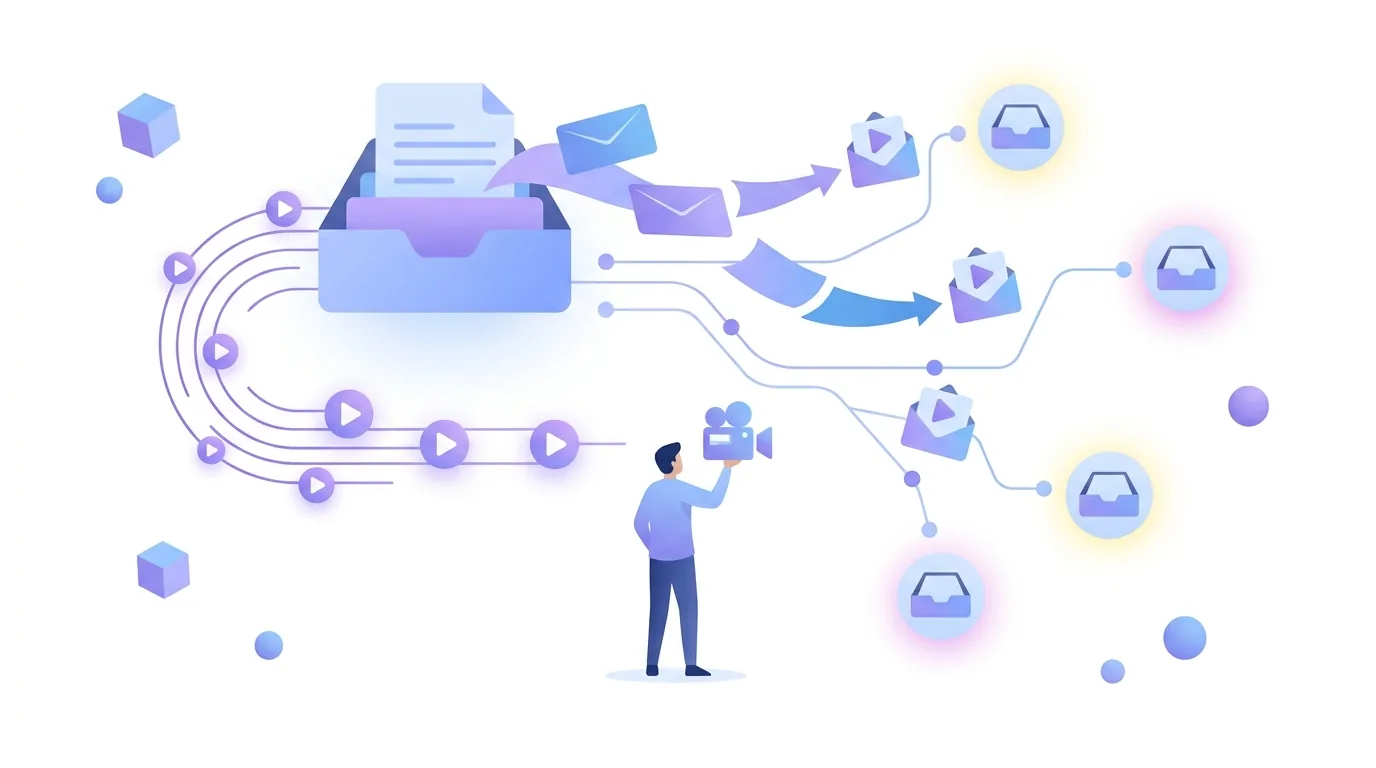
For reconnecting by video, EmailFlow OS works like this. You record one video and upload it to EmailFlow OS, connect your own Brevo account and sending domain, and import your list of contacts into EmailFlow OS. EmailFlow OS then personalises that single recording for each recipient, not each company, so two former clients at the same firm get two different versions. Each version is sent from your own inbox, through your own Brevo account and your own sending domain. There's no shared platform sender, so the reconnecting email carries the address the contact already knows. The DNS records, list cleaning and consent decisions above still apply and stay under your control. The home page explains how one-recording personalised video email works in EmailFlow OS.
Questions people ask
- What is a reconnecting email template?
- A reconnecting email template is a reusable structure for writing to someone after a long silence, with placeholders for four parts: the last occasion you spoke, a recent trigger, one small question and your full name. Unlike a follow-up template, it assumes no open conversation, so it rebuilds context first. This article has ten variants, five for personal contacts and five for past clients and dormant prospects.
- How do I start a reconnecting email after years of silence?
- Open with the specific occasion you last spoke, such as an event, project or call, so the reader can place you within one sentence. Then give one recent reason for writing, like a job change or news item, and end with a question they can answer in a line. Leave out apologies longer than one clause and any meeting request in the first message.
- How do I write an email asking to meet with someone I've lost touch with?
- Send the meeting request as the second message, after they've replied to your reconnect. Then name the topic, propose a short slot with two concrete time options and say what they'll get from it. A first message that asks for a meeting after a long gap asks for more trust than the reconnect has rebuilt.
- How do I start a new email thread instead of replying?
- Write a new message instead of hitting Reply. A reply carries In-Reply-To and References headers pointing to the earlier message's Message-ID, which mail clients use to group the conversation; a new message doesn't carry them. In Gmail, a different subject line also starts a separate conversation. Use a new thread when the old one is stale or the topic has changed.
- Should a reconnecting email include a sales pitch?
- Usually not. The first message has to rebuild context, and a pitch turns it into cold outreach, which in the EU often needs prior consent under rules like Germany's Act Against Unfair Competition (UWG). Keep the commercial ask for later in the conversation, once the person has replied and confirmed the topic is still relevant to them.
