13 min read Alle Artikel auf Deutsch Tous les articles en français Todos os artigos em português
Parts of an Email: 3 Layers, Labelled Example
The short answer
The parts of an email are the visible message (from name, subject line, preheader, greeting, body, call to action, closing, signature), the address (local part, @ sign, domain) and the hidden headers (From, Return-Path, Message-ID, DKIM-Signature). Write the visible parts in that order. Then open the raw headers and check that the From domain matches the DKIM d= domain, because receiving servers compare those against your SPF, DKIM and DMARC records.
In this article
- What are the parts of an email?
- The visible parts of an email message
- What are the parts of an email address?
- The hidden parts: headers and envelope
- How to check the hidden parts of an email you sent
- Example: one cold email broken into its parts
- How the parts of an email affect outreach work
- Cold email deliverability
- Email deliverability checklist
- Email blast
- Follow up sales email
- Follow up email templates for sales
- B2B email lead generation
- Where a personalised video fits in the parts of an email
- Questions people ask
What are the parts of an email?
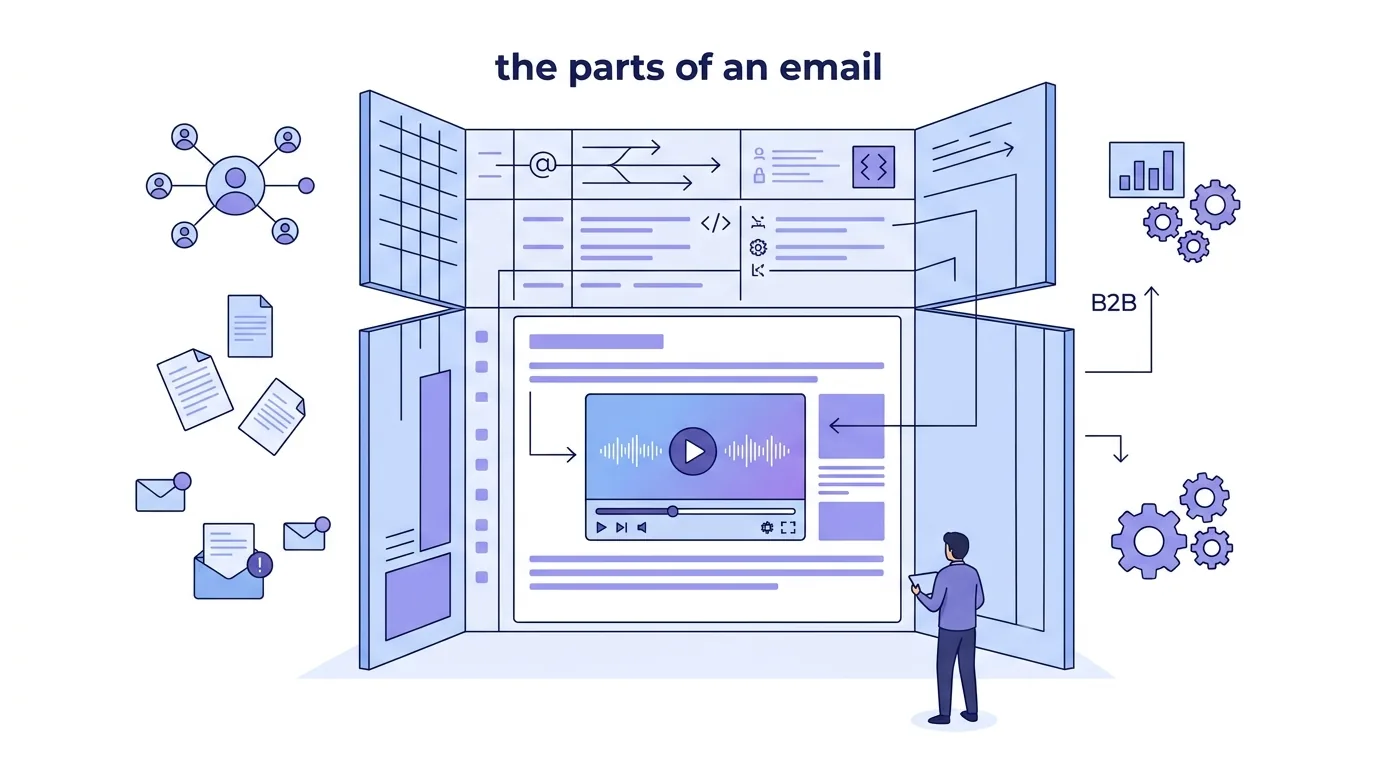
An email has three parts. The first is the visible message: from name, subject line, preheader, greeting, body, call to action, closing, signature, attachments and footer. The second is the email address: local part, @ sign and domain. The third is the set of hidden header fields that mail servers read. The IETF's Internet Message Format standard splits every message into a header section and an optional body, with an empty line between them. The IETF's SMTP standard adds the transport envelope that carries the message between servers.
Most guides only list what you type, which is the message layer. The other two layers travel with it. The address says where the mail goes and which domain it claims to come from. The headers and the envelope carry the routing and authentication data, and servers read that data before anyone opens the message. A message can be flawless on the first layer and still get filtered because of the third.
| Layer | Parts | Who reads it | What goes wrong |
|---|---|---|---|
| Message | From name, subject line, preheader, greeting, body, call to action, closing, signature, attachments, footer | The recipient | Vague subject, several asks in one body, missing sender identity |
| Address | Display name, local part, @, domain (subdomain + TLD) | Recipient and mail servers | A typo in the domain, or a role address like info@ that nobody reads |
| Headers and envelope | From, To, Date, Subject, Message-ID, Return-Path, DKIM-Signature, In-Reply-To, List-Unsubscribe | Mail servers and filters | The From domain doesn't align with the DKIM or SPF domain, so DMARC fails |

The visible parts of an email message
These are the parts in the order the reader meets them, with what each one has to do:
- From name: the display name in the inbox list. In B2B outreach, use a person's name rather than a brand, because people reply to people.
- Subject line: tells the reader what the email is about. If the subject hides the topic or promises something the body doesn't deliver, readers mark the email as spam.
- Preheader: the preview text next to or under the subject. If you leave it empty, clients use the first text in the body, which is often 'View in browser' or an image's alt text.
- Greeting: 'Hi Anna' or 'Dear Ms. Berg'. Decide how formal to be before you write the body, not afterwards.
- Body: why you're writing, plus the context. Keep it short enough to read on a phone.
- Call to action: one ask with a clear next step. With two asks, the reader has a reason to put off both.
- Closing and signature: a sign-off, your name, role and company, and a way to reach you outside email.
- Attachments: in cold email, links usually work better, because filters look harder at unknown attachments from new senders.
- Footer: in bulk and commercial mail, the company's postal address and an opt-out line.
Each part has its own conventions. Greetings are covered in email greetings for formal and casual outreach, wording in selling words in B2B email, and sign-offs in how to end an email.
What are the parts of an email address?
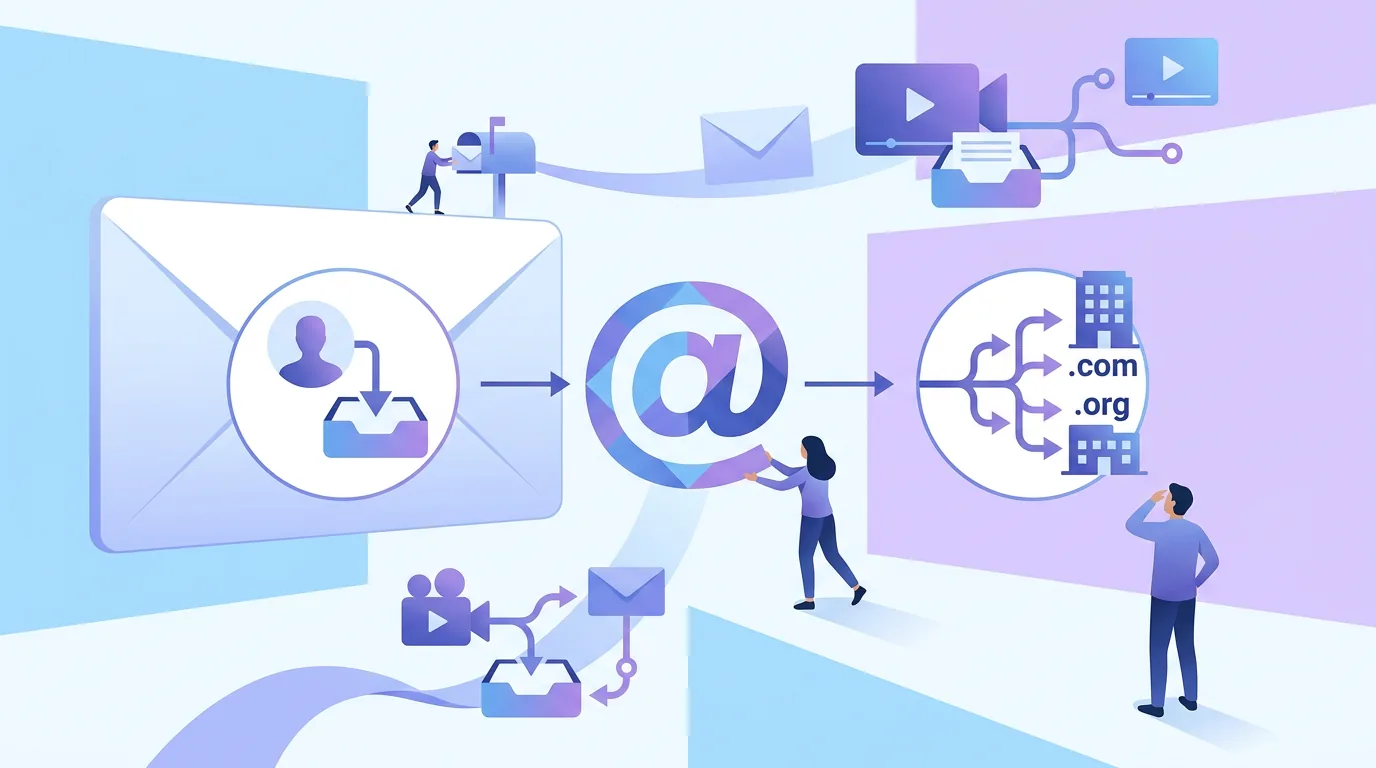
Take an address that shows in the inbox as Anna Berg, anna.berg@mail.example.com. 'Anna Berg' is the display name. 'anna.berg' is the local part, and the receiving domain decides how to read it. The @ separates the local part from the domain. 'mail.example.com' is the domain: 'mail' is a subdomain, 'example' is the registered name and '.com' is the top-level domain. Some providers also accept plus tags such as anna.berg+invoices@ and deliver them to the same mailbox. Under the SMTP standard the domain is case-insensitive, and the local part is left to the receiving system.
For senders, the domain matters most. Its MX records decide which server accepts mail for it. Its SPF, DKIM and DMARC records decide whether a message claiming to come from it passes authentication. If you send cold outreach from a subdomain or a separate domain, its reputation stays separate from your main company domain. That domain still needs its own records, though, and receiving servers are more cautious with a domain that has no sending history.
The hidden parts: headers and envelope
The Internet Message Format standard requires every message to carry an origination date (Date) and an originator (From). It says a Message-ID should be present, and filters often treat a missing or malformed ID as a warning sign. If you open 'Show original' in Gmail, you'll also see these headers:
- Return-Path: the envelope sender, taken from the SMTP MAIL FROM command. Bounces go here, and this is the domain SPF checks.
- DKIM-Signature: a cryptographic signature over selected headers and the body. Its d= tag names the signing domain.
- Authentication-Results: the receiving server adds this header, and it holds the SPF, DKIM and DMARC verdicts.
- In-Reply-To and References: defined in the Internet Message Format standard, they link a follow-up to the original thread. Without them, a follow-up shows up as a new conversation.
- List-Unsubscribe: an opt-out link or address. An IETF standard defines a one-click variant, and as of November 2026 Google's and Yahoo's bulk sender guidelines ask bulk senders to support it.
- Content-Type: under MIME, multipart/alternative carries a plain-text and an HTML version of the same body.
Under DMARC, a message passes only when the domain in the visible From address aligns with a domain that passed SPF or DKIM. Sending through a shared platform address causes trouble here, because the signature belongs to someone else's domain rather than yours. Our guide to DKIM, DMARC and SPF for cold email senders walks through the records step by step.
How to check the hidden parts of an email you sent
You can't see the header layer in a normal inbox view, so check it on a test message before a campaign goes out. Send one email from your sending domain to a mailbox you own, then:
- Open the raw message. In Gmail: open the email, click the three-dot menu and choose 'Show original'. In classic Outlook for Windows: open the email, then File > Properties, and read the 'Internet headers' box.
- Read the verdicts. Gmail's 'Show original' shows SPF, DKIM and DMARC as PASS or FAIL at the top. In Outlook, look for the Authentication-Results header.
- Compare three domains: the one in From, the d= tag in DKIM-Signature and the one in Return-Path. For DMARC to pass, the From domain has to align with at least one domain that passed.
- Check that Message-ID and Date are present and that a List-Unsubscribe header appears if you send in bulk.
- Send a reply-style follow-up and confirm it carries In-Reply-To and References, so it threads with the first message.
What this test doesn't tell you: a PASS on one test mailbox only shows that authentication works. It says nothing about inbox placement at other providers, which depends on the domain's reputation and the receiving server's own filters. How threading headers behave across clients is explained in email thread meaning and how threading works.
Example: one cold email broken into its parts
Most lists of email parts stop at the labels. Below is a complete B2B cold email written for this article, with each part labelled. The sender is a fictional Jonas Weber, writing from a separate outreach subdomain.
| Part | Example | What it has to do |
|---|---|---|
| From name and address | Jonas Weber, jonas@outreach.example-gmbh.com | Show a person's name, on a domain that has its own SPF, DKIM and DMARC records |
| Subject line | Your SDR hiring post for Berlin | Name the real topic. The body has to be about exactly this |
| Preheader | One question about ramp-up time for the new hires | Set it on purpose so the client doesn't show 'View in browser' instead |
| Greeting | Hi Anna, | Match the formality of the recipient's market and role |
| Body | Saw you're hiring SDRs in Berlin. New reps usually spend their first weeks learning the pitch before they book anything. We record that pitch once and send it per prospect. | One trigger, one problem, one sentence on what you do |
| Call to action | Worth a short call next week? | One ask that can be answered with yes or no |
| Closing and signature | Best, Jonas. Jonas Weber, Sales, Example GmbH, phone number | A way to reach you outside email |
| Footer | Example GmbH, postal address. Reply 'no' and I won't write again. | Sender identity and a working opt-out |
When everything aligns, the headers of the same message look like this under 'Show original': From: jonas@outreach.example-gmbh.com, Return-Path: bounce@outreach.example-gmbh.com, a DKIM-Signature with d=outreach.example-gmbh.com, and Authentication-Results showing spf=pass, dkim=pass, dmarc=pass. Now change one thing. If the DKIM signature carries d=sharedsender.example and the Return-Path is on that domain too, SPF and DKIM can both pass while DMARC fails, because neither passing domain matches the From domain. The visible message is identical in both cases. Only the hidden parts differ.

How the parts of an email affect outreach work
Cold email deliverability
Cold email deliverability is whether a message gets accepted and where it lands: inbox, spam folder, or rejected outright. The receiving server makes that call, and it looks at the hidden parts first. Does the From domain align with a domain that passed DKIM or SPF? What does that domain's sending history look like? Is the list clean enough to avoid hard bounces? The copy matters too, but it comes second. The full picture is in what decides cold email deliverability.
Email deliverability checklist
An email deliverability checklist goes through the parts in order. The domain publishes SPF, DKIM and a DMARC record. The From domain aligns with the DKIM d= domain. The Return-Path points to a domain you control. A Message-ID is present. The plain-text and HTML versions match. Every address on the list has been verified. There's an opt-out line. Work through the email deliverability checklist for cold email before any new sending domain goes live.
Email blast
An email blast sends the same subject, body and call to action to a whole list at once. Since the body is the same for every recipient, the footer and the List-Unsubscribe header become essential. In the EU, sending a blast to people who haven't consented runs into the ePrivacy rules on electronic marketing. The mechanism and its limits are covered in how to do an email blast.
Follow up sales email
A follow-up sales email depends on two headers most writers never look at: In-Reply-To and References. If you send it as a reply in the same thread and keep the original subject with a 'Re:' prefix, the recipient sees the full history. If you change the subject, you start a new thread and that context is lost. The body should add something new rather than ask whether they saw your last message. Examples are in follow-up emails after no response.
Follow up email templates for sales
A follow-up template fixes the structure of the body (a reference to the last touch, one new piece of value, one ask) and leaves placeholders for what changes per recipient: name, company and the trigger you're referring to. The most visible failure is a merge field that never got filled in and reaches the inbox as raw placeholder text. Send a test first to check the merge. Worked versions are in the sales follow up email template collection.
B2B email lead generation
B2B email lead generation works on the address layer: find the right person's address, verify it, and send from a domain you control. Role addresses like info@ or sales@ rarely reach the person who makes the decision. Unverified addresses cause hard bounces, which count against the sending domain. The steps and tool categories are in B2B lead generation: steps, tools and limits.
Where a personalised video fits in the parts of an email
Personalised video email is a EmailFlow OS product for B2B cold outreach, and it touches two of the layers above. You record one video and upload it to EmailFlow OS, import your prospect list into EmailFlow OS, and connect your own Brevo account and sending domain. EmailFlow OS then creates a personalised version of that single recording for each recipient on the list. That's one version per person, not per company, and it goes into the body of the email.
Each email goes out from your own inbox, through your own Brevo account and on your own sending domain, never from a shared platform sender. The From address, the Return-Path and the signing domain in the headers therefore all belong to you. Whether they align depends on the DNS records you publish for that domain. The rest of the message (subject, greeting, closing, signature) needs the same care as in any plain-text email. The full workflow is on the EmailFlow OS personalised video email page.
Questions people ask
- What are the parts of an email?
- An email has three layers. The message: from name, subject, preheader, greeting, body, call to action, closing, signature, attachments, footer. The address: local part, @ and domain. The headers: From, Date, Message-ID, Return-Path, DKIM-Signature and others. The IETF's Internet Message Format standard defines a message as a header section plus an optional body, separated by an empty line.
- What are the 5 main components of an email?
- The usual five-part list is sender, subject line, greeting, body and call to action. Some versions put a closing or signature in place of the call to action. All five belong to the visible message. Behind them sit the address (local part, @, domain) and headers such as From, Return-Path and DKIM-Signature, which mail servers check before the message is shown.
- What are the 8 parts of an email?
- Eight-part lists usually name subject line, sender, recipient, salutation, body, closing, signature and attachments. Compared with the five-part list, they add the recipient field and attachments. They still leave out the preheader, the footer and the technical headers, even though the Internet Message Format standard makes a header section, with at least Date and From, part of every message.
- What are the seven parts of an email?
- A common seven-part list is from name, subject line, preheader, greeting, body, closing and signature. Compared with the eight-part version, it drops recipient and attachments and adds the preheader, the preview text that inbox lists show next to the subject. If you don't set a preheader, clients use the first text they find in the body.
- What are the 7 key features of an email?
- Lists of email 'features' usually mean these functions: sender identity, recipient fields (To, Cc, Bcc), subject, body, attachments, reply and forward, and signature. Bcc hides recipients from each other. Reply uses the In-Reply-To and References headers to keep the thread together. Forwarding sends the message on as new content from the forwarder's own address.
