9 min read Diesen Artikel auf Deutsch lesen Lire cet article en français Ler este artigo em português
Upselling: Meaning, Examples, Techniques
The short answer
Upselling means offering a current buyer a higher-value version of a product they already use or are considering, such as a bigger plan, more seats or a longer term. Offering a different product is cross-selling. In B2B, an upsell starts from account data: usage near a plan limit, a team that has grown, or a renewal date coming up. Send the offer from your own domain with SPF, DKIM and DMARC passing, and tie it to a need the customer has actually stated.
In this article
- Upselling meaning: what does upselling mean?
- Upselling vs cross-selling: what's the difference?
- What is upselling and cross-selling as one practice?
- Upselling examples from B2B accounts
- Upselling techniques that hold up in B2B
- Which tools support upselling, and where does each stop?
- What rules apply to upsell emails to existing customers?
- How EmailFlow OS handles a video upsell email
- Questions people ask
Upselling meaning: what does upselling mean?
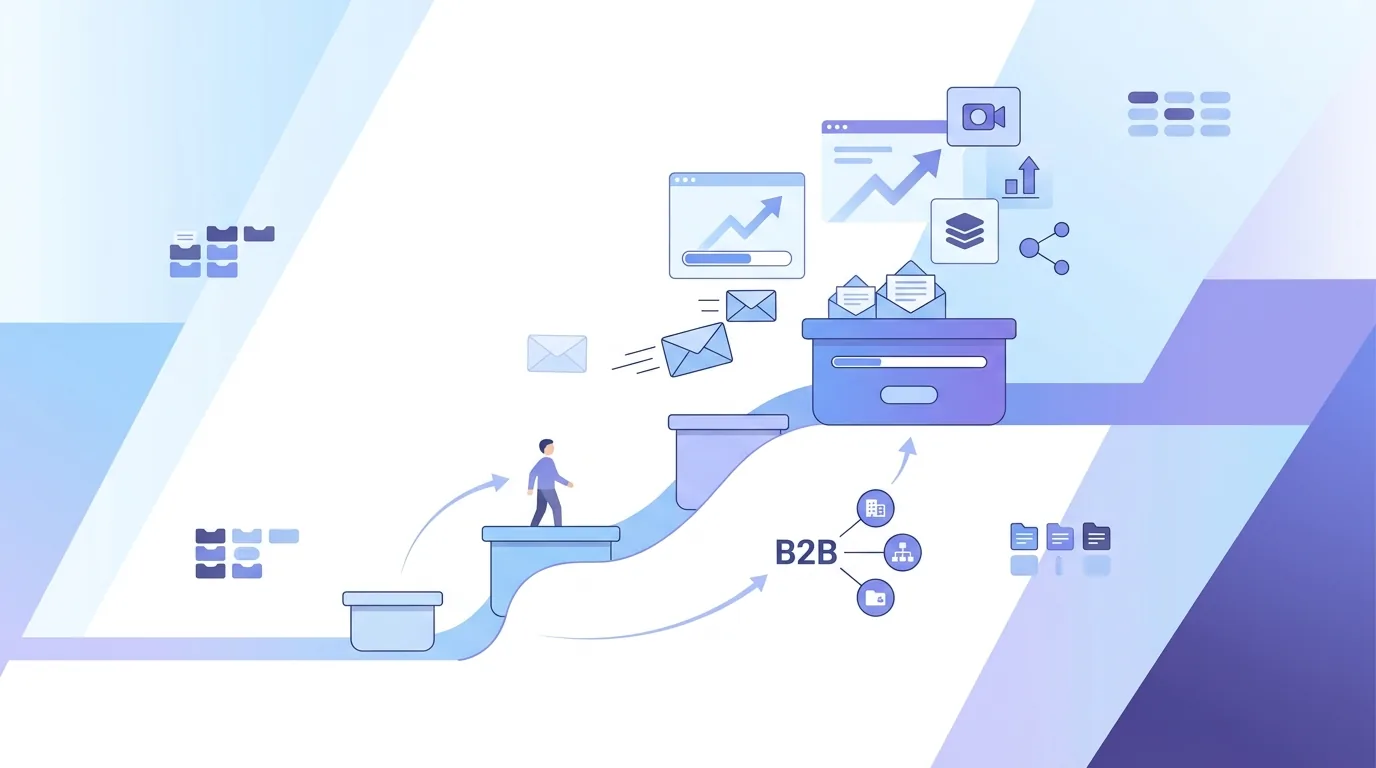
Upselling means getting a customer to buy a more expensive, upgraded or larger version of the product or service they're already buying or considering. Wikipedia's entry on upselling gives the same definition. A software buyer on a starter plan moves up to the business tier. A firm that licensed seats for one team extends the licence to the whole department. A client on a monthly contract signs an annual one with a support package added. In every case the product stays the same. Only the tier, the quantity or the term changes.
The term covers two situations, and they need different handling. At the point of purchase, the upsell is a choice inside one decision: the buyer compares tiers on a pricing page or in a quote. With an existing customer, the upsell is a new decision. Someone who has already signed has to approve more budget, so the offer needs a reason they'll recognise, like hitting a usage cap, adding a department or approaching a renewal. Without that reason, an upsell to an existing customer reads like a price increase with extra steps.
Upselling vs cross-selling: what's the difference?
Upselling raises the value of the same purchase. Cross-selling adds a different, complementary product next to it. Both are aimed at people who already buy from you, which is why they're usually mentioned together. They come from different signals, though, and inside a B2B account they often go to different people. Our article on cross selling meaning and B2B examples covers the cross-selling side in depth.
| Property | Upselling | Cross-selling |
|---|---|---|
| What is offered | A higher tier, more volume or a longer term of the same product | A different product that complements the one already bought |
| Typical B2B example | Moving from a team plan to an enterprise plan | Adding an onboarding service to a software licence |
| Trigger signal | Usage near a plan limit, headcount growth, renewal date | A new use case or a gap the current product doesn't cover |
| Who usually decides | The existing buyer or budget owner | Often a different team or function inside the account |
| What goes wrong | Pushing a tier the customer doesn't need before they've used the current one | Offering something unrelated to what they bought |
What is upselling and cross-selling as one practice?
Taken together, upselling and cross-selling mean growing revenue from existing accounts rather than new ones. Account managers and customer success teams usually own this work. The method is the same for both. Read the account's usage and history, find the gap between what the customer has and what they now need, and make one specific offer that closes that gap. The two labels only tell you whether the offer is a bigger version of the current product (upsell) or a different product beside it (cross-sell).
Upselling examples from B2B accounts
Each example below names the signal that justifies the offer. Take the signal away and the same message becomes a generic sales push.
- Seat upgrade: a customer licensed for a fixed number of users keeps getting access requests from new hires. The offer is a seat bundle sized to the new headcount.
- Plan tier upgrade: an account keeps hitting the storage, contact or API limit of its plan. The offer is the next tier, and it states which limit goes away.
- Term upgrade: a customer on monthly billing has renewed again and again. The offer is an annual term on whatever conditions your own pricing policy sets.
- Service level upgrade: a client has opened several urgent support tickets in one quarter. The offer is a support tier with a faster response commitment.
- Scope upgrade in services: a consulting client bought an audit for one site. The offer is the same audit for every site, under one contract.
- Feature unlock: a team keeps working around a function that only a higher plan includes. The offer shows the workaround they use and the feature that replaces it.
Upselling techniques that hold up in B2B
All of these upselling techniques start from the customer's situation, not from your quota. Our overview of sales techniques with examples covers the wider toolkit.
- Anchor on a signal. Quote the limit, the growth or the date that prompted the message, and name it in the opening sentences.
- Offer one step up. Suggest the next tier, not the top one. Jumping several tiers forces a whole new buying process.
- Show the difference, not the catalogue. List only what changes for this customer between their current tier and the proposed one.
- Time it to their calendar. Renewal dates and budget cycles are when a buyer can actually say yes. Mid-contract offers often have to wait anyway.
- Ask the person who owns the budget. A product user can confirm the need, but in most B2B accounts they can't approve the spend.
- Make the opt-out easy. Upsell emails go to customers you plan to keep, so a clear way to decline or unsubscribe matters even more than in prospecting.
Some approaches don't work. Upselling a customer who hasn't adopted what they already bought usually backfires, because the upgrade draws attention to money they aren't getting value from yet. Discount urgency ('this week only') clashes with B2B approval cycles, where a purchase needs sign-off from people who weren't on the email. Sending the upsell from an unfamiliar sender domain, not the one the customer knows from onboarding, makes the message look like phishing, and receiving servers may treat it that way too.
Which tools support upselling, and where does each stop?
Upselling needs three jobs covered: knowing the account, spotting the signal and sending the message. Few teams use one tool for all three. The tool types below are compared on the same properties. They describe the category, not any vendor's plan or feature list.
| Tool type | Examples | What it holds | What it suits | Where it stops |
|---|---|---|---|---|
| CRM | HubSpot, Salesforce, Pipedrive | Accounts, contacts, deals, renewal dates | Seeing contract terms and who owns the budget | Usage signals only arrive if you connect product data to it |
| Customer success platform | Gainsight, ChurnZero | Account health and usage data | Flagging accounts that approach a limit or show growth | Built for monitoring; sending usually goes through another system |
| Email sending platform | Brevo, Mailchimp | Contact lists and sending infrastructure | Sending from your own authenticated domain | Doesn't know on its own which account is ready for an upgrade |
| Product analytics | Mixpanel, Amplitude | Feature and event usage per user or account | Finding the workaround or cap that justifies a higher tier | Holds no commercial data such as contract value or renewal date |
Whatever combination you use, the upsell message itself has to come from a sender the customer already knows. That's a DNS question, not a tool question.
What rules apply to upsell emails to existing customers?
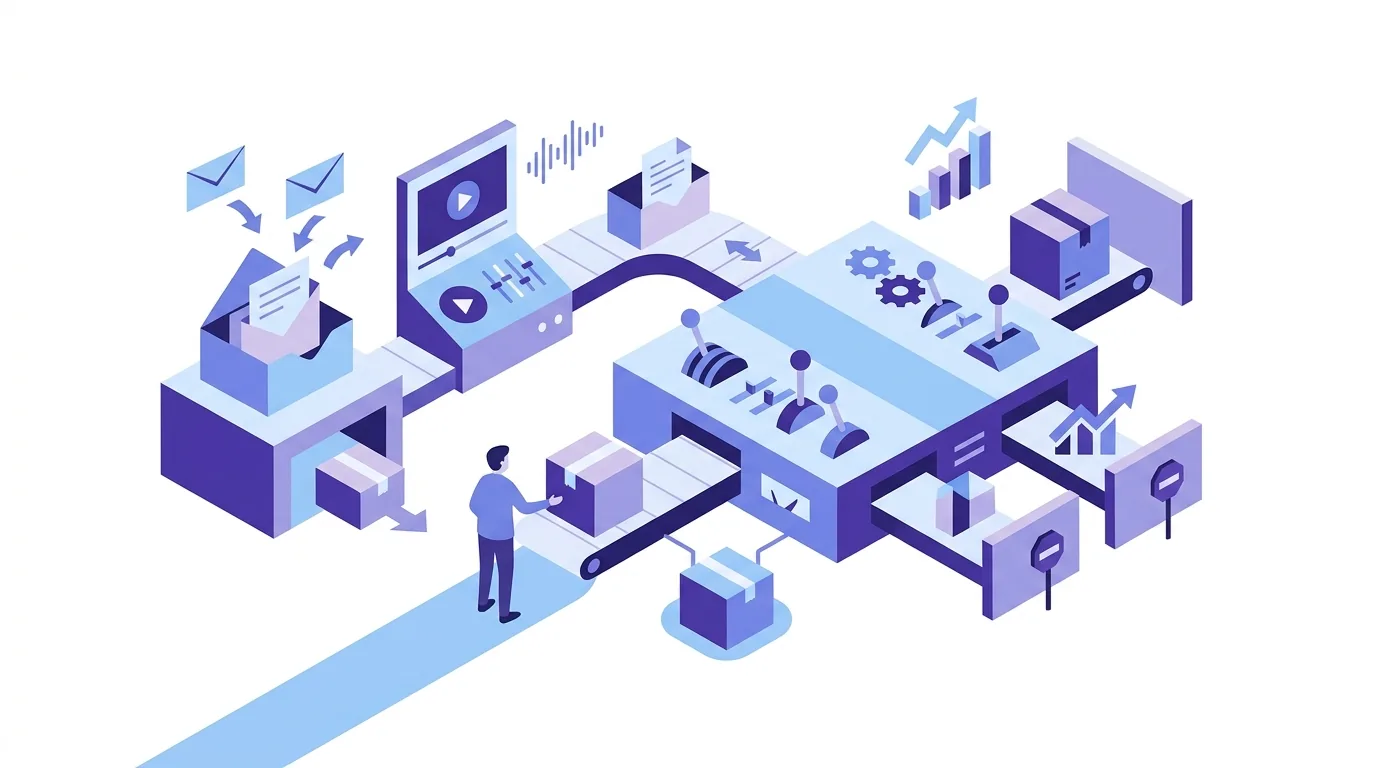
In the EU, the ePrivacy Directive contains an existing-customer exception for email marketing. It applies only when all of these conditions are met. You got the email address in the context of a sale. You're marketing your own similar products or services. You offered a clear, free opt-out when you collected the address, and you offer it again in every message. Germany puts this exception into national law in its Act against Unfair Competition (UWG). An upgrade of a product the customer already bought is a typical case of a similar product. Whether your specific offer qualifies, and whether the contact counts as a customer in that sense, depends on how you collected the address and what you sell. Check that with your own legal advice.
On the technical side, an upsell email should pass SPF and DKIM for your own domain and align with your DMARC policy. The customer's mail server compares the visible From domain against those results. If a message says it's from your company but is signed by a shared third-party domain, the server has less to verify it against. Our guide to DKIM, DMARC and SPF for cold email senders walks through the records.
How EmailFlow OS handles a video upsell email
This section describes a EmailFlow OS product. It's not part of the comparison above. EmailFlow OS sends personalised video email from the customer's own infrastructure. For an upsell, the workflow has three parts.
- Record one video and upload it to EmailFlow OS. For example, walk through what changes between the current plan and the next tier.
- Connect your own Brevo account and your own sending domain: the same domain your customers already know from your invoices and onboarding.
- Import the list of accounts you want to offer the upgrade to into EmailFlow OS. The list lives there.
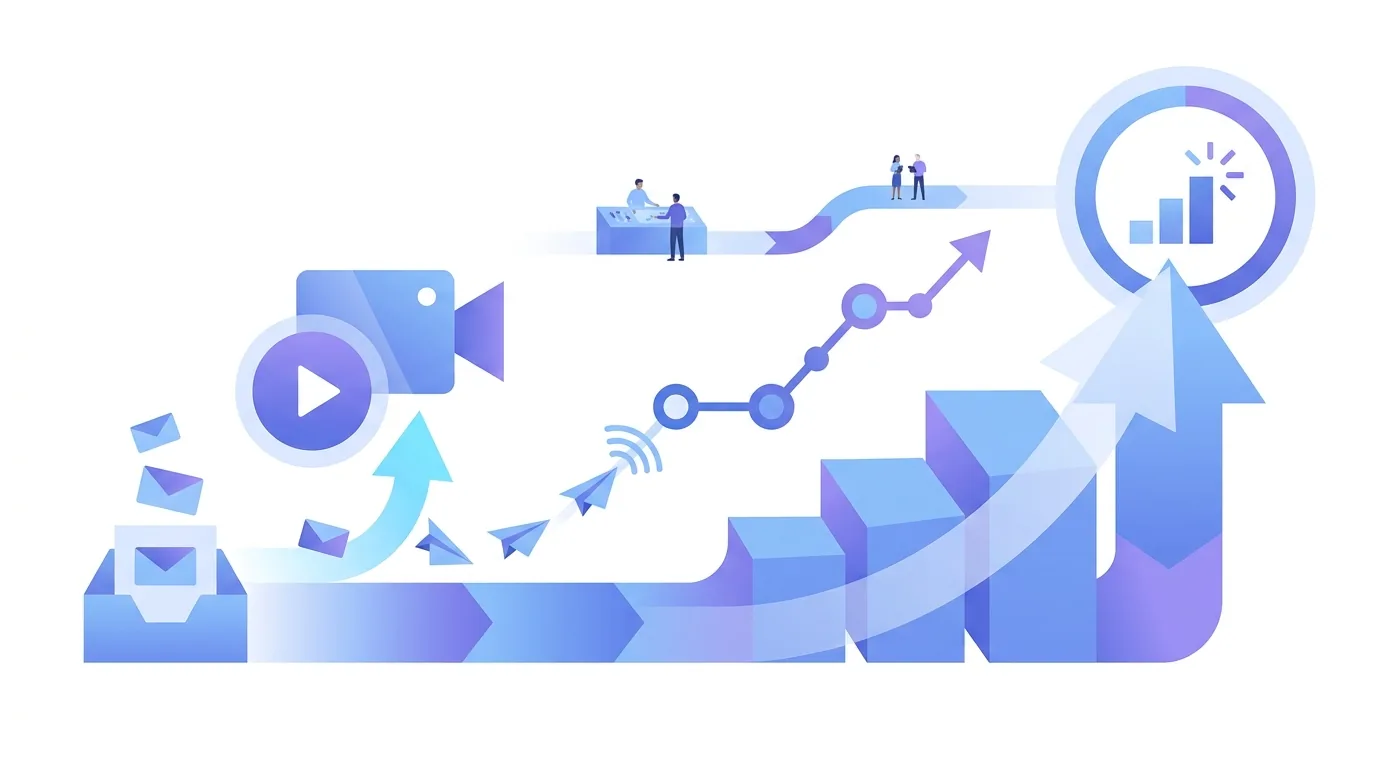
EmailFlow OS then personalises that single recording for each recipient, not just for each company. Two contacts at the same account get two different versions. Each version goes out from your own inbox, through your own Brevo account and domain, not from a shared platform sender. The Brevo account and the SPF, DKIM and DMARC records for your domain stay under your control, so you can check and adjust them yourself. The receiving mail server decides where each message is placed, not EmailFlow OS. The per-recipient mechanism is explained in our article on a personalized video message per recipient, and the home page describes how EmailFlow OS sends personalised video email from your own domain.
Questions people ask
- Is upselling one word or two?
- Usually it's one word: upselling. The verb is 'upsell' and the noun is 'an upsell'. Older texts still use the hyphenated 'up-selling', and some style guides accept it. Writing 'up selling' as two separate words is the least common form. Whichever spelling you choose, keep it the same throughout a document.
- What's a better word for upsell?
- That depends on who's reading. In customer-facing copy, 'upgrade' is the neutral word because it describes what the customer gets rather than what you sell. Inside sales teams, 'expansion' or 'account expansion' covers both upselling and cross-selling. 'Trade up' suits retail. 'Suggestive selling' is the older umbrella term for recommending additions at the point of sale.
- What are the top 3 selling techniques?
- There's no official ranking. Three techniques show up in almost every B2B method. Consultative selling diagnoses the problem before proposing anything. Solution selling ties the offer to a stated business need. Relationship selling builds on the trust an existing account already has. All three apply to upselling, because the customer already knows you.
- Can upselling damage a customer relationship?
- Yes, when the offer ignores how the customer actually uses the product. An upsell to an account that hasn't adopted its current tier points at money it's already wasting. Repeated upgrade emails with no opt-out also fall outside the EU ePrivacy Directive's existing-customer exception, which requires an opt-out in every message.
