10 min read Diesen Artikel auf Deutsch lesen Lire cet article en français Ler este artigo em português
Digital Sales Room: Tools, Setup, Follow-Ups
The short answer
A digital sales room is one private web page per deal that stays in place for the whole deal. The seller and the buying group share the proposal, documents, a mutual action plan and next steps there, so none of it gets scattered across email attachments. Send the room only after someone has replied, keep one current version of every document, and treat view data as a hint. The cold first touch, and the follow-up that carries the room link, still go out from your own domain.
In this article
- What is a digital sales room?
- Digital sales room vs CRM, customer portal and data room
- What belongs in a B2B sales room?
- Why do digital sales rooms fail?
- Sales follow up email that shares the room
- What a sales follow up email needs
- Follow up sales email template: first share after a call
- Sales email follow up templates for later stages
- Sales follow up email examples: what works and what doesn't
- Follow up sales email sample when nobody opened the room
- Sales pitch structure inside a sales room
- Where EmailFlow OS fits: the touch before the room
- Questions people ask
What is a digital sales room?
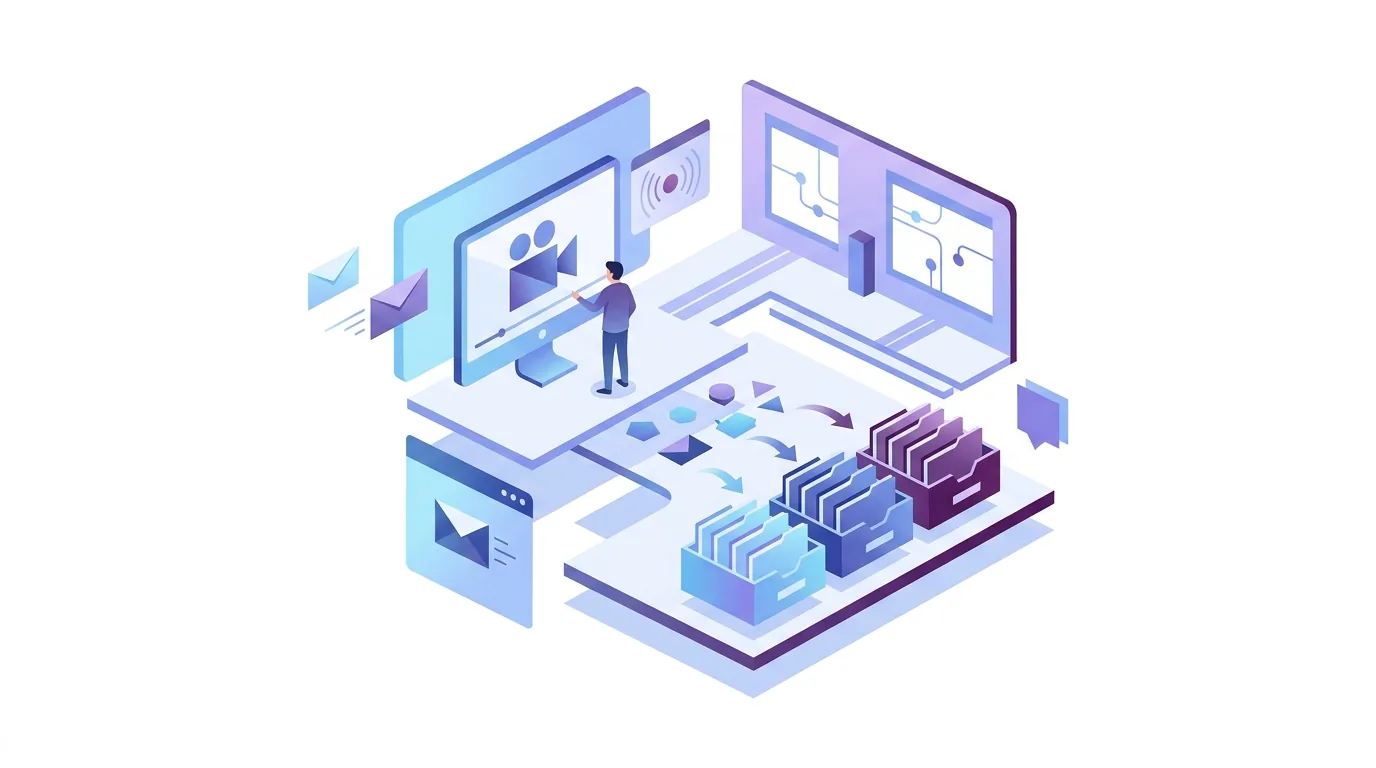
A digital sales room (DSR), also called a virtual sales room, is a private web page set up for one deal. The seller and everyone on the buying side use it from the first meeting to the signature. Instead of sending a deck to one contact, who forwards it to finance, who then asks for the security questionnaire in a separate thread, the seller sends one link. Behind that link is everything the deal needs: the recap of the discovery call, the proposal, pricing options, technical documents, and a shared list of who does what by when.
Here's a concrete case. An account executive selling software to a mid-sized logistics company sets up a room after the second call. It holds a short recorded walkthrough for the operations lead, the security whitepaper for IT, an ROI worksheet for the CFO and a mutual action plan with dates for legal review and pilot start. Every stakeholder opens the same page and sees the latest version. Nobody digs through attachments. The room doesn't replace email. Email gets the link to the buyer, and email is where the follow-up happens when the next step in the plan stalls.
Digital sales room vs CRM, customer portal and data room
These four tools get mixed up because they all hold deal information. What separates them is who can see what and when it's used.
| Tool | Who sees it | When it's used | What it is not |
|---|---|---|---|
| Digital sales room | Seller and the buying group for one deal | From first meeting to signature, sometimes into onboarding | Not a record of your internal notes or forecast |
| CRM | Your own team only | Across the whole customer lifecycle | Not something you share with buyers |
| Customer portal | Existing customers | After purchase: support, billing, renewals | Not built for persuading a buying group that hasn't decided yet |
| Virtual data room | Named parties under strict permissions | Due diligence, M&A, sensitive document review | Not set up for sales content, plans or pitch material |
What belongs in a B2B sales room?
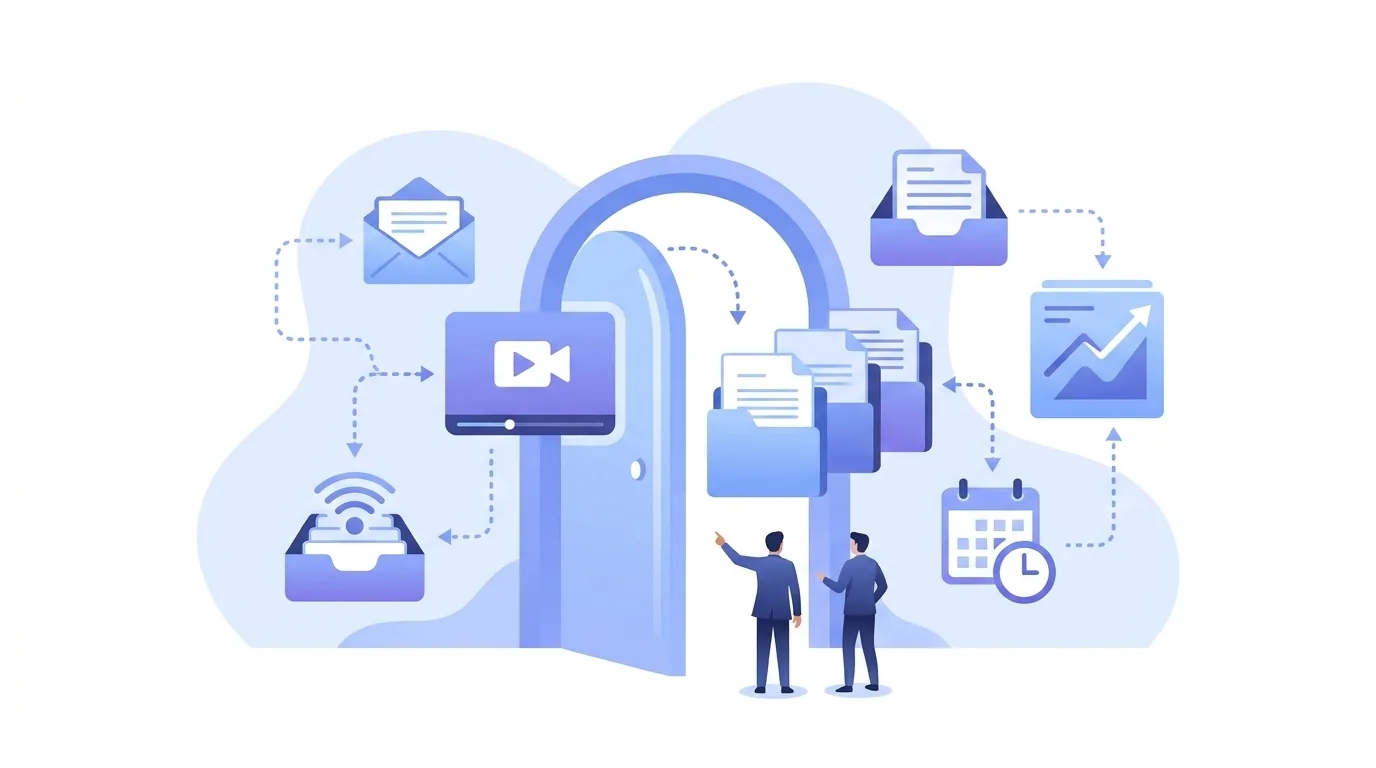
A room only gets used if each buyer finds their own part of it quickly. These are the building blocks that keep coming up. Put in the ones your deal actually needs:
- Mutual action plan: steps, owners on both sides and dates, from evaluation to signature. This is the part that moves the deal; everything else supports it.
- Meeting recap: the problem the buyer described, in their words, and what was agreed.
- Proposal and pricing: one current version. Old versions go out of the room, or buyers will argue from them.
- Stakeholder-specific material: security documentation for IT, contract terms for legal, business case for finance.
- Recorded walkthroughs: short videos for people who missed the call.
- Contacts: who on your side answers which question.
Why do digital sales rooms fail?
There's a fair amount of scepticism among salespeople, too. One thread on Reddit's r/sales, which Google's AI overview cites for this term, asks outright what the point of DSR platforms is. These are the usual reasons a room goes unused:
- Opened too early. A room sent with the first cold email is a pitch deck with extra steps. Buyers who haven't agreed there's a problem don't click into a workspace.
- Login walls. If a stakeholder has to create an account, many won't. Then your champion forwards attachments again and the room is out of the loop.
- Fake views. Corporate email security gateways often follow links in incoming mail to scan them. That shows up as a view nobody made, so 'the CFO looked at pricing' can just mean a scanner did.
- Stale content. Two proposal versions in one room cause the same confusion as two attachments.
- A plan with no buyer owner. A mutual action plan where every step belongs to the seller is a to-do list, not a commitment.
- Tracking without a basis. View tracking of named people is processing of personal data. The EU's GDPR requires a lawful basis for that processing and obliges you to tell the people concerned that it happens and why. How you meet that depends on how you set up and run the room, not on the tool.
The fake-view problem is the same one that affects opens and clicks in ordinary email, and the limits of email tracking pixels and click data apply to room analytics as well.
Sales follow up email that shares the room
The room link travels by email, usually in the follow-up after a call. If that email lands in spam or looks like a bulk send, nobody opens the room. Send it from the same mailbox as earlier messages, in the same thread, from a domain with working SPF, DKIM and DMARC. SPF lists which servers may send for your domain, DKIM signs the message with a key published in your DNS, and DMARC tells the receiving server what to do when the visible From domain doesn't line up with either check. When one of them fails, the authentication results in the received message's headers show which.
What a sales follow up email needs
A sales follow up email that carries a room link needs four things: one sentence recalling what the buyer said, the link with one line on what's inside, a named next step with a date, and a single question. Reply in the existing thread. Mail clients group the message with the conversation through the In-Reply-To and References headers; a fresh email with a copied subject line lacks them and often starts a new thread. Don't add tracking-heavy redirects on top of the room link. The receiving filter then sees two layers of redirection, and you'll have two sets of view data that disagree.
Follow up sales email template: first share after a call
Hi [first name], thanks for the time today. You mentioned [problem in their words]. I've put everything in one place: the recap, the draft proposal and the security documents [IT contact] asked for: [room link]. The plan in there has the pilot start on [date]; the step before it is your legal review. Does [date] work for that on your side?
Sales email follow up templates for later stages
- New stakeholder joins: 'Hi [name], [champion] said you'll review the contract terms. They're in the room under Legal, with the redlines from last week: [link]. Is anything missing for your review?'
- Plan step overdue: 'Hi [name], the plan had security sign-off by [date]. Is that still realistic, or should we move the pilot date in the plan?'
- Proposal updated: 'Hi [name], I've replaced the proposal in the room with the new version and removed the old one. The only change is [change]. Does that cover what [stakeholder] raised?'
More scenarios, without the room context, are in our sales follow up email templates, and the call-specific versions are in the follow up email after a sales call guide.
Sales follow up email examples: what works and what doesn't
Weak: 'Just checking whether you had a chance to look at the room?' It asks the buyer to report on themselves and adds nothing. Stronger: 'The room now has the integration diagram your IT team asked for. Does it answer the SSO question?' The second version names something new and asks something specific. Also weak: mentioning tracked views ('I saw you opened the pricing page'). It's often a scanner, not a person, and it reads as surveillance when it's right.
Follow up sales email sample when nobody opened the room
Hi [first name], the link may have been one step too many, so here's the short version: [one-sentence recap], proposed pilot start [date], and the one decision needed from your side is [decision]. Is that still a priority this quarter, or should I close this out for now?
Sales pitch structure inside a sales room
A room is laid out in the order a buyer reasons, not the order of your slide deck. Use the same sequence as a spoken pitch: the trigger that started the conversation, the problem in the buyer's words, its impact on their numbers, how your product deals with it, proof, and the ask. In the room, the ask is the mutual action plan. Put the problem and the plan near the top, because they're what a stakeholder who joins late needs first. Product detail goes further down, grouped by role. If the room opens with your company history, the structure is upside down. The sales pitch structure explained in our sales pitch guide works for this layout, and for complex buying groups the enterprise sales process article covers stakeholder roles stage by stage.
Where EmailFlow OS fits: the touch before the room
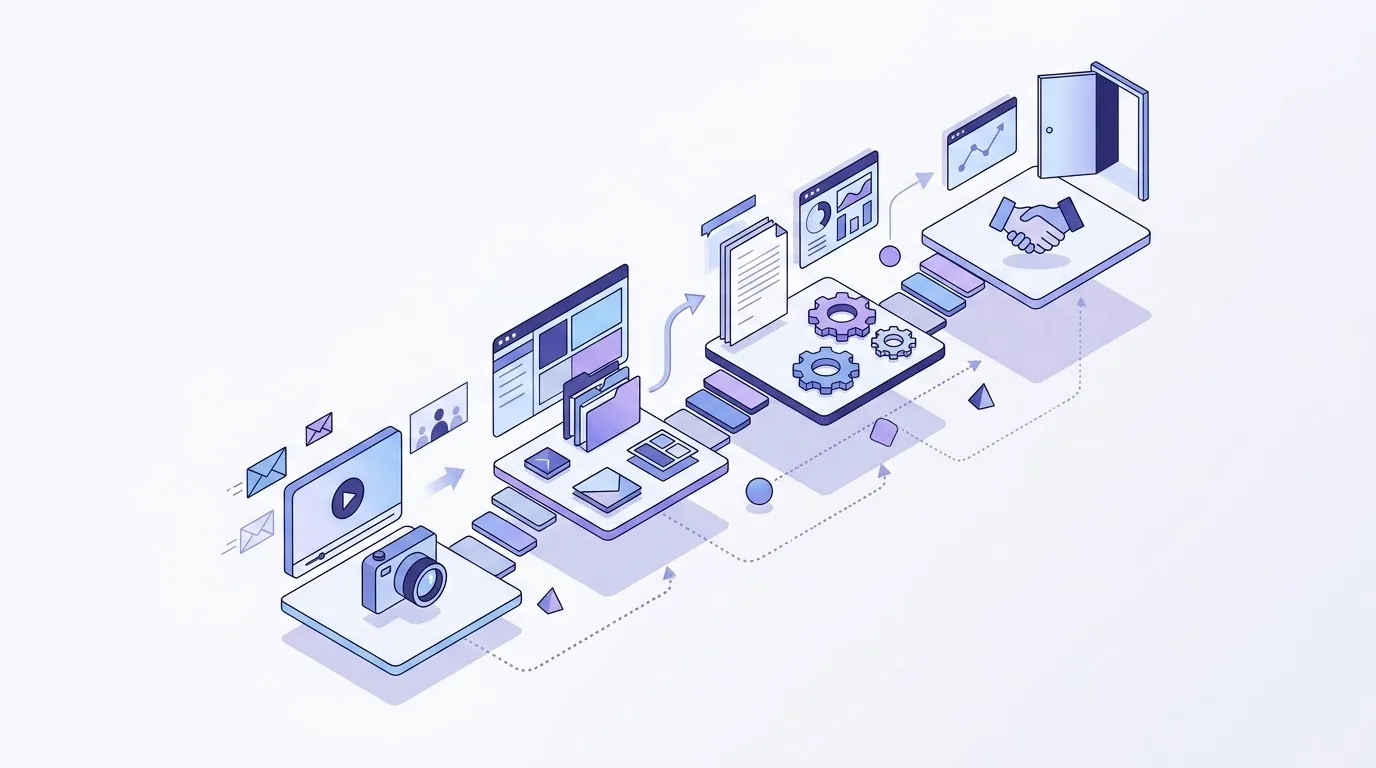
A digital sales room starts once a buyer has replied. EmailFlow OS works earlier, at the cold first contact. It's an EmailFlow OS product, and it isn't a sales room. You record one video and upload it to EmailFlow OS. You connect your own Brevo account and sending domain, and you import your prospect list into EmailFlow OS. EmailFlow OS then makes a personalised version of that one recording for each recipient, not one per company, and sends each version from your own inbox through your Brevo account and domain. No shared platform sender is involved.
In practice, sending reputation stays with the domain you already authenticate and monitor, and the prospect list stays in one place. Whether a given message reaches the inbox is still decided by the receiving server. Once someone replies, the room and its follow-up emails pick up from there. How the per-recipient part works is described in our article on a personalised video message per recipient.
Questions people ask
- Is a digital sales room the same as a virtual data room?
- No. A virtual data room is built for due diligence, with strict per-document permissions and audit logs for legal and M&A review. A digital sales room is built for selling: it holds pitch material, proposals and a mutual action plan for one buying group. Some deals need both. Security reviews sometimes move from the sales room into a data room.
- Do small deals need a digital sales room?
- Usually not. A room pays off when several stakeholders need different material and there's a multi-step plan to track. If one person decides alone after one call, a well-structured follow-up email with one attachment does the same job. The room would only add a click between the buyer and the proposal.
- Are digital sales room analytics accurate?
- Only partly. Security gateways at many companies open links in incoming mail to scan them, and that can register as a view. A forwarded link shows activity under the wrong person. Treat a view as a hint, not a fact, and never quote it back to the buyer as proof that they read something.
- Can I add a digital sales room link to a cold email?
- You can, but it rarely fits. A cold recipient hasn't agreed there's a problem, so a workspace link asks too much of them. It also adds a link domain the receiving filter has to judge. Keep the first email short with a single ask, and send the room link after the first reply or call.
