11 min read Diesen Artikel auf Deutsch lesen Lire cet article en français Ler este artigo em português
Virtual Sales: Roles, Tools, Follow-Ups
The short answer
Virtual sales means selling through digital channels instead of in-person meetings. Calls and live video carry the conversations, and email and recorded video carry everything in between. A working setup has four parts: a meeting tool, a CRM, a sending domain that passes SPF, DKIM and DMARC, and a follow-up routine. Each follow-up goes in the same thread, picks up one point from the last contact and asks for one dated next step.
In this article
- What is virtual sales?
- Virtual sales vs inside sales: what's the difference?
- Virtual sales jobs: the roles you'll see advertised
- Which virtual sales tools do you need?
- Follow up sales email: format and rules
- Follow up email after a sales call: sample
- Follow up sales email templates for other stages
- Which sending setup does virtual sales email need?
- Where EmailFlow OS fits in virtual sales
- Questions people ask
What is virtual sales?
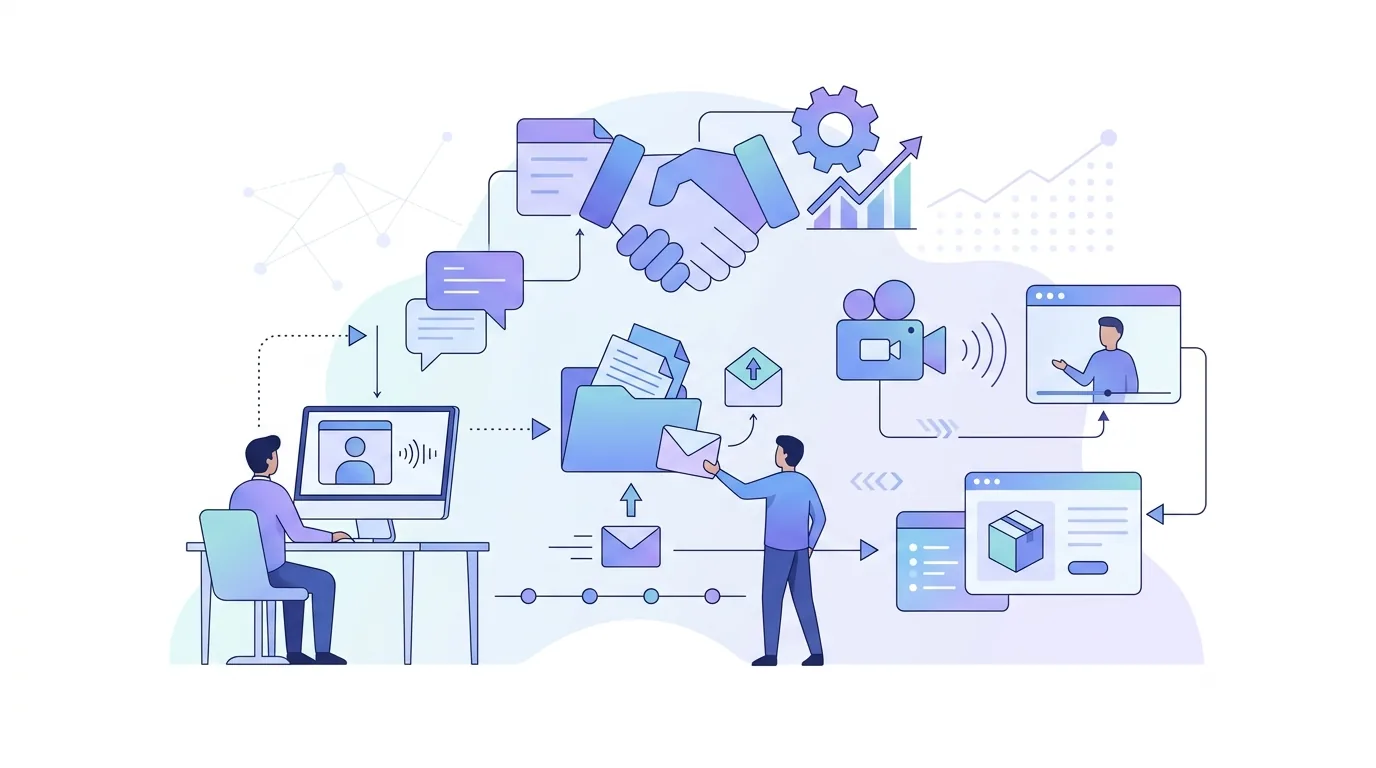
Virtual sales is the whole sales cycle run remotely: prospecting, discovery, demo, negotiation and closing all happen over digital channels rather than face to face. Google's AI overview for the term uses the same definition: marketing, presenting and selling through digital communication channels instead of in-person meetings. The channels come in two kinds. Synchronous channels need both people present at once, like a video call, a phone call or live chat. Asynchronous channels don't: email, a recorded video or a shared deal page that the buyer opens whenever it suits them.
Here's a concrete example. A rep sends a cold email from the company's own domain. The prospect replies and books a slot. Discovery happens over Microsoft Teams and the demo is a screen share a week later. Between those two calls the buying group gets a recap email and a short recorded walkthrough for the people who missed the call. The contract goes out for e-signature. Nobody travels. Most of the deal actually happens in the asynchronous gaps, so a rep who's strong on calls but writes weak follow-ups usually loses those deals between meetings.
Virtual sales vs inside sales: what's the difference?
Inside sales describes where the rep sits: at a desk, selling by phone and email rather than visiting customers. That's the opposite of outside or field sales. Virtual sales describes the medium: every stage runs digitally. In practice the two overlap heavily, and job ads use them almost interchangeably. Where they differ is in hybrid roles. A field rep who runs discovery over Zoom and only visits for the final signature is doing virtual selling without being an inside rep. And an inside rep in an office who only phones and never uses video or written follow-ups isn't really working the way the term "virtual sales" now implies. One more difference matters if you hire: a virtual role is often fully remote, so the employer has to provide working hardware, a camera and a sending setup that doesn't depend on the office network.
Virtual sales jobs: the roles you'll see advertised
Searches for virtual sales mostly return job listings. These are the role types that come up again and again, with what each one owns:
- Sales development representative (SDR): researches accounts, sends cold emails and makes calls, then qualifies the prospect and books a meeting for an account executive. The role is measured on qualified meetings, not on closed revenue.
- Business development representative (BDR): works like an SDR, but usually on outbound only. The BDR picks target accounts and opens conversations nobody asked for.
- Inside sales representative: runs the whole cycle for smaller deals by phone, video and email, from first call to signed order.
- Account executive (AE): takes over qualified meetings and owns the deal through demo, proposal, negotiation and signature, all over video in a virtual role.
- Account manager: owns existing customers, handling renewals, expansion and cross-selling, mostly through scheduled calls and email.
- Sales engineer or solutions consultant: runs technical demos and answers security and integration questions on calls next to the AE.
- Remote software sales representative: an inside or AE role focused on selling software, often across time zones.
- Sales coordinator: schedules meetings, prepares quotes and contracts, keeps the CRM clean and tracks orders. It supports the sellers rather than carrying a quota.
If you're getting into virtual sales, SDR and inside sales roles are the usual entry points. They teach prospecting, qualifying and writing follow-ups, and AE roles expect you to have those skills already. Sales coordinator suits people who want the process side without a quota. The comparison of types of sales jobs by stage covers the handoffs between these roles in more detail.

Which virtual sales tools do you need?
Choose tools by job, not by brand. Each job below needs one tool, and the question to ask is the same for every option: what does it cover, and where does it stop?
| Job | Tools commonly used | What it covers | Where it stops |
|---|---|---|---|
| Live meetings | Zoom, Microsoft Teams, Google Meet | Video calls with screen sharing for discovery, demos and negotiation | Both sides have to be available at the same time. Nothing happens between calls unless someone sends it. |
| CRM | Salesforce, HubSpot, Pipedrive | Contacts, deals, pipeline stages and an activity history per account | The record is only as good as what reps log. It doesn't fix a weak follow-up. |
| Email sending | Brevo, Google Workspace (Gmail), Microsoft Outlook | Sends from your own domain under your own DNS records | Where a message is filed is decided by the receiving server, which checks your authentication, list quality and reputation. |
| Scheduling | Calendly, Microsoft Bookings | The prospect picks a free slot, so you skip the back-and-forth over times | A booked slot isn't a qualified lead. |
| E-signature | DocuSign, Adobe Acrobat Sign | Contracts signed remotely, with an audit trail | Contract terms still have to be agreed before anything goes out to sign. |
Most teams can get by with one tool per row. The gap that hurts most is usually the email row. Teams pick a meeting tool and a CRM with care, then send follow-ups from a domain nobody has authenticated. Our overview of sales enablement process and tools looks at how content and coaching fit around this stack.
Follow up sales email: format and rules
A sales follow-up email keeps a deal moving between conversations. The format for follow-up emails in sales has five parts:
- Subject line: reply in the existing thread so the subject keeps its "Re:". When you hit reply, your mail client adds the In-Reply-To and References headers, and those headers are what keep the message grouped with the earlier ones. A fake "Re:" typed into a new email doesn't carry them, so the recipient's client shows it as a separate conversation.
- Opening: one sentence that names the last contact, such as the call date, the question they asked or the email they didn't answer.
- One point of value: a recap, a document you promised or an answer to an objection. Stick to one.
- One ask with a date: "Does Tuesday morning work?" is easier to answer than "Let me know your thoughts."
- Signature: name, role, company and, for commercial email under the US CAN-SPAM Act, a valid physical postal address and a working way to opt out. The Act also requires that opt-out requests are honoured, so a follow-up must not go to someone who has asked to stop.
Follow up email after a sales call: sample
- Subject: Re: [original subject]. Hi [First name], thanks for the time on [day]. You said the main problem is [their words, not yours]. As promised, here are [first document] and [second document]. I'd suggest a short session with [their colleague] to go through [specific item]. Would [date] at [time] work, or is another slot better? [Your name]
- Subject: Re: [original subject]. Hi [First name], one thing from our call I didn't answer properly: [question]. Short answer: [answer in two sentences]. If that changes the picture for [their team], I'm happy to walk through it on a call this week. [Your name]
Follow up sales email templates for other stages
- No reply to the first email: Hi [First name], bringing this back up in case it got buried. In short: [one-line problem] and how we handle it, which is [one-line mechanism]. If it's not a priority this quarter, just reply "later" and I'll stop here. [Your name]
- After sending a quote: Hi [First name], the quote from [date] is attached again for reference. The line most teams ask about is [item], and here's what it covers. Is there anything that needs changing before you take it to [approver]? [Your name]
- After a demo: Hi [First name], here's a short recording of the part of the demo [colleague] missed, covering [feature] on your kind of data. Want me to set up a trial for [team] next week? [Your name]
- Final follow-up: Hi [First name], I haven't heard back, so I'll assume the timing isn't right and close this on my side. If [problem] comes back on the agenda, this thread is the easiest place to pick it up. [Your name]
Use the post-call samples within the same working week as the call, while your notes still match what the buyer remembers. Use the no-reply template once or twice, then the final follow-up. More nudges with nothing new in them read as pressure. You'll find more sales follow-up email templates by stage and a follow-up email after a sales call guide with variants for each outcome.
Which sending setup does virtual sales email need?
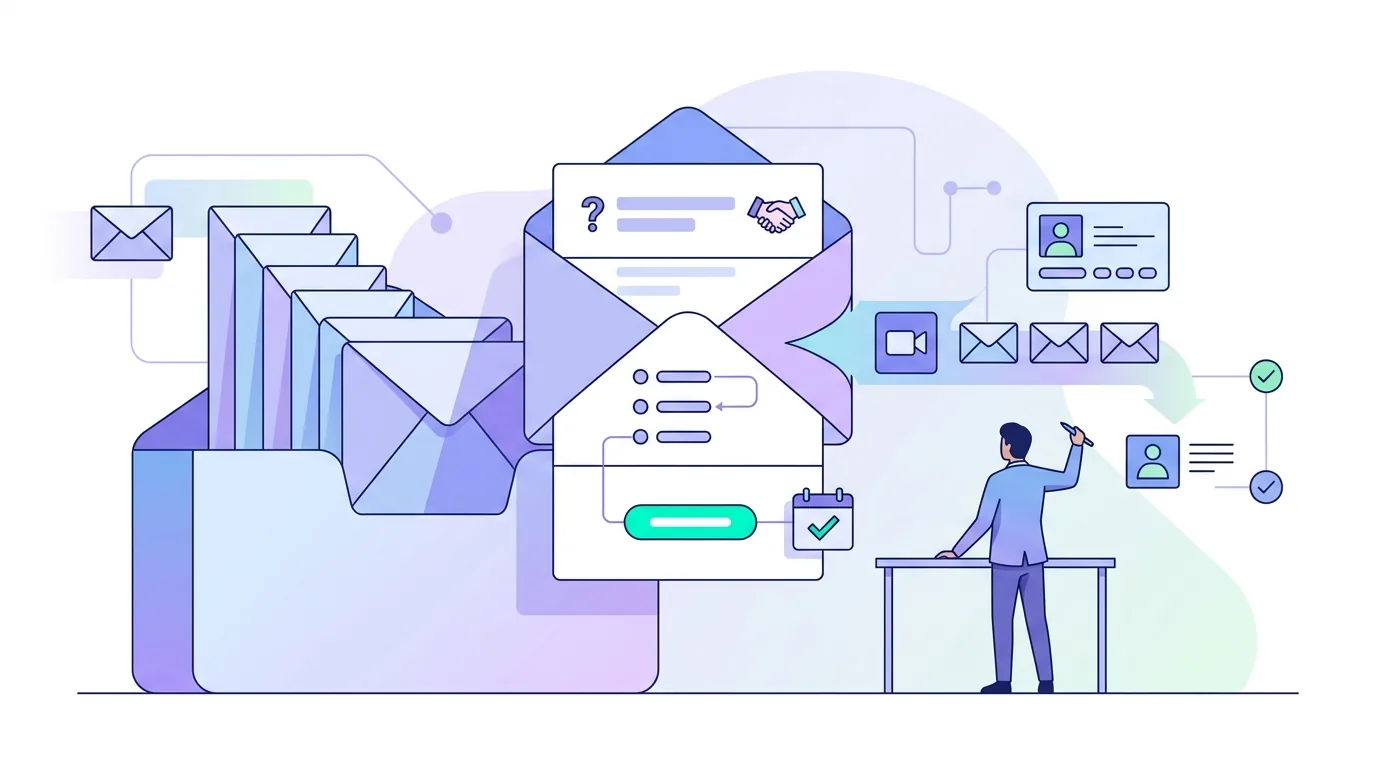
In virtual sales, the email follow-up does the work a handshake used to do, so the domain it comes from has to pass authentication. Three DNS records let receiving servers check whether your mail is genuine. SPF is a TXT record that lists the servers allowed to send for your domain. The SPF specification caps how many DNS lookups a single SPF check may trigger; go over that cap and the result is a permerror, which often happens after several sales tools have each added their own include. DKIM signs each message with a private key, and the receiver checks the signature against the public key published in your DNS. DMARC tells receivers what to do when SPF or DKIM don't align with the domain in the From address, and it can ask them to send you aggregate reports. Google's email sender guidelines require SPF, DKIM and DMARC from bulk senders to Gmail accounts. The setup guide to DKIM, DMARC and SPF for cold email senders goes through each record.
Common failure modes in a virtual sales email setup:
- Adding a new sales tool that sends mail without adding it to SPF. Mail from that tool then fails SPF, and if DKIM isn't aligned either, it fails DMARC too.
- Sending from a shared platform address instead of your own domain. Replies, reputation and DMARC alignment then belong to someone else's domain.
- Mailing a purchased list straight away. Bounces and complaints build up against your domain's reputation.
- Ignoring EU rules: the EU ePrivacy Directive covers unsolicited email, and each member state has implemented it in its own law. Under the GDPR, processing contact data also needs a lawful basis. Check the national rules before you send to EU recipients.
Where EmailFlow OS fits in virtual sales
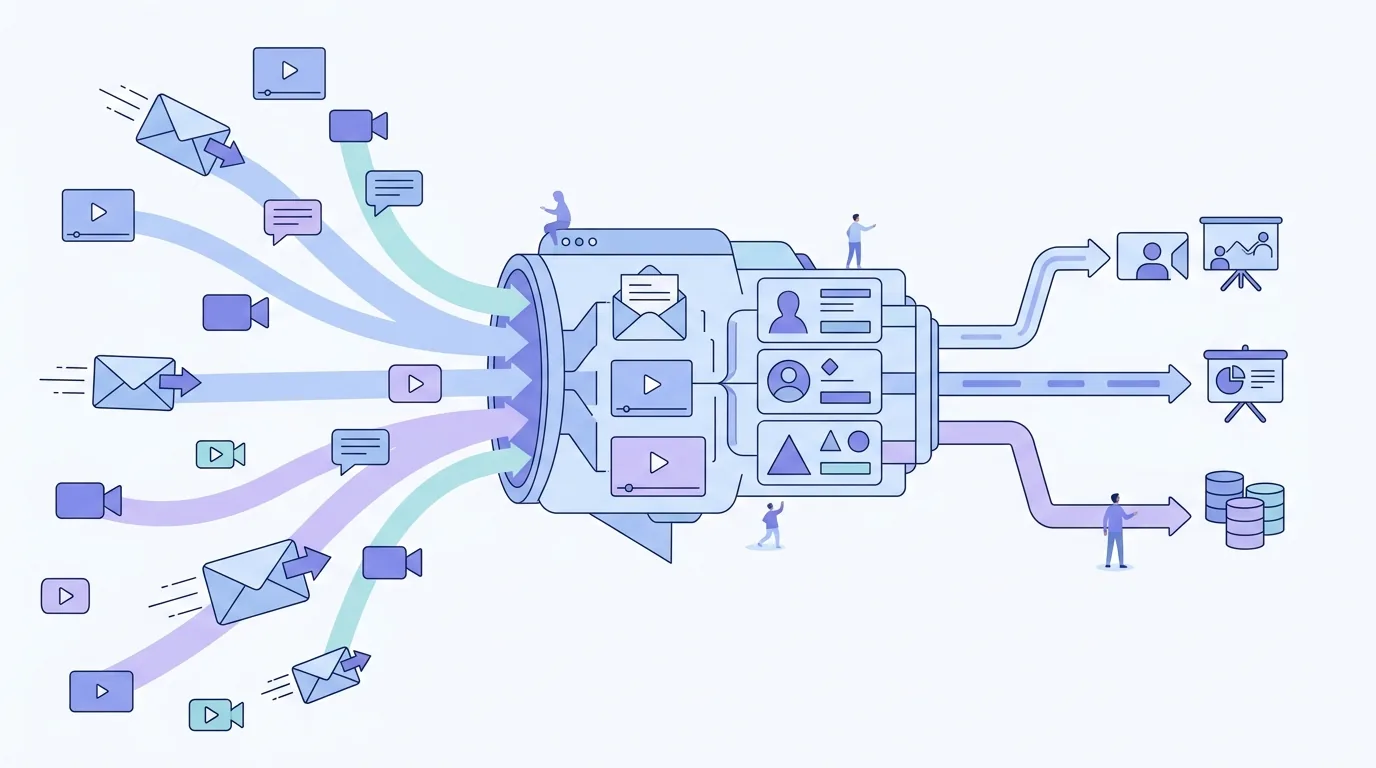
EmailFlow OS, a EmailFlow OS product, covers one specific step: personalised video in the email part of virtual selling. You record one video and upload it to EmailFlow OS. Then you connect your Brevo account and your sending domain and import your prospect list into EmailFlow OS. EmailFlow OS personalises that single recording separately for each recipient, not just once per company, so two contacts at the same account each get their own version. Every version goes out from your own inbox, through your own Brevo account and your own sending domain, never through a shared platform sender. Your SPF, DKIM and DMARC records, your domain's sending history and the replies stay with your domain and under your control.
EmailFlow OS doesn't replace the meeting tool, the CRM or the DNS work described above, and inbox placement is still decided by the receiving server. The overview of personalised AI video email from EmailFlow OS describes the product, and the article on a personalized video message per recipient explains how per-recipient versions differ from one generic video.
Questions people ask
- How do you get into virtual sales?
- Most people start in an SDR or inside sales role. Both are entry-level and teach prospecting, qualifying and follow-up writing on the job. Employers look for clear writing, comfort on camera and phone, and CRM habits. Before applying, practise a written follow-up after a mock discovery call. The work is mostly written follow-ups like that, and a hiring manager can judge a good one quickly.
- What is the role of a sales coordinator?
- A sales coordinator supports the sales team rather than carrying a quota. Typical duties are scheduling customer meetings, preparing quotes and contracts, keeping CRM records accurate, tracking orders and answering routine customer questions. Account executives own deals, while the coordinator owns the admin around them, and that's what frees the sellers to sell. In virtual teams the role often includes managing shared calendars and e-signature workflows.
- What are the responsibilities of an online seller?
- An online seller lists products or services, answers buyer questions in writing or on calls, processes orders and handles follow-ups after a purchase. In business-to-business sales, the seller also qualifies leads, runs video demos and sends quotes. The seller is also responsible for following platform rules and consumer or anti-spam law, such as the US CAN-SPAM Act's requirement to include a postal address and honour opt-out requests.
- What are the three types of sales?
- There isn't one standard list. The split job ads use most is inside sales (remote, by phone and email), outside or field sales (in person at the customer's site) and hybrid (remote for most of the cycle, in person for key meetings). Another common split is by buyer: selling to businesses, selling to consumers and selling to government.
