14 min read Diesen Artikel auf Deutsch lesen Lire cet article en français Ler este artigo em português
Email Flow: Triggers and B2B Examples
The short answer
An email flow is an automated series of emails. A trigger starts it: a signup, an abandoned cart, a booked meeting or a newly imported prospect. It then runs through timed steps and conditions until an exit rule stops it, for example a reply or an opt-out. For B2B outreach, send every step from your own domain with SPF, DKIM and DMARC aligned, reply inside the original thread, and stop the flow as soon as the prospect answers.
In this article
- What is an email flow?
- How do I build an email flow?
- Which email marketing flows do most senders set up?
- What does an email flow look like for B2B outreach?
- Sales follow up email template
- What should a sales follow up email say?
- When should a follow up sales email stop?
- What decides cold email deliverability in a flow?
- Email deliverability checklist before a flow goes live
- Why are flow emails going to spam?
- Where do email flows fit in B2B email lead generation?
- Which tool builds email flows?
- How EmailFlow OS runs an outreach flow
- Questions people ask
What is an email flow?
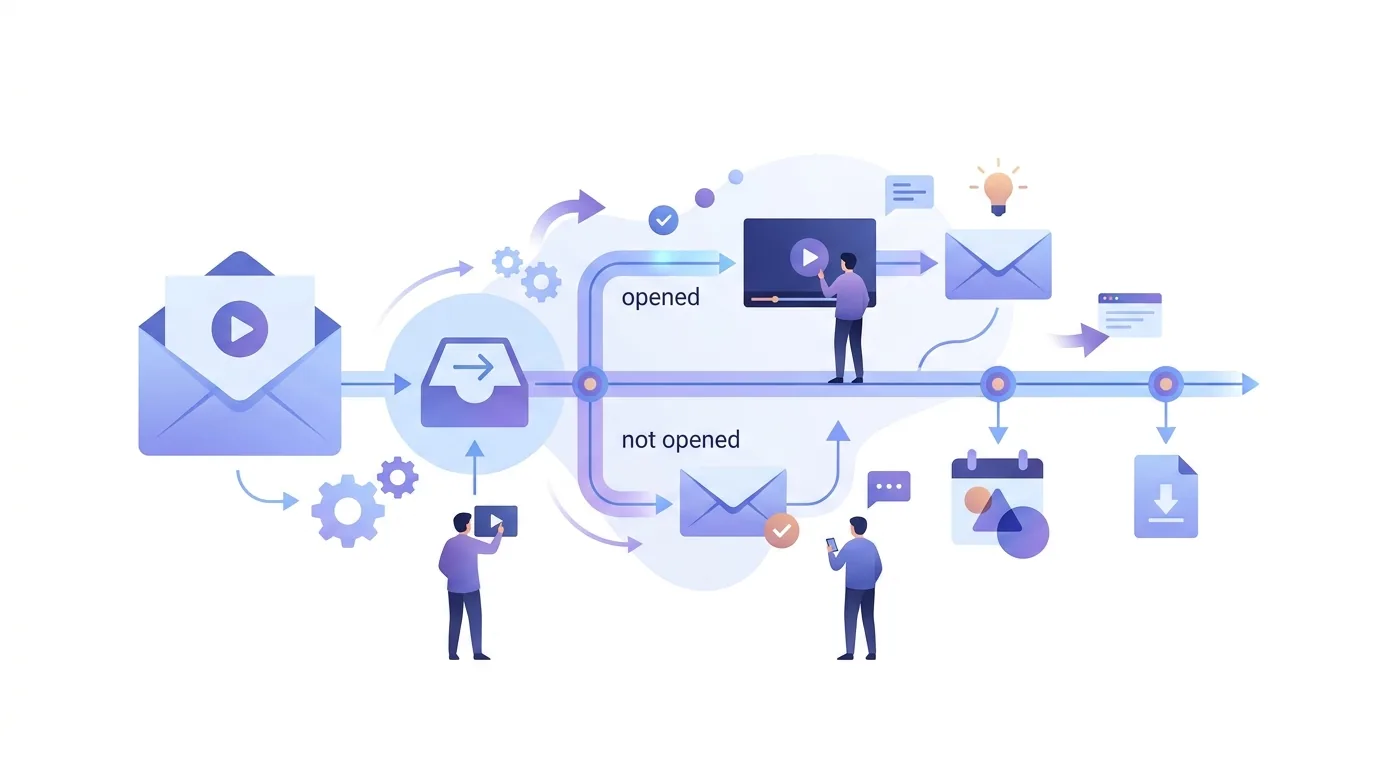
An email flow is a series of emails that your sending tool sends automatically once a defined event happens, such as a signup or a newly imported prospect. It runs through timed steps and conditions, and an exit rule takes the contact out again, for example after a reply or an opt-out. A campaign is different: you send it once, to a list, at a time you pick.
Every flow has the same four parts. The trigger is the event that puts a contact into the flow. The steps are the emails, each with a delay such as "two business days after the previous step". Conditions branch the path, so a contact who clicked takes a different route from one who didn't. The exit rule takes the contact out again. Here's a concrete example. Trigger: a prospect is added to the list "Logistics leads". Step 1 goes out right away, step 2 three business days later if there's no reply, and step 3 a week after that. Exit: any reply, a bounce or an unsubscribe. Most guides leave out the exit rule, and it's the part that matters most. A flow that keeps sending after someone has replied gets complaints, and complaints count against your domain's reputation.
How do I build an email flow?
The order below holds in any flow builder, whatever the vendor calls the feature. It uses the "Logistics leads" example from above.
- Write the exit rule first. Decide which events take a contact out: a reply of any kind, a hard bounce, an opt-out. Decide too whether that exit applies to this flow only or to every flow the contact is in. For outreach, it should apply to every flow.
- Define the trigger. Use one event you can actually observe in your data, such as "added to list Logistics leads". If the tool can't see the event, the flow never starts.
- Set the steps and delays. Give each step one job: step 1 opens, step 2 adds a new fact, step 3 closes the loop. Set the delays in business days so nothing lands on a weekend.
- Add conditions only where the next email really changes. A branch for "replied" is required. A branch for "opened" isn't reliable, because image proxies and privacy features load tracking pixels without a human reading anything.
- Check the sending domain. Send a test to yourself and look for spf=pass, dkim=pass and dmarc=pass in the Authentication-Results header.
- Start small. Put a small first batch through the flow, read the replies and bounces, and only then add the rest of the list.
What goes wrong most often is step 1 done wrong: the exit rule only watches the mailbox that sent step 1. If the prospect answers from a colleague's address or replies to another rep, the flow keeps going.
Which email marketing flows do most senders set up?
The flows that the e-commerce guides list are all built on opted-in subscribers and shop events:
- Welcome flow. Trigger: newsletter signup. Step 1 straight away confirms the signup and says what's coming. Step 2 two days later introduces the best-known product line. Exit: first purchase.
- Browse abandonment flow. Trigger: a logged-in visitor views a product page and doesn't add anything to the cart. One email a day later names the product they viewed. Exit: purchase or unsubscribe.
- Cart abandonment flow. Trigger: cart created, checkout not completed. Step 1 a few hours later shows the cart's contents, and step 2 the next day answers a shipping or returns question. Exit: order placed.
- Post-purchase flow. Trigger: order confirmed. It sends the confirmation, then the shipping notice, then setup tips once delivery is confirmed. Exit: end of sequence.
- Review request flow. Trigger: delivery plus a waiting period. One email asks for a review and links straight to the form. Exit: review submitted.
- Win-back flow. Trigger: no purchase or open within a period you define. Step 1 asks whether they still want emails, and step 2 removes the contact if there's no response. Exit: re-engagement or removal.
Pick these when your contacts opted in and your trigger data comes from a shop or a website tracker. They're no good for cold B2B outreach. The trigger events never happen, because a prospect who has never visited your site can't abandon a cart.
What does an email flow look like for B2B outreach?
In outbound work the trigger is something the sender does or a reply the prospect sends, not a shop event. Here are five outreach flows written out:
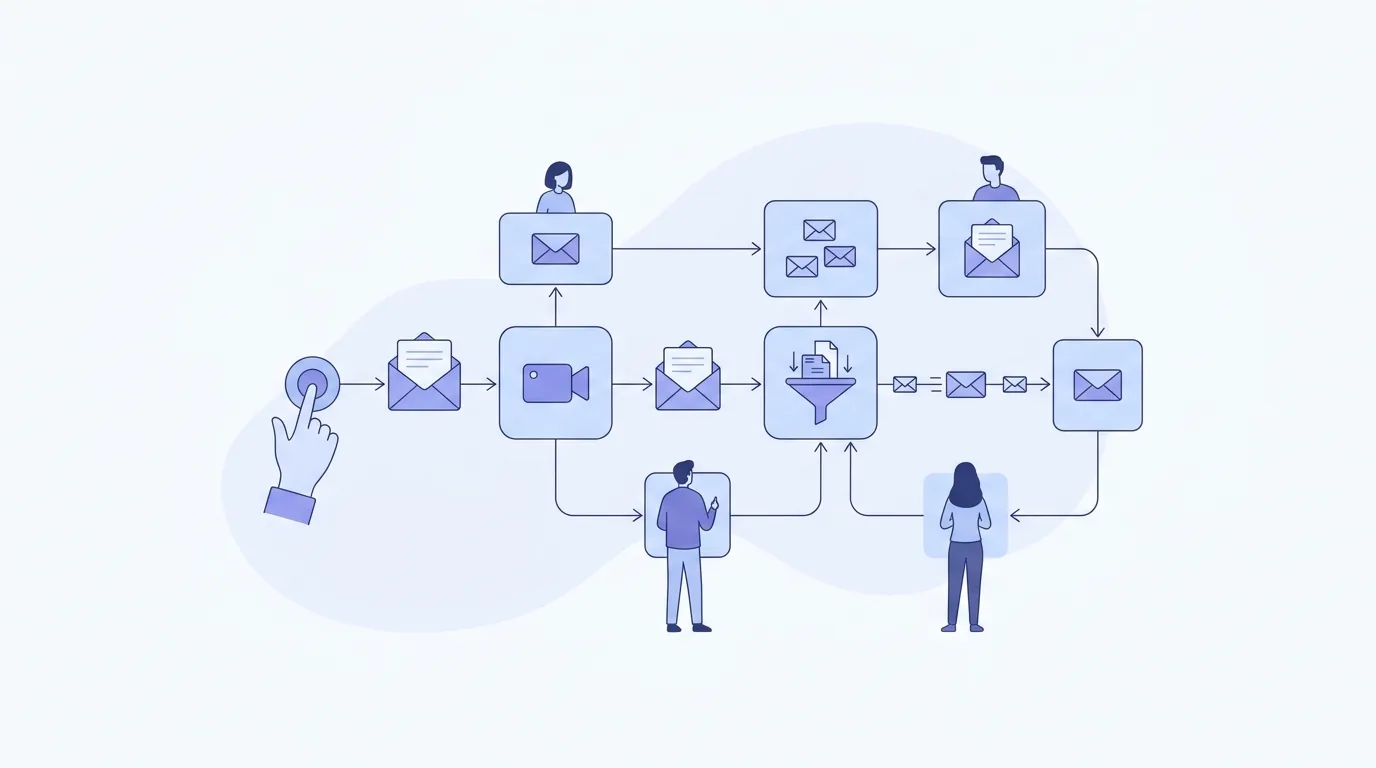
- Cold intro flow. Trigger: prospect imported and verified. Step 1 names one observable trigger at their company, one problem and one question. Step 2 replies in the same thread with one new fact. Step 3 is a short closing note saying you'll stop writing. Exit: reply, bounce or opt-out.
- No-reply follow-up flow. Trigger: step 1 got no response. Every follow-up carries the In-Reply-To and References headers pointing at the original message's Message-ID, so the mail client threads it under the original. Exit: reply, or the final step is sent.
- Post-meeting flow. Trigger: meeting held. Step 1 on the same day recaps decisions, owners and dates. Step 2 before the agreed deadline asks about the one open item. Exit: the next meeting is booked.
- Quote follow-up flow. Trigger: quote sent. Step 1 asks one question about scope. Step 2 is tied to the quote's expiry date. Exit: accepted, declined or expired.
- Opt-out flow. Trigger: a "remove me" reply or an unsubscribe click. It sends no further email, suppresses the address and keeps it out of future imports. Exit: immediate.
Use the cold intro and no-reply flows for first contact. Switch a contact to the post-meeting or quote flow the moment a conversation starts, because once they've replied, cold steps read as if nobody looked. The cadence, the number of steps and the stop rules are covered in detail in our guide to the email sequence for cold outreach. The post-meeting flow picks up where the discovery call questions and follow-up leave off.
Sales follow up email template
This template is step 2 of a no-reply flow. Send it as a reply in the original thread, so the subject keeps the earlier one with "Re:" added by the client and doesn't get a new one.
Hi [First name], one thing I left out last time: [new fact relevant to their situation, e.g. a change in their market or a detail from their own announcement]. Teams in that position usually have to decide whether to [option A] or [option B]. Which way are you leaning? If it's not on your desk, who should I ask instead? [Your name]
It works as a template because it adds a fact the first email didn't have and asks one question that can be answered in a single line. Don't send "just bumping this up" with nothing new, since it gives the reader no reason to answer now. There are ten more variants, by situation, in our collection of sales follow up email templates.
What should a sales follow up email say?
A sales follow up email needs three things: a reference to the earlier message, either by threading or in the first line; exactly one new piece of information; and one question. Leave out the full pitch, a second call to action and attachments. Attachments add size and can trigger stricter content filtering. If the earlier message was a meeting, the follow-up recaps who owns which next step and by what date, rather than pitching again.
When should a follow up sales email stop?
A follow up sales email stops on the first reply of any kind, including "not now", on a hard bounce, and on any opt-out request. It also stops after the last step you planned. Set that number before the flow starts so it doesn't creep up because a lead looks promising. Sending more steps to someone who hasn't engaged raises the chance of a spam complaint, and the complaint hits your domain, not the tool's.
What decides cold email deliverability in a flow?
Cold email deliverability is decided by the receiving mail server, not by the sender or any tool. That server checks authentication: SPF says which servers may send for your domain, DKIM attaches a signature it verifies against a public key in your DNS, and DMARC checks whether the domain in the visible From address aligns with the SPF or the DKIM domain. It weighs the reputation of your sending domain and IP, and it looks at how recipients react, including spam complaints. Google's Email sender guidelines in the Gmail Help Center (as of November 2026) ask bulk senders to Gmail to authenticate with SPF, DKIM and DMARC, to offer one-click unsubscribe and to keep the spam rate shown in Google Postmaster Tools low. A flow makes all of this matter more, because every later step inherits the reputation the earlier steps built: a complaint on step 1 weighs on step 3 too. More on each factor is in cold email deliverability: what decides it.
Email deliverability checklist before a flow goes live
- SPF: exactly one TXT record on the sending domain that includes your sending service. SPF has a cap on DNS lookups, so merge includes into one record rather than publishing two.
- DKIM: the sending service signs with a key published under your own domain, so the signature aligns with the From address.
- DMARC: a TXT record on the _dmarc subdomain with a monitoring-only policy (p=none) while you read the aggregate reports, tightened only once all legitimate senders pass.
- Warm-up: a new domain or mailbox starts at low volume and grows step by step. Don't launch a full flow on day one.
- List verification: run syntax, MX and SMTP checks, and treat catch-all addresses separately.
- Unsubscribe path: a working opt-out in every step; Google's sender guidelines also ask bulk senders for one-click unsubscribe.
- Exit rules: reply, bounce and opt-out each remove the contact from every flow, not just the current one.
- Test send: check the headers of a real message for spf=pass, dkim=pass and dmarc=pass before the first batch.
The full list, with what each check looks like in practice, is in the email deliverability checklist for cold email.
Why are flow emails going to spam?
When emails in a flow start going to spam, the cause usually sits in one of these places:
- DMARC failure from misalignment: SPF passes for the tool's bounce domain, but DKIM signs with the tool's domain instead of yours, so nothing aligns with your From address.
- Two SPF records on one domain. Receivers return a permanent error and treat SPF as failed.
- A bounce spike from an unverified list, usually visible right after a fresh import.
- Complaints from steps that kept sending after a reply because the exit rule only watched one mailbox.
- A brand-new domain sending full flow volume without warm-up.
- Heavy content in step 1: large images, several links or an attachment in a first contact with no history.
Work through the headers of an affected message first, because the Authentication-Results line tells you which check failed. The fixes, in order, are in why are my emails going to spam.
Where do email flows fit in B2B email lead generation?
In B2B email lead generation, a flow is how you deliver the message. It isn't the source of the leads. The leads come from research, inbound forms or referrals. The flow handles contact and follow-up once someone is on the list. That has a legal side. In the EU, unsolicited email is governed by the ePrivacy rules as each member state implements them, and the implementations differ: some countries require prior consent for email advertising even to business addresses, while elsewhere senders rely on legitimate interest under the GDPR after documenting a balancing test. Check the rule for each recipient's country before a contact enters a cold flow, and record where each contact came from so you can answer that question later. Prospecting steps and tools are in our guide to B2B lead generation.
Which tool builds email flows?
Most marketing automation platforms have a visual flow builder. They differ in what they're built around and in their rules for contacts who didn't opt in. Read each vendor's acceptable use policy before using it for cold outreach.
| Tool | Name of the flow feature | Built around | Check before cold use |
|---|---|---|---|
| Brevo | Automations | Contact lists and attributes, email activity, website events | Acceptable use policy on purchased or non-opted-in contacts; domain authentication in account settings |
| Mailchimp | Customer Journeys | Audience-based marketing to subscribers | Acceptable use policy on purchased or non-opted-in contacts |
| Klaviyo | Flows | E-commerce events, for example from a connected shop | Acceptable use policy; trigger data assumes shop activity |
| ActiveCampaign | Automations | Contact lists, tags and CRM deal stages | Acceptable use policy on purchased or non-opted-in contacts |
| HubSpot | Workflows | CRM records and lifecycle stages | Which plan includes workflows; policy on non-opted-in contacts |
How EmailFlow OS runs an outreach flow
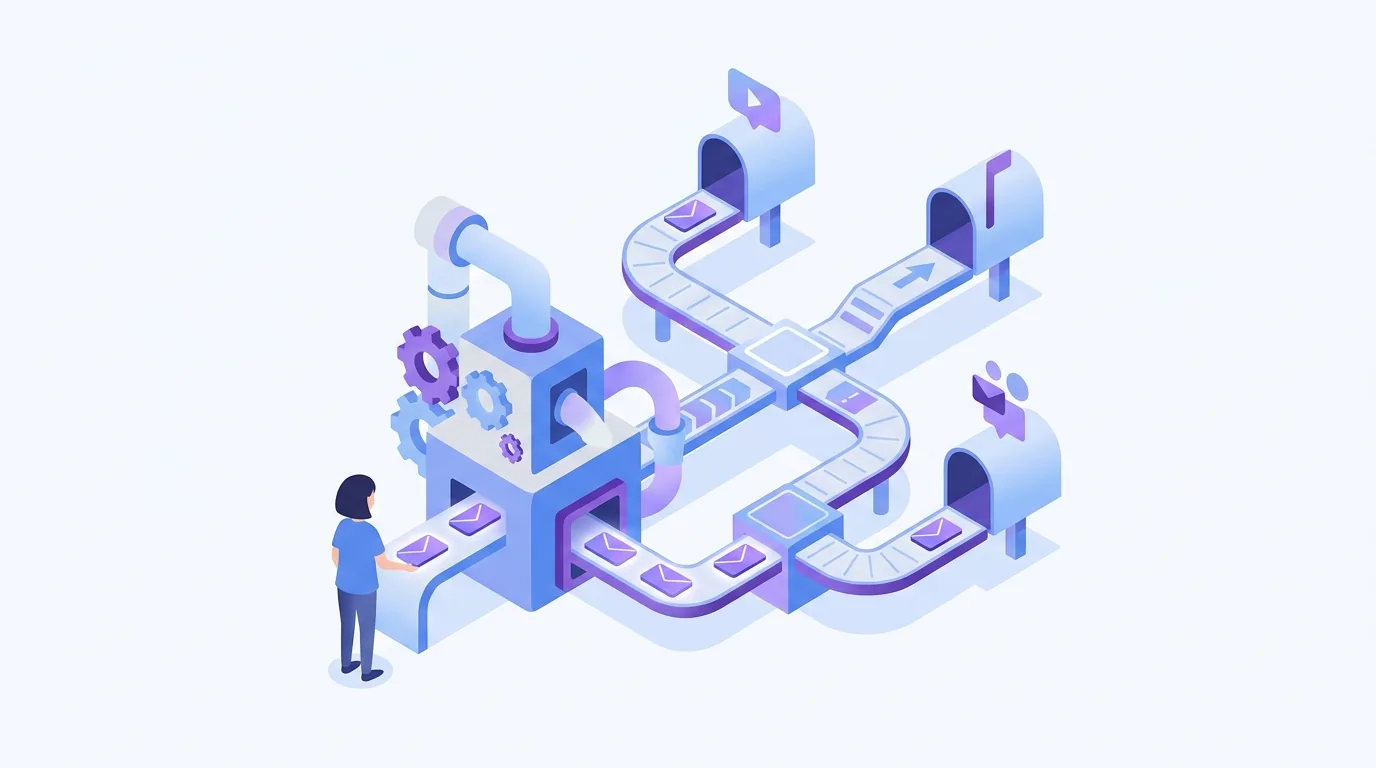
This section is about our own tool, a EmailFlow OS product built for the cold intro step, where a personalised video goes out from your own setup. You record one video and upload it to EmailFlow OS. You connect your Brevo account and your sending domain, and you import your prospect list into EmailFlow OS, where it stays. EmailFlow OS then makes a personalised version of that single recording for each recipient, not each company, and sends every version from your own inbox, through your own Brevo account and your own domain. It never uses a shared platform sender. That means the SPF, DKIM and DMARC records, the warm-up and the sender reputation are all yours to control. How the mechanism works step by step is on the EmailFlow OS personalised video email page.
Questions people ask
- What is a flow in email marketing?
- A flow in email marketing is an automated series of emails that starts when a defined trigger happens, such as a signup, a purchase or an abandoned cart. It sends timed steps and branches on conditions like a click, and an exit rule ends it. A campaign is different: it's one send to a list at a time you choose.
- How do I set up an email flow?
- Write the exit rule first (reply, bounce, opt-out, applied across all flows). Then pick one trigger your tool can actually observe, add steps with delays in business days, and add a branch for "replied". Before the first batch, send yourself a test and check its headers for spf=pass, dkim=pass and dmarc=pass. Then put a small batch through before adding the full list.
- What is the difference between an email flow and an email sequence?
- Many tools use the two terms for the same thing. In practice, "flow" usually means an event-triggered marketing automation with branches, like a cart abandonment flow. "Sequence" usually means a linear series of sales emails sent until the prospect replies. Both need an exit rule, and in a sales sequence the reply is the main one.
- What are the 7 parts of an email?
- The seven parts usually listed are the sender name and address, the subject line, the preheader, the greeting, the body, the call to action and the signature. In a cold flow, the sender address matters most technically. Its domain has to align with the DKIM or SPF domain for DMARC to pass.
- Can I run cold outreach flows in a newsletter tool?
- Technically, newsletter tools like Brevo or Mailchimp can send any flow. Whether you may use them for non-opted-in contacts depends on each vendor's acceptable use policy and on the law in the recipient's country, which in some EU states requires prior consent for email advertising even to businesses. A newsletter tool also won't thread follow-ups as replies by default.
