14 min read Diesen Artikel auf Deutsch lesen Lire cet article en français Ler este artigo em português
OBS Alternative: 12 Tools by Job, Free & Mac
The short answer
The best OBS alternative depends on the job: vMix, Wirecast or XSplit Broadcaster for multi-camera live production; Streamlabs Desktop, StreamYard or Restream Studio for simpler streaming; Camtasia or Bandicam for recording only. On Windows, Snipping Tool (Win+Shift+R) records without installing anything. Meld Studio and SplitCam cover Mac and PC; StreamYard and ManyCam run on Android. For a sales video, any recorder that exports a file with a working audio track is enough.
In this article
- Which OBS alternative fits which job?
- OBS alternatives compared by the same criteria
- Is OBS still the best streaming software?
- What is better than OBS?
- Is OBS or Bandicam better? Is OBS or Audacity better?
- What does a recorded sales video actually need?
- Where EmailFlow OS comes in after the recording
- Which DNS records matter before a video email goes out?
- What should replace "Dear Sir" in the email that carries the video?
- Questions people ask
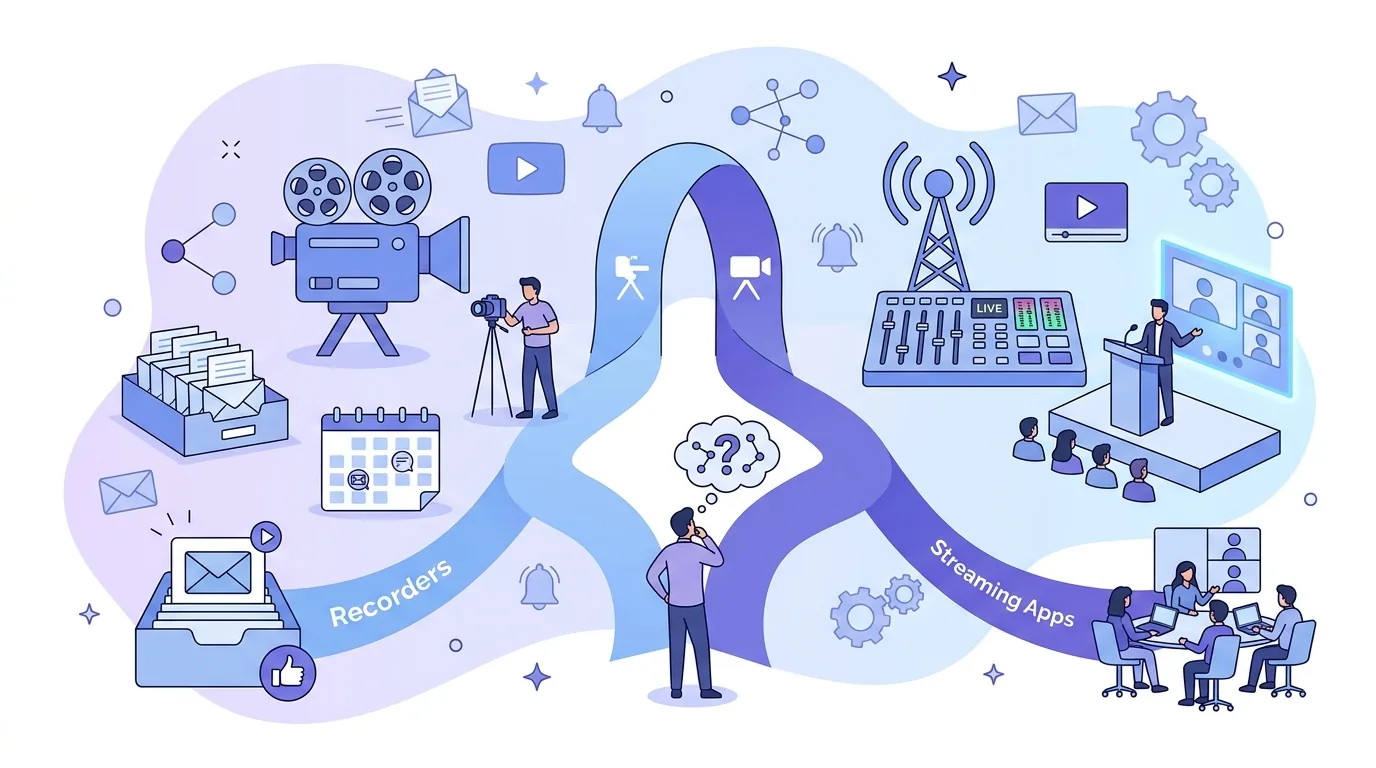
Which OBS alternative fits which job?
The short answer: there's no single best OBS alternative, because OBS does two jobs and most alternatives only do one. If you stream live with several sources, look at vMix, Wirecast or XSplit Broadcaster. If you only record, a screen recorder such as Camtasia or Bandicam, or the Windows Snipping Tool (Win+Shift+R), is simpler.
OBS Studio is the free, open-source tool from the OBS Project. It handles two jobs: recording to a file and streaming live to a platform. Most people searching for an OBS alternative want only one of those jobs, with less setup. The pages ranking for this search split into a handful of groups, and Google's AI overview for this search cites pages from reddit.com, youtube.com and google.com. Which tool is right depends on which group your job falls into.
- Live production with several sources: vMix, Wirecast and XSplit Broadcaster. Live-streaming roundups in the current search results list all three. Pick these when you mix cameras, graphics and guests in one live show and you want the scene switching OBS does, with a different interface.
- Simpler streaming for newer streamers: Streamlabs Desktop, StreamYard and Restream Studio. A ranking roundup aimed at new streamers lists them. Pick these when you mainly want to go live with presets rather than build scenes from scratch.
- Screen and meeting recording: Camtasia, Bandicam and Movavi Screen Recorder. Recording-focused roundups in the results list them. Pick these when the output is a file you edit and share, not a live broadcast.
- All-round studios: Meld Studio and SplitCam. Google's AI overview for this search describes Meld Studio as a recording and streaming studio built natively for Mac and PC, with hardware encoding, nested scenes and built-in chat docks. It describes SplitCam as a free Windows and Mac tool that bundles features people usually add to OBS with plugins, such as a virtual camera and AI backgrounds.
- Mobile apps: StreamYard, ManyCam, Prism Live Studio and OneStream Live. A ranking video about Android apps similar to OBS Studio names these. Pick one when the phone is your only camera.
Here's how to choose. If you go live with more than one camera, start with the live-production group. If you go live alone and want fewer settings, try the simpler streaming group. If nobody watches in real time and you send the result later, as you would with a sales video, you need a recorder. A full broadcast suite only adds settings you won't use.
OBS alternatives compared by the same criteria
| Tool | Job it's listed for | Platform or feature detail stated in the source | Where it's listed |
|---|---|---|---|
| vMix | Live streaming and live production | Not stated in the listing | Live-streaming and online broadcasting roundups |
| Wirecast | Live streaming | Not stated in the listing | Live-streaming roundups |
| XSplit Broadcaster | Live streaming | Not stated in the listing | Live-streaming roundups |
| Streamlabs Desktop (Streamlabs OBS) | Live streaming, new streamers | Not stated in the listing | Live-streaming and new-streamer roundups |
| StreamYard | New streamers; Android | Listed among Android apps similar to OBS Studio | New-streamer roundup; Android app video |
| Restream Studio | New streamers; online broadcasting | Not stated in the listing | New-streamer and online broadcasting roundups |
| ManyCam | Online broadcasting; Android | Listed among Android apps similar to OBS Studio | Online broadcasting roundup; Android app video |
| Meld Studio | Recording and live streaming | Native Mac and PC; hardware encoding, nested scenes, built-in chat docks | Google AI overview for this search |
| SplitCam | Streaming and webcam effects | Free; Windows and Mac; virtual camera and AI backgrounds bundled | Google AI overview for this search |
| Camtasia | Screen recording and editing | Not stated in the listing | Recording and meeting-recording roundups |
| Bandicam | Screen recording | Not stated in the listing | Recording and meeting-recording roundups |
| Movavi Screen Recorder | Meeting and screen recording | Not stated in the listing | Meeting-recording roundup |
Several of those roundups are years old. Before you commit, check two things on the vendor's site: that the product still runs on your operating system, and that it can export the file type your next step needs. Several roundups also mix recorders and streaming suites in one list, so a tool's place in a ranking tells you nothing about whether it does the job you have.
Is OBS still the best streaming software?
OBS Studio is still the reference point. Every page ranking for this search defines the alternatives against it. It's free, the OBS Project publishes builds for Windows, macOS and Linux, and plugins extend it. Its weak spot is setup. You build scenes, sources, audio routing and encoder settings yourself, and features other tools include out of the box often need a plugin. That's why the AI overview for this search frames alternatives as easier tools. Whether OBS is the best choice depends on one question: do you want full control and accept the setup work, or fewer decisions and accept fewer options? For a regular live show with overlays and several inputs, OBS is still a reasonable default. For a quick recorded clip, it's more machinery than the job needs. That's also when people run into a familiar OBS problem, a display capture that records black. The guide to screen recording black screen causes covers that by operating system.
What is better than OBS?
Nothing is better than OBS at everything, but several tools are better at one specific job. OBS is free, open source and runs on Windows, macOS and Linux, so a replacement has to win on something narrower: less setup, a feature built in instead of added by plugin, or a single job done with fewer settings. Name the one thing OBS makes hard for you, then pick the tool listed for exactly that.
| If OBS is hard because… | Better pick for that job | What you may give up |
|---|---|---|
| You find building scenes from scratch slow | Streamlabs Desktop, StreamYard or Restream Studio, listed in roundups for new streamers | Fine control over each source and encoder setting |
| You run a multi-camera live show | vMix, Wirecast or XSplit Broadcaster, listed in live-production roundups | The zero licence cost of OBS; check each vendor's plans |
| You only record and then edit | Camtasia (recording and editing in one tool) or Bandicam | Live streaming in the same install |
| You want a native Mac and PC studio | Meld Studio, which Google's AI overview for this search describes with hardware encoding and nested scenes | The OBS plugins you already rely on |
| You add a virtual camera and AI backgrounds by plugin | SplitCam, which the same AI overview describes as free with both bundled | Plugins outside what the tool bundles |
Where switching doesn't help: if your recordings come out silent or black in OBS, the cause is usually a missing OS permission, the wrong input device or DRM-protected content on screen. Those causes follow you into any other recorder, so fix them first. Also check before switching that the new tool exports the file format your next step needs, and test one full recording before you move a workflow over.
Is OBS or Bandicam better? Is OBS or Audacity better?
OBS vs Bandicam: they overlap only on recording. OBS records and streams. Roundups list Bandicam as a screen recorder, not a live-production suite. If you never go live and want a recorder with fewer settings, a dedicated recorder is the simpler tool. If you also stream, OBS covers both jobs in one install.
OBS vs Audacity: they do different jobs. Audacity is an open-source audio recorder and editor with no video capture. OBS captures video and audio together. A common workflow uses both: record the take in OBS, then clean up a separately recorded voice track in Audacity if the room is noisy. For a sales clip, it's usually simpler to fix the microphone before recording, because two separate tracks can drift out of sync when you combine them later.
What does a recorded sales video actually need?
Most B2B practitioners aren't looking for a streaming suite. They need one clean recording they can send. Here's what matters:
- Record a file, not a stream. Most email clients won't play a live stream or an embedded player inside the message. Email video is sent as a thumbnail that links to a page with the player. If you want a cover frame inside the MP4 itself, ffmpeg sets one with -disposition attached_pic.
- Check that the file has an audio track before you upload it. A muted or missing track is a frequent reason a recording plays silently. Run ffprobe -v error -select_streams a -show_entries stream=codec_name on the file: if it prints nothing, there is no audio stream.
- Check the picture. A display capture that records black, usually caused by DRM, a missing OS permission or a GPU mismatch, makes the file useless. Play the whole file once before you upload it.
- On Windows, the built-in Snipping Tool (Win+Shift+R) and Game Bar (Win+Alt+R) can record without installing anything, so you may not need a third-party recorder at all. Game Bar records one app window rather than the full desktop.
If you're on Windows, the guide to screen recording on Windows walks through both built-in options and their full-screen limits. Changing the preview image that recipients see is covered in the guide on how to change a video thumbnail for MP4 files and email. Where the finished file is hosted is a separate decision; the overview of Wistia video hosting, cost and alternatives covers that step. What doesn't work: recording a separate take for every prospect. It looks personal, but with a long list it turns into an afternoon of retakes. Every take needs the same audio and picture checks, and the later ones tend to get rushed. If you only find a silent file after sending, you have to record it again and send it again.
Where EmailFlow OS comes in after the recording
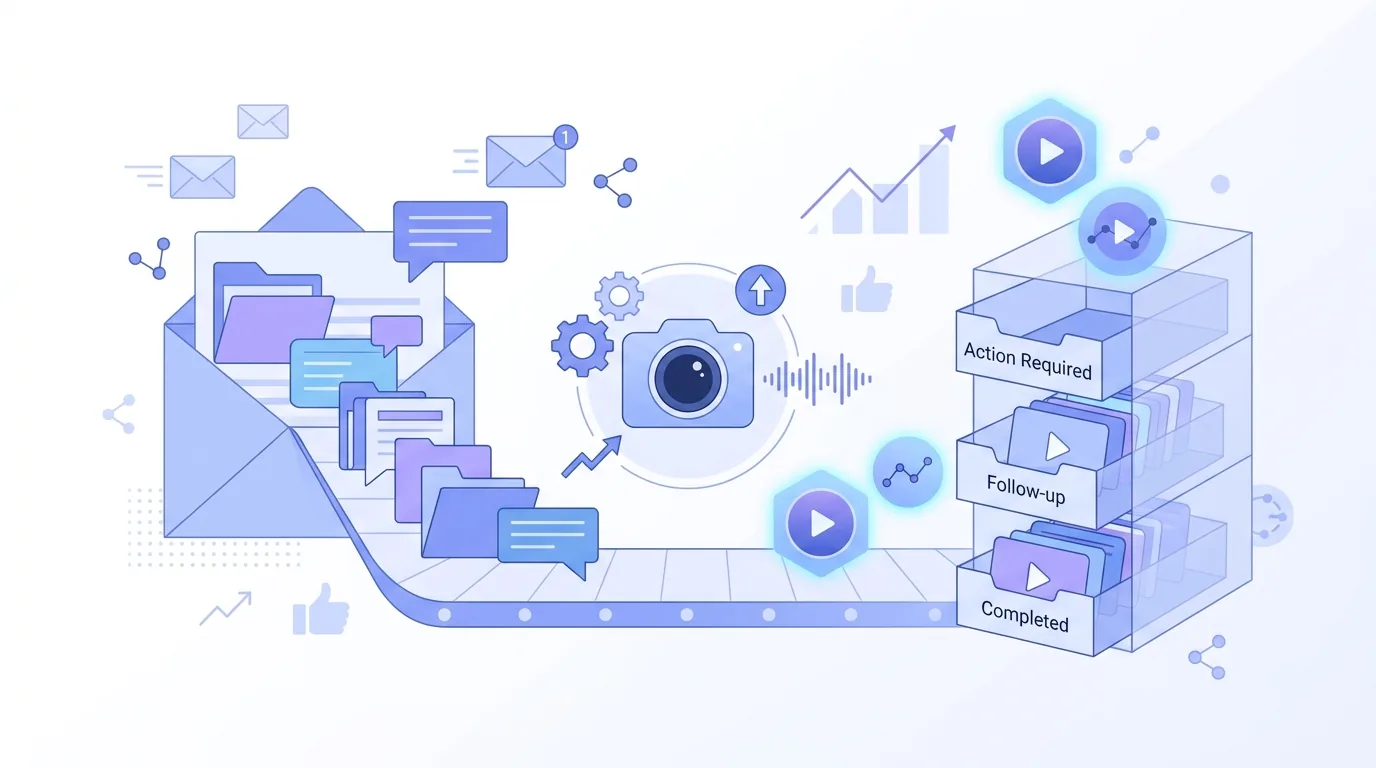
This section is about EmailFlow OS, a EmailFlow OS product. It isn't an alternative to OBS. EmailFlow OS starts where the recorder's job ends, so it doesn't matter which tool made the file. You record one video and upload it to EmailFlow OS. Next, you connect your own Brevo account and your sending domain, and you import your prospect list into EmailFlow OS, where the list then lives. EmailFlow OS then makes a personalised version of that single recording for each recipient: per person, not one version per company. Each version goes out from your own inbox, through your Brevo account and your sending domain. There's no shared platform sender, so the sending history these messages build stays with your own domain, and you keep control of it. The page on personalised AI video email for B2B outreach describes the setup, and the guide to a personalized video message per recipient explains the per-recipient model.
Which DNS records matter before a video email goes out?
The recorder has no effect on whether a message is accepted. The receiving server decides that, partly from the authentication records published on your sending domain. SPF lists the servers allowed to send for the domain, so Brevo has to be included in it. DKIM signs each message with a key published in DNS, so your Brevo DKIM record has to be live on your domain. DMARC tells receivers what to do when SPF or DKIM doesn't align with the From domain. If one of them is missing, receivers can treat a polished video email the same way they'd treat a poorly configured blast. Content filters add their own score on top. SpamAssassin, for example, adds up rule scores and tags a message as spam at 5.0 by default, as the guide to SpamAssassin score rules and thresholds explains. The walkthrough on DKIM, DMARC and SPF for cold email senders goes through each record in order. A new domain also needs a gradual warm-up before any volume.

What should replace "Dear Sir" in the email that carries the video?
A personalised video loses its point if the greeting above it is generic. Each greeting below has a replacement:
- Dear Sir alternative: use the person's name, such as "Dear Ms. Patel" or "Hi Priya". "Dear Sir" assumes the reader's gender, and in a cold email it shows you didn't look the person up.
- Dear Sir or Madam alternatives: when you don't know the name, address the role or team, such as "Dear Hiring Team" or "Hello Finance team". "Dear Sir or Madam" is accepted in formal letters but reads as a mass mailing in outreach.
- Dear Sirs alternative: "Dear Sirs" was a traditional way to address a firm in British business letters. Today, write "Dear [Company] team" or name the department.
- Dear Sir/Madam alternatives: the slash form is common on forms and official notices. In an email, use the role, such as "Dear Procurement Manager", or the name if your prospect list has it.
- Dear Sirs and Madams alternative: this isn't a standard form in English. Use "Dear all", "Dear colleagues" or "Dear [Company] team" when you're writing to a group.
If your prospect list includes a first-name field, check it for empty or badly formatted values before sending. An unfilled merge field like "Hi ," undermines a personalised video more than a formal greeting would. The guide to Dear Sir or Madam alternatives with letter and email samples has full examples for formal correspondence.
Questions people ask
- What is the best alternative to OBS?
- It depends on the job. For live shows mixing several cameras and graphics, current roundups list vMix, Wirecast and XSplit Broadcaster. For going live with presets instead of hand-built scenes, they list Streamlabs Desktop, StreamYard and Restream Studio. For recording a file you send later, a screen recorder such as Camtasia or Bandicam does one job with fewer settings than OBS's two.
- What is better than OBS?
- No tool beats OBS on every count, since OBS is free, open source and runs on Windows, macOS and Linux. Some tools are better for one job: Streamlabs Desktop or StreamYard for less setup, vMix or Wirecast for multi-camera live production, Camtasia for recording plus editing in one tool. If your problem is a silent or black recording, switching won't fix it; check permissions and inputs first.
- Is there a free OBS alternative?
- Yes. Google's AI overview for this search describes SplitCam as free on Windows and Mac, with a virtual camera and AI backgrounds built in. For recording only, Windows already includes Snipping Tool (Win+Shift+R) and Game Bar (Win+Alt+R), so there's nothing to install. OBS Studio itself is free and open source too, so cost alone is rarely the reason to switch.
- What is an OBS alternative for Mac?
- Google's AI overview for this search names Meld Studio as a studio built natively for Mac and PC, with hardware encoding and nested scenes. It also lists SplitCam for Mac and Windows. Check the vendor's system requirements for your macOS version before you install, because several roundups that rank for this search are years old.
- Is there an OBS alternative for Android?
- OBS Studio has no Android app. A ranking video about Android apps similar to OBS Studio names four: StreamYard, ManyCam, Prism Live Studio and OneStream Live. They suit streaming with a phone as the only camera. For a recorded sales clip, the phone's own camera app produces a file you can upload without any streaming app.
- Do I need OBS to record a video for a sales email?
- No. A sales email carries a recorded file shown as a linked thumbnail, not a live stream, so streaming features add nothing. Any recorder works if the export has a picture and an audio stream. Running ffprobe with -select_streams a shows whether the audio exists. What decides whether the email is accepted is SPF, DKIM and DMARC on your sending domain, not the recorder.
