9 min read Alle Artikel auf Deutsch
Sales Prospecting Tools: Options by Job
The short answer
Sales prospecting tools cover five jobs: finding contacts (ZoomInfo, Apollo.io, Cognism), searching people on LinkedIn (Sales Navigator), enriching and verifying data (Clay, Hunter), tracking accounts (HubSpot, Salesforce, Pipedrive) and sending. Choose one tool for each job, not one for every feature. For sending, check whose domain signs DKIM and where the list is stored. EmailFlow OS stores your list, personalises one recorded video for each recipient and sends it from your own Brevo account and domain.
In this article
- What do sales prospecting tools actually do?
- Sales prospecting tools, sorted by job
- Which prospecting tool fits which team?
- What should decide your choice of prospecting software?
- Where EmailFlow OS fits: a EmailFlow OS product
- Sales follow-up email: template and samples
- What doesn't work with prospecting tools
- Questions people ask
What do sales prospecting tools actually do?
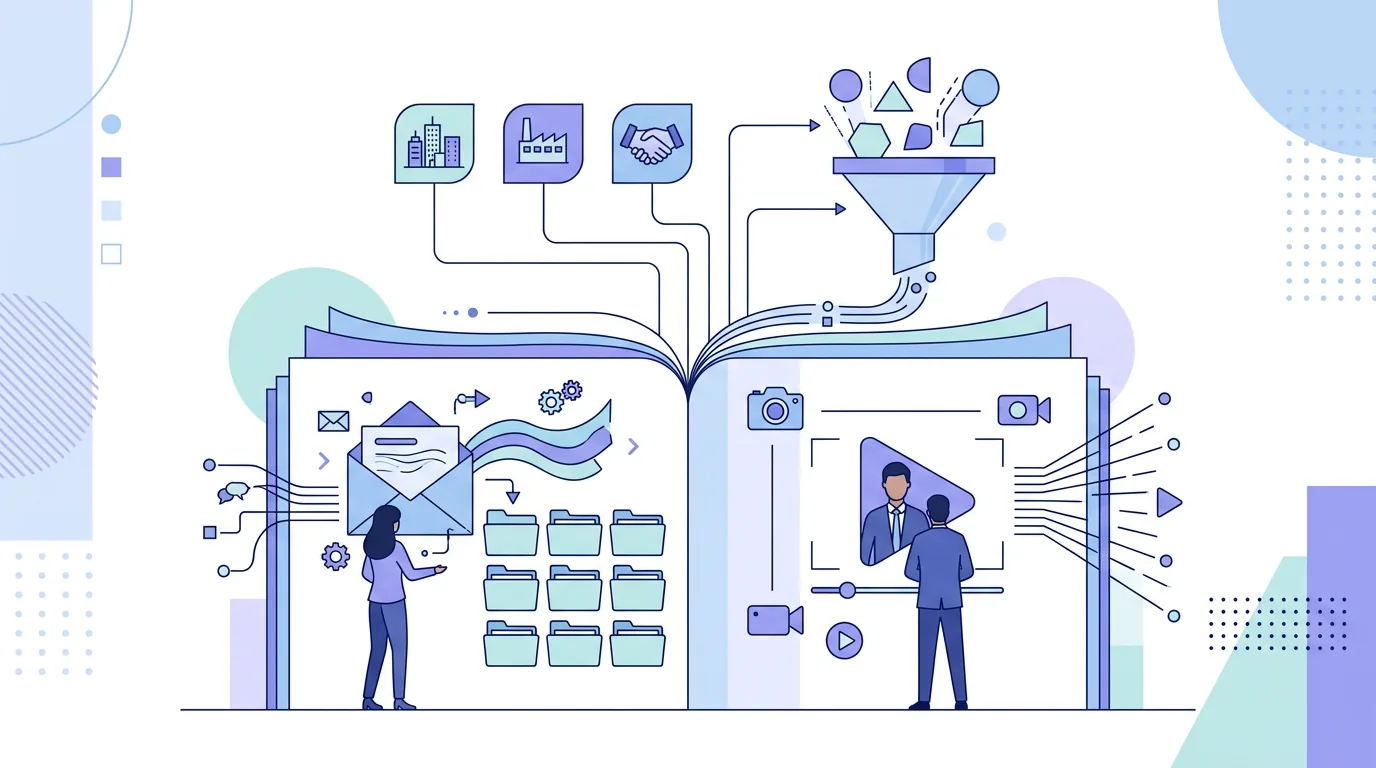
Most "best sales prospecting tools" lists put a contact database, a CRM and an email finder in one ranking, as if they competed with each other. They don't. A B2B prospecting stack does five separate jobs, and each tool usually does one or two of them well. First, it finds the right companies and people. Second, it gets a verified email address or phone number for them. Third, it enriches the record with firmographics or trigger events. Fourth, it tracks every account and conversation in one system of record. Fifth, it sends the outreach and the follow-ups.
It matters which job a tool does, because the risks are different. A data tool's risk is legal: where the personal data came from, and whether you can name a lawful basis for processing it under GDPR Article 6. A sending tool's risk is technical: whose domain signs the mail and whose sender reputation builds up. A tool that does one job well can still be the wrong tool for another.
Sales prospecting tools, sorted by job
These are the products practitioners most often name for each job. Each entry describes what the product is for, not a plan or a feature list. Plans and limits change, so check the vendor's own documentation before you buy.
- Contact and company data: ZoomInfo, Apollo.io, Cognism, UpLead and Seamless.AI are B2B databases you search by industry, company size, role and region. You then export or sync the matching contacts.
- People search on LinkedIn: LinkedIn Sales Navigator is LinkedIn's paid prospecting product. It searches LinkedIn's member and company data, keeps saved lead lists and runs messaging inside LinkedIn. It doesn't give you an email address to send to.
- Enrichment and workflows: Clay pulls data from several providers into one table and lets you build enrichment steps around it. It's useful when no single database covers your niche.
- Email finding and verification: Hunter.io finds likely addresses from a company domain and checks whether they look deliverable before you send.
- Website visitor identification: Leadfeeder, now part of Dealfront, matches company-level website visits to organisations. It names companies, not individual people.
- CRM and system of record: HubSpot, Salesforce Sales Cloud and Pipedrive hold your accounts, deals and activity history. Most other tools in this list sync into one of them.
- Sending infrastructure: Brevo is an email platform you can run under your own account and authenticated sending domain. That puts reputation and DNS records in your hands.
When to use which? A team selling into a narrow vertical often starts with Sales Navigator and a verifier like Hunter, because the database tools cover broad markets better than niche ones. A team running volume across many segments usually needs a database such as ZoomInfo, Apollo.io or Cognism, with Cognism often shortlisted by teams that focus on European contacts. Clay comes in when you need data from more than one provider. A CRM is non-negotiable once more than one person touches the pipeline. If you want copy for each stage of a sequence, our sales outreach messages by stage cover first touch through to the breakup email.
Which prospecting tool fits which team?
| Tool | Job it does | Suits | Where it stops |
|---|---|---|---|
| ZoomInfo | B2B contact and company database | Teams prospecting broad markets at volume | Doesn't send; you still need sending infrastructure and a CRM |
| Apollo.io | Contact database with built-in sequencing | Smaller teams that want data and outreach in one place | Sending runs inside the platform, so check which domain and mailbox your mail actually leaves from |
| Cognism | B2B contact database | Teams prioritising European contact data | Doesn't send; you still need to name your own lawful basis for processing |
| LinkedIn Sales Navigator | People and account search on LinkedIn | Account-based selling, research before outreach | No email addresses; messaging stays inside LinkedIn |
| Clay | Multi-source enrichment and workflows | Niche markets where one database leaves gaps | Needs setup work; output quality depends on the providers you connect |
| Hunter.io | Email finding and verification | Teams building lists by hand from company domains | Only finds and checks addresses; no account data |
| HubSpot / Salesforce / Pipedrive | CRM and system of record | Any team with more than one person in the pipeline | A CRM stores and tracks. It isn't a prospect database |
What should decide your choice of prospecting software?
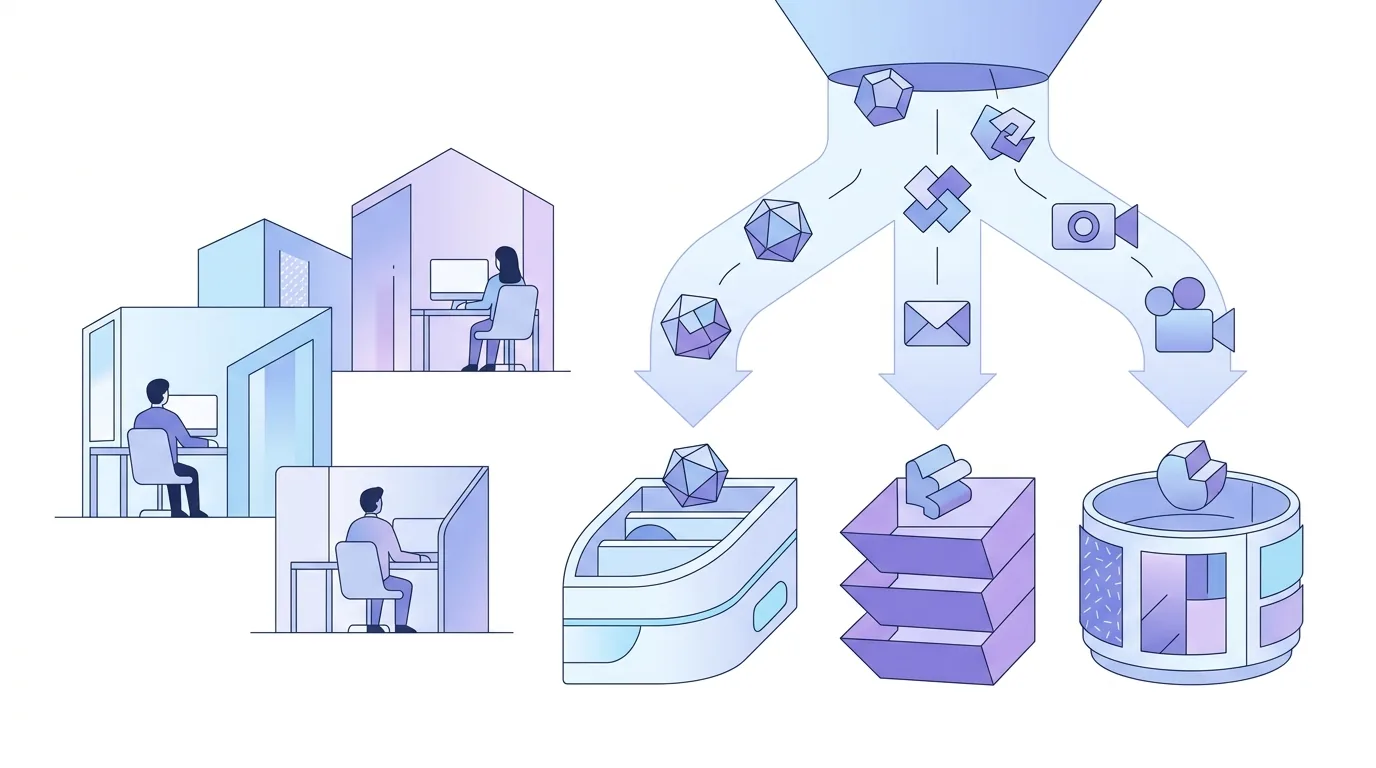
Four questions decide it in practice. Feature counts don't.
- Where does the data come from? Under GDPR Article 14, if you got personal data from somewhere other than the person, you have to inform them within one month at the latest, or at first contact if that comes sooner. Ask each data vendor how its records are sourced. In Germany, UWG §7 also restricts unsolicited advertising email, so a valid address doesn't mean you're allowed to send to it.
- Where does the list live? If your prospect list only exists inside a sending tool, moving away means exporting it and rebuilding it. Decide which system holds the master list.
- Whose domain sends? Gmail's bulk sender rules apply once you send 5,000 or more messages a day to Gmail addresses. They require SPF, DKIM and DMARC, RFC 8058 one-click unsubscribe for marketing mail, and a spam rate below 0.3% in Postmaster Tools. Those signals build up on the domain that signs the mail.
- Does it sync with your CRM? A tool that can't write activity back to HubSpot, Salesforce or Pipedrive leaves you with two versions of the truth.
If the sending side is new to you, the setup order and the 10-DNS-lookup limit for SPF are explained in our guide to DKIM, DMARC and SPF for cold email senders.
Where EmailFlow OS fits: a EmailFlow OS product
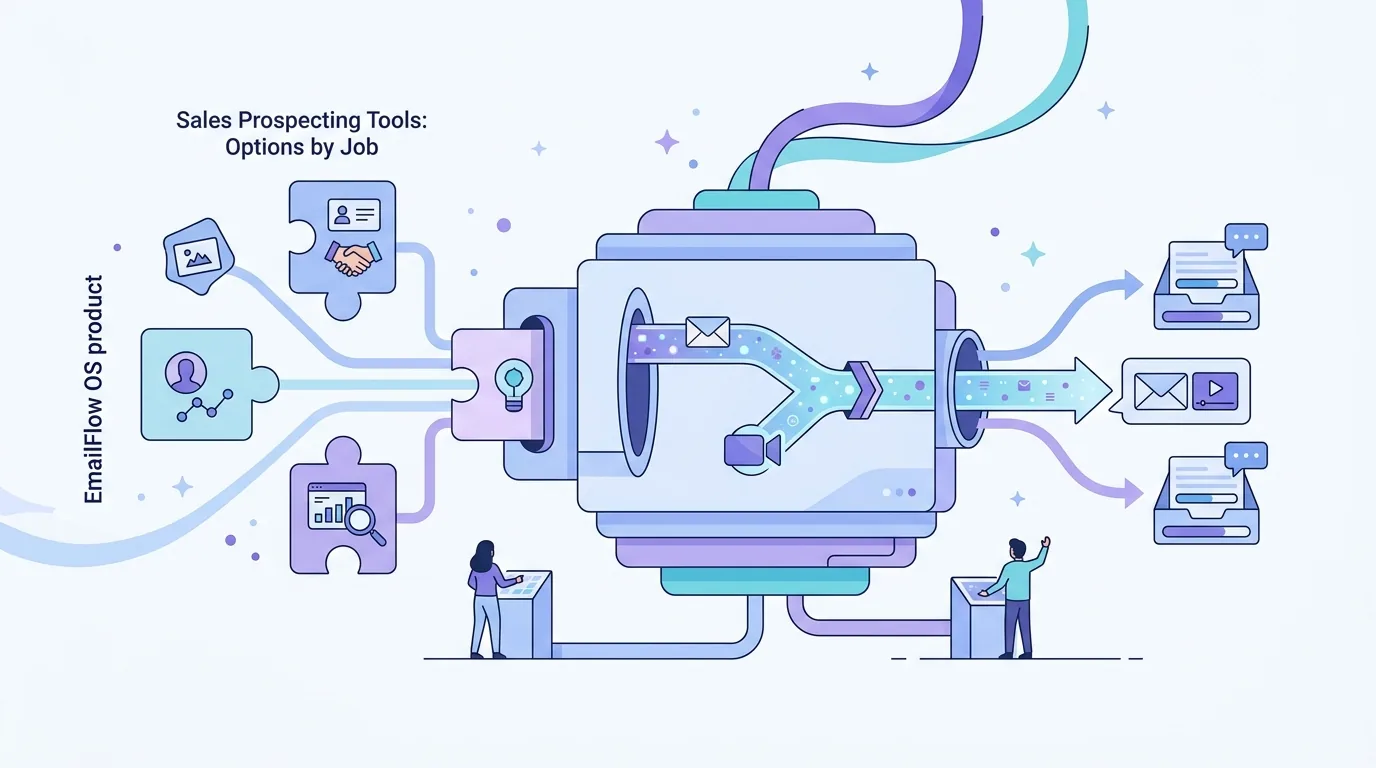
EmailFlow OS isn't a contact database or a CRM. It does the sending job, specifically personalised video email for B2B cold outreach. Here's how it works. You record one video and upload it to EmailFlow OS. You connect your Brevo account and your sending domain. You import your prospect list into EmailFlow OS. EmailFlow OS then creates a personalised version of that single recording for each recipient, not one per company, and sends each version from your own inbox through your own Brevo account and domain. It never uses a shared platform sender.
In practice, that means the SPF, DKIM and DMARC records involved are on your domain. Sender reputation builds up on that domain, under your control, and the prospect list sits in EmailFlow OS rather than in a third party's sending pool. Whether a given message reaches the inbox is still up to the receiving server. If the domain is new, warm it up first: our email warm-up guide sets out a week-by-week volume ramp. The full workflow is described in video prospecting with one recording.
Sales follow-up email: template and samples
Prospecting tools find the people. Most replies come later in a sequence, though, so the follow-up email is part of any prospecting stack. Each example below works on its own.
- Sales follow-up email template: "Hi {first name}, I wrote on {day} about {specific problem at their company}. One question that might be quicker to answer: is {problem} on your list this quarter, or should I check back later? {Your name}". Fill every bracket from your research. If a bracket stays generic, the email reads like a template.
- Follow-up sales email after no reply: "Hi {first name}, a short addition to my last note. {Company} recently {trigger event, e.g. opened a second office}, which usually means {consequence}. If that's relevant, I can send a two-line summary of how others handle it." Send it as a reply in the same thread, so the In-Reply-To and References headers defined in RFC 5322 keep it threaded.
- Sales follow-up email after a call: "Hi {first name}, thanks for the time today. As agreed: {next step} by {date}. I've attached {the one document you promised}. Anything I got wrong in my notes, just correct it in a reply."
- Sales follow-up email sample for a breakup: "Hi {first name}, I haven't heard back, so I'll assume the timing isn't right and won't follow up again. If {problem} comes up later, this thread is still here." Then actually stop. Any unsubscribe request has to be honoured, and CAN-SPAM gives US senders 10 business days to do it.
- Sample sales follow-up email with video: "Hi {first name}, rather than another paragraph, I recorded a short video on {topic} for you. It runs under a minute." Use a thumbnail linked to the video rather than an attachment.
Eight more templates, including post-demo and referral follow-ups, are in our sales follow-up email template collection.
What doesn't work with prospecting tools
- Exporting database contacts straight into a sequence without verifying them. Invalid addresses come back as 5.1.1 'user unknown' hard bounces, and a high bounce rate counts against the sending domain.
- Sending at volume from a domain registered last week. Without SPF, DKIM, DMARC and a warm-up period, receiving servers have no history to judge you by.
- Buying three overlapping databases. Two tools with the same coverage don't double your data. They double the deduplication work.
- Treating a LinkedIn connection as consent to email. GDPR transparency duties and UWG §7 apply no matter where you found the person.
If bounces are already showing up, the codes and their causes are listed in our guide to email bounce codes in cold outreach.
Questions people ask
- What tools do you use for prospecting?
- A typical B2B stack has one tool for each job. That's a contact database (ZoomInfo, Apollo.io or Cognism) or LinkedIn Sales Navigator for search, a verifier such as Hunter.io, a CRM (HubSpot, Salesforce or Pipedrive) and a sending setup on your own authenticated domain. Clay comes in when no single data source covers your market.
- What are the top 10 sales tools?
- Lists that rank products are mostly measuring different categories against each other. The names that come up most often are ZoomInfo, Apollo.io, LinkedIn Sales Navigator, Cognism, Clay, Hunter.io, Leadfeeder, HubSpot, Salesforce Sales Cloud and Pipedrive. They cover data, search, enrichment, visitor identification and CRM. A better question is which of the five jobs you have no tool for yet.
- Do prospecting tools that send email use my domain?
- Not always. Some send from your connected mailbox, and others route mail through shared infrastructure. Check which domain appears in the DKIM signature (the d= value) of a test message. Under DMARC, that domain must align with your From address. Gmail requires this alignment once you send 5,000 or more messages a day to Gmail addresses.
- Can I email contacts bought from a B2B database in the EU?
- Having the address doesn't settle it. GDPR Article 14 requires you to inform people whose data you got from a third party within one month, or at first contact if sooner. Germany's UWG §7 restricts unsolicited advertising email on top of that. Get legal advice for your specific case before sending.
